
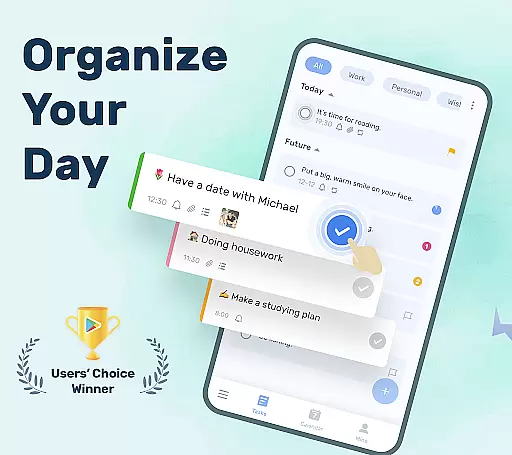
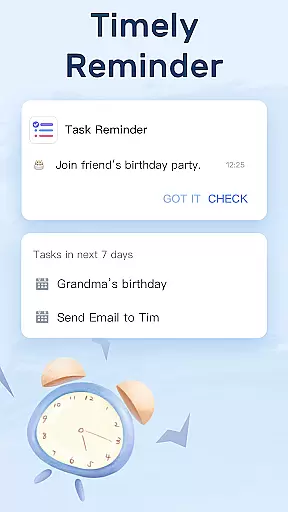
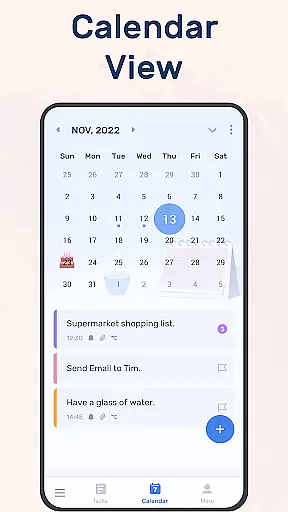
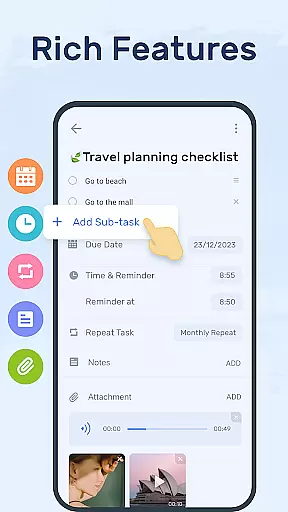
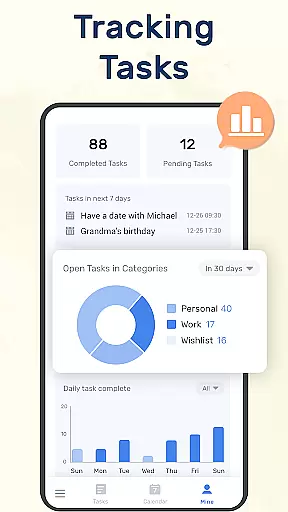
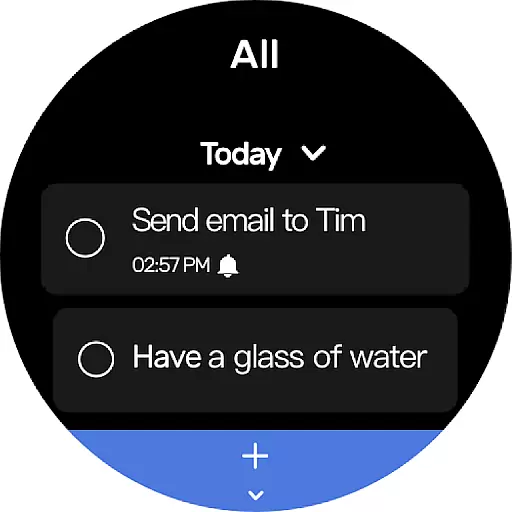
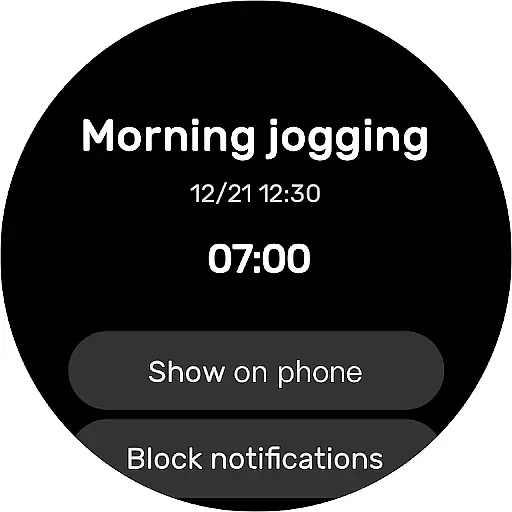
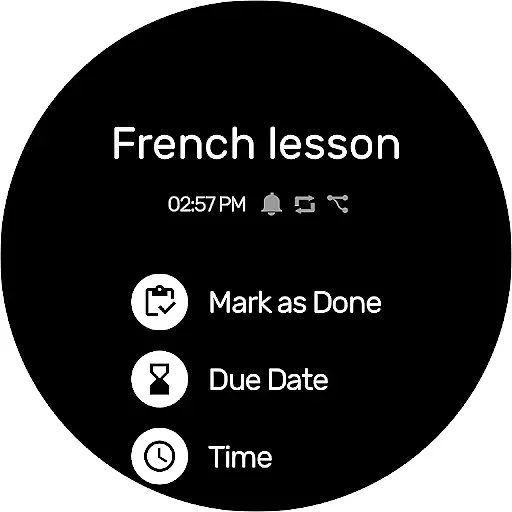
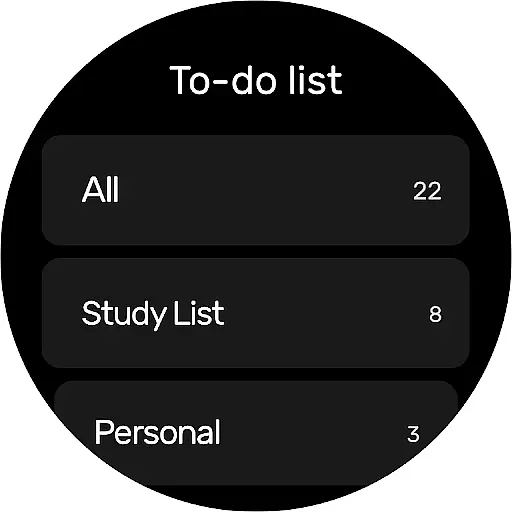
To-Do List is a comprehensive task management application designed specifically for Android Wear users. This app allows you to efficiently organize your personal and professional life by providing an intuitive platform to create, manage, and track to-do lists. With its user-friendly interface, you can easily set up reminders with alarms for important tasks, ensuring you never miss a deadline or forget a crucial appointment.
The app offers multiple features such as task categorization, priority settings, and calendar view, which give you a broader perspective on your schedule. Whether it's managing work projects, planning travel itineraries, tracking fitness goals, or remembering special occasions, To-Do List has got you covered. Its synchronization capabilities allow you to back up your data via Google Drive, making your information accessible across various devices while maintaining security and reliability.
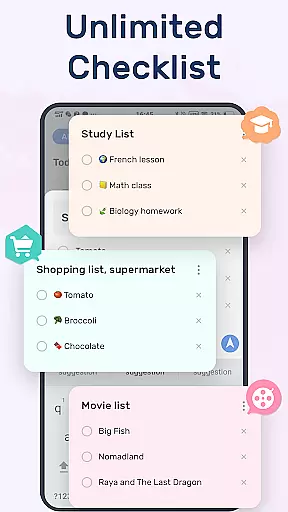
To-Do List stands out with its rich feature set tailored for productivity enthusiasts. One of the key highlights is the ability to customize your task management experience through beautiful themes and color options, giving you both functionality and aesthetic pleasure. The app supports creating multiple task lists in just a few steps, streamlining your daily planning process.
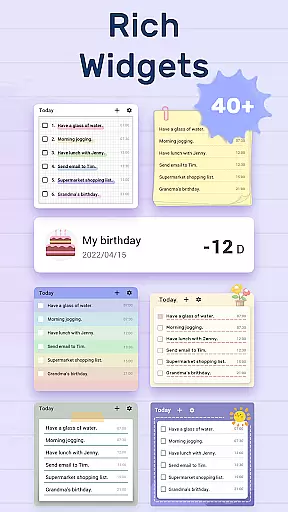
Another remarkable feature is the comprehensive reminder system that includes repeat notifications for recurring tasks. This ensures that periodic responsibilities are consistently acknowledged. Additionally, the app provides a robust categorization system where you can assign priorities and sub-tasks, keeping even complex projects well-organized. The inclusion of widgets enhances accessibility, allowing quick updates right from your device’s home screen.
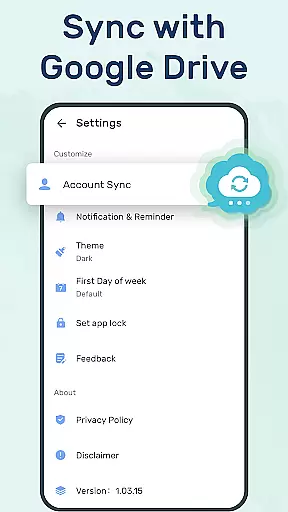
For those who value data safety, To-Do List offers cloud sync and backup solutions via Google Drive. This means all your carefully planned schedules and reminders are safely stored and retrievable on any linked device, including Wear OS watches, ensuring continuity and peace of mind.
For users of wearable devices, having a reliable companion app is essential. To-Do List - Schedule Planner & To Do Reminder App Free offers seamless integration with Wear OS devices, ensuring that your tasks and reminders are always synchronized across all platforms. This means you can conveniently check your to-do lists directly from your smartwatch.
The app's companion functionality extends beyond just synchronization. It allows for real-time updates, meaning any changes made on one device are immediately reflected on another. Whether you're adding a new task or marking one as complete, the information is updated across all linked devices without delay, providing a cohesive user experience.
Moreover, the app supports cloud backup through Google Drive. This feature ensures that your data is not only synced but also securely backed up. In case of device loss or damage, your to-do lists can be easily restored, giving you peace of mind and safeguarding your important reminders and schedules.
To-Do List - Schedule Planner & To Do Reminder App Free is designed with compatibility in mind, particularly for users of Wear OS devices. The app ensures that whether you're using a smartphone or a smartwatch, your experience remains consistent and functional. This cross-device support enhances accessibility and convenience, allowing you to manage your tasks from anywhere.
One of the standout features is the dedicated support for Wear OS, which enables users to receive notifications and reminders directly on their smartwatches. This ensures that you never miss an important task or deadline, even when you're on the go. The app's optimization for wearable technology makes it a versatile tool for managing your daily schedule.
In addition to supporting Wear OS, the app is engineered to maintain high performance standards across different devices. Regardless of the hardware you're using, you can expect smooth operation and responsive controls. This commitment to compatibility underscores the app's dedication to providing a reliable and efficient task management solution for all users.
User-friendly interface
Customizable themes
Robust reminder system
Cloud sync capability
Cross-device compatibility
Limited third-party integrations
No built-in analytics
Premium features require subscription
Occasional sync delays
Basic free version limitations

Wear Os Watch Face - Animated Snow Effect & Christmas Lights
 4.1
4.1
Christmas watch face. For Wear OS devices.
4.30
an Analog Watch Face for winter season with freeze winter background for Wear OS
4.1
Wear Os Watch Face - Animated Snow - Sesonal for Christmas & Winter
4.5
Precision analog watch face with 7 complications and style options
4.0
Current temperature, weather hourly, weather radar by the weather forecast app
4.40
Easy Voice Recorder is your everyday companion to record important moments.
4.70
Structured watch face with seven complications and modular UI elements
3.90
Get helpful reminders, take progress photos and find answers to your questions.
3.90
Your second brain for organizing your life: to-do, calendar, reminder.
4.70
Gym & home workout plans with strength training, exercise tracking, HIIT & more.
4.60
Beautiful artistic animated digital watch face, with a customizable layout!
4.40
The ultimate destination for kids ages 3-8 to explore the Marvel Universe!
4.30
Hyper-Realistic Airplane Dashboard Watch Face With 10 Skins and Custom AOD
4.00
Christmas and New Year - Themed Watchface
4.1


User Reviews