
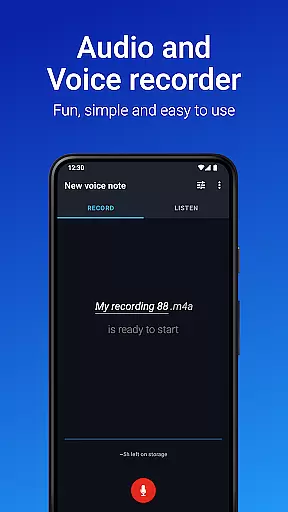
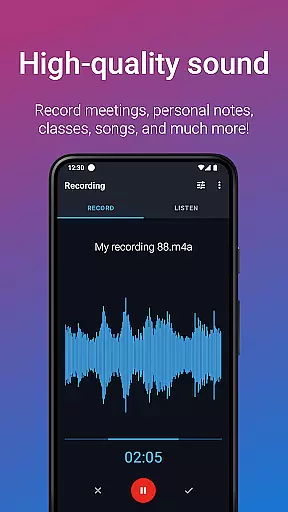
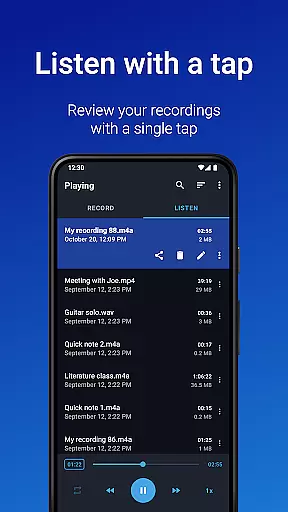
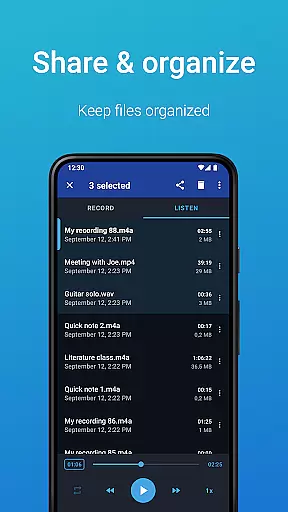
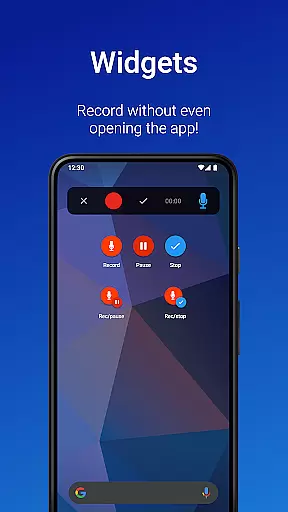
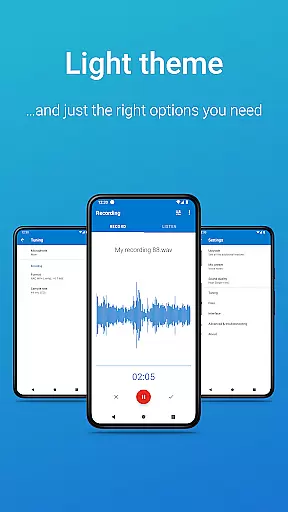
Easy Voice Recorder is a versatile audio recording application designed for Android users. It allows you to capture important moments such as meetings, lectures, and music without any time restrictions. The app offers high-quality PCM and MP4 recording formats, alongside AMR for space-saving needs. With its intuitive interface, users can quickly start new recordings using widgets and shortcuts, even recording in the background.
The app caters to various user groups including students, business professionals, and musicians. Students can record classes with clear quality and adjust playback speed for comfortable listening. Business users can capture interviews and meetings directly from their devices and share them via email or messaging apps. Musicians benefit from fine-tuned recording options that allow experimentation with new ideas and melodies.
Easy Voice Recorder stands out with its comprehensive feature set tailored for different recording needs. For students, it provides the ability to record lengthy lectures with adjustable playback speeds, enhancing study efficiency. Business professionals can utilize powerful widgets and shortcuts to initiate recordings from the home screen and share files effortlessly through multiple channels.
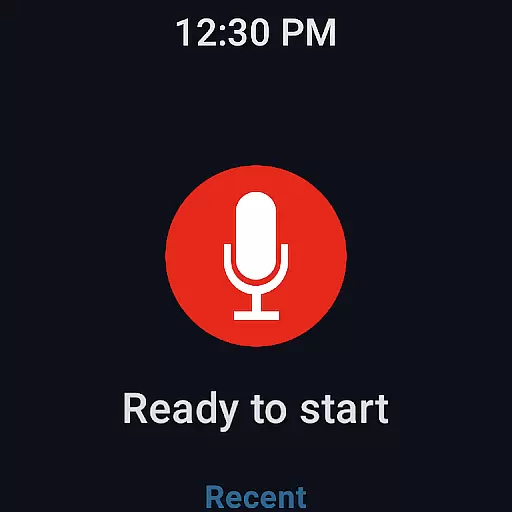
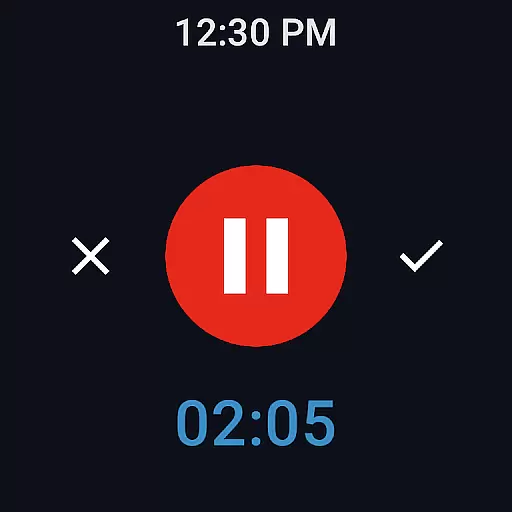
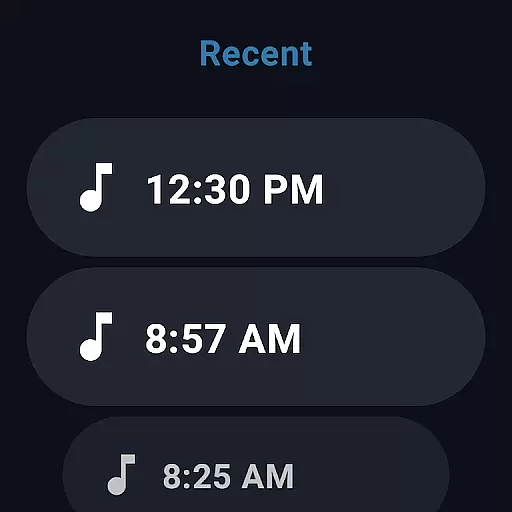
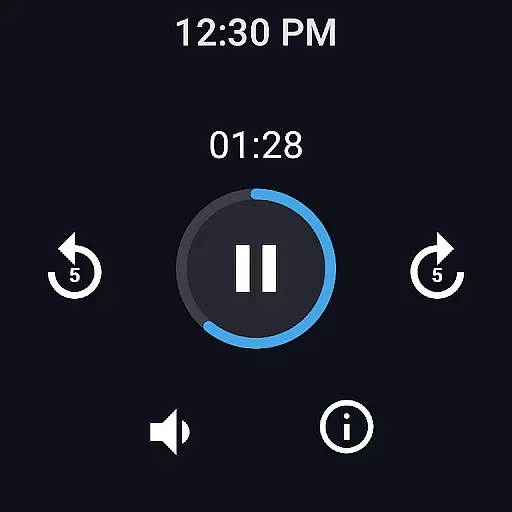
Musicians and creatives can take advantage of advanced settings to capture raw sounds and melodies with precision. The app supports Wear OS, enabling smartwatch recording with quick access tiles. Additional Pro features include automatic uploads to Google Drive or Dropbox, MP3/FLAC/AAC format support, Bluetooth microphone compatibility, and editing capabilities like trimming and removing unwanted sections. These features collectively ensure a reliable, fast, and flexible recording experience adaptable to various scenarios.
Companion app integration is essential for a seamless wearable experience. Easy Voice Recorder excels in this area by offering robust connectivity between your mobile devices and Wear OS smartwatches.
The app allows users to start, stop, and manage recordings directly from their smartwatch, with all data being synchronized across devices. This ensures that whether you're in a meeting or capturing a fleeting musical idea, the transition between devices is smooth and efficient.
Furthermore, the inclusion of widgets and shortcuts enhances the companion app experience. Users can initiate recordings from their phone's home screen and have the audio file instantly available on their smartwatch, providing unmatched convenience and accessibility.
This integration not only simplifies the recording process but also expands the app's utility, making it an indispensable tool for those who rely on their wearable devices for quick and efficient audio capture.
Device compatibility is crucial for ensuring that applications like Easy Voice Recorder function optimally across various platforms. The app supports Wear OS, allowing it to operate seamlessly on a range of smartwatches.
Easy Voice Recorder takes full advantage of Wear OS capabilities, enabling users to record directly from their smartwatches. This feature is particularly beneficial for capturing voice notes or meetings without needing to have your phone at hand.
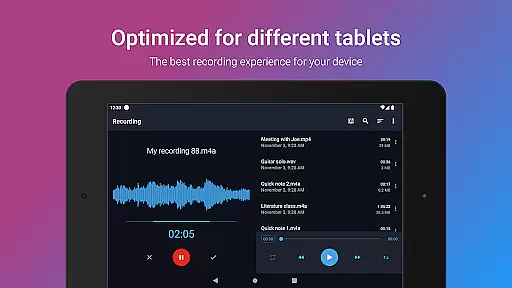
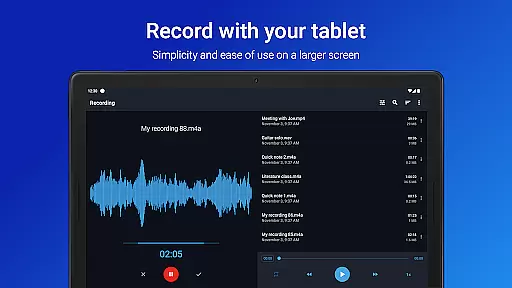
In addition to smartwatch compatibility, the app is optimized for use on both phones and tablets. This cross-device functionality ensures that users can access their recordings from any of their Android devices, providing flexibility and reliability.
By focusing on broad device compatibility, Easy Voice Recorder ensures that users can enjoy high-quality audio recording regardless of their chosen device, enhancing the overall user experience.
User-friendly interface
High-quality recording formats
Background recording capability
Wear OS integration
Versatile sharing options
Limited free version features
No built-in call recording
Pro version requires purchase
Interface may feel outdated
Occasional bugs reported

Christmas is near, let's count together the days left until Santa comes
 4.0
4.0
A heartwarming Christmas scene featuring a cute image of Santa and Rudolf
4.3
Digital, flexibly customizable watch face. For Wear OS 5.0, API 34+ and later.
5.00
Digital watch face. For Wear OS devices.
4.40
Your second brain for organizing your life: to-do, calendar, reminder.
4.70
Locate your family members by GPS phone location tracker everywhere and anytime
4.30
The #1 source of faces for your smartwatch!
4.00
A realistic hybrid watch face with many customization options.
4.60
Connect, create, and collaborate with Gmail, part of Google Workspace.
4.10
The Chevron App allows you to pay for fuel from the comfort of your car!
4.80
A modern hybrid informative watch face for Wear OS designed by BALLOZI
4.80
A digital watch face that celebrates Christmas.
4.00
Watch the sharpness of the sky on your wrist..
3.70
A Wintery Snow Globe on Your Wrist; now celebrating Christmas!
4.2
Sleek, highly customizable watch face inspired by Galaxy Watch Circle Dashboard.
4.1


User Reviews