
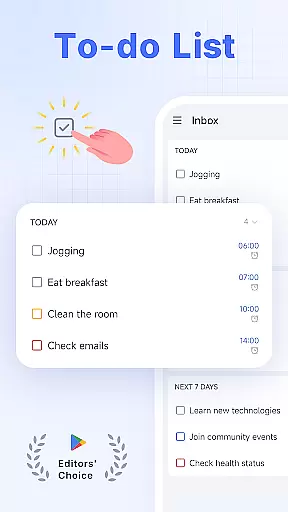
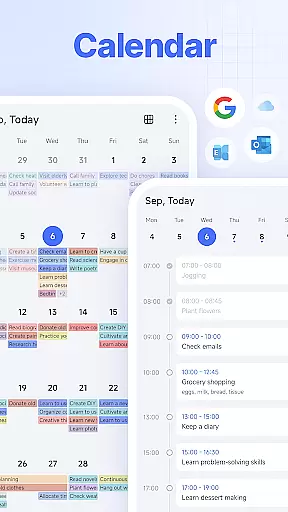
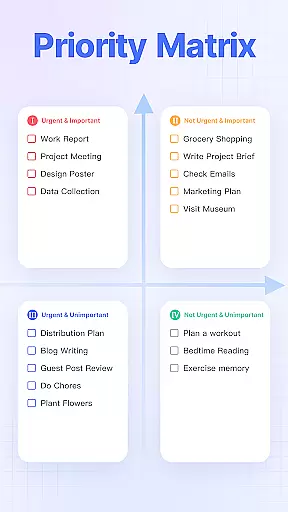
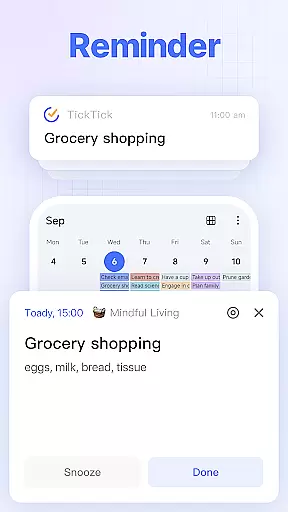
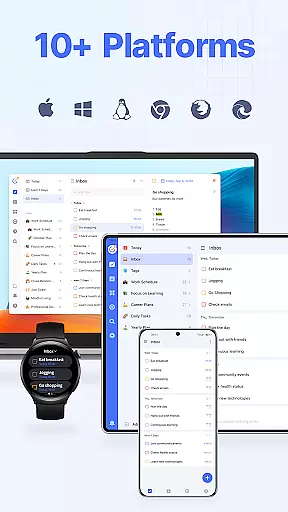
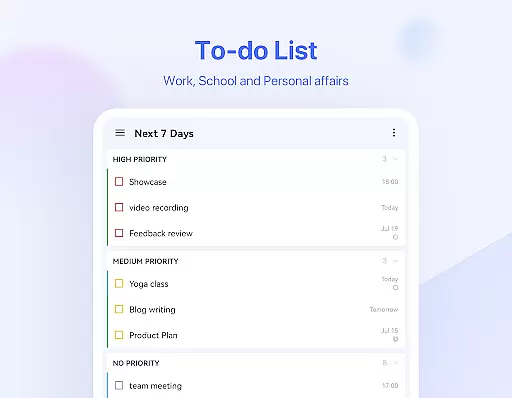
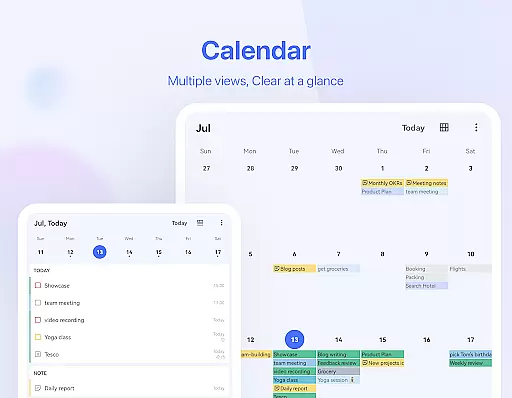
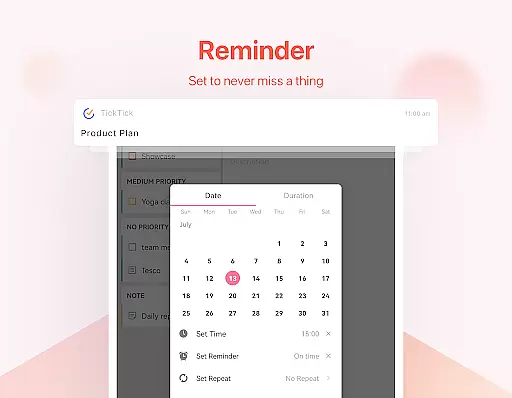
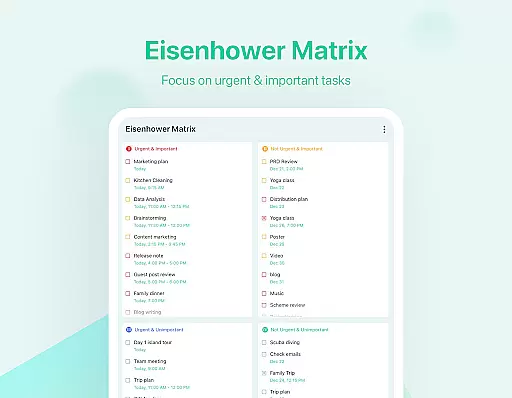
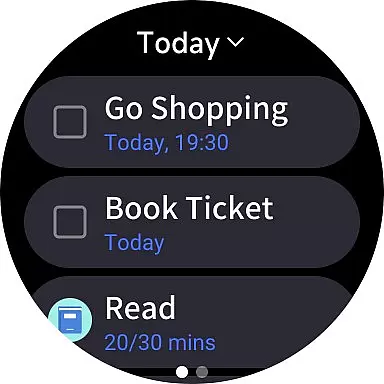
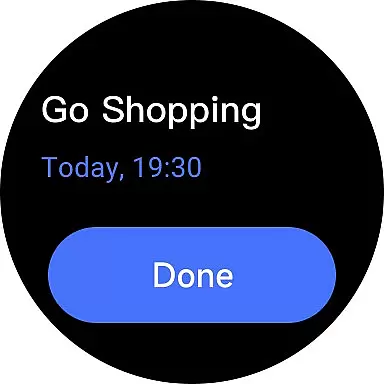
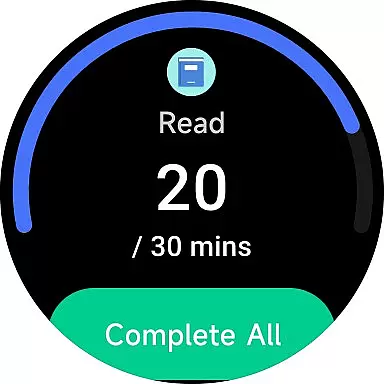
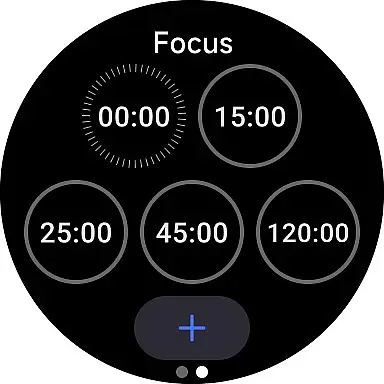
TickTick is a comprehensive productivity app designed to help users manage their tasks, schedules, and habits efficiently. As a multi-dimensional task manager, it consolidates all your to-dos, reminders, and calendars in one intuitive interface. Whether you're at home, work, or on the go, TickTick ensures seamless time management across various platforms including Android, iOS, Mac, PC, and Wear OS.
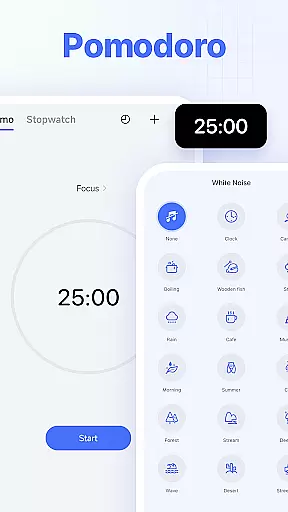
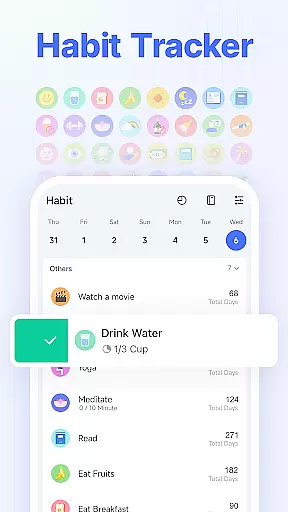
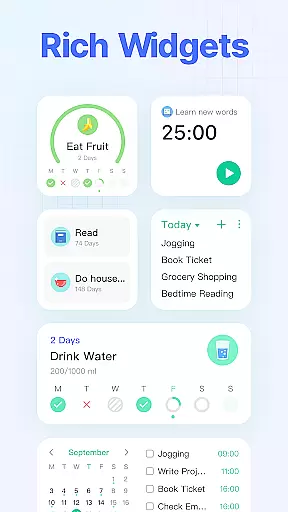
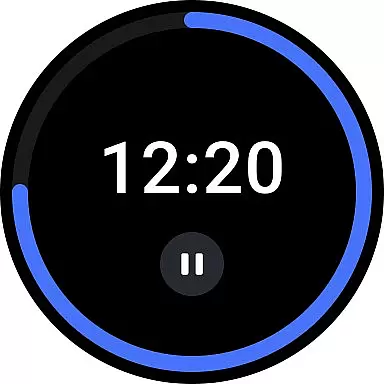
The app offers powerful features like Pomodoro Timer for focus, Habit Tracker for personal development, and collaboration tools for team projects. Its sleek calendar view, handy widgets, and instant reminders make it an indispensable tool for staying organized. With its user-friendly design and robust functionality, TickTick helps users achieve their goals and maximize productivity.
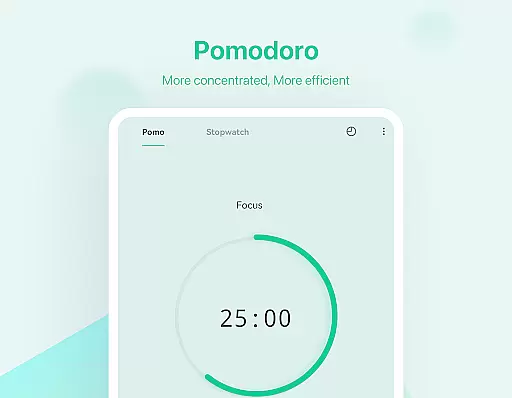
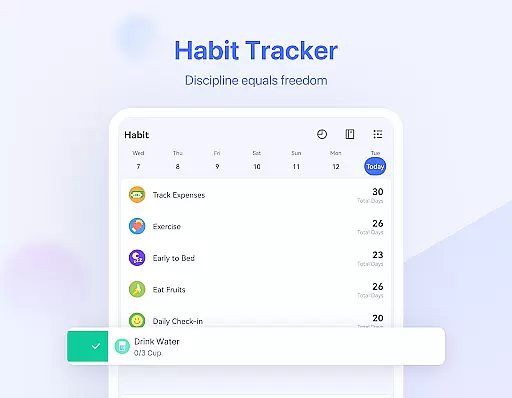
TickTick stands out with its rich feature set tailored for productivity enthusiasts. The app's Smart Date Parsing allows users to quickly create tasks and set due dates using natural language input. Its Pomodoro Timer and white noise feature help users maintain focus during work sessions, while the Habit Tracker enables building positive routines through precise goal-setting.
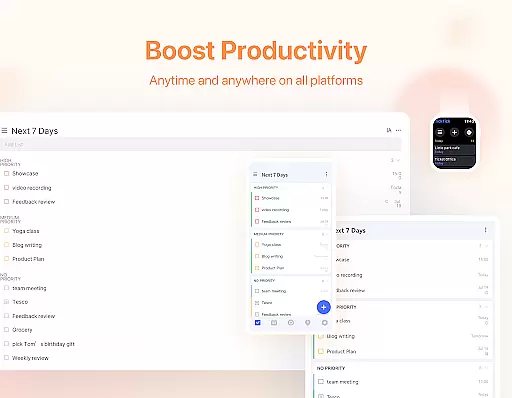
One of TickTick's key strengths is its cross-platform synchronization. Users can access their tasks and notes seamlessly across mobile devices, desktops, and smartwatches. The app also offers advanced collaboration features, allowing teams to share lists and assign tasks effortlessly. Premium users enjoy additional benefits like beautiful themes, enhanced list management, and integration with third-party calendars, making TickTick a versatile tool for both personal and professional use.
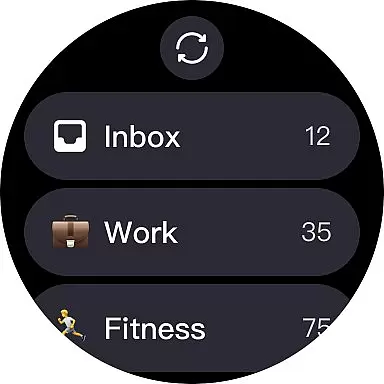
For Android Wear users, TickTick offers seamless companion app integration that ensures all your tasks and schedules are synced across devices. This means whether you're checking your phone or your smartwatch, your to-do list is always up-to-date.
The integration allows for real-time updates, so any changes made on one device instantly appear on the other. This feature is crucial for maintaining productivity, as it provides constant access to your tasks without needing to reach for your phone.
Users benefit from this synchronization by having a reliable backup of their data. If one device runs out of battery or is temporarily unavailable, the information remains accessible through another connected device.
Furthermore, TickTick's companion app integration enhances the user experience by offering a consistent interface and functionality across different platforms. This uniformity simplifies navigation and task management, making it easier to stay organized and efficient throughout the day.
TickTick stands out with its broad compatibility with various devices, including full support for Wear OS. This ensures that no matter what type of Android device you own, TickTick will function smoothly and maintain all its features.
The app is optimized for different screen sizes and resolutions, providing an optimal viewing experience on smartwatches. Its responsive design adapts to the smaller screens of wearable devices without losing usability or visual clarity.
With TickTick's Wear OS compatibility, users can enjoy the convenience of managing their tasks directly from their wrist. This accessibility allows for quick task checks and updates, which is especially useful when you're in a meeting or on the move.
Moreover, TickTick's commitment to device compatibility means regular updates and improvements to keep pace with new technology. This dedication ensures that users always have access to the latest features and security enhancements, making TickTick a reliable choice for task management on any Android Wear device.
User-friendly interface
Cross-platform sync
Powerful task management
Effective Pomodoro timer
Comprehensive Habit tracker
Limited free features
Premium subscription required
Occasional sync issues
Complex for beginners
Notifications may delay

Christmas - Festive - Christmas Village - Winter - Christmas lights
 5.00
5.00
Embrace the festive spirit with our Christmas Countdown watchface for Wear OS
4.10
Wear Os Watch Face - Animated Snow Effect & Magic Spark - 6 Scenes
4.10
Watch face designed for Thanksgiving Day. 7 Background Styles included.
3.20
A modern premium sporty hybrid watch face for Wear OS by Ballozi
4.70
Be an elegant and classy secret agent, with this carefully detailed watch face
4.70
Fitness interactive virtual pet super fighter boy watch face
4.1
Period, ovulation & pregnancy tracker. Fertility insights & menstrual calendar.
4.90
Simple, helpful messaging by Google
4.60
Gym Log & Workout Tracker | Fitness Journal, Training & Weight Lifting Planner
4.90
The Chevron App allows you to pay for fuel from the comfort of your car!
4.80
Real-time weather radar with temperatures, warnings, hurricanes, and widgets
4.80
Get helpful reminders, take progress photos and find answers to your questions.
3.90
A heartwarming Christmas scene featuring a cute image of Santa and Rudolf
4.0
Simple Analog-Digital Watchface For Wear OS 3.0 and Up Smartwatches
4.2


User Reviews