
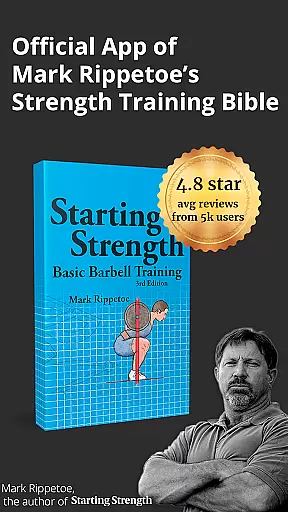

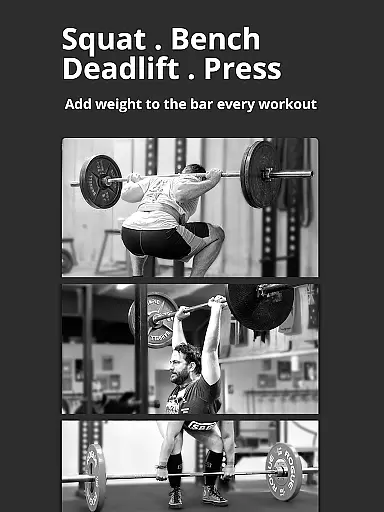
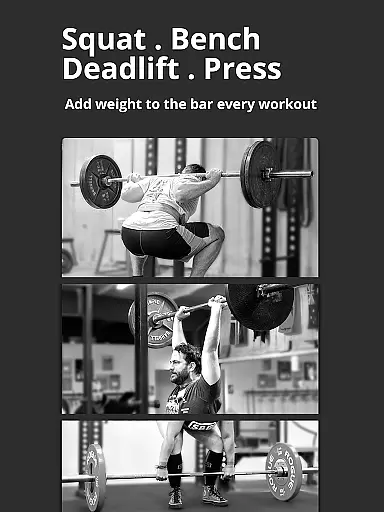
Starting Strength Official is a comprehensive fitness application designed specifically for individuals beginning their strength training journey. This app incorporates the renowned Starting Strength Novice Program, including Phase 1 and Phase 2, alongside a Female Novice Program, offering users an efficient and straightforward method to enhance total body strength. With its foundation rooted in Mark Rippetoe's best-selling series of books, which have sold over 500,000 copies worldwide, the app stands as a pivotal tool for complete beginners seeking structured guidance.
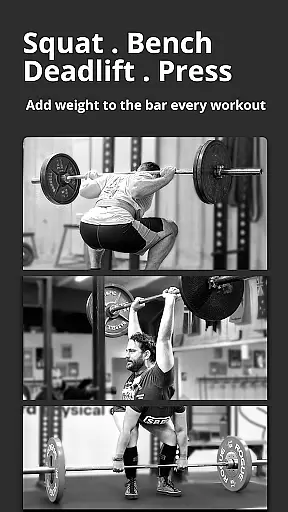
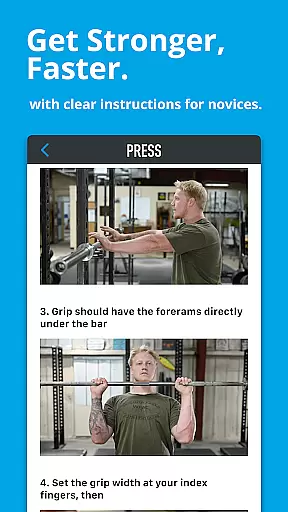
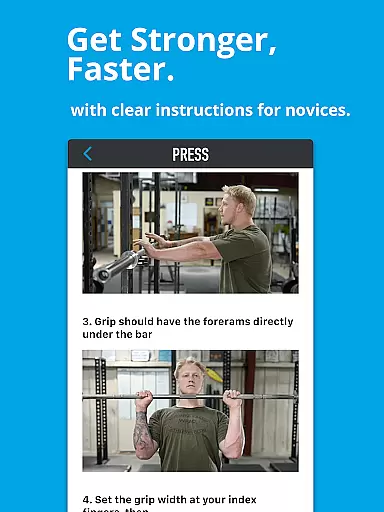
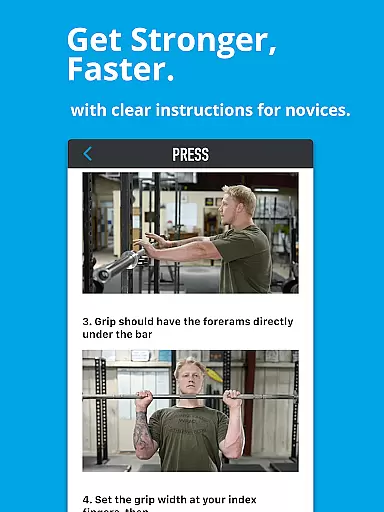
The app provides complete, easy-to-follow instructions for performing fundamental barbell exercises such as the squat, press, deadlift, bench press, and power clean. It is meticulously crafted for use at the gym, granting quick access to multiple-angle videos and photo instructions for each exercise. Additionally, it features interactive logging tools that journal one's strength progression, ensuring users can track their development over time.
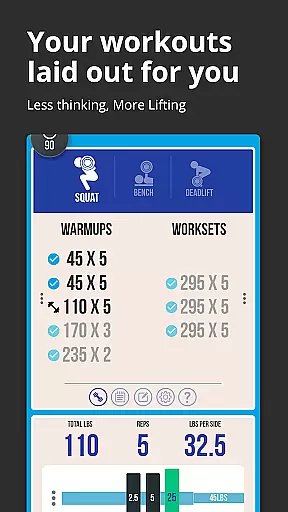
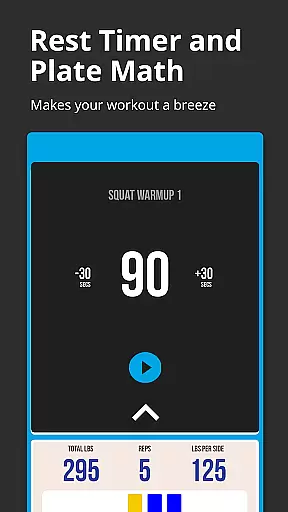
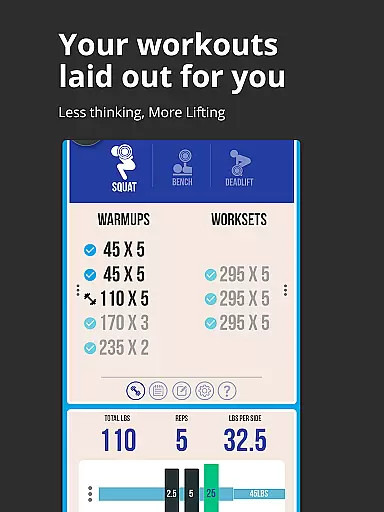
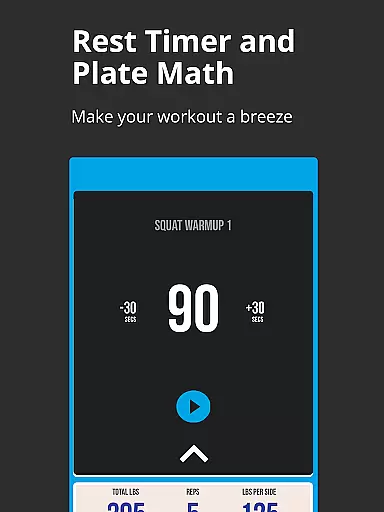
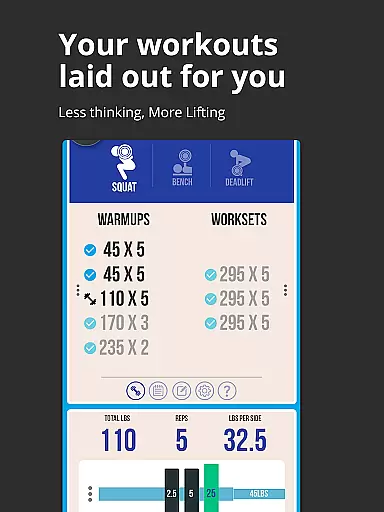
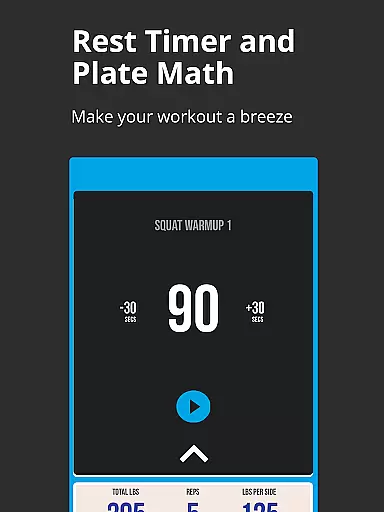
Whether you are at home or the gym, Starting Strength Official proves invaluable by providing warmup and workset calculators, showing exactly how many plates to put on each side of the bar, and customisable rest timers for each exercise. Its cloud sync functionality ensures your training data is securely backed up and accessible across multiple devices, making certain that users never lose their precious training logs.
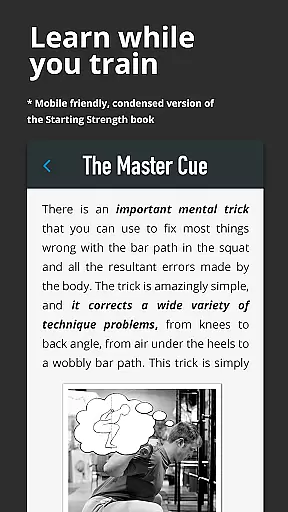
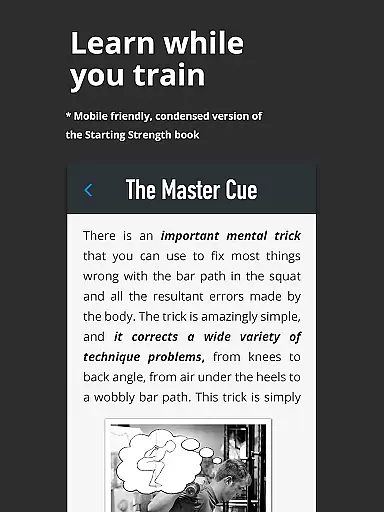
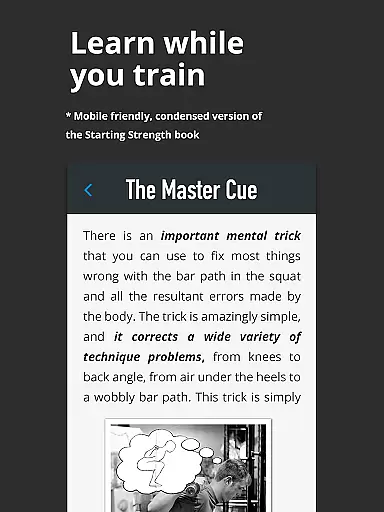
Starting Strength Official boasts a plethora of features tailored to optimize the user's strength training experience. One standout feature is the inclusion of lift instructions and diagrams directly from Mark Rippetoe's Starting Strength Book, ensuring authoritative and reliable guidance. The app's design focuses on ease of use at the gym, with swift access to instructional content through multiple-angle videos and photo guides for each exercise.
Interactive logging tools form the core of this app's utility, allowing users to maintain a detailed journal of their strength progression. These tools are complemented by a warmup and workset calculator, which simplifies the process of setting up equipment by indicating the precise number of plates needed on each side of the bar. Furthermore, a customisable workset rest timer enhances workout efficiency by adapting to the specific requirements of each exercise.
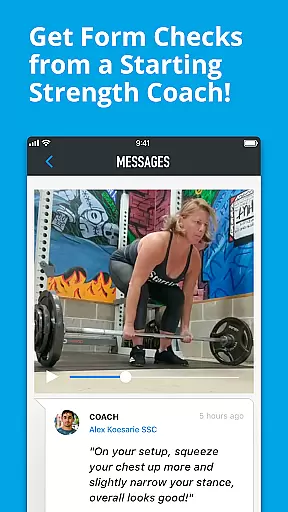
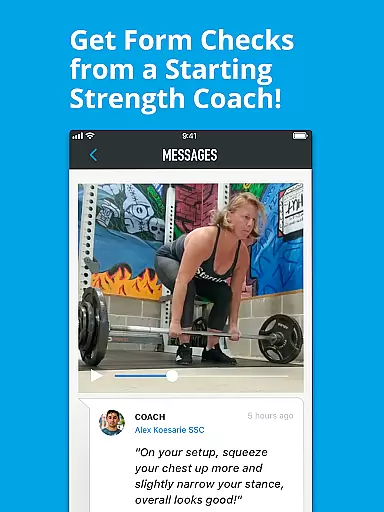
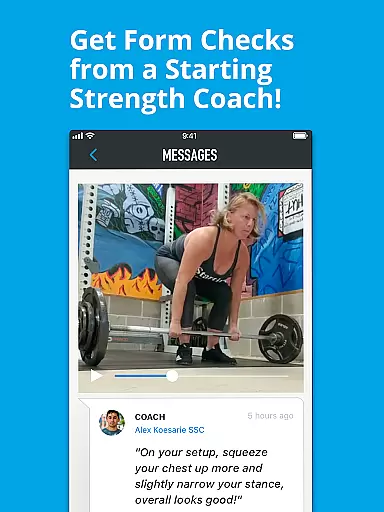
Additional noteworthy features include the ability to add and save extra notes for each workout, helpful hints and tutorials for safe progression, and the option to choose between metric (kgs) or imperial (lbs) units. Users also benefit from cloud sync capabilities, ensuring their data is preserved and transferable across devices, and the unique feature of obtaining form checks from Starting Strength Coaches, further enriching the training experience.
Personalized planning in the Starting Strength Official app provides users with a tailored strength training experience. The app includes Phase 1 and Phase 2 of the Starting Strength Novice Program, as well as the Female Novice Program, each designed to cater to the specific needs of different users.
The interactive logging tools within the app track individual progress, allowing users to customize their progression for each exercise. This personalization ensures that users can adjust their routines based on their unique goals and capabilities, promoting a more effective and safe workout experience.
Additionally, the app offers customization options for warmup and workset calculations, rest timers, and the ability to add and save notes for each workout. These features contribute to a personalized approach that helps users optimize their strength training journey.
By leveraging these personalized planning tools, users benefit from a program that evolves with them, ensuring continued progress and adaptation over time, which is crucial for long-term success in strength training.
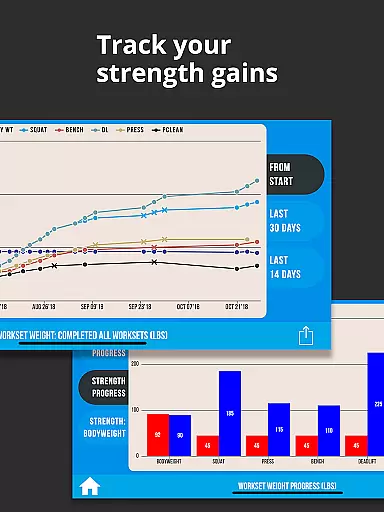
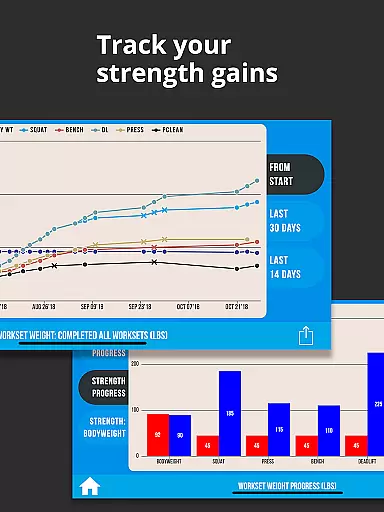
Progress visualization in the Starting Strength Official app allows users to see their strength development over time clearly. With interactive logging tools, users can journal every step of their progression, making it easier to track improvements and maintain motivation.
The app's cloud sync feature ensures that all training data is securely backed up and accessible across multiple devices. This means users can visualize their progress anytime, anywhere, without fear of losing valuable data. Furthermore, the option to download training logs as CSV files provides an additional layer of data management and analysis.
Visual aids such as diagrams and instructions from Mark Rippetoe's Starting Strength book are integrated into the app, offering clear guidance and reference points for proper form and technique. These resources help users understand their performance metrics better and make informed adjustments.
Overall, the progress visualization tools not only enhance user engagement but also empower individuals to take control of their fitness journey by providing tangible evidence of their hard work and achievements.
User-friendly interface
Comprehensive exercise guides
Interactive strength tracking
Customizable workout settings
Cloud data synchronization
Limited to novice programs
Premium features require subscription
Occasional syncing issues
No advanced analytics
Interface may feel dated

sobriety counter app to help and motivate people to stop drinking alcohol.
 4.90
4.90
Pack of 66 calming lullabies for smooth fall asleep and relaxation
4.10
Easy reconstitution calc for mixing peptides and creating protocols
4.70
Mind on steroids - relaxation, productivity, meditation and sleep!
4.60
Your AI pet BFF. Talk, play, and beat anxiety in this calming game.
4.60
You deserve easy access to important insurance information. Download for FREE.
4.70
Make sense of your health data.
3.80
Looking to take control of your health? Our psychology-based programs can help.
4.10
Drink water reminder app. Track water intake. Smart simple hydration tracker.
4.70
Show your support for the development of FitNotes - Gym Workout Log
4.90
Easy access to health benefits
4.70
The Official Blood Type Diet® App - know your categorized foods anytime.
4.50
50 HD sounds to help you relax during the day and sleep great at night!
4.40
Fast Body building & Weight Loss. Home Workouts with Daily Coach, No Equipment.
4.30
Monitor, analyze, track, and convert blood sugar & help you control diabetes.
4.10


User Reviews