
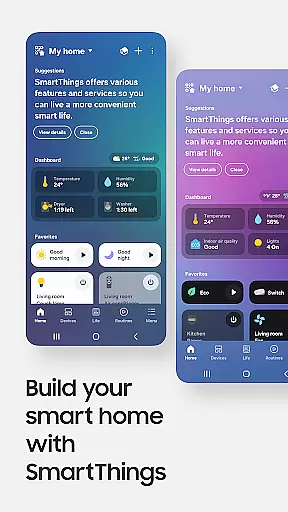
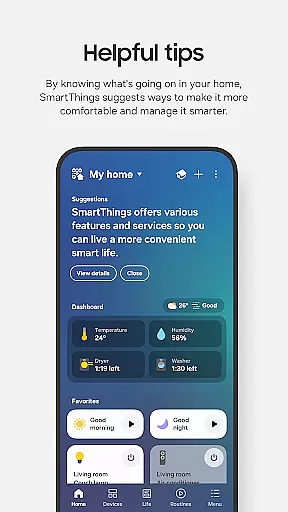
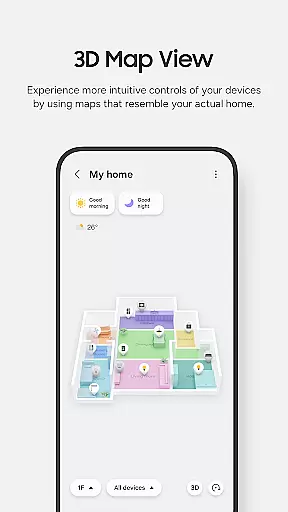
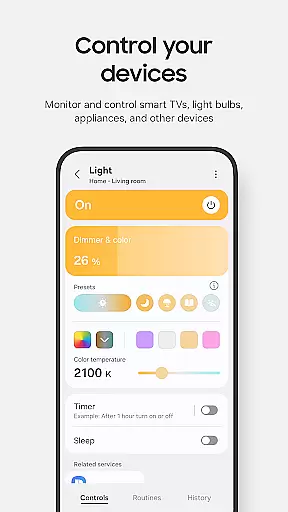
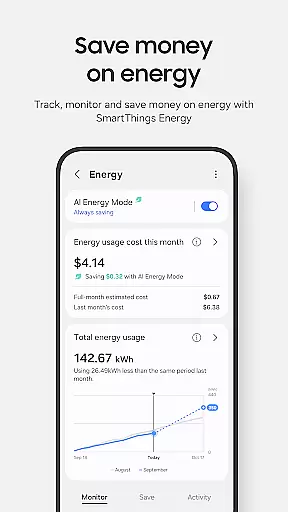
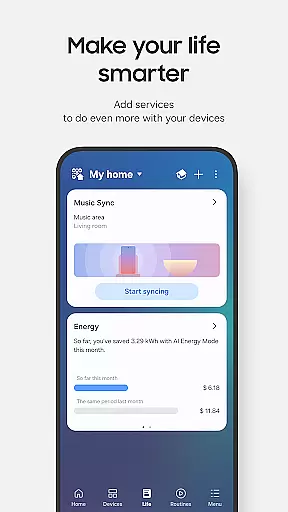
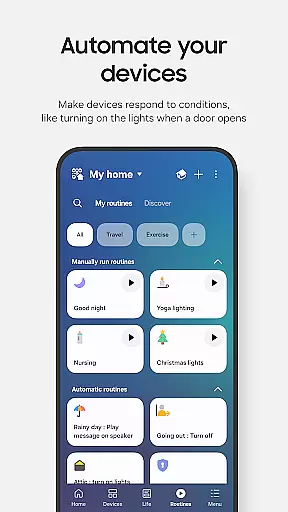
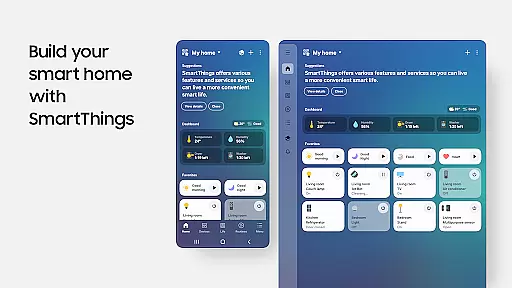
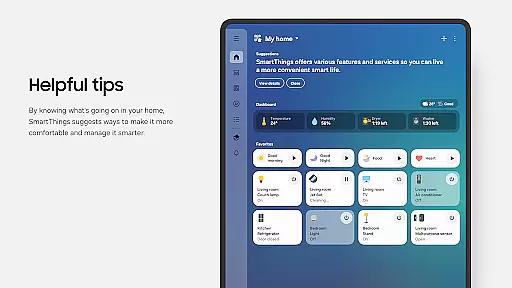
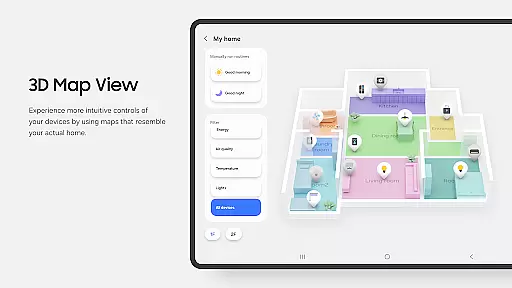
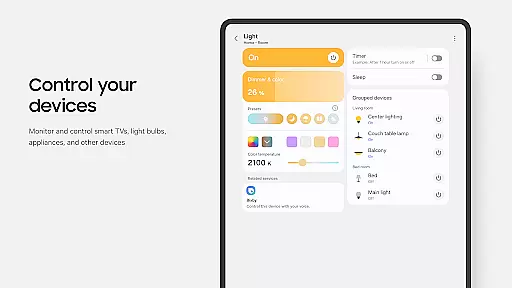
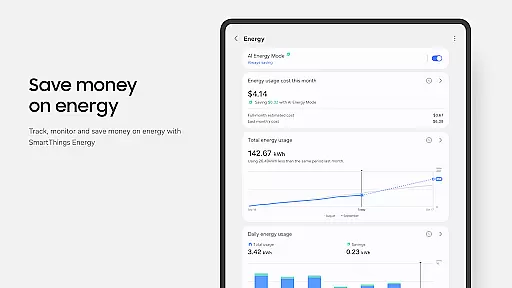
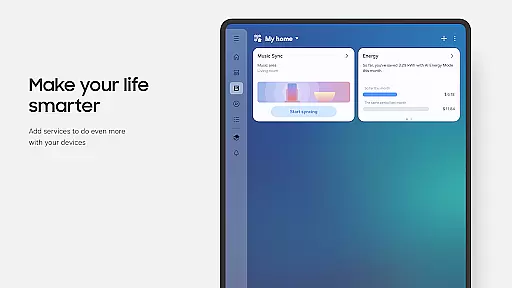
SmartThings is a comprehensive smart home management application that allows users to seamlessly connect and control all their smart devices from a single platform. Compatible with hundreds of smart home brands, the app supports Samsung Smart TVs, smart appliances, and integrates with popular voice assistants like Alexa, Bixby, and Google Assistant.
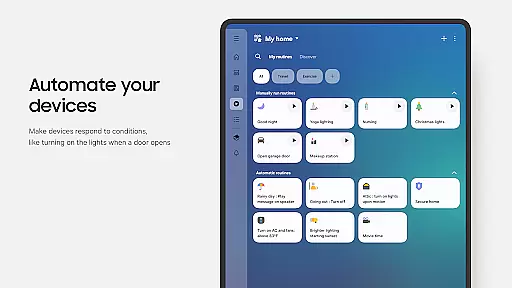
The app's core functionality lies in its ability to unify device management, enabling users to monitor and control their smart home gadgets remotely. Whether it's setting up automated routines based on time or weather conditions, or receiving real-time status updates about connected devices, SmartThings provides a centralized solution for managing your smart home ecosystem.
This application is particularly useful for homeowners who want to streamline their smart home experience. By allowing shared access among family members and offering features like remote monitoring and device automation, SmartThings delivers convenience and peace of mind, making smart home management both efficient and accessible.
SmartThings stands out with its extensive feature set designed to enhance smart home management. The app allows users to control and check their home devices from anywhere, providing true remote access capabilities. Its routine-building feature enables users to automate their smart home operations based on specific triggers like time, weather conditions, or device status.
One of the key innovations is its cross-brand compatibility, supporting devices from various manufacturers including Ring, Nest, and Philips Hue. This interoperability eliminates the need for multiple apps, streamlining the user experience. Additionally, the app's integration with voice assistants creates a hands-free control option, while its notification system keeps users informed about their devices' status through automated alerts.
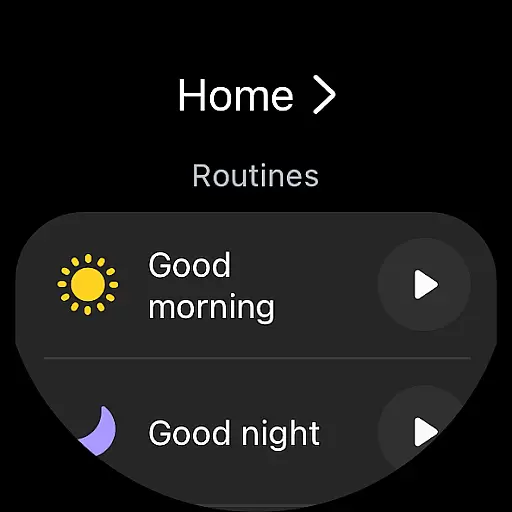
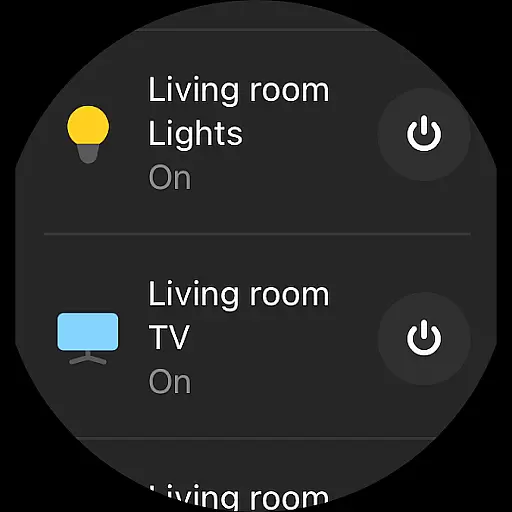
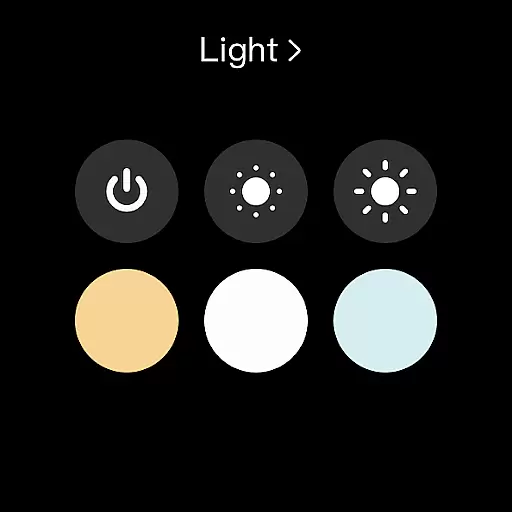
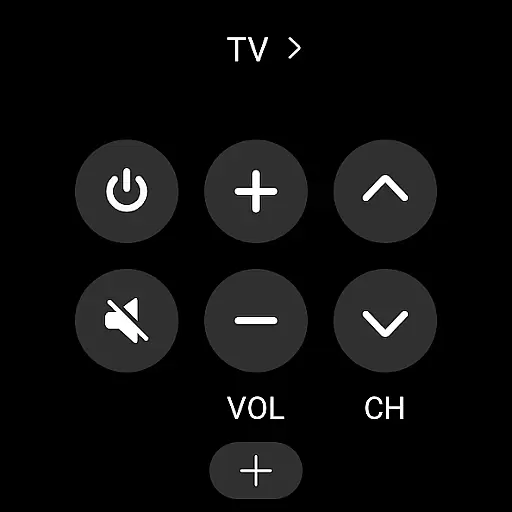
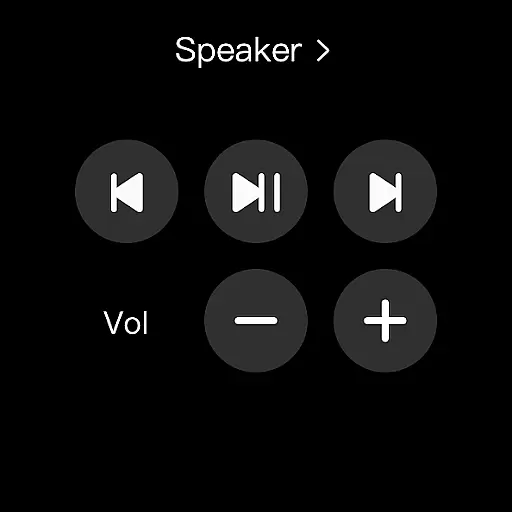
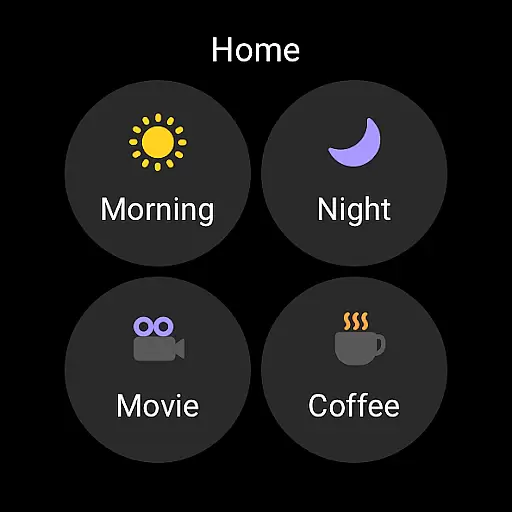
For wearable device users, SmartThings offers Wear OS support, allowing quick access to routines and device controls directly from smartwatches. These features collectively create a robust smart home management solution that emphasizes convenience, flexibility, and comprehensive device control.
SmartThings offers seamless companion app integration, allowing users to control and monitor their smart home devices from a single platform. This centralized approach ensures that all connected devices, including Samsung Smart TVs, smart appliances, and third-party brands like Ring and Nest, can be managed efficiently.
The app's integration extends to voice assistants such as Alexa, Bixby, and Google Assistant, providing users with versatile control options. By incorporating routines based on time, weather, and device status, SmartThings enables the automation of various home operations, enhancing convenience and saving time for users.
Additionally, shared control features allow multiple users to access and manage the smart home ecosystem, making it ideal for families or shared living spaces. With automated notifications, users stay informed about the status of their devices, ensuring peace of mind and efficient home management.
SmartThings is optimized for Wear OS-based watches, offering users the ability to control their smart home devices directly from their wrist. This compatibility enhances accessibility and convenience, allowing users to execute routines and control devices without needing their smartphones nearby.
By adding SmartThings tiles on a Wear OS watch, users gain quick access to essential functions. The app provides complications that enable direct entry into SmartThings services right from the watch face, streamlining the user experience and ensuring that important controls are always within reach.
While SmartThings is particularly optimized for Samsung smartphones, its functionality on Wear OS ensures broad usability across different devices. However, some features may be limited when used with non-Samsung devices or in certain regions, reflecting the app's primary optimization for specific ecosystems.
User-friendly interface
Wide device compatibility
Remote access capability
Voice assistant integration
Automated routines
Limited third-party phone support
Feature restrictions by region
Requires sufficient memory
Optional permissions needed
Potential connectivity issues

Christmas watch face. For Wear OS devices.
 4.30
4.30
A Wintery Snow Globe on Your Wrist; now celebrating Christmas!
4.2
MyNISSAN® lets you remotely control your car from your phone.*
4.50
A modern premium sporty hybrid watch face for Wear OS by Ballozi
4.70
Digital watch face with big numbers and many customization for Wear OS devices
4.40
The #1 source of faces for your smartwatch!
4.00
Real-time weather radar with temperatures, warnings, hurricanes, and widgets
4.80
Animated video-game inspired “secret agent” simulation, right on your wrist!
4.20
Track airplanes and follow flights with our real-time flight tracker
4.50
Your second brain for organizing your life: to-do, calendar, reminder.
4.70
To-Do List: daily schedule planner, task organizer, to do reminder app, calendar
4.60
Reliable phone calls with spam protection, caller ID and more helpful features
4.40
Bold, Modern Hybrid Watch Face for Wear OS. 10 Colors, Rich Info Display.
4.30
Wear Os Watch Face - Animated Snow Effect & Magic Spark - 6 Scenes
4.10
Authentic military-tactical design with ZULU time! Realistic and functional!
3.80


User Reviews