
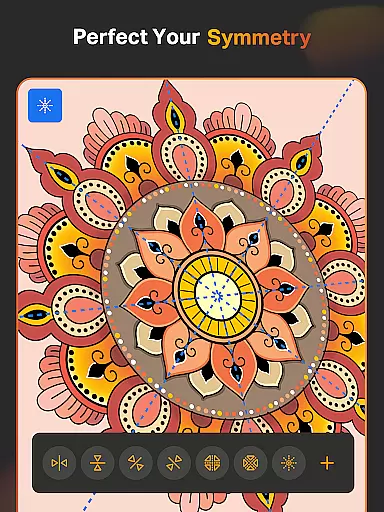
SketchPro is a professional-grade drawing and design application tailored for digital artists, illustrators, and creative professionals. The app offers an extensive suite of advanced AI tools and customizable features that cater to various artistic needs, from sketching and painting to designing and illustrating.
With its powerful capabilities, SketchPro supports professional workflows by providing specialized brushes, AI-driven drawing tools, and a comprehensive layer system. These features make it ideal for creating detailed artwork, graphic designs, comics, and manga. Whether you're a seasoned artist or an aspiring creator, SketchPro enhances your creative process with precision and flexibility.
The app's standout feature is its integration of AI tools that streamline the creation process. From transforming hand-drawn sketches into polished images to revamping colors and textures through simple prompts, SketchPro empowers users to bring their visions to life efficiently. Additionally, its cloud-syncing and project organization features ensure that artists can focus on their work without worrying about data loss or accessibility.
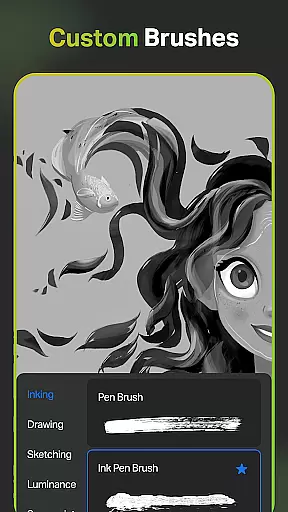
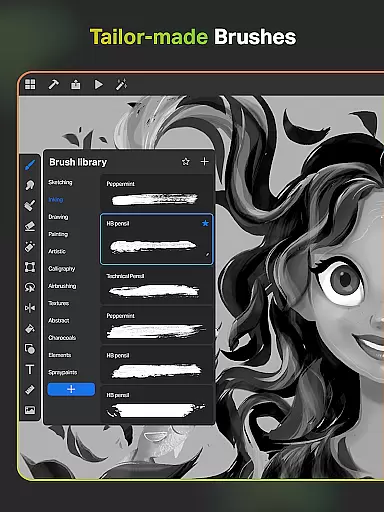
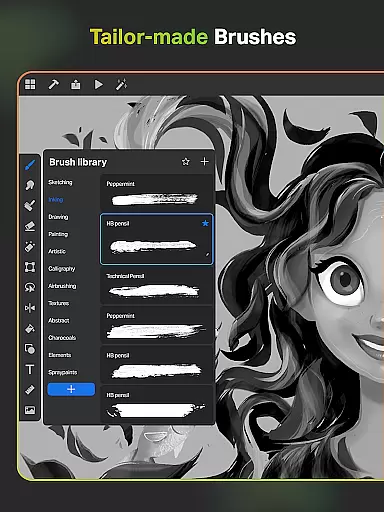
SketchPro distinguishes itself through a rich array of innovative features designed to elevate the digital art experience. One of its core strengths lies in the professional customizable brushes, which offer a wide range of options for sketching, painting, and illustrating. Artists can tailor these brushes to suit their unique styles and save their favorites for quick access during projects.
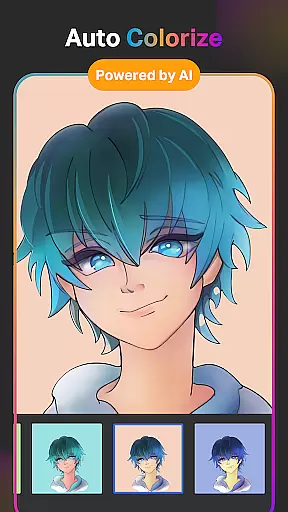
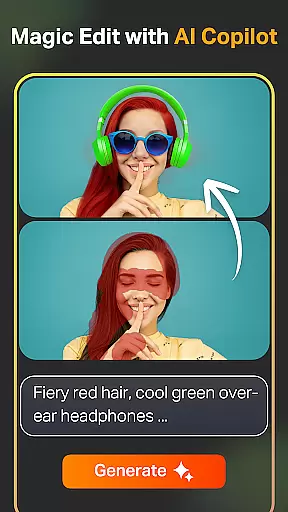
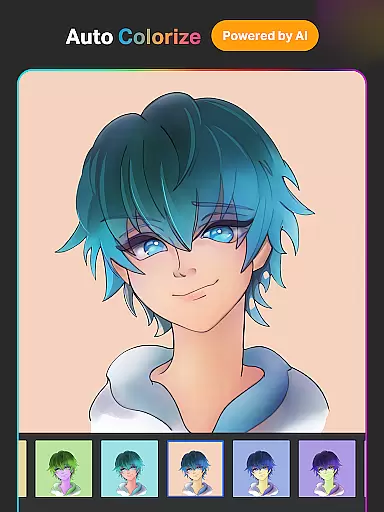
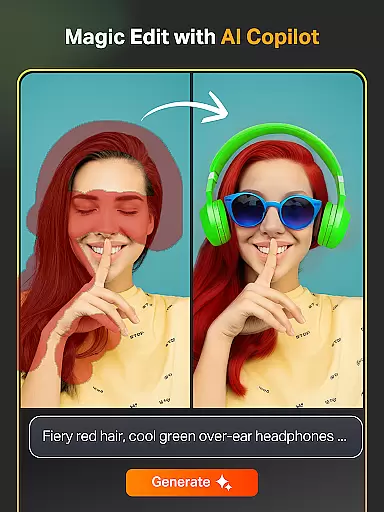
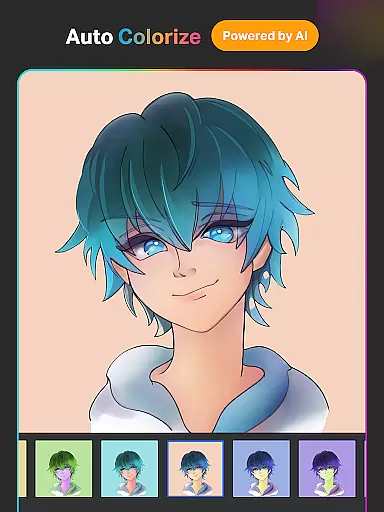
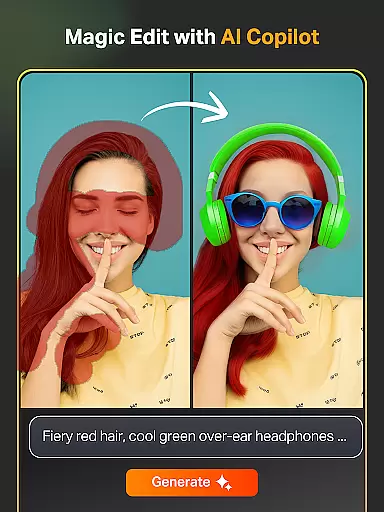
The app also incorporates cutting-edge AI tools that revolutionize digital art creation. Features like Text to Image AI and Sketch to Image AI allow users to generate complex artwork from simple prompts. Meanwhile, tools such as Magic Edit AI and Auto-Colorization enable effortless refinement of colors, textures, and object placements. These AI-powered capabilities significantly reduce manual effort while maintaining high-quality results.
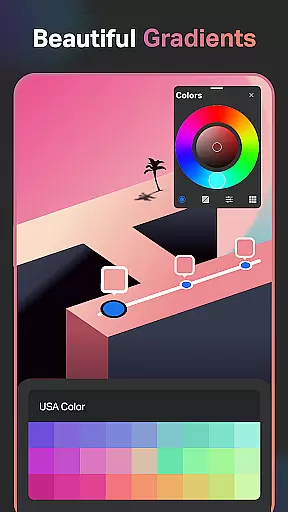
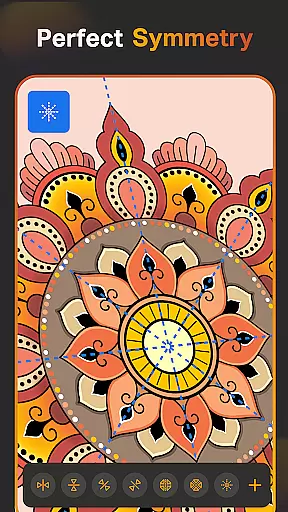
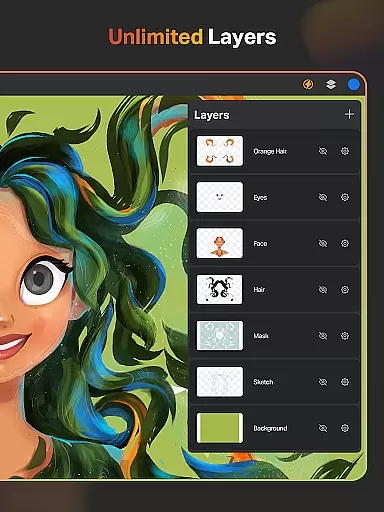
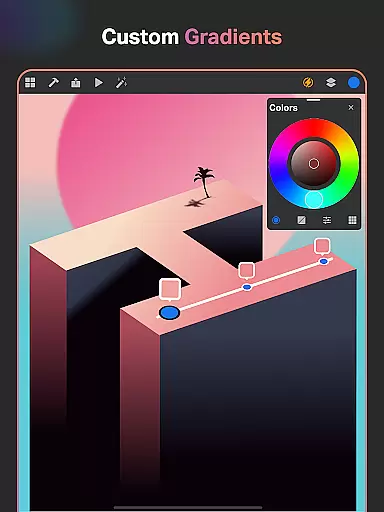
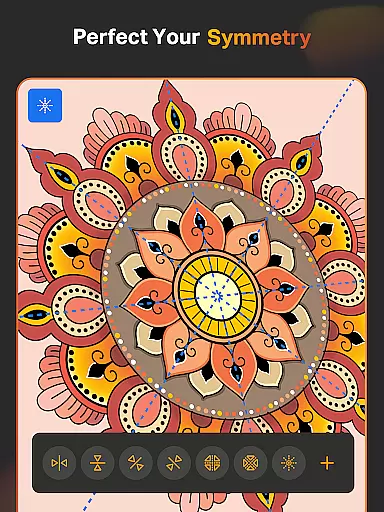
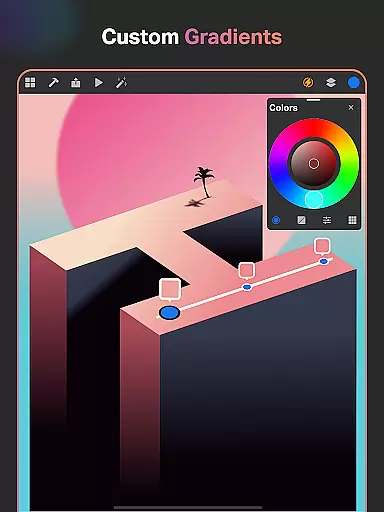
Additionally, SketchPro provides essential utilities like Smart Shapes, Symmetry Tools, and an extensive library of shapes and symbols. These tools are complemented by a robust layer system and customizable text options, ensuring that every aspect of the creative process is covered. With intuitive color palettes, gradient tools, and time-lapse playback, SketchPro delivers a complete package for both amateur and professional artists.
In the realm of digital art, having a comprehensive suite of creative tools is essential for artists to fully express their visions. SketchPro rises to this occasion by offering an extensive array of features tailored for professional digital artists. The app includes customisable brushes that cater to various artistic needs such as sketching, painting, and illustrating, allowing artists to fine-tune their tools to match their unique style.
Moreover, SketchPro incorporates advanced AI drawing tools that significantly enhance the creative workflow. Artists can transform simple prompts into complex artworks with the Text to Image AI tool or breathe new life into hand-drawn sketches using the Sketch to Image AI feature. With additional capabilities like Magic Edit AI for revamping colors and textures, and Auto-Coloring AI for swift color application, SketchPro ensures that every artist has the necessary instruments to create without limitations.
The inclusion of smart shapes, symmetry tools, gradient options, and layer systems further amplifies the app's utility in speeding up the drawing and designing process. These pro creative tools not only streamline tasks but also open up new avenues for creativity, making SketchPro an indispensable companion for graphic designers, illustrators, and comic book artists alike.
Flexibility in canvas and format options is crucial for digital artists who require adaptability in their work. SketchPro addresses this need by providing a versatile platform where artists can customize their canvas to fit specific project requirements. Whether it's adjusting dimensions or choosing from a variety of formats, SketchPro empowers users to tailor their workspace according to their artistic vision.
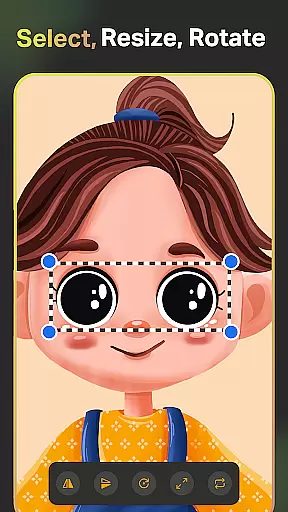
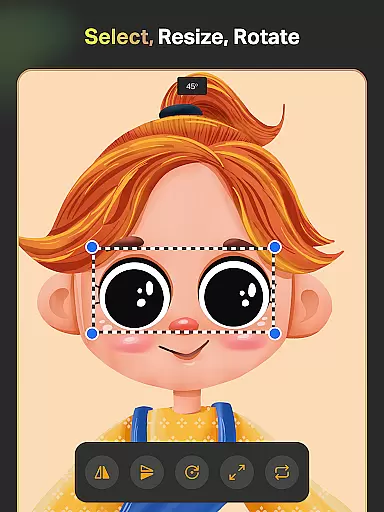
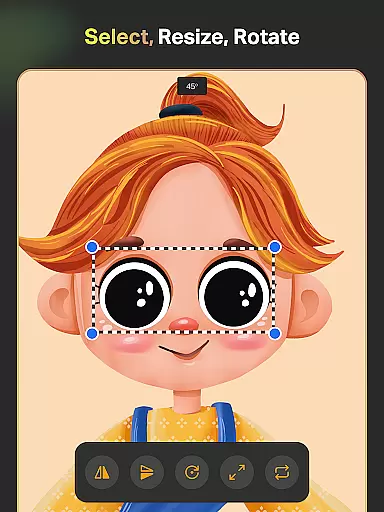
Additionally, the app supports an extensive range of functionalities that complement its flexible canvas options. Features such as the Layer Transform Tool and Assisted Drawing enable precise control over illustrations, while the Color Palette offers full-color wheel adjustments with customizable shades. This level of detail ensures that artists can maintain consistency across different projects and mediums.
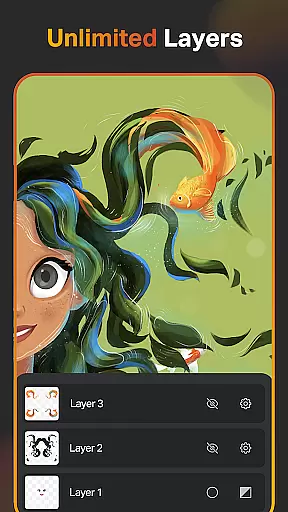
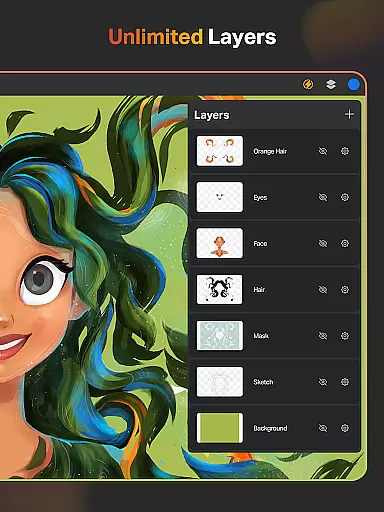
SketchPro also allows importing colors from photos and images, creating themed color palettes, and utilizing an expansive library of shapes and symbols. By combining these capabilities with unlimited layers for digital painting and drawing, SketchPro delivers a dynamic environment where creativity knows no bounds. Artists can seamlessly switch between projects, secure in the knowledge that their tools will adapt to their evolving needs.
User-friendly interface
Advanced AI tools
Customizable brushes
Comprehensive layer system
Cloud syncing feature
Steep learning curve
Subscription fees apply
High device requirements
Limited offline functionality
Occasional performance lags

AI generated images & photos, turn your words into drawing, painting & pictures.
 4.30
4.30
Learn how to draw with step-by-step tutorials, fun lessons & multiplayer drawing
4.70
Stylish letters, Stylish Keyboard, Symbols, Emojis, Cool nickname
4.40
Custom Character Creator & PFP Maker!
4.20
Photo blender app to create overlay photos & double exposure.
4.40
AR Anime Drawing: How to draw anime with AR drawing & sketching apps!
4.00
Image resizer to resize, crop, rotate, flip, change dpi photo or picture in bulk
4.60
Just trace a projected picture on paper and color! Draw & Paint with AR drawing
4.40
Multiplayer Drawing game, Coloring, Painting・Sketch, Handwriting・Paint, draw
4.30
See Color, Paint Color
4.90
Novices can also easily complete diamond painting masters
4.70
Painting, drawing, & sketching
4.50
Trace, draw, and create art with AR - from memes to masterpieces!
4.30
Create Logos, Tattoos, AI Art & more with our AI Photo Generator & Design Editor
4.20
Experience next-gen icons with a modern liquid glass look.
3.60


User Reviews