

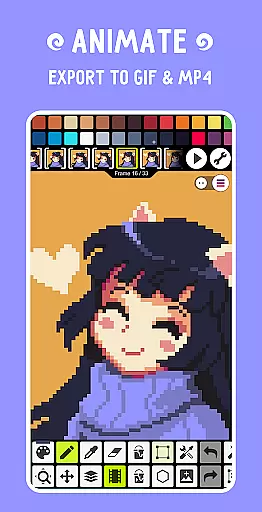
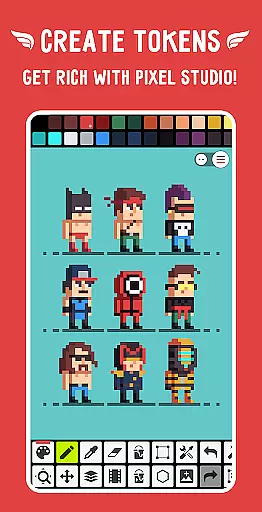
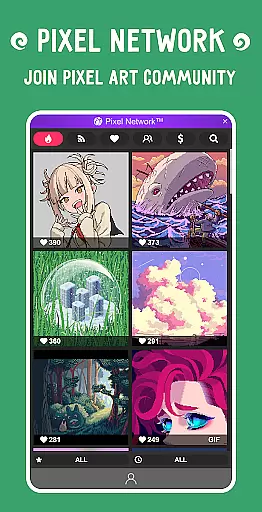
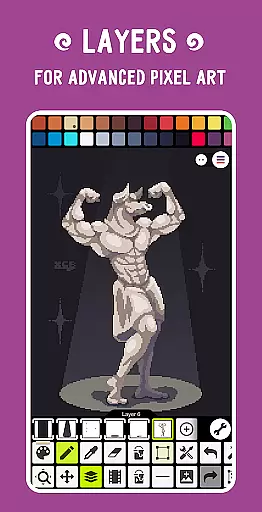
Pixel Studio PRO is a premier pixel art editor tailored for both budding artists and seasoned game developers. This special edition offers all PRO features unlocked without ads or in-app purchases, empowering users to create stunning pixel art anytime, anywhere. With support for layers, animations, and an extensive suite of tools, it enables the creation of complex projects with ease.
The application stands out with its ability to add music to animations and export them as MP4 files. Integration with Google Drive facilitates seamless work synchronization across devices. Additionally, joining Pixel Network™, a vibrant pixel art community, allows users to create NFTs. Boasting over 5 million downloads globally and available in more than 25 languages, Pixel Studio PRO is the ultimate choice for pixel art enthusiasts.
Pixel Studio PRO shines with its comprehensive feature set designed to cater to every pixel artist's needs. The app supports advanced techniques through layers and frame-by-frame animation creation, allowing users to save their work as GIFs or sprite sheets. Its standout feature is the ability to extend animations with music tracks and export them directly to MP4 format, enhancing multimedia project capabilities.
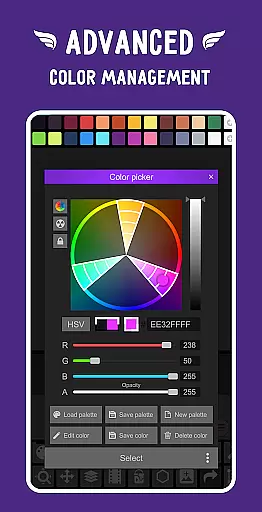
Customization is at the heart of Pixel Studio PRO, offering users the ability to craft custom palettes or utilize built-in ones from Lospec. An advanced color picker with RGBA and HSV modes ensures precision in color selection. The app also boasts compatibility with various styluses, customizable toolbars, and supports a wide array of file formats including PNG, JPG, GIF, BMP, TGA, PSP, PSD, and EXR. Autosave and backup functionalities further secure users' creative processes.
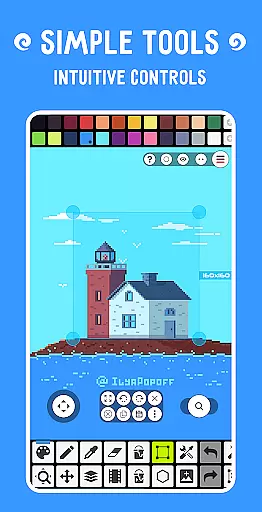
Pixel Studio PRO offers an extensive suite of creative tools that cater to both beginners and professional artists. The application supports layers, animations, and a variety of useful instruments for creating pixel art projects. With features like the Shape Tool for primitives, Gradient Tool, and custom brushes, users can explore different artistic techniques.
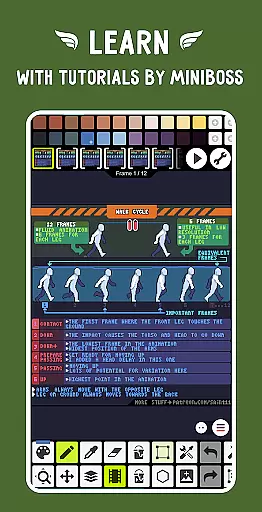
In addition to basic drawing, Pixel Studio PRO allows for advanced functionalities such as creating frame-by-frame animations, saving them as GIFs or sprite sheets, and even extending these animations with music in MP4 format. This versatility ensures that all your creative visions can be fully realized within the app.
The software is designed to support a multitude of formats including PNG, JPG, GIF, BMP, TGA, PSP, PSD, EXR, and more. It also provides autosave and backup options, ensuring that artists never lose their valuable work. These comprehensive tools make Pixel Studio PRO a one-stop solution for all pixel art creation needs.
One of Pixel Studio PRO's standout features is its canvas and format flexibility, which allows artists to work with an unlimited canvas size. Users can resize and rotate their canvas, customize the background color, and adjust the grid to suit their specific project requirements. This adaptability makes it easy to create everything from small sprites to large-scale pixel art.
Pixel Studio PRO supports all popular file formats, making it versatile for various workflows. Whether you're importing or exporting AI, EPS, HEIC, PDF, SVG, WEBP, or PSD files, the app ensures that your work integrates seamlessly with other platforms and software. This compatibility extends to cloud-based read and write functions, enhancing collaborative possibilities.
Furthermore, the app includes multithreaded image processing and JASC Palette (PAL) format support, providing additional layers of flexibility. Artists can apply palettes to images, grab palettes from existing works, and use a mini-map and Pixel Perfect preview for precision. These robust features ensure that no matter the project scope or format, Pixel Studio PRO can handle it with ease.
User-friendly interface
Extensive format support
Advanced animation tools
Vibrant community integration
Seamless cross-device sync
High system requirements
Limited free features
No iOS version available
Premium cost for PRO
Steep learning curve

Discover Cartoon Dream : Unleash Your Creativity with CuttingEdge AI
 4.50
4.50
Create color palette from Image, RGB & RYB Color wheel harmonies, Color Scheme
4.50
Digital, Abstract, Classic - all types of color wheels in one app!
4.60
Image resizer to resize, crop, rotate, flip, change dpi photo or picture in bulk
4.60
Resize photos and print photos in exact size with our powerful photo printer!
3.80
Android 14 style widgets and wallpapers app.
4.0
OneUI 8.5 icons ✨ Smooth, modern & based on the latest Play Store design ??
4.10
Draw, make movies & animate cartoons easily with our 2D animation maker app
4.40
Explore future self face age filter & remove background image for a unique look.
3.50
Draw glowing spinners, relax, and spin your creative art
4.60
Create and Design Custom Logos in Seconds with AI-Powered Tools!
4.40
Paint with oils and sketch with natural tools on a realistic virtual canvas.
3.80
Pose and morph realistic male and female models! 3D poser app
3.00
Your Essential Color Theory Guide: Red, Yellow, Blue (RYB)
4.0
Art of Combination Wear OS Watch Faces
4.4


User Reviews