
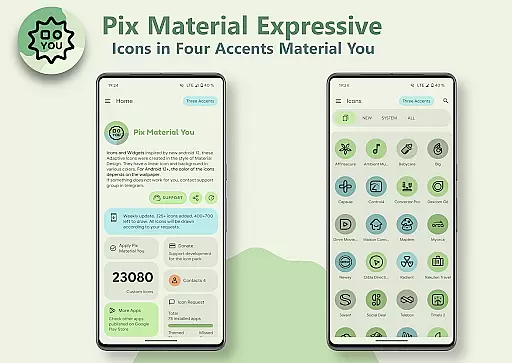
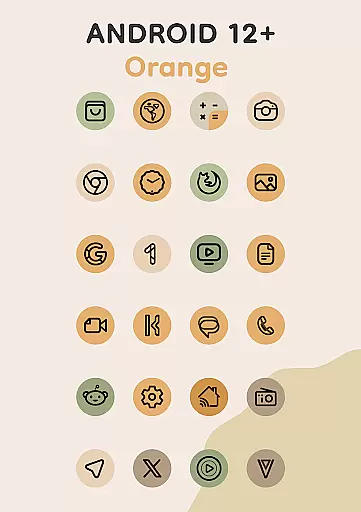
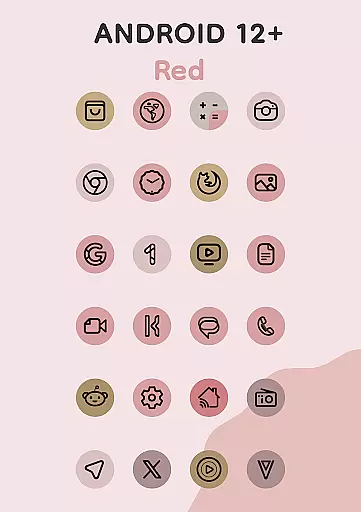
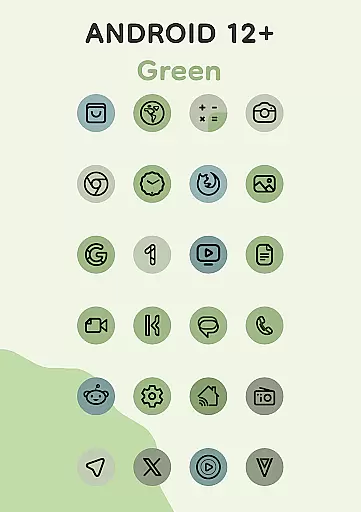
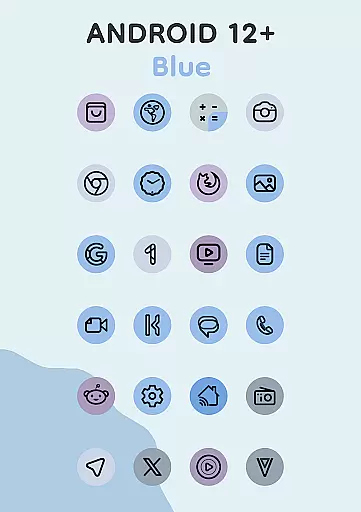
In the realm of personalization, Pix Material Expressive Icons offers an impressive array of customization options that cater to individual preferences. This icon pack supports full Material You integration, providing users with dynamic color changes based on their wallpaper, which ensures a seamless blend with the device's system color scheme.
With adaptive nature, these icons not only shift colors but also change shapes on compatible launchers, granting users the freedom to tailor their home screens to their liking. The inclusion of four expressive accent colors beyond the standard Monet palette allows for a personalized and standout appearance of icons, enhancing the overall user experience.
The pack is designed for modern aesthetics, featuring clean linear outlines that contribute to a contemporary look. Users can enjoy various icon shapes and sizes, as well as animations, making each interaction with their device a unique one. These customization possibilities empower users to craft a digital environment that truly reflects their personal style.
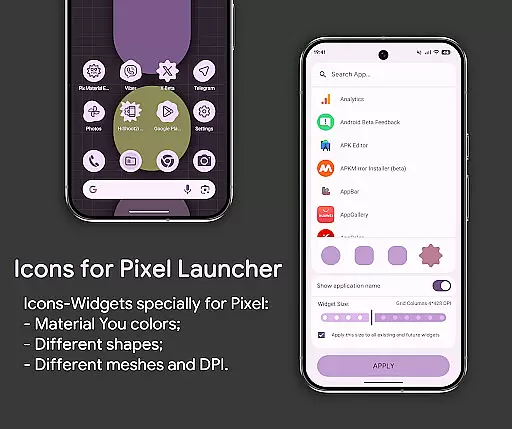
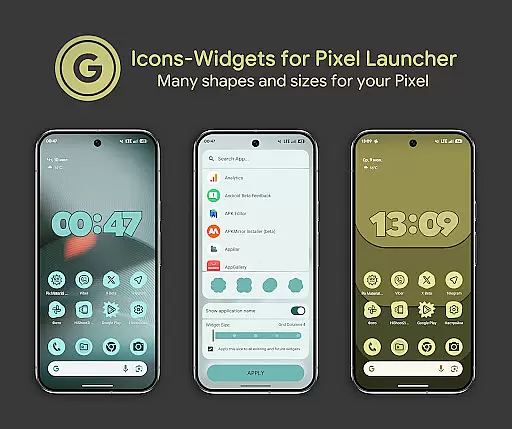
Theme compatibility is at the heart of Pix Material Expressive Icons, ensuring that users experience visual consistency across their devices. By supporting a wide range of launchers including Nova Launcher, Smart Launcher, and Pixel Launcher through Icon-Widgets, this icon pack guarantees that your interface maintains its aesthetic integrity regardless of the launcher you choose.
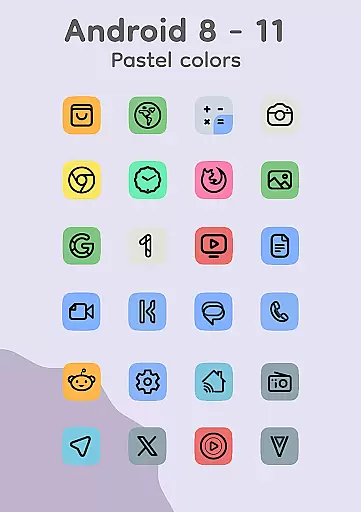
For Android 12 and above, the icons and widgets adapt to the system's color palette derived from the wallpaper, offering a cohesive look that aligns with Googleu2019s Material You design philosophy. Even on older versions like Android 8-11, where Monet support isn't available, the icons display in pastel colors, maintaining an attractive appearance.
Moreover, the Icon-Widget feature brings forth a new level of theming by allowing users to select from different icon shapes, names, and widget sizes, thus closely mimicking the themed icons found in Pixel Launcher. This flexibility ensures that all elements of the user interface are harmonized, delivering a polished and professional look.

Prank your friends with realistic broken screen and cracked HD effects!
 4.0
4.0
App Icon Changer & Shortcut Creator. Customize your icons without any watermarks
4.30 4.50
4.50 3.50
3.50
Customize your home screen with stunning themes, blur, widgets & icons.
4.60
Organize and manage your photos and videos effortlessly with Photo Gallery
4.20
Handcrafted pixel art icons, widgets & wallpapers
4.60
300+ widgets inspired by Material You and Material 3 expressive design.
4.60
Customize phone with anime themes, 3D icons, aesthetic widgets & wallpapers
4.80
Gun Chase - Let the chase begin.
4.80
A launcher for Samsung Good Lock and Good Guardians modules without ads
4.70
300+ Stunning and well-designed widgets inspired by NOTHING.
4.70
Beautiful realistic hybrid watch face with numerous customization options.
4.50
Color phone with cool effects for call screen, flash alert & ringtones music
4.50
Modern Glass Icon Pack with glossy icons, clean minimal theme & aesthetic style
4.2


User Reviews