
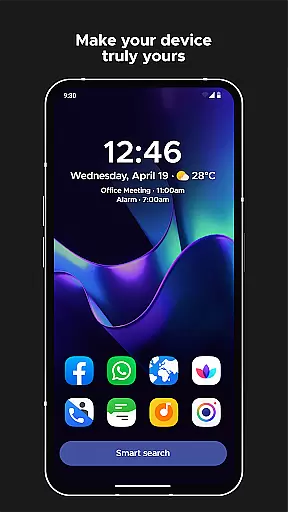
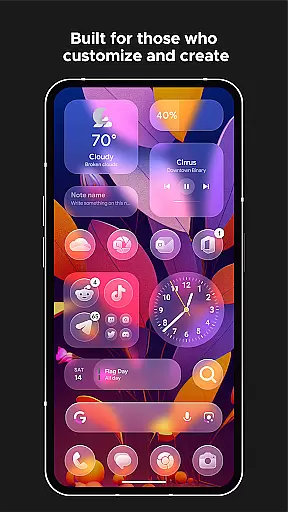
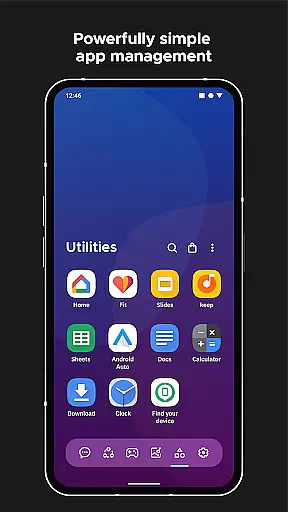
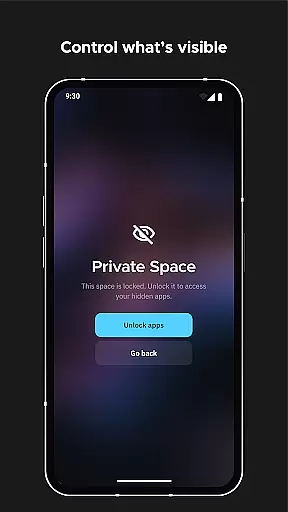
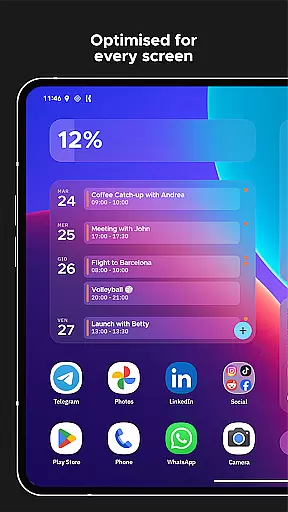
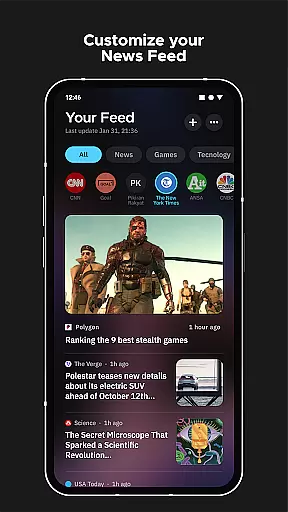
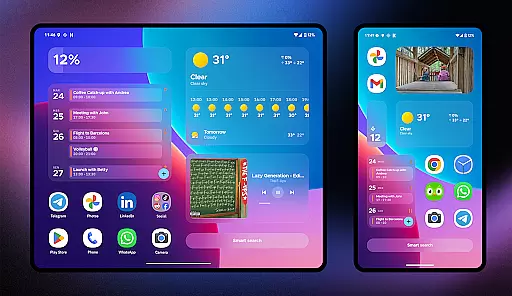
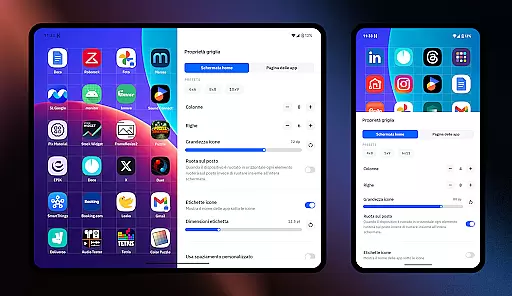
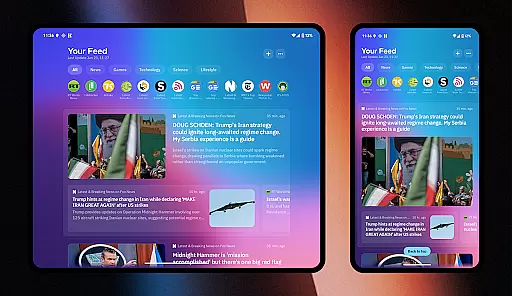
Smart Launcher 6 is a cutting-edge home screen replacement app designed to enhance the Android experience. It introduces an innovative interface that automatically organizes apps into categories, saving users from the hassle of manual sorting. The app also boasts an ambient theme engine that adapts to your wallpaper, ensuring a harmonious and visually pleasing experience.
With its user-centric design, Smart Launcher 6 places frequently used items at the bottom of the screen for easy one-handed operation. It includes customizable widgets, adaptive icons, and a powerful search bar for swift access to apps and contacts. Users can further tailor their experience with gestures, hotkeys, and extensive customization options, making it the ultimate tool for personalizing an Android device.
Smart Launcher 6 offers a plethora of features aimed at streamlining the user's home screen experience. One standout feature is the automatic app sorting, which intelligently categorizes apps, eliminating the need for manual organization. This functionality has been acknowledged industry-wide, even influencing the development of Apple's App Library.
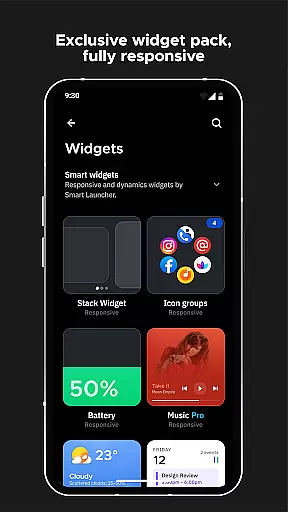
The app provides a unique ambient theme system that dynamically adjusts colors based on the user's wallpaper, alongside a selection of responsive widgets that adapt to different screen sizes. Customization reaches new heights with support for adaptive icons, thousands of Google Fonts, and infinite color combinations for a personalized look and feel.
Additional features include an advanced search bar for quick access to apps and web searches, gesture controls for navigation shortcuts, and an ultra-immersive mode that hides the navigation bar. These tools collectively ensure that users have a highly optimized, efficient, and enjoyable Android experience.
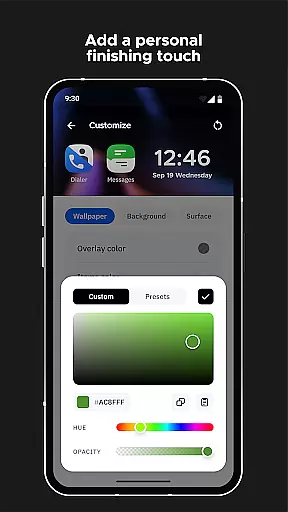
Smart Launcher 6 offers an extensive range of customization options that allow users to tailor their home screens to their personal preferences. This Android launcher provides the ability to modify every single color within the theme, unlocking infinite possibilities for color combinations.
In addition to color customization, users can also change fonts on the home screen. With access to thousands of fonts from Google Fonts, personalizing the text appearance has never been easier or more versatile.
The launcher supports adaptive icons, a feature introduced with Android 8.0 Oreo, which is now available for any Android device. This means not only customizable icon shapes but also larger and more visually appealing icons, enhancing both aesthetics and usability.
With these comprehensive customization features, Smart Launcher 6 empowers users to create a unique and personalized smartphone experience that truly reflects their style and optimizes their interaction with the device.
Theme compatibility in Smart Launcher 6 ensures that users enjoy a cohesive and visually pleasing experience across their devices. The launcher's Ambient Theme feature automatically adjusts the theme colors to match the user's wallpaper, providing a seamless integration between the home screen and personal imagery.
This dynamic theming extends beyond static images, as it responds to changes in the wallpaper by recalibrating the color scheme accordingly. Such responsiveness guarantees that visual harmony is maintained regardless of how often users switch their background images.
Moreover, Smart Launcher 6 supports adaptive icons, ensuring consistent iconography quality irrespective of the chosen theme or color modifications. These icons adapt to different themes while retaining their aesthetic appeal, thus preserving the overall design language of the interface.
By focusing on such robust theme compatibility, Smart Launcher 6 delivers an intuitive and unified look that enhances user satisfaction and engagement with their personalized device environment.
User-friendly interface
Highly customizable
Efficient app sorting
Adaptive icon support
Active community support
Requires accessibility permissions
Premium features locked
Occasional bugs reported
Steeper learning curve
Limited iOS availability

Classic analogue watch face. For wear os devices.
 4.60
4.60
Glass style colourful icons with a One UI look and feel
4.60
Realistic animated snow on your wrist, with 10 images landscapes to choose from
4.00
Adult video chat, dating, making friends, random matching
4.20
More than 3000+ themes and 9000+ wallpapers for everybody!
4.10
Zip lock screen with magic wallpaper to decorate your phone with fun zipper lock
4.60 4.50
4.50
Nothing Icon pack with more than 3750+ highly crafted icons.
4.70
Create stunning widgets with Widget 2026: Aesthetic Widgets for Android!
4.60
300+ Stunning and well-designed widgets inspired by NOTHING.
4.70
A retro cartoon style watch face and a punch right in the face of the copyright
4.60
Themes - Widget & Wallpaper: Customize home screen, icon changer w unique themes
4.30
Magic fluids wallpaper 4D: Relax with stunning fluid simulation wallpaper app
4.20 4.10
4.10
Capture moments that pass like a storm, second by second.
4.4


User Reviews