
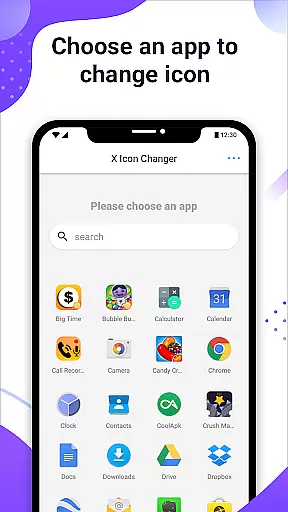
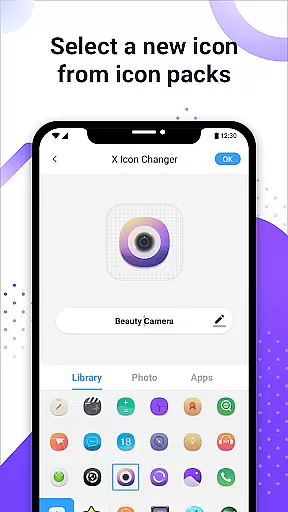
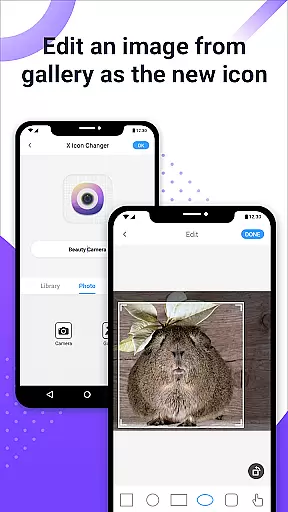
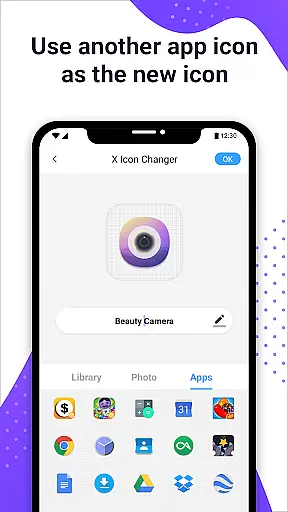
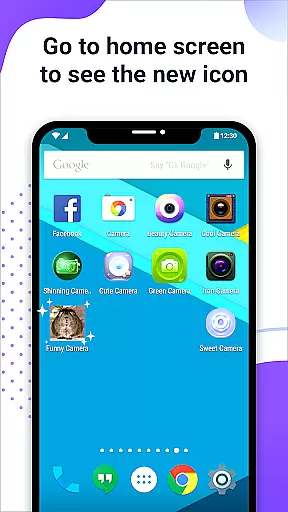
X Icon Changer is a free personalization app that allows users to customize and change icons for any app on their Android device. With this tool, you can select new icons from various sources including gallery images, other app icons, and personalized icon packs. The app creates shortcuts on your home screen with the newly selected icons, offering an easy way to personalize your phone's appearance.
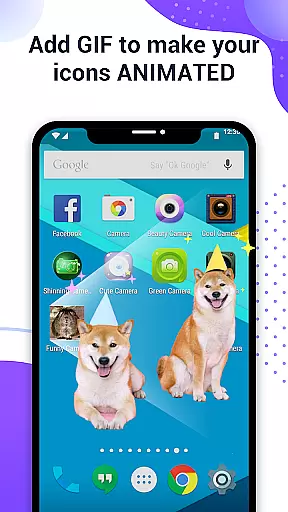
One of the standout features is the ability to add GIF animations to app icons, making your home screen more dynamic. Additionally, X Icon Changer provides a solution to avoid watermarks on Android 8.0 and above by using widget technology. This ensures a seamless and attractive customization experience without any extra charges.
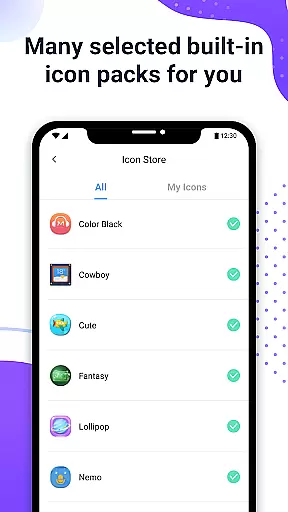
X Icon Changer offers a variety of robust features designed to enhance your device's aesthetics. Firstly, it includes multiple icon sources such as built-in icon packs, third-party icon packs, and even images from your gallery. This flexibility ensures that you can find the perfect look for your apps.
Another notable feature is the ability to edit app names, allowing further customization. For devices running Android 8.0 and above, the app provides a unique widget-based method to eliminate watermarks from shortcut icons. By dragging the X Icon Changer widget to your desktop, you can change icons seamlessly. These features collectively ensure a highly personalized and watermark-free user experience.
X Icon Changer offers an extensive range of customization options, allowing users to personalize their app icons effortlessly. The app provides access to numerous built-in icon packs, third-party icon selections, and the ability to choose images from your gallery.
This flexibility ensures that you can find the perfect style to match your personal taste or mood. Whether you prefer a minimalist design, vibrant colors, or thematic elements, X Icon Changer has something for everyone.
Additionally, the option to edit app names adds another layer of personalization. You can rename apps to something more meaningful or leave it blank for a cleaner look. This level of customization empowers users to truly make their devices unique.
Ensuring seamless integration with various themes is a core feature of X Icon Changer. The app supports a wide array of themes, maintaining visual consistency across your device's interface.
For users on Android 8.0 and above, the system's default behavior adds a watermark to shortcut icons. However, X Icon Changer circumvents this by utilizing widget technology, enabling watermark-free icon changes.
By dragging the X Icon Changer widget to your desktop, you gain the ability to change app icons without any undesired overlays. This thoughtful approach guarantees that your chosen theme remains intact and visually appealing.
User-friendly interface
Wide selection of icons
Free to use
Supports GIF animations
No watermark on icons
Limited to Android
Requires manual updates
Some features are complex
Third-party packs needed
Widget setup required

Beautiful realistic hybrid watch face with numerous customization options.
 4.50
4.50
Customizable flower power digital watch face for Wear OS watches.
4.00
Winter's Journey: digital watch face for Galaxy Watch & Wear OS
4.80
Personalize your phone with stunning HD and 4K wallpapers!
4.70
Over 28,000 high quality icons to bring color & homogeneity to your phone.
4.60
Wallpaper HD 4K Live - Thousands of high-quality Anime backgrounds for you.
4.80
Ultimate Gallery Lock App - Hide Pictures, Videos and Lock Apps Instantly!
4.60
100+ Stylish Fonts, Emojis, Symbols keyboard for Instagram & TikTok!
4.80
Adorable pets roam and play right on your phone screen!
3.30
Nothing Icon pack with more than 3750+ highly crafted icons.
4.70
Classic analogue watch face. For wear os devices.
4.60
Icons made of colorful linear lines
4.60
Unique Fonts, typefaces and stylish text. Fonts for Instagram, Whatsapp & others
4.20
More than 3000+ themes and 9000+ wallpapers for everybody!
4.10
Capture moments that pass like a storm, second by second.
4.5


User Reviews