

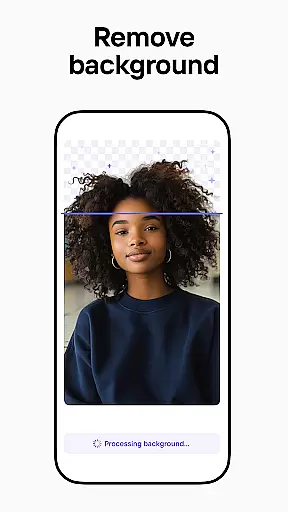


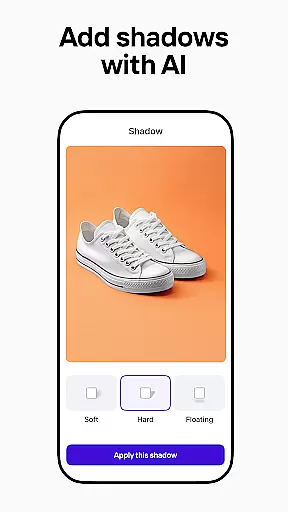
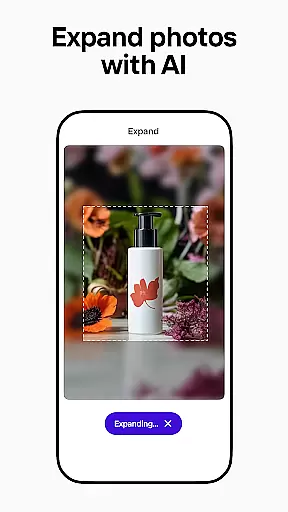
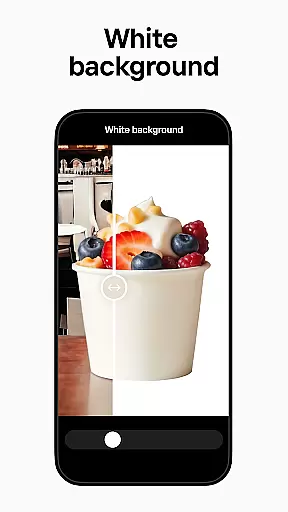
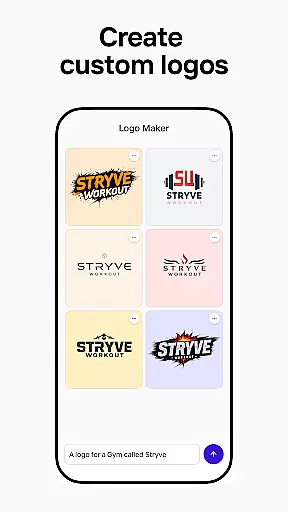
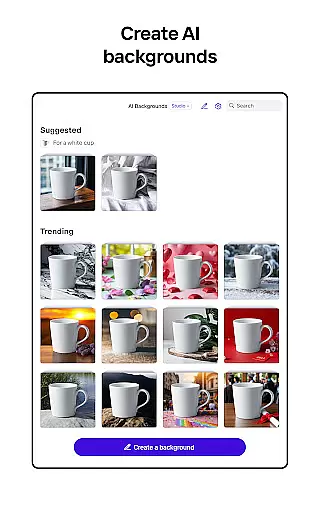

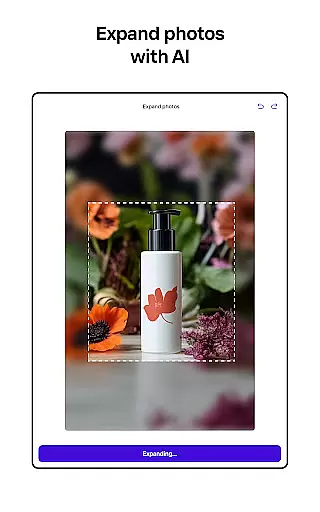
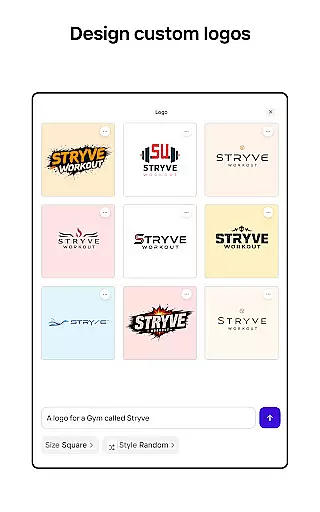
Photoroom AI Photo Editor is a powerful mobile application designed for creating professional-quality images with ease. The app utilizes advanced AI technology to help users design, edit, and enhance photos by removing or replacing backgrounds, erasing unwanted objects, and adjusting lighting and shadows. Whether you're an e-commerce seller, content creator, or social media manager, Photoroom provides the tools needed to produce engaging visuals that elevate your brand and drive sales.
The app offers features such as AI-powered design assistance, batch editing for multiple images, and customizable templates for various platforms like Instagram, Facebook, and Amazon. With its intuitive interface, Photoroom makes it easy for anyone to achieve pro-level results without requiring any prior design experience. This makes it an ideal solution for businesses and individuals looking to create polished, high-quality images for marketing, social media, or personal projects.
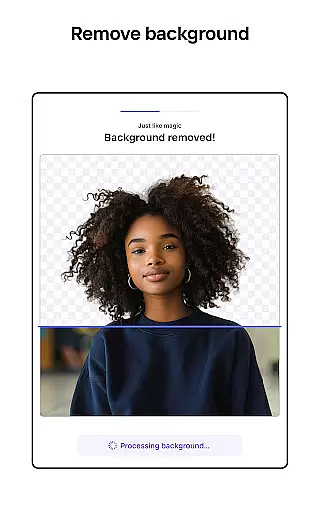
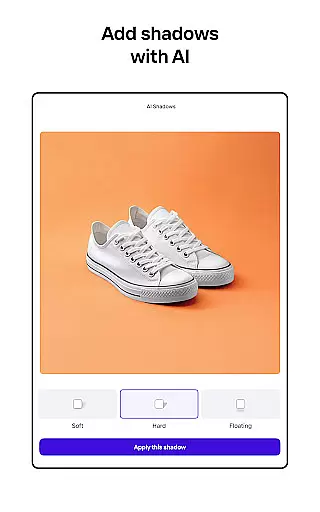
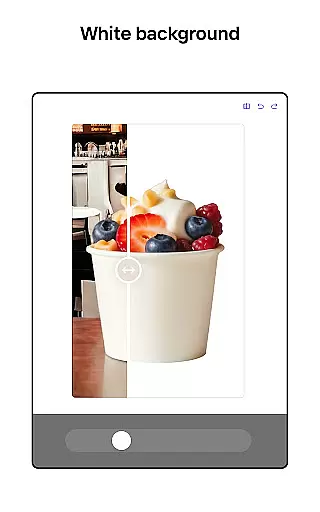
Photoroom stands out with its comprehensive suite of AI-driven photo editing tools. One of its key features is the ability to remove and replace backgrounds effortlessly using smart AI algorithms. This allows users to erase distractions, clean up details, and create ad-ready images in seconds. Additionally, the app's enhanced photo editing capabilities enable users to adjust lighting, shadows, and sharpness while maintaining complete control over the background.
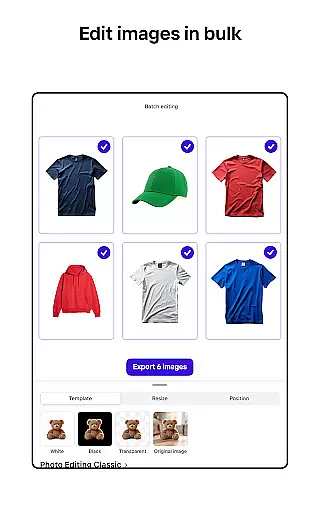
Another notable feature is the batch editing functionality, which is perfect for e-commerce sellers who need to process multiple product photos at once. Users can apply consistent design styles across all images, saving significant time and effort. Moreover, Photoroom offers collaboration tools that allow team members to work together in real-time, ensuring seamless communication and efficient teamwork. These robust features make Photoroom a versatile tool for anyone looking to streamline their photo editing workflow and produce professional-grade visuals.
Real-time capture and preview functionality is essential for ensuring that every photo taken meets professional standards. With Photoroom AI Photo Editor, users can instantly see the results of their edits as they make them, providing immediate feedback on changes to backgrounds or object removals.
This application leverages advanced AI technology to allow users to modify images in real time. Whether it's adjusting lighting, erasing unwanted objects, or replacing backgrounds, the changes appear instantly on the screen. This instant visualization helps users fine-tune their edits with precision, ensuring that the final image aligns perfectly with their vision.
The benefit of real-time capture and preview extends beyond just convenience; it enhances productivity by reducing the need for trial and error. Users can experiment with different design elements and immediately see how these adjustments affect the overall composition, leading to faster decision-making and more efficient workflows.
For e-commerce sellers, content creators, and social media managers, this feature ensures that every product photo or promotional image is optimized before publishing. The ability to visualize edits in real time not only saves time but also elevates the quality of the final output, making it an invaluable tool for professionals looking to enhance their brand imagery.
AI beauty and enhancement features are designed to improve the aesthetic appeal of images while maintaining a natural look. Photoroom AI Photo Editor excels in this area by offering tools that refine photos without making them appear overly processed or artificial.
The AI algorithms within Photoroom analyze various aspects of an image, such as skin tone, texture, and lighting conditions, to apply enhancements that look genuine. For instance, the smart eraser tool removes distractions or imperfections seamlessly, preserving the original character of the photo. Similarly, the product beautifier function enhances items in photographs, making them more appealing while retaining their true-to-life appearance.
Users benefit from these enhancements through improved engagement and sales conversions. High-quality visuals that maintain natural aesthetics tend to perform better across platforms like Instagram, Facebook, and e-commerce sites. By using Photoroomu2019s AI-powered tools, users can create polished images that resonate with audiences and drive business outcomes.
Moreover, the natural enhancement capabilities ensure consistency across batches of images, which is particularly useful for businesses managing large volumes of visual content. This uniformity strengthens brand identity and trustworthiness, ultimately contributing to long-term success in digital marketing efforts.
User-friendly interface
Advanced AI technology
Batch editing support
Customizable templates
Real-time collaboration
Premium features locked
Subscription required
Limited free exports
Occasional glitches
Learning curve for new users

Create & Edit with AI: AI Remove, Enhance, Retouch, Filter
 4.10
4.10
Be your best in every shot! Fix, edit and retouch your face in selfies & photos.
3.70
Turn your phone into a professional camera - full DSLR manual photography
4.30
Light-weight Media Gallery app for Android made with Jetpack Compose
4.60
USB Storage Access for Photos, Videos, Music and Documents
3.80
live datamoshing
4.00
RAW video capture with advanced controls
4.40
Professional camera app that brings DSLR manual photography controls to Android.
4.20
Solocator stamps photos you take with GPS location, Compass Direction, Date/Time
3.80
Photo prints, cards, & gifts at Walgreens. Easy ordering & fast local pickup !
4.80
Create Business Headshots, Polaroid Filter, Retake Photos,Profile Pics,AI Photos
4.50
Use AI Video Generator to turn your words to ai generated videos.
4.50
Shooting photos and records video easily and efficient with professional Camera
4.30
Long exposure camera with computational photography
2.60
Over 800 film simulation recipes for Fujifilm. Black Friday Offer!
4.1


User Reviews