
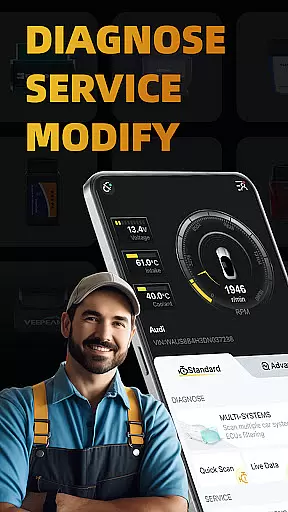
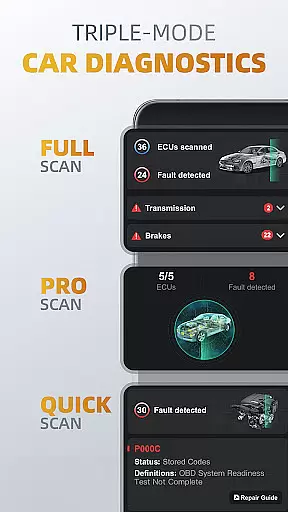
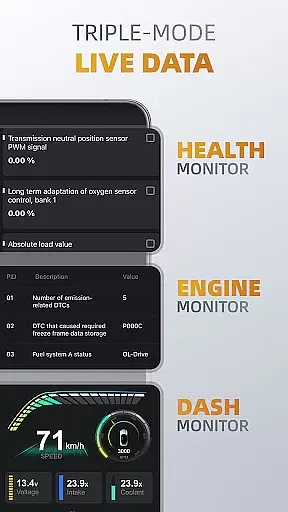
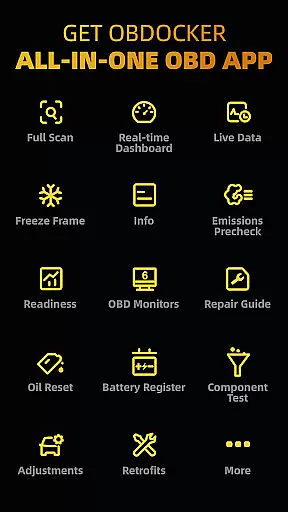
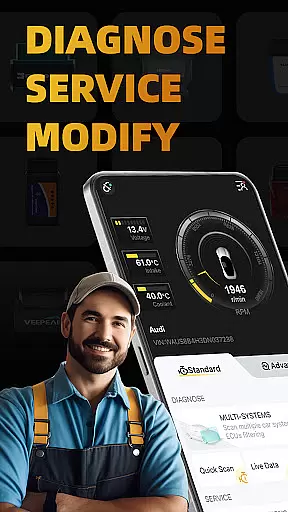
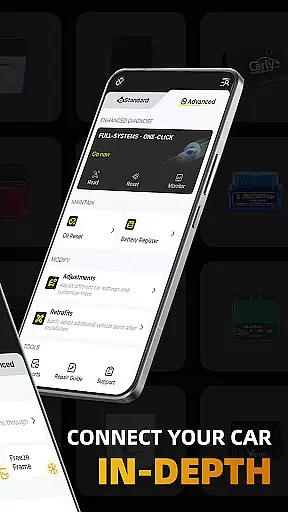
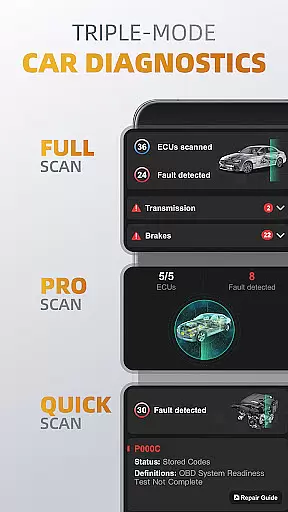
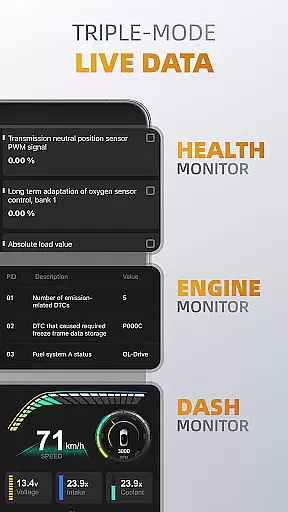
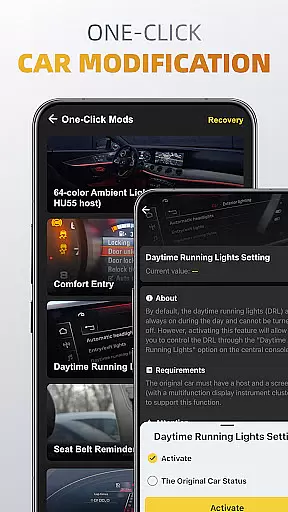
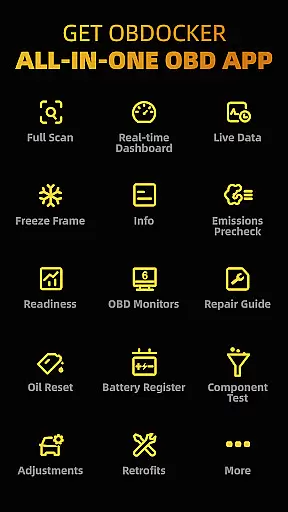
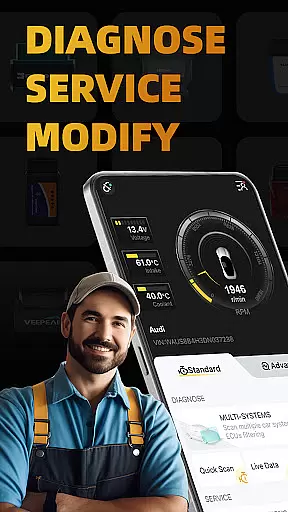
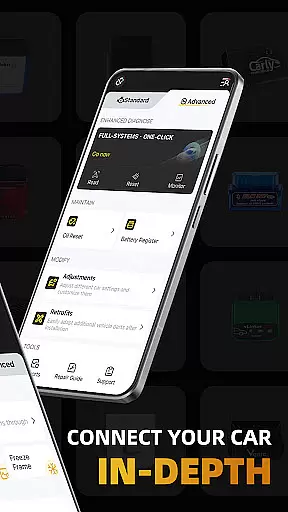
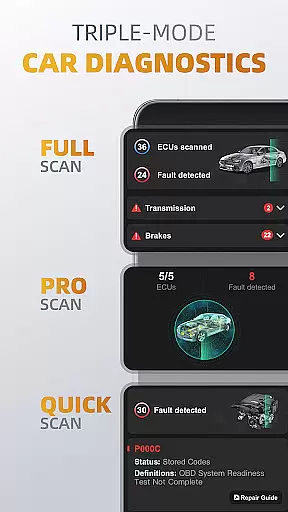
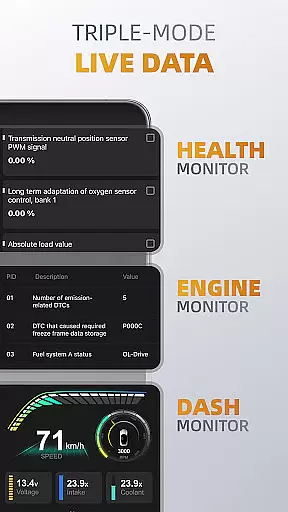
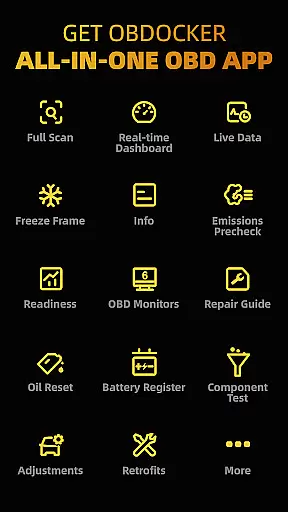
OBDocker is a professional OBD2 car scanner app designed for vehicle diagnostics and customization. It offers triple-mode diagnostics including full-systems, multi-systems, and quick scans to efficiently identify and resolve issues. The app also provides triple-mode live data monitoring for tracking vehicle performance in real time.
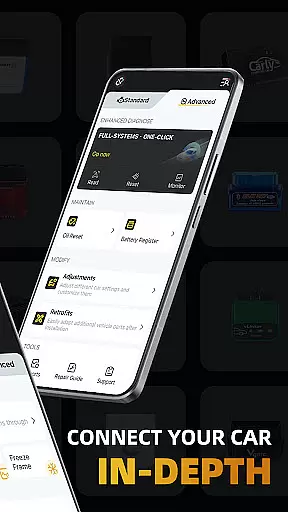
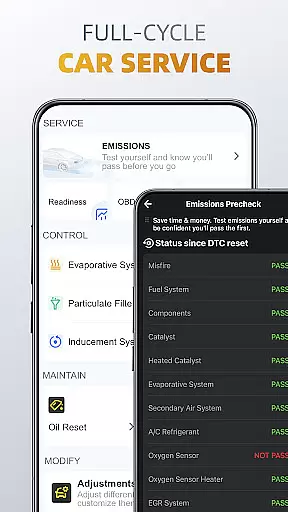
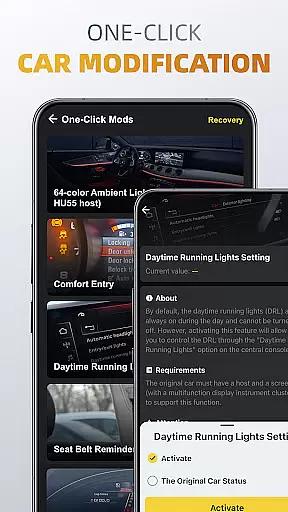
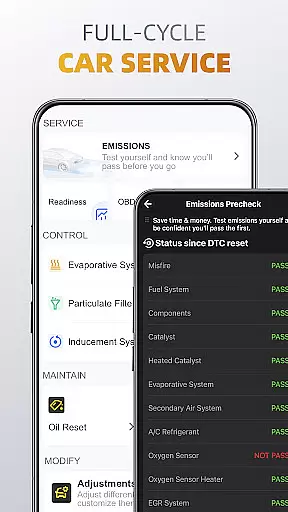
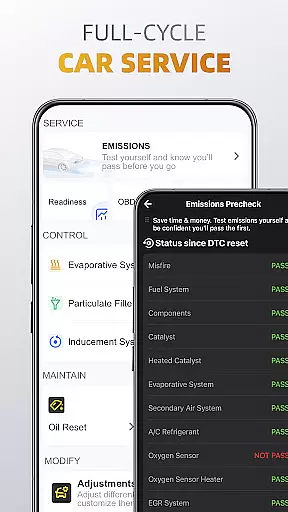
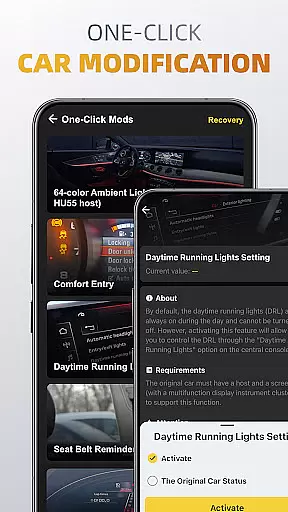
With its comprehensive service options, users can perform emissions pre-checks, control tests, oil resets, and battery registration. Additionally, the one-click modification feature allows for easy adjustments and retrofits of vehicle settings. OBDocker requires a compatible OBD adapter and supports a wide range of vehicles, offering both standard and advanced modes for various car brands.
This app is ideal for car enthusiasts and professionals who need detailed insights into vehicle health and performance. By providing precise diagnostic information and customizable options, OBDocker enhances vehicle maintenance and management.
OBDocker stands out with its triple-mode diagnostics that cover full-systems, multi-systems, and quick scans, ensuring thorough vehicle analysis. The triple-mode live data feature includes health monitor, engine monitor, and dash monitor, delivering real-time metrics crucial for maintaining optimal vehicle performance.
The app's full-cycle service capabilities allow users to conduct emissions pre-checks, perform various control tests, reset oil change reminders, and register battery replacements. Its one-click modification functionality simplifies the process of adjusting car settings and retrofitting additional parts, enhancing user convenience.
OBDocker is compatible with a wide array of OBD adapters, although performance may vary. It supports numerous vehicle brands in both standard and advanced modes, making it versatile for different user needs. With a free trial available, users can explore its features before opting for Pro or Pro Max subscriptions for unlimited access.
Accessing detailed vehicle information is crucial for effective diagnostics and maintenance. OBDocker provides comprehensive data across multiple systems, allowing users to understand their vehicle's condition in depth.
The app's triple-mode diagnostics feature enables users to perform full-system scans, multi-system checks through ECU filtering, and quick engine fault code readings. This ensures that every critical aspect of the vehicle, from TMS to SRS, is thoroughly examined.
With real-time parameter tracking in its triple-mode live data feature, users can monitor system health, engine performance, and visualize metrics. This level of detail empowers car owners and mechanics to make informed decisions regarding necessary repairs or adjustments.
Ultimately, having such detailed vehicle information at your fingertips allows for precise service actions like emissions pre-checks, control tests, oil resets, and battery registration, ensuring optimal vehicle performance and reliability.
Price transparency in automotive services ensures customers are fully aware of costs involved in vehicle maintenance. OBDocker addresses this by offering clear subscription plans for its advanced functionalities.
The app provides a free trial period, enabling users to explore all features without immediate cost. This approach allows potential subscribers to assess the value before committing financially.
For continued access to unlimited diagnostic capabilities, OBDocker offers Pro and Pro Max subscriptions. These paid plans are clearly presented, allowing users to choose based on their specific needs and budget considerations.
This transparent pricing model, combined with the app's professional-grade diagnostic tools, establishes trust with users who seek reliable and cost-effective vehicle maintenance solutions.
User-friendly interface
Comprehensive diagnostics
Real-time data monitoring
Wide vehicle compatibility
Customizable settings
Requires compatible adapter
Premium features need subscription
Varied sensor support
Advanced mode for select brands
Performance depends on adapter quality

Realtime Charts is a plugin for the Torque Pro App (OBD 2 & Car)
 4.20
4.20
OBDII - ELM327 Terminal tool for 96-00 Volvos
4.50
App Mirroring for Tesla Car's Browser
2.80
Launcher for use in the car
4.40
The ExtraMile App allows you to pay for fuel from the comfort of your car!
4.70
View your car’s service records and find out when maintenance is due.
4.70
O'Reilly Pro will streamline your parts lookup and ordering process!
3.20
Marathon ARCO Rewards members earn rewards & apply the rewards for fuel savings!
4.80
Easy connect & control your cars from afar. Remote Lock & unlock car and carplay
4.60
Lexus app currently supports 2010 or newer vehicles (2018 or newer for Hawaii).
4.80
Shop cars & see your financing
4.60
CVT diagnostics with ELM327 for Nissan-based vehicles
4.40
Instant diesel savings. No credit checks or fees. Nationwide growing network.
4.40
Secure mobile payments & fuel savings at Phillips 66®, Conoco® and 76® stations
4.40
PayByPhone: A quick and easy way to pay for parking.
3.80


User Reviews