
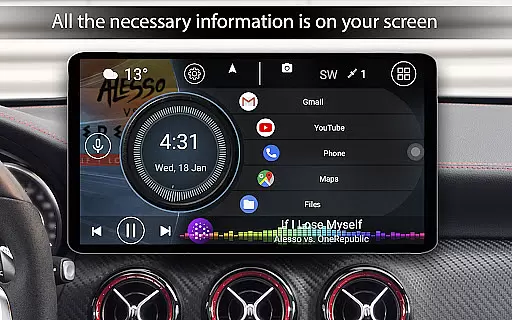
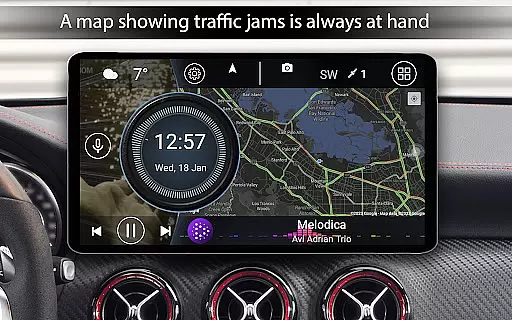
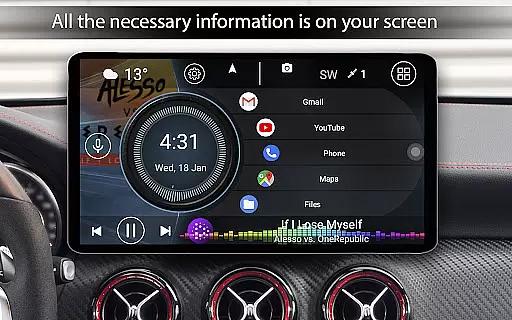

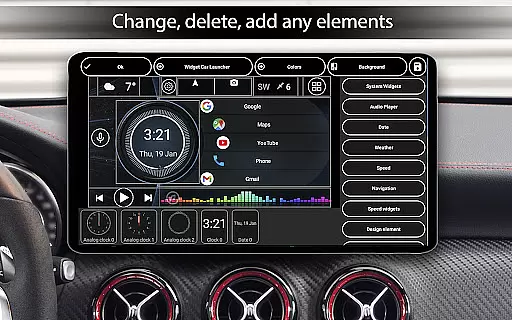
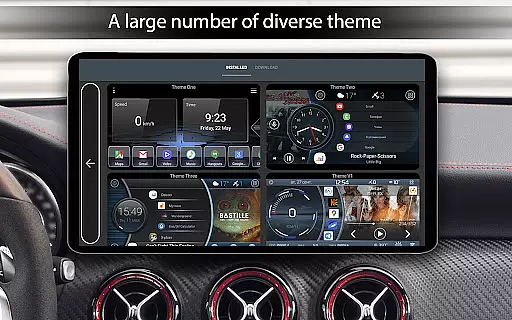
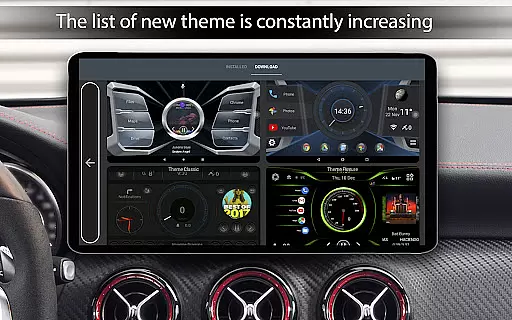
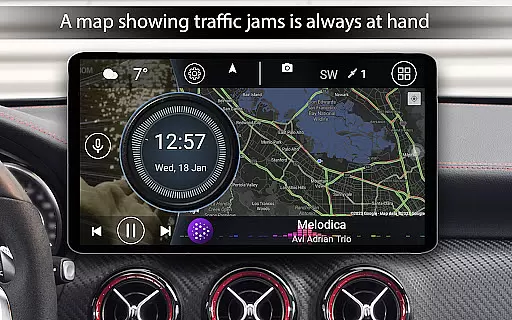
Car Launcher Pro is a specialized application designed for automotive use, enabling seamless control of various functions directly from your Android-based car system. The app serves as an all-in-one solution for managing both essential and advanced vehicle-related tasks.
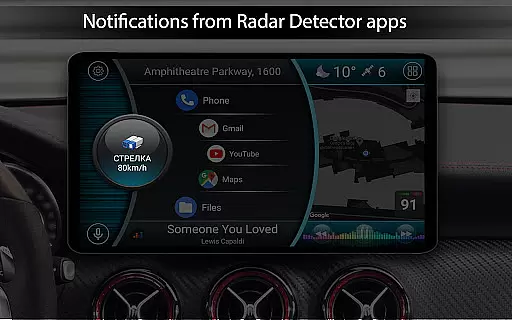
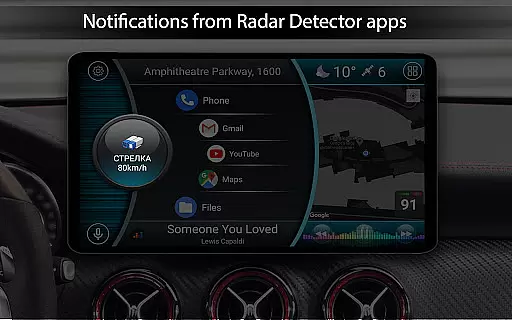
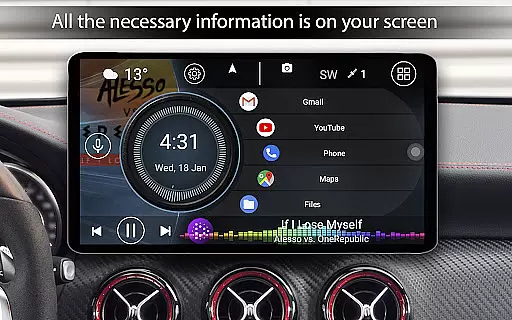
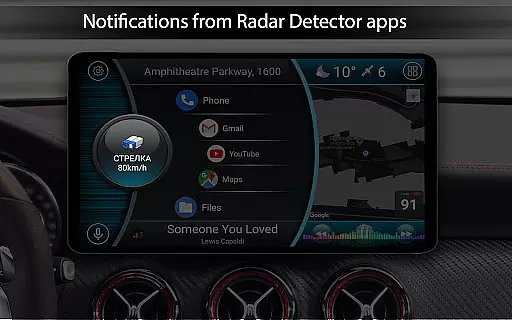
This launcher allows users to customize their interface with features like speed display, quick access to favorite apps, and an onboard computer with GPS-based distance tracking. It also supports third-party themes, widgets, and players, making it highly versatile for different user preferences. Whether you need to monitor your vehicle's performance or simply want a more driver-friendly interface, Car Launcher Pro offers a comprehensive suite of tools tailored for convenience and functionality.
Car Launcher Pro boasts an extensive array of features that cater to both casual drivers and automotive enthusiasts. One of its standout capabilities is the integration of an onboard computer that provides detailed metrics such as current speed, average speed, total mileage, and even acceleration times from 0 to various speeds.
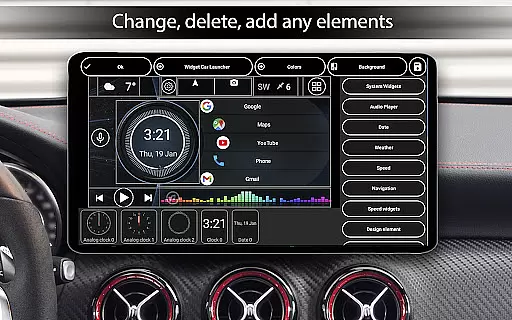
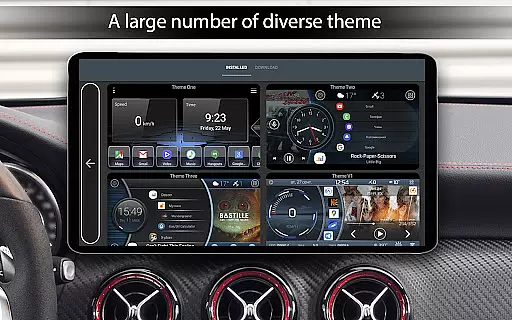
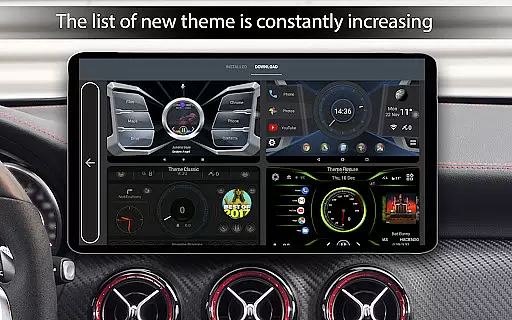
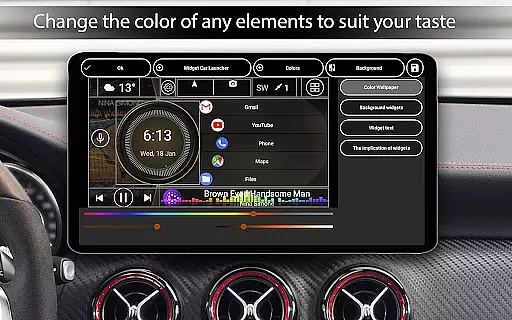
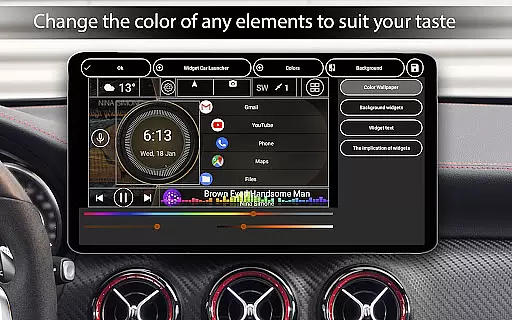
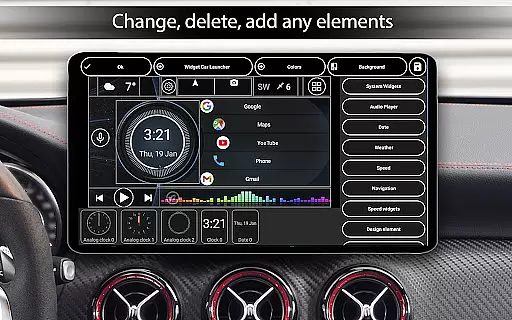
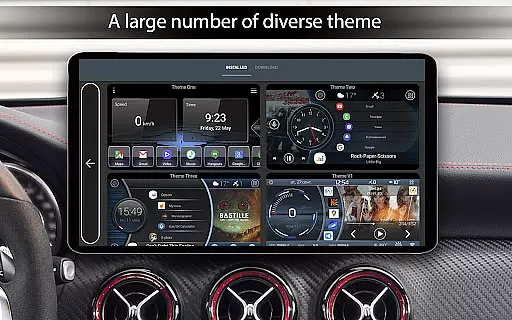
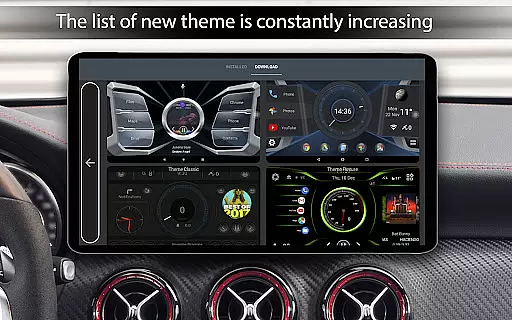
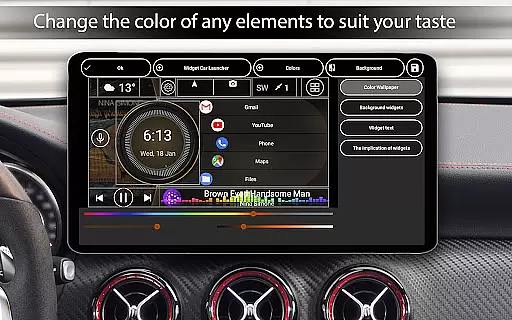
The app supports multiple customization options including themes, color schemes, and widgets. Users can personalize their home screen with different layouts, speedometer styles, and even weather updates based on GPS or manual location input. Additionally, the launcher offers advanced settings for widget behavior, screen brightness, and a sophisticated clock screensaver with numerous adjustable parameters.
Car Launcher Pro offers a comprehensive suite of tools designed to provide detailed vehicle information directly on your device. This includes real-time speed tracking based on GPS data, which is prominently displayed on the home screen for easy access while driving.
The application goes beyond basic speed monitoring by integrating an onboard computer that calculates trip distances for various periods. Users can view their current speed, total distance traveled, average speed, and even acceleration metrics from 0 to 60 km/h or higher. These features empower drivers with precise knowledge about their vehicle's performance.
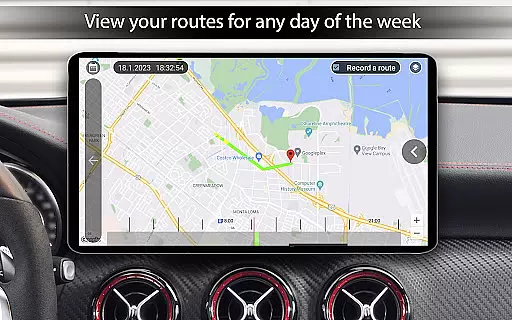
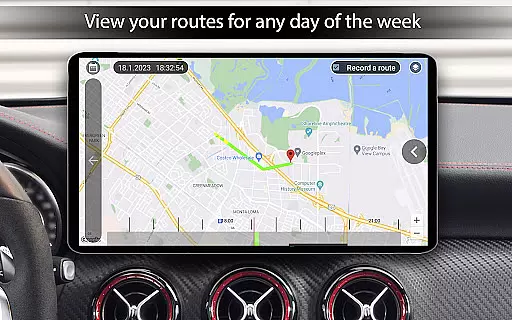
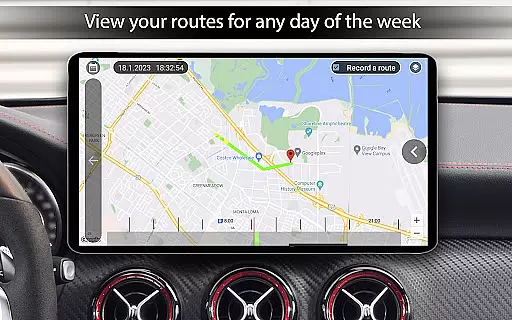
Additionally, Car Launcher Pro allows customization of how this information is presented. Drivers can choose to display data for specific durations such as trips, daily commutes, weekly drives, or monthly travels. This flexibility ensures that users have relevant insights tailored to their driving habits.
By providing these advanced functionalities, Car Launcher Pro enhances driver awareness and promotes safer driving practices through informed decision-making based on accurate vehicle statistics.
While Car Launcher Pro does not focus on pricing within the app itself, it emphasizes transparency in terms of feature availability and usage costs. The free version offers robust functionality including customizable launchers and essential vehicle metrics without any hidden fees.
For users seeking additional premium features, Car Launcher Pro provides clear distinctions between its free offerings and those available in the PRO version. This includes options like creating multiple folders for quick app launches and enhanced customization settings, ensuring users understand exactly what they gain by upgrading.
Moreover, all permissions required for optimal performance are explicitly stated during setup. Users are informed about necessary background GPS access for accurate speed and distance calculations, reinforcing trust through openness regarding data usage.
This approach to transparency ensures that users feel confident in their decisions when using Car Launcher Pro, knowing precisely what each feature entails and how it contributes to improving their overall driving experience.
User-friendly interface
Highly customizable
Comprehensive onboard computer
Supports third-party integrations
GPS-based speed and distance tracking
Some features are behind a paywall
Requires constant internet for certain functionalities
May be overwhelming for novice users
Background GPS can drain battery
Occasional bugs in widget functionality

Easily notify car owners in urgent situations, safe, fast, multilingual.
 4.3
4.3
Theme for Car Launcher
4.1
Better fuel to help keep you on the road
3.20
The ExtraMile App allows you to pay for fuel from the comfort of your car!
4.70
Mobile Phone Parking - So easy to park
3.70
MySubaru: Download. Connect. Love.
4.70
Find, search, and browse 40,000+ used cars, SUVs, and trucks.
4.50
Easy connect & control your cars from afar. Remote Lock & unlock car and carplay
4.60
Browse millions of cars, track vehicle listings or sell your car today
4.70
Lexus app currently supports 2010 or newer vehicles (2018 or newer for Hawaii).
4.80
Buy and sell your boat
4.70
Instant diesel savings. No credit checks or fees. Nationwide growing network.
4.40
Realtime Charts is a plugin for the Torque Pro App (OBD 2 & Car)
4.20
Blink Charging Mobile app makes finding an EV charger an intuitive experience.
3.80
Club Car Wash Mobile App—the fast lane to managing your wash membership.
3.30


User Reviews