
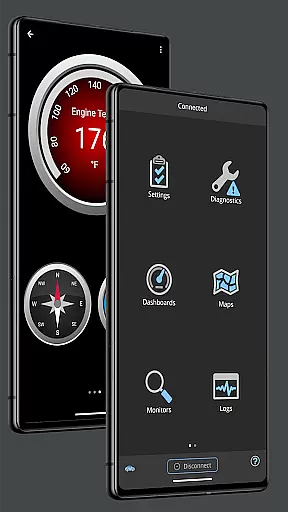
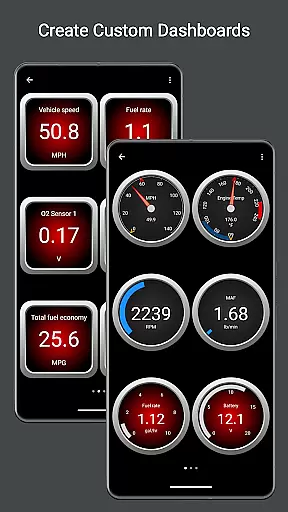
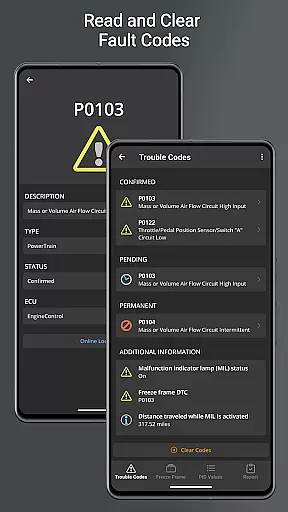
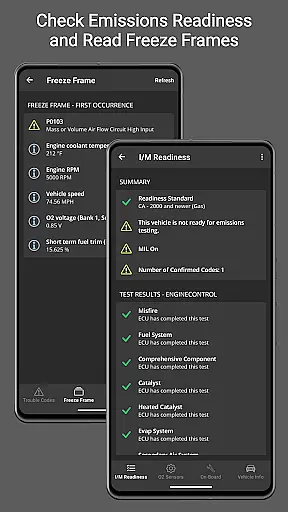
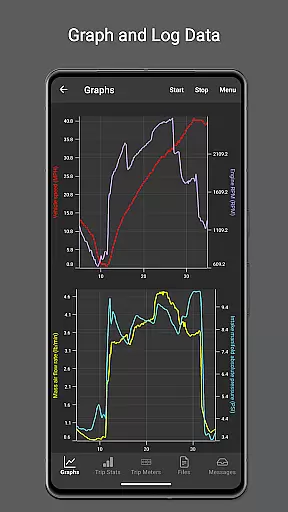
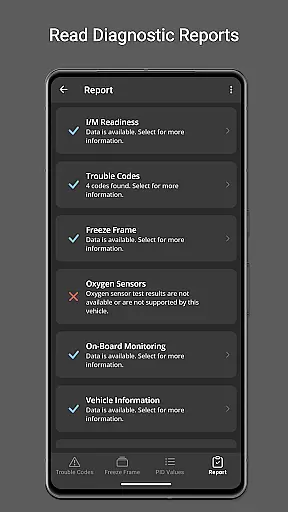
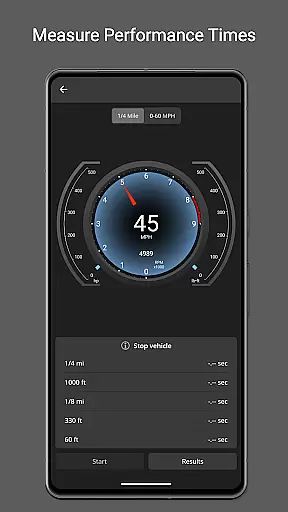
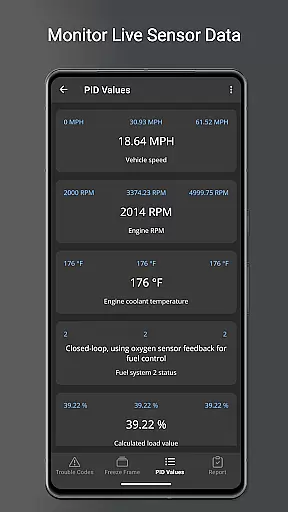
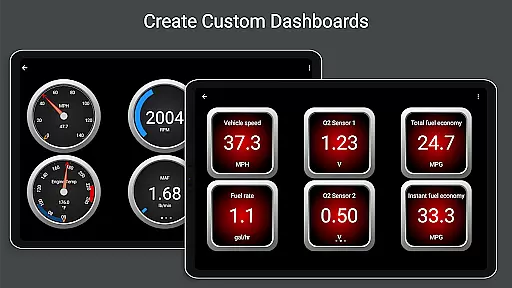
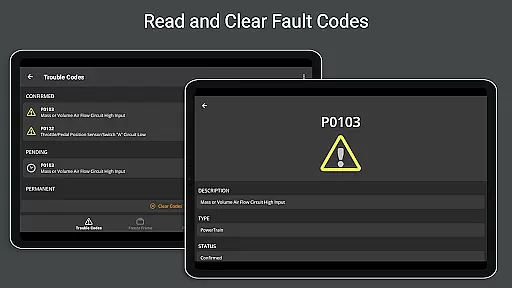
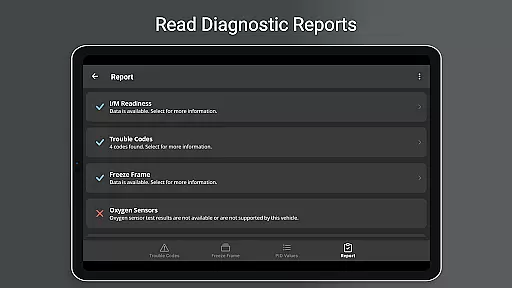
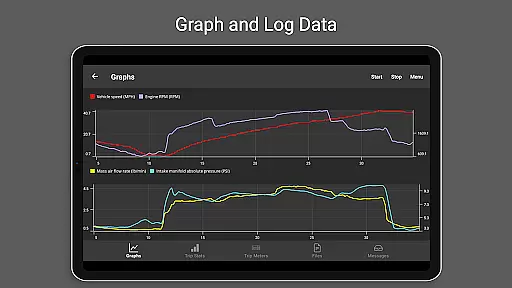
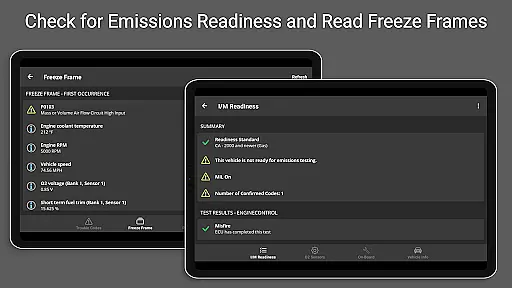
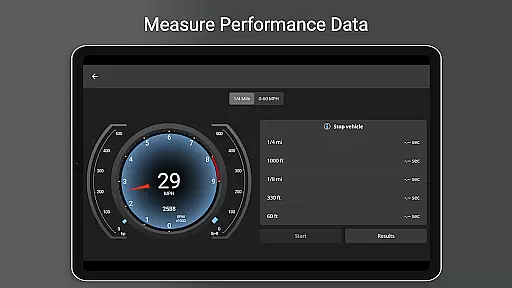
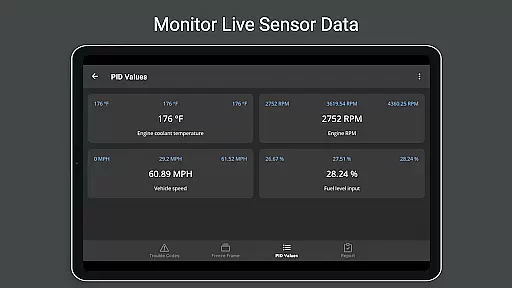
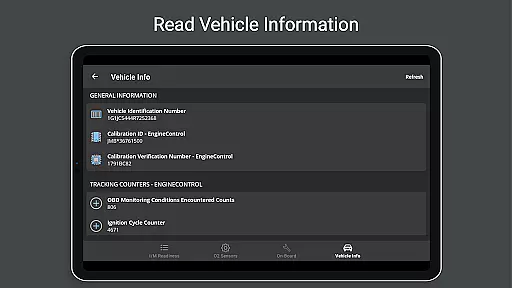
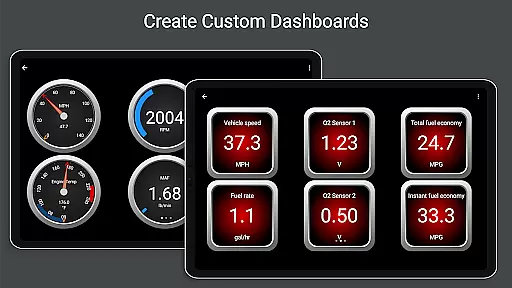
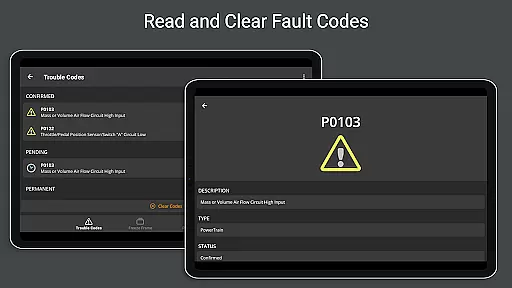
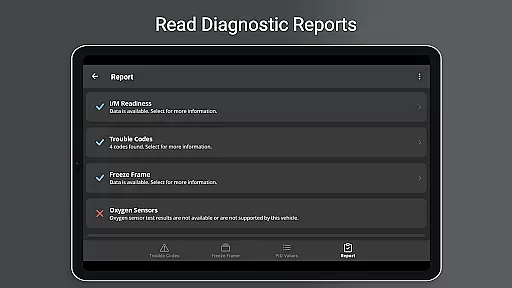
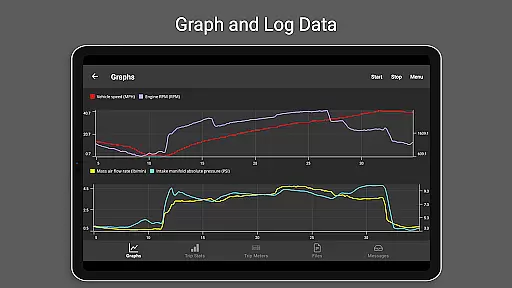
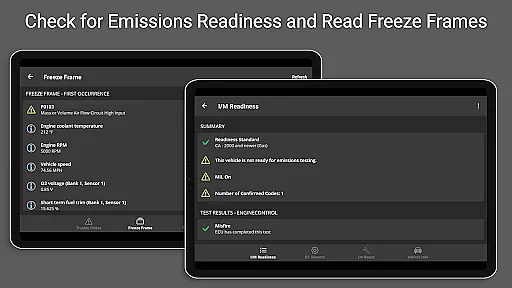
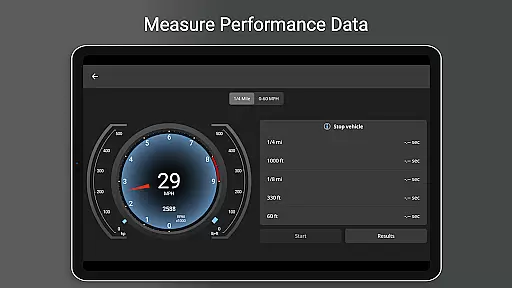
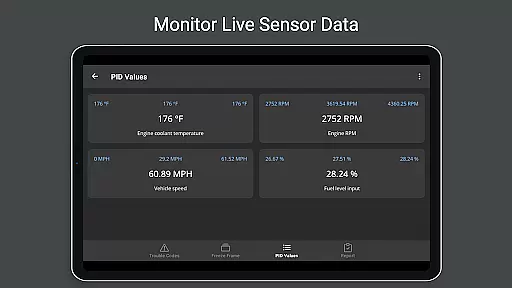
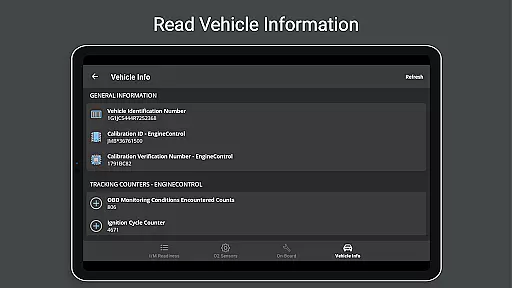
OBD Fusion is a comprehensive vehicle diagnostics tool designed for Android users, enabling direct access to OBD2 vehicle data. This app allows you to read and clear diagnostic trouble codes, estimate fuel economy, and monitor real-time vehicle sensor data. With customizable dashboards and advanced logging features, it caters to both professional mechanics and car enthusiasts.
The application supports multiple connection methods including Bluetooth, USB, and Wi-Fi, offering flexibility in device compatibility. Whether you need to reset your check engine light or create detailed diagnostic reports, OBD Fusion provides the necessary tools to maintain optimal vehicle performance. Its extensive feature set makes it an invaluable resource for monitoring and improving your vehicle's health.
OBD Fusion stands out with its robust feature set tailored for vehicle diagnostics. The app offers real-time graphing of vehicle sensors, customizable dashboard displays, and detailed diagnostic reporting. These capabilities allow users to track essential metrics like fuel economy, engine torque, and air-to-fuel ratios with precision.
One of the key strengths of OBD Fusion is its support for over 150 standard and enhanced PIDs, providing deep insights into vehicle performance. The inclusion of specialized features such as oxygen sensor testing, EV energy economy tracking, and on-board monitoring tests demonstrates the app's commitment to comprehensive diagnostics. Additionally, its compatibility with Android Auto enhances usability while driving.
The app's ability to log data in CSV format and export it for further analysis sets it apart from basic diagnostic tools. With multilingual support and customizable units, OBD Fusion ensures global accessibility and personalized user experiences. These features collectively establish OBD Fusion as a versatile solution for modern vehicle maintenance needs.
Real-time messaging speed and reliability are crucial for effective vehicle diagnostics. OBD Fusion excels in this area by providing instantaneous communication between your Android device and the vehicle's onboard diagnostic system.
The app ensures reliable data transfer through various connection methods including Bluetooth, Bluetooth LE, USB, and Wi-Fi. This versatility allows users to select the most stable and fastest connection type available for their specific setup.
With OBD Fusion, mechanics and car enthusiasts can quickly read and clear diagnostic trouble codes, monitor real-time sensor data, and receive immediate feedback on vehicle performance. This responsiveness is essential for timely decision-making during diagnostic procedures.
The application's robust architecture maintains a steady connection even during extended diagnostic sessions, ensuring that no critical data is lost. This reliability builds trust among users who depend on accurate and up-to-date information for maintaining vehicle health.
Media sharing support in OBD Fusion enables users to easily export and share diagnostic data with others. The app provides comprehensive logging capabilities, allowing users to save detailed diagnostic reports in CSV format.
These exported files can be opened in any spreadsheet application, making it simple to analyze trends, create professional reports, or share findings with colleagues and clients. The ability to customize units and include over 150 supported PIDs ensures that shared data meets specific requirements.
OBD Fusion goes beyond basic text-based reports by supporting various media formats. Users can capture screenshots of customizable dashboards and real-time graphs, creating visual documentation of vehicle performance metrics.
This media sharing capability extends to email integration, where complete diagnostic reports can be compiled and sent directly from the application. Such functionality proves invaluable when consulting with remote experts or documenting maintenance history for fleet management purposes.
User-friendly interface
Comprehensive diagnostic tools
Real-time data monitoring
Customizable dashboard options
Multilingual support
Requires compatible scan tool
Clone adapters may be unreliable
Limited Android Auto functionality
Advanced features need specific hardware
Some functions are vehicle-dependent

BiP is a fast, secure, free messaging and HD video calling app!
 4.10
4.10
Official NDI app: turn your phone into a professional live-streaming IP camera.
3.20
Manage and Fund Calling Accounts and Schedule and Join Video Sessions
3.60
Welcome to the future of phone service.
4.60
Experience real private browsing without tracking, surveillance, or censorship.
4.50
Faster version of Messages. Messenger for your contacts.
4.50
Manage Phone Calls, call history, and contacts easily with Phone Pro.
4.2
SMS Messenger is a lightning-fast messaging app.
4.20
Talk & text free with a second phone number plus unlimited 5G data, no fees.
4.50
Fast internet with AI, Adblock & VPN. Browse on a safe, incognito web browser.
4.70
Phone Dialer with Caller ID, Address Book & Contacts Manager.
4.30
SMS Messenger ensures that communication become effortless and accessible.
3.80
Quickly and easily identify and block unknown callers
3.70
Call & Text Anywhere With A Canadian Number.
3.60
At select facilities, you now have an easy way to video visit your loved ones!
3.30


User Reviews