
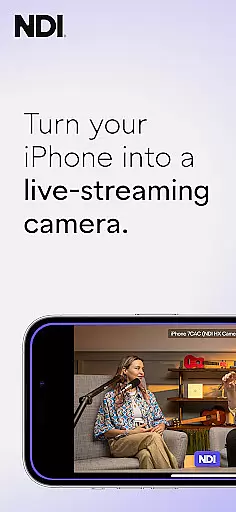
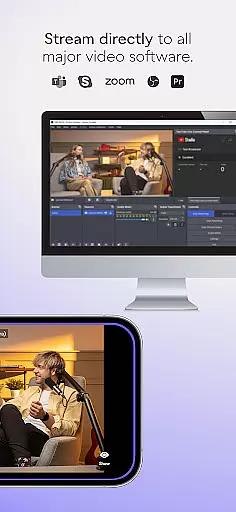
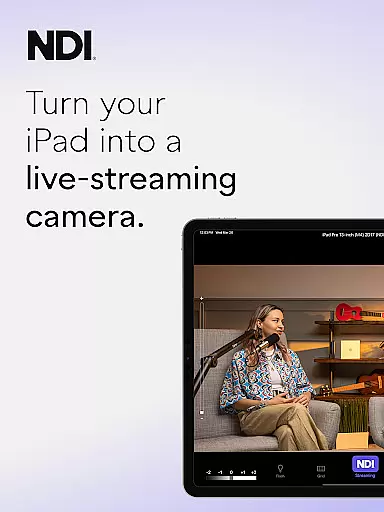
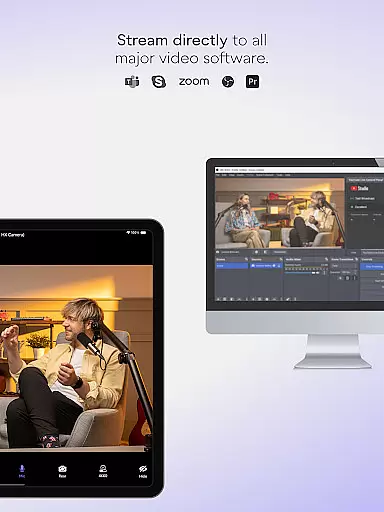
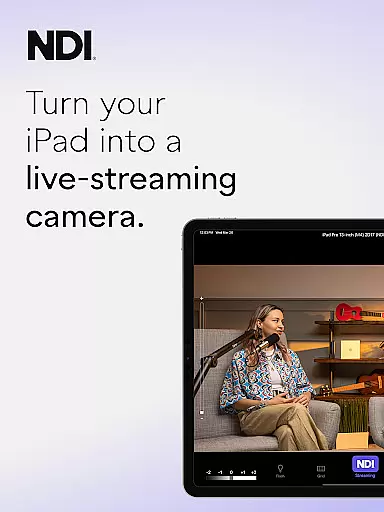
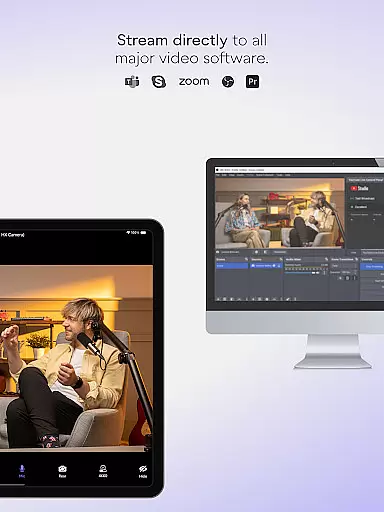
NDI Camera is a professional live-streaming application that transforms your mobile device into a high-quality NDI camera. With its intuitive interface and advanced features, the app allows users to stream low-latency video and audio directly to popular platforms such as MS Teams, Skype, and Zoom.
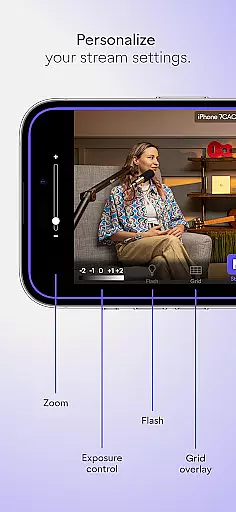
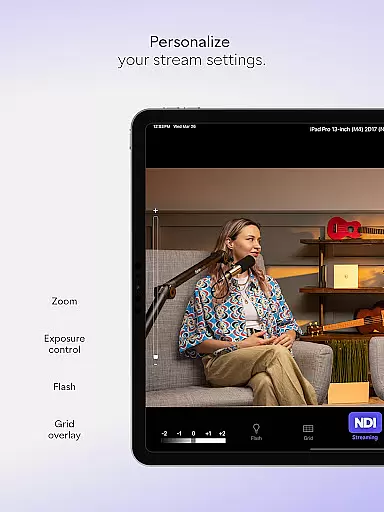
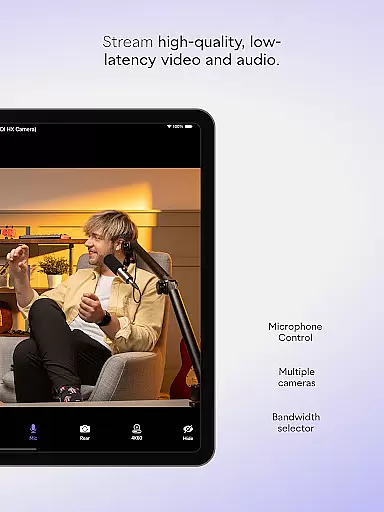
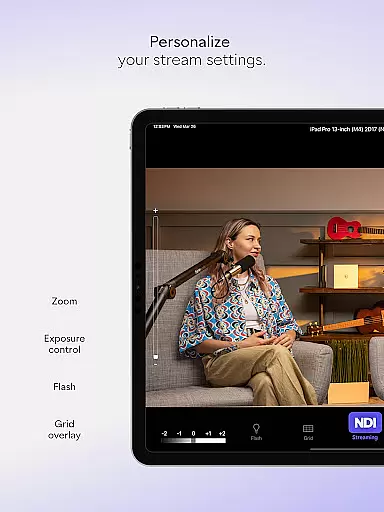
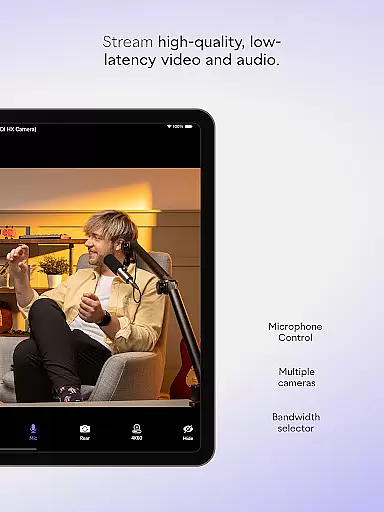
The app offers professional settings including adjustable bandwidth modes, grid overlay, autofocus, and pinchable zoom. Whether you're conducting a webcast, live broadcast, or presentation, NDI Camera provides the flexibility to introduce new camera angles and perspectives, enhancing the overall production quality.
NDI Camera stands out with its rich feature set tailored for live production professionals. The app's modernized UI ensures an intuitive user experience while the fixed viewfinder displays full video height for accurate framing.
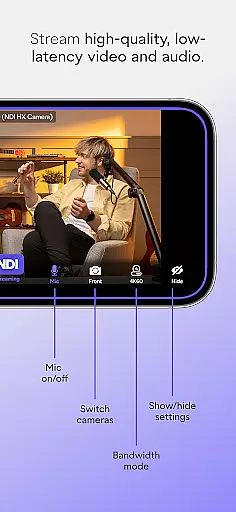
One of the key highlights is the Tally light with multiple modes, providing clear on-air status indication. The app also supports both front and rear cameras, includes an on-screen connection meter, and allows precise control over video settings. These features collectively enable users to seamlessly integrate their mobile devices into professional live production systems.
Real-time messaging speed and reliability are crucial for seamless communication in live-streaming applications like NDI Camera. This app ensures that video and audio streams are transmitted with minimal delay, providing users with a smooth experience.
NDI Camera achieves this by utilizing advanced network protocols and compression techniques that adapt to varying network conditions. The app dynamically adjusts bandwidth usage based on the selected modeu2014high, medium, or lowu2014to maintain optimal performance without overloading the network.
Users benefit from consistent connection quality, thanks to features like an on-screen connection meter that provides real-time feedback on network stability. This allows broadcasters to make necessary adjustments promptly, ensuring uninterrupted streaming sessions.
Media sharing support is another vital feature of NDI Camera, enabling users to send high-quality video and audio streams directly to popular platforms such as MS Teams, Skype, Zoom, and others. This capability transforms mobile devices into professional-grade sources for live productions.
The app offers flexible options for media sharing, including front and rear camera selection, autofocus, pinchable zoom, and optional grid overlays. These tools allow content creators to capture diverse perspectives and angles, enhancing the visual storytelling of their broadcasts.
Additionally, NDI Camera includes tally display functionalities that indicate preview and on-air statuses, helping presenters stay informed about their broadcast state. With these comprehensive media sharing capabilities, NDI Camera empowers users to deliver engaging and dynamic live content effortlessly.
User-friendly interface
High-quality streaming
Flexible camera options
Professional settings
Wide platform compatibility
Requires NDI 4 support
Advanced features may overwhelm beginners
Limited to compatible networks
No offline functionality
Premium version needed for full features

Manage your data, talk & text - affordable phone plans & data usage made simple
 4.30
4.30
Call Forwarding is easy and simple application to use.
3.80
Identify unknown numbers, block spam calls, customize calls with cool themes.
4.60
SMS Messenger ensures that communication become effortless and accessible.
3.80
Adblock & VPN Browser: Blocks banners, pop-ups and video ads, fast downloader!
4.60
Messages: Fast, simple SMS app with scheduling and smart features.
4.00
Connect and browse the internet with a fast VPN proxy server and IP blocker.
4.50
Create a secure hotspot on-the-go with Portable WiFi - Mobile hotspot.
4.40
Stay in touch with the people who matter most.
4.60
A web browser that respects your privacy.
4.30
Our Black Friday sale is here. Unlock special discounts on Proton Mail now.
4.30
RemoteHams.com Android RCForb Client Pre-Release
4.30
Chill zone on your phone: relax with fun reels & hype shorts!
4.20
Google's fast and secure browser
4.10
Comprehensive and powerful scan tool app with enhanced functions
3.00


User Reviews