
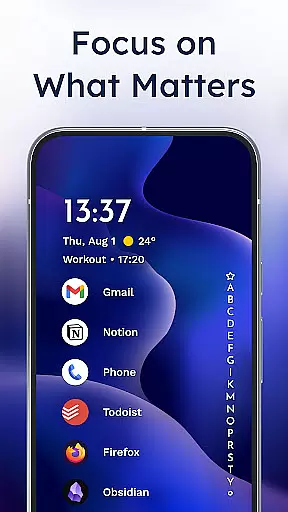
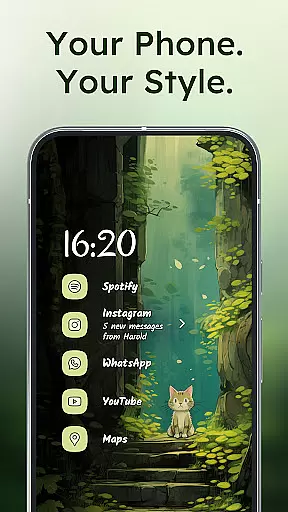
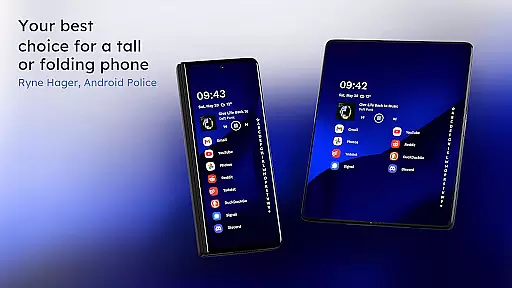
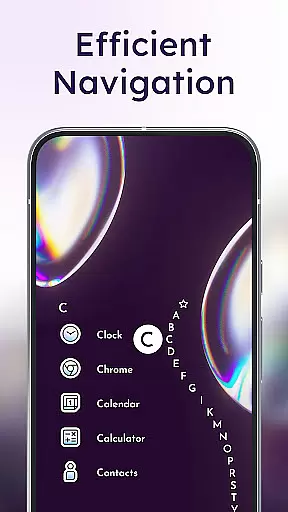
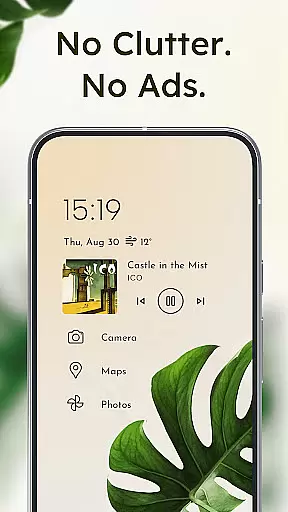
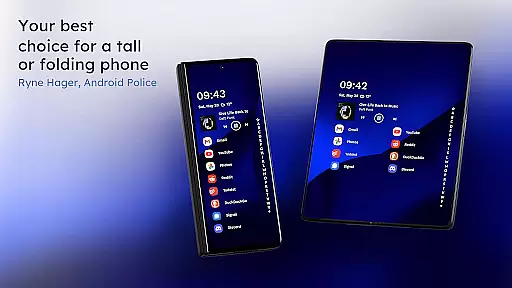
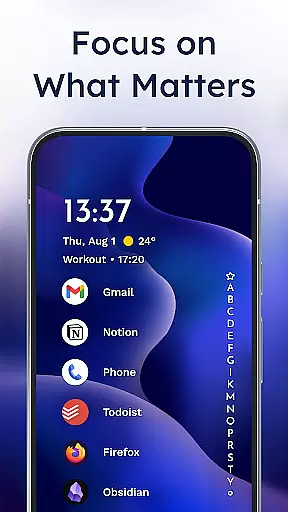
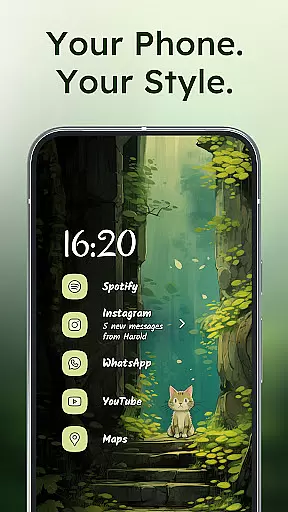
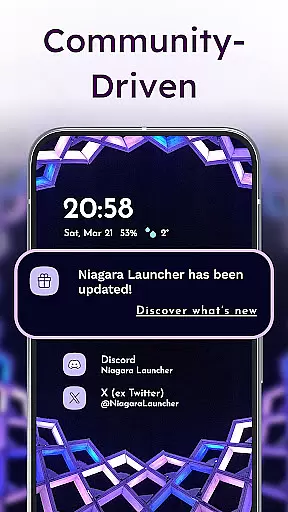
Niagara Launcher is a minimalist home screen app designed for modern smartphones, emphasizing one-hand usability and focus. Unlike traditional launchers with rigid grid layouts, Niagara offers an adaptive list interface that makes all apps accessible with ease.
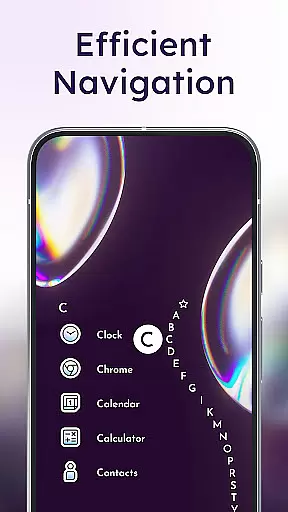
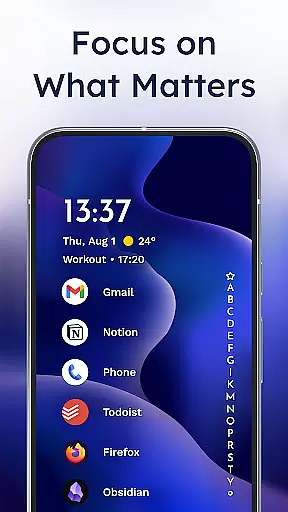
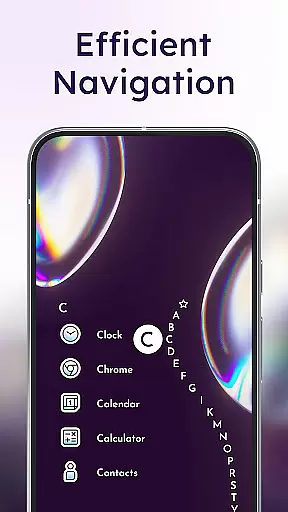
Key features include the innovative wave alphabet navigation, embedded notifications, and Material You theming. These elements help reduce clutter, enhance productivity, and provide a personalized experience. The launcher is lightweight, running smoothly even on older devices, while its active development ensures regular updates and community support.
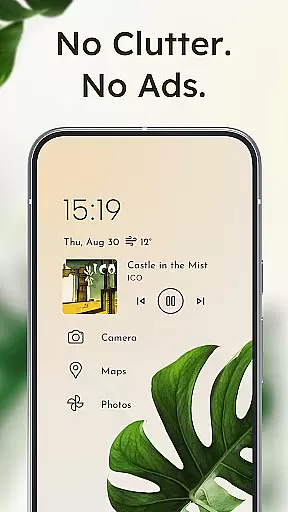
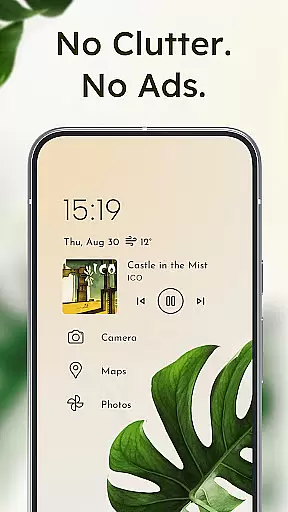
Niagara Launcher stands out with its unique approach to Android home screens. The wave alphabet navigation allows users to reach any app efficiently without opening an app drawer. This feature, combined with the adaptive list layout, ensures that important information like media controls and notifications appear when needed.
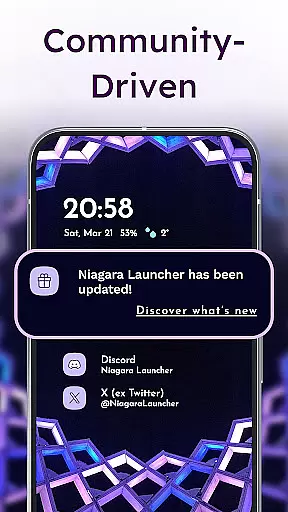
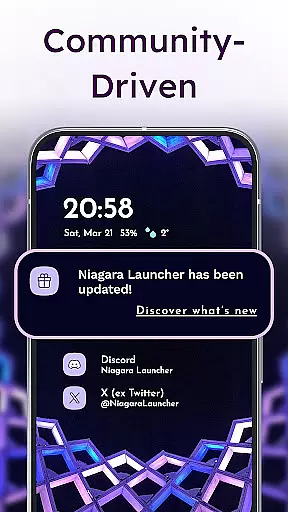
The launcher integrates notification management directly on the home screen, allowing users to read and respond without entering the app. Its Material You theming provides automatic color adaptation based on wallpapers, offering a personalized yet cohesive look. Additionally, being lightweight and free of ads enhances user experience by maintaining speed and reducing distractions.
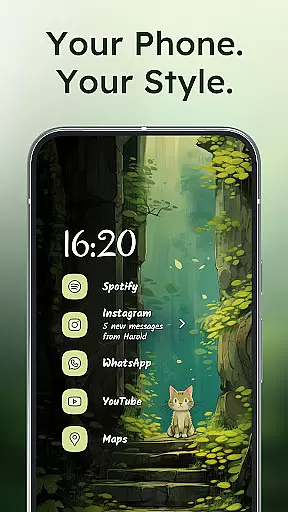
Niagara Launcher offers a wide array of customization options that allow users to tailor their home screen to their personal preferences. With features such as integrated icon packs, diverse fonts, and customizable wallpapers, the launcher provides a personalized experience that stands out in the realm of Android personalization.
The adaptive list layout is a testament to its flexibility, adapting dynamically to user needs by displaying relevant information like media controls, incoming messages, or calendar events. This ensures that the most pertinent information is always at the forefront without cluttering the interface.
Moreover, Niagara Launcher embraces Material You Theming, which allows for an expressive design system that themes around the user's chosen wallpaper. This creates a seamless and visually pleasing experience that resonates with individual style while maintaining optimal usability.
By offering these comprehensive customization features, Niagara Launcher not only enhances aesthetic appeal but also empowers users to craft a digital environment that reflects their unique identity and streamlines their interaction with the smartphone.
Theme compatibility in Niagara Launcher is exceptional due to its adoption of Material You, Androidu2019s latest design philosophy aimed at creating more expressive and personalized user interfaces. By backporting this feature to all Android versions, Niagara ensures that every user can enjoy a theming experience that feels both modern and intuitive regardless of their device's software version.
This compatibility extends beyond mere aesthetics; it encompasses functional elements such as embedded notifications and adaptive lists that integrate smoothly into the overall theme. Users can thus maintain visual consistency across their home screen while benefiting from advanced functionalities like reading and responding to notifications directly from the home screen.
In addition to built-in themes, users have the freedom to apply custom themes using third-party icon packs, fonts, and personal images as wallpapers. This level of theme compatibility ensures that whether you prefer a minimalist look or something more vibrant and detailed, Niagara Launcher can accommodate your vision.
Ultimately, the emphasis on theme compatibility underscores Niagara Launcheru2019s commitment to delivering a cohesive, personalized, and future-proof home screen experience that aligns perfectly with each user's evolving tastes and requirements.
One-handed use
Ad-free experience
Lightweight performance
Customizable design
Active community support
Limited widget support
No extensive icon packs
Basic theming options
Few transition animations
Small user base

Over 28,000 high quality icons to bring color & homogeneity to your phone.
 4.60
4.60
Dark icon pack based on One 8
4.80
The definitive Icon pack maker and editor
4.30 4.50
4.50 3.50
3.50 4.50
4.50
Vibrant Adaptive Icons with Material You and Enhanced Monet Colors.
4.50
400+ Beautifully crafted widgets inspired by NOTHING.
4.70
Magic fluids wallpaper 4D: Relax with stunning fluid simulation wallpaper app
4.20
A Colorful and Minimal icon pack in an Outline Style - Over 13,600 icons!
4.70
Customize your home screen with stunning themes, blur, widgets & icons.
4.60
Choose your keyboard with RGB colors effect, themes, fonts, emojis.
4.60
Aesthetic Widgets, HD Wallpapers, Themes in Mico Widget for Home and Lock Screen
4.50
Design your screen with unique, vibrant clocks
3.80
Modern Glass Icon Pack with glossy icons, clean minimal theme & aesthetic style
4.2


User Reviews