
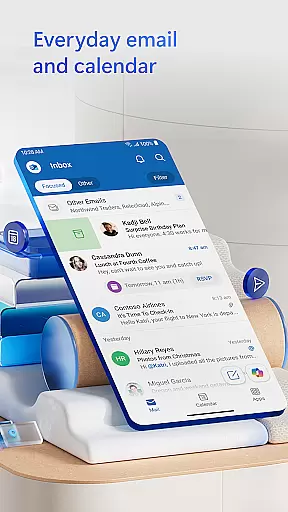
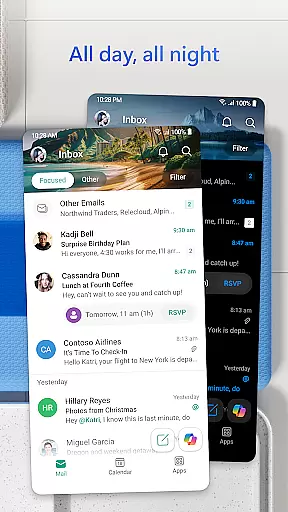

Microsoft Outlook is a comprehensive email and calendar app designed to streamline your busy life. It consolidates your emails, files, and calendar into one secure platform, ensuring you stay productive regardless of the source of your messages - be it work, school, or personal accounts. The app's intelligent organization system filters emails into Focused and Other categories, helping you prioritize important communications.
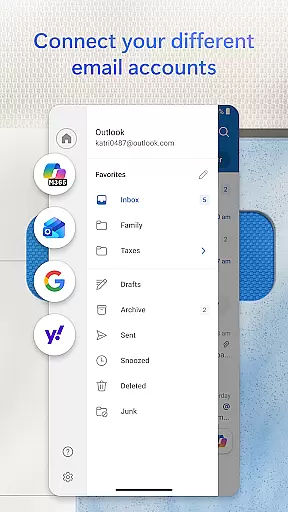
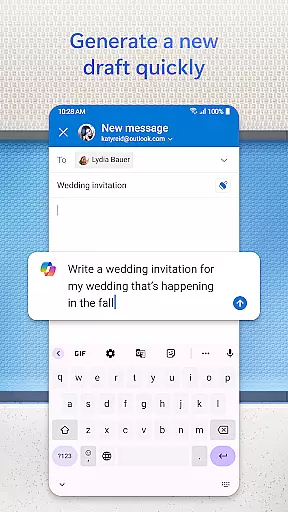
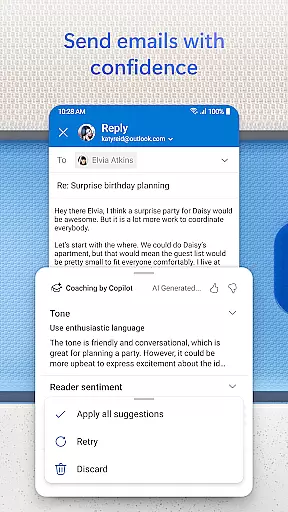
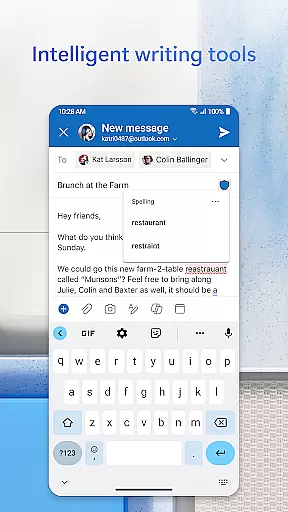
This app allows you to view multiple calendars simultaneously, keeping your schedule well-organized. Compatible with various account types like Microsoft Exchange, Gmail, Yahoo Mail, and iCloud, Outlook offers flexibility for personal use. With built-in editing tools that provide real-time typing suggestions, grammar, and spell-check assistance, you can craft professional-quality emails effortlessly. Additionally, its robust security features protect against phishing and spam, making sure your data remains safe.
Microsoft Outlook stands out with its all-encompassing features tailored to enhance productivity. One notable feature is the Inbox for Everything, which centralizes your emails, contacts, and files in one location. This includes seamless integration with other email providers such as Gmail, Yahoo Mail, and iCloud, allowing you to manage them without any hassle.
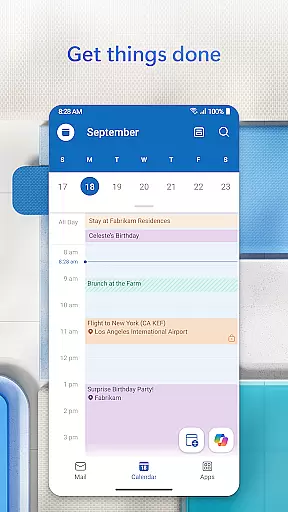
The app also excels in planning and calendar management. You can view different calendars side by side, simplifying day-to-day scheduling. Creating and joining online video calls via Teams, Zoom, and Skype is straightforward, and RSVPing to invites directly from your inbox adds convenience. Moreover, the task organizer groups similar subject emails and conversations, making tracking easier. Voice search capabilities allow you to locate people, contacts, emails, events, and attachments quickly.
Security is another cornerstone of Outlook's functionality. With enterprise-grade protection, it safeguards your files, emails, and information against viruses, phishing, and spam. For those needing extra privacy, encrypting emails to prevent forwarding is possible with a Microsoft 365 subscription. These features collectively ensure that Microsoft Outlook is not just an email client but a complete productivity suite.
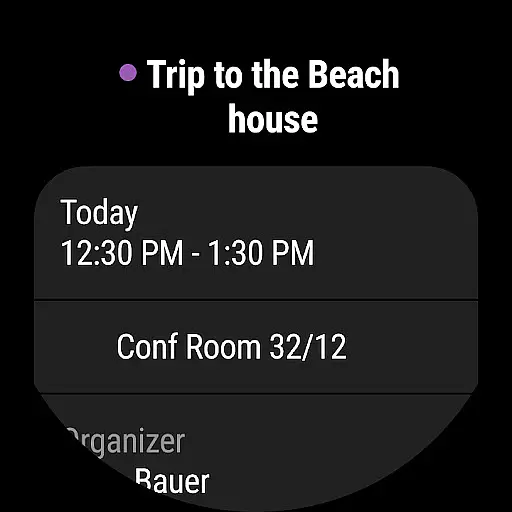
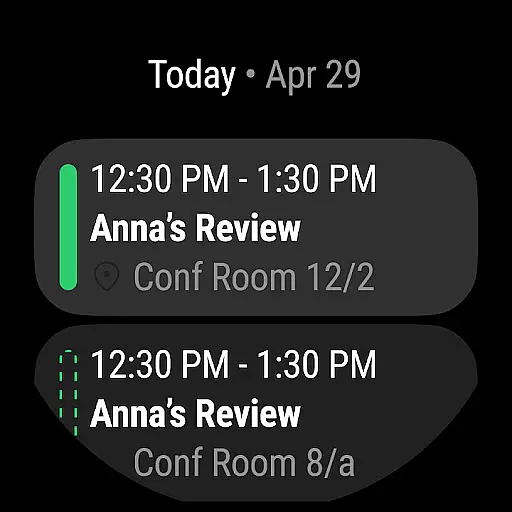
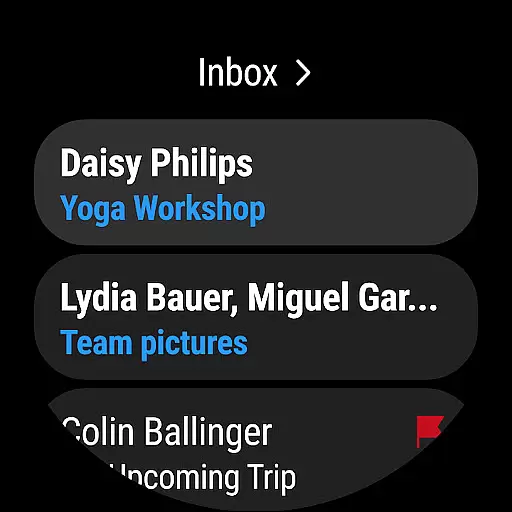
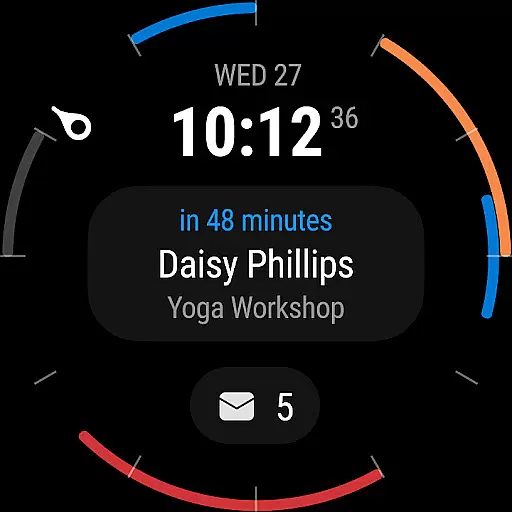
Companion app integration refers to the seamless connection between a primary application and its wearable counterpart. For Microsoft Outlook, this means that users can access their emails, calendar events, and important notifications directly from their Wear OS devices.
The Outlook companion app is designed to provide quick access to essential features without the need to pull out a phone or open a laptop. This includes receiving new email alerts, viewing upcoming meetings, and even responding to urgent messages using voice commands or pre-set responses.
Users benefit from having their most critical information always at hand, allowing them to stay informed and responsive even when they are away from their main devices. The integration ensures that all actions taken on the wearable device are synchronized in real-time with the primary Outlook application.
This level of integration enhances productivity by enabling users to manage their communications and schedules more efficiently, regardless of where they are or what device they have immediate access to.
Wear OS/device compatibility ensures that an application functions optimally across various devices running Wear OS. Microsoft Outlook offers extensive support for different smartwatches and wearable devices, ensuring a consistent user experience.
The compatibility extends to popular Wear OS devices, providing users with the flexibility to choose hardware that best suits their preferences while maintaining full access to Outlook's suite of features. This includes everything from viewing emails to managing calendar events directly from the wrist.
By supporting a wide range of devices, Outlook ensures that users are not limited by their choice of wearable technology. Whether it's checking the day's schedule or responding to an urgent email, the application maintains its functionality and ease of use.
This broad compatibility underscores Microsoft's commitment to delivering a versatile and reliable solution for managing personal and professional communications on the go.
User-friendly interface
Robust security features
Seamless account integration
Efficient email organization
Comprehensive calendar management
Limited offline functionality
Advanced features need subscription
Occasional sync issues
Heavy on storage
Complex setup for beginners

Walking app for weight loss: walk & step tracker, pedometer, indoor treadmill
 4.60
4.60
Christmas watch face. For Wear OS devices.
4.30
Christmas and New Year - Themed Watchface
4.1
Precision analog watch face with 7 complications and style options
4.3
Snowflake Rose Gold Watch Face - Digital, modern, & sleek with GYRO effect.
4.10
Beautiful, colorful and practical watch face. For Wear OS devices.
5.00
Period, ovulation & pregnancy tracker. Fertility insights & menstrual calendar.
4.90
Get helpful reminders, take progress photos and find answers to your questions.
3.90
Stay in touch with your friends and family using LINE!
3.40
Your second brain for organizing your life: to-do, calendar, reminder.
4.70
Bold, Modern Hybrid Watch Face for Wear OS. 10 Colors, Rich Info Display.
4.30
sleep, alarm, snoring, stress, healing, focus, sound therapy, circadian rhythm
4.10
Hyper-Realistic Airplane Dashboard Watch Face With 10 Skins and Custom AOD
4.00
Watch the sharpness of the sky on your wrist..
3.70
Watch face designed for Thanksgiving Day. 7 Background Styles included.
3.20


User Reviews