
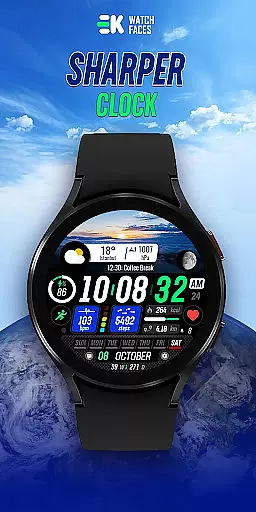
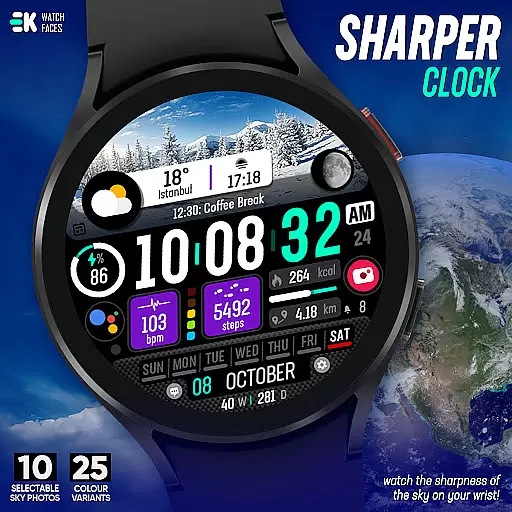
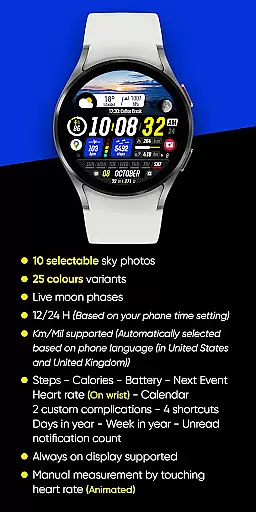
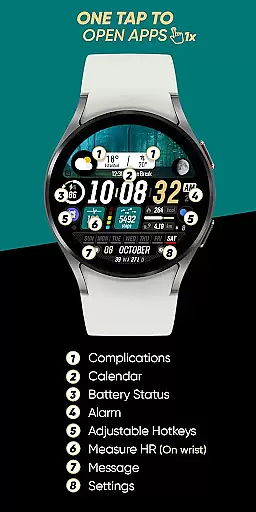
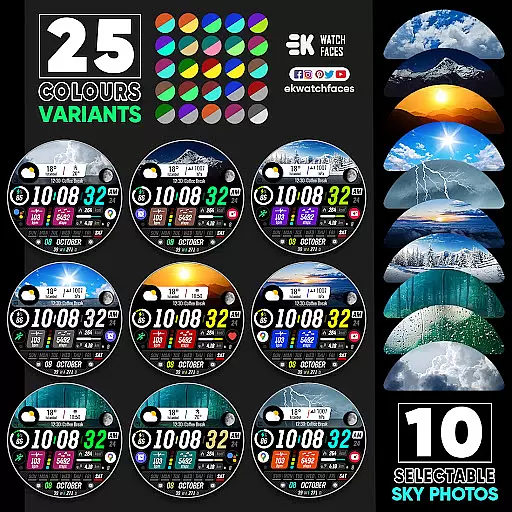
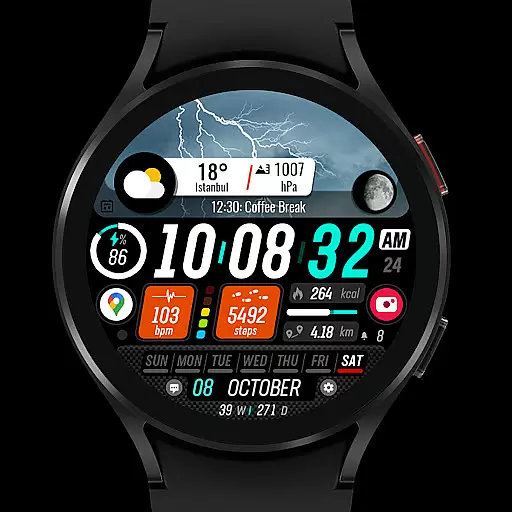
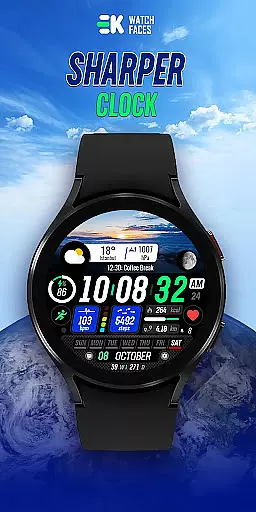
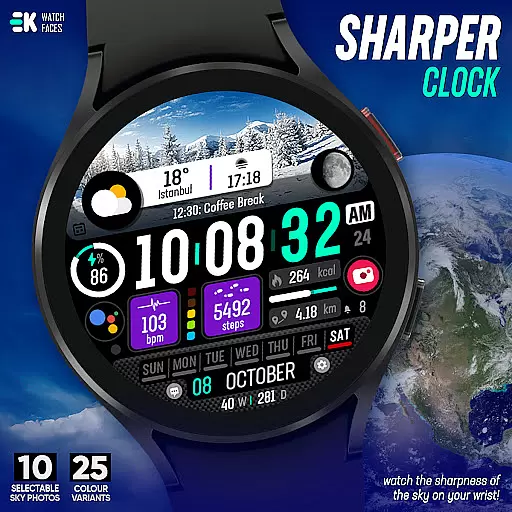
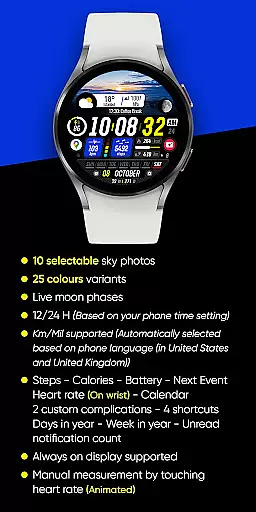
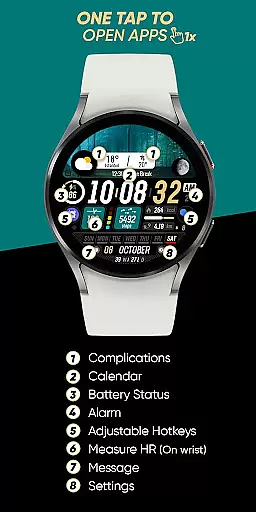
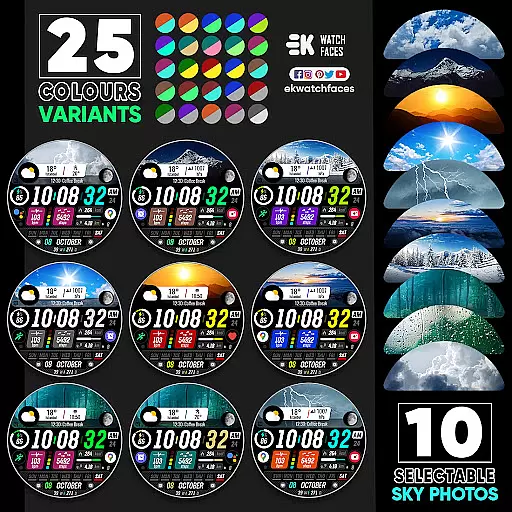
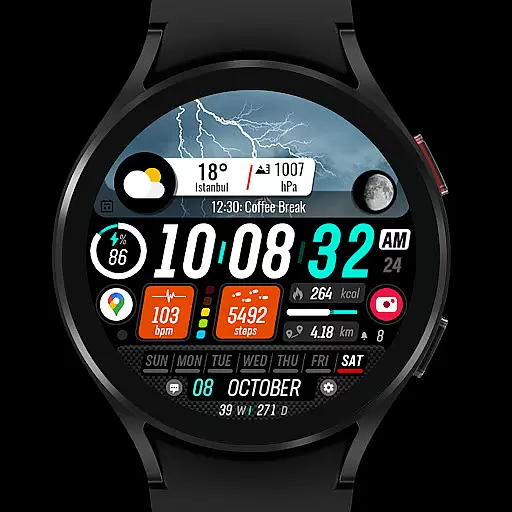
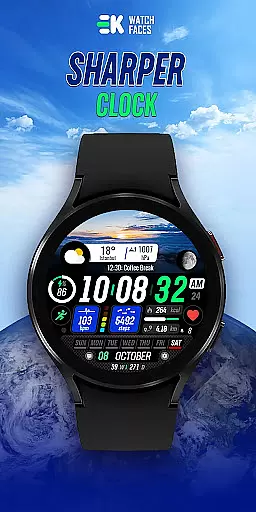
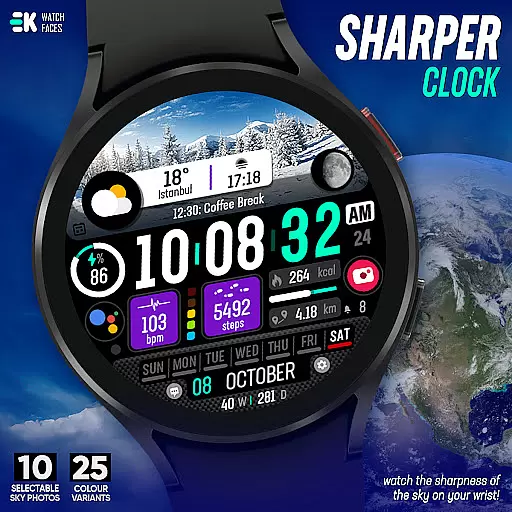
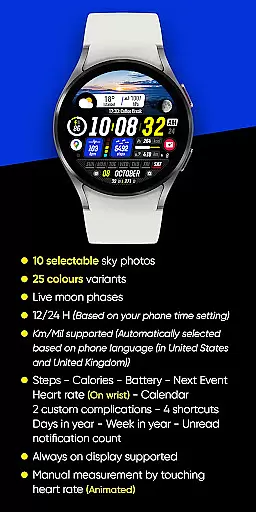
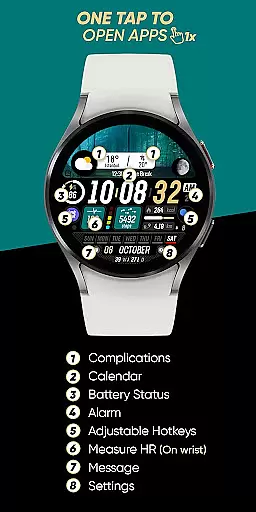
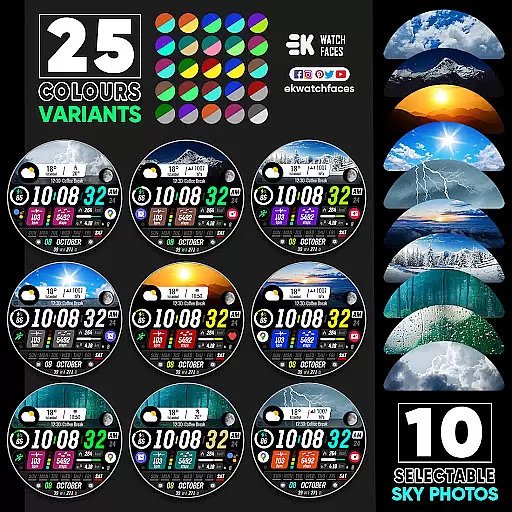
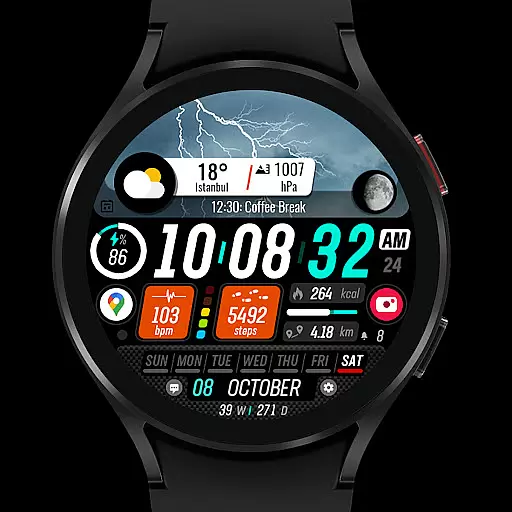
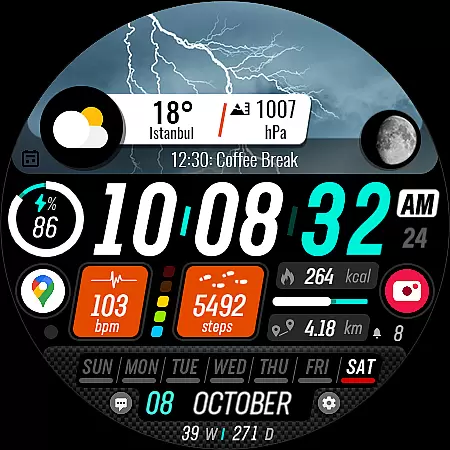
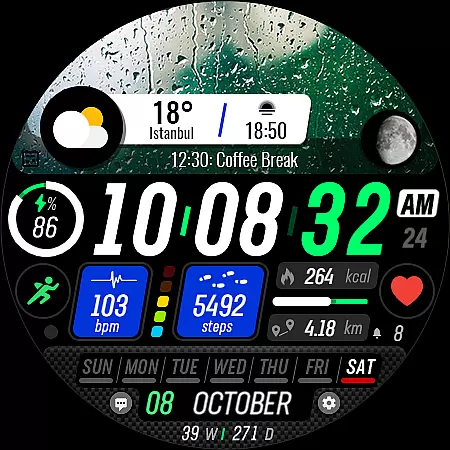
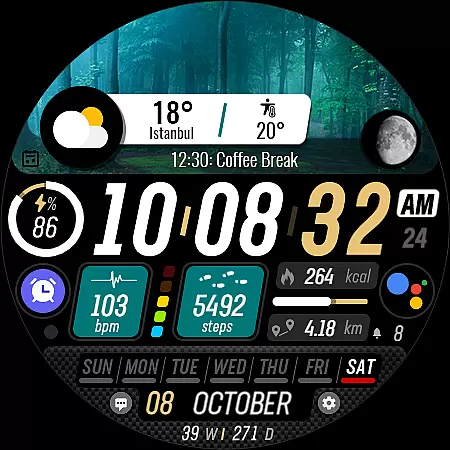
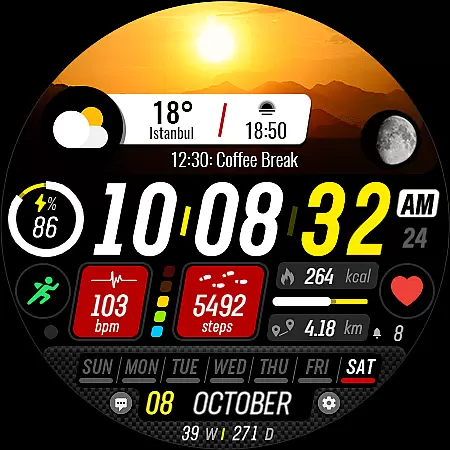
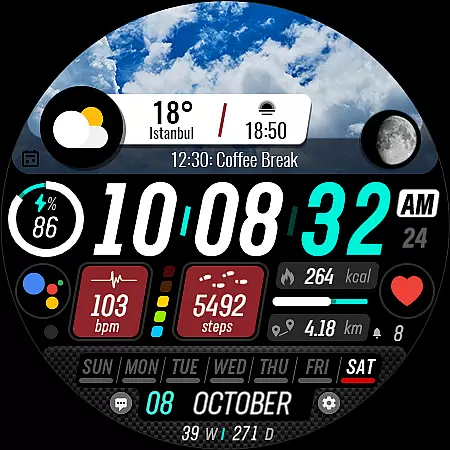
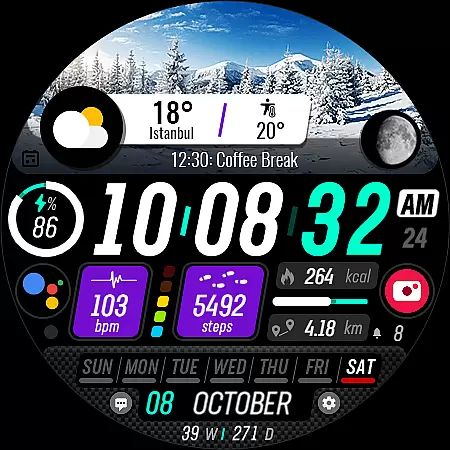
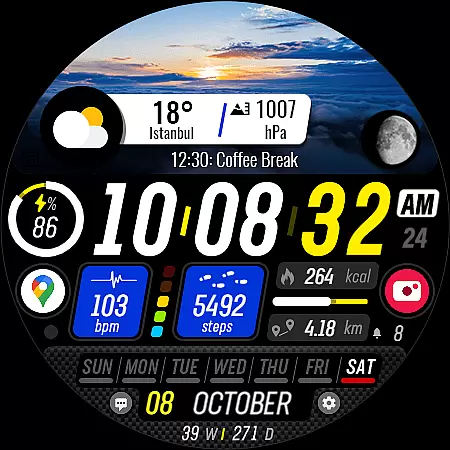
Sharper Clock is a feature-rich watch face designed exclusively for Wear OS devices, offering users an enhanced timekeeping experience. The app provides 10 selectable sky photos and 25 color variants, allowing for personalized customization of your watch face. With support for live moon phases, 12/24-hour formats, and Km/Mil units, it caters to diverse user preferences.
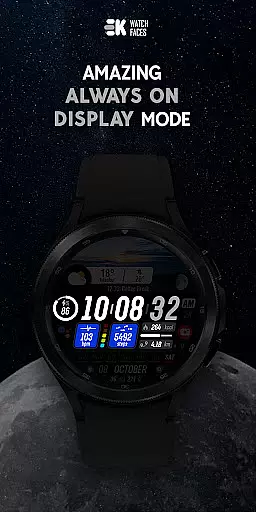
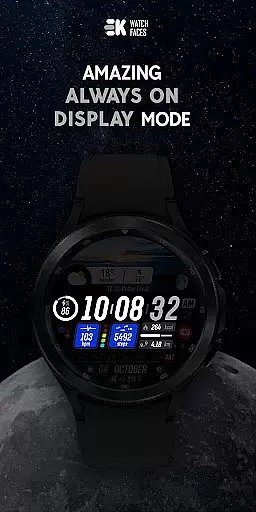
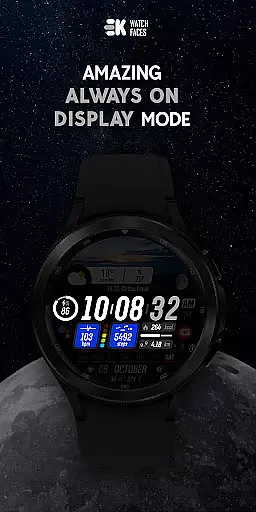
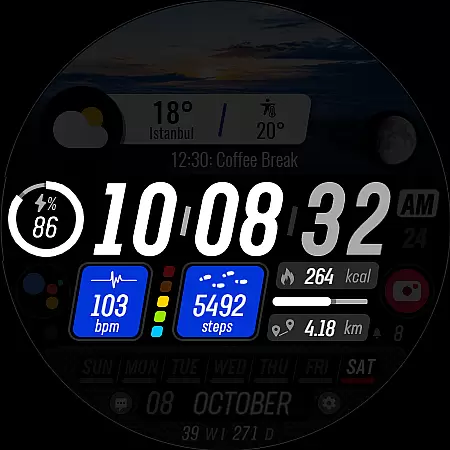
In addition to aesthetic features, Sharper Clock includes practical functionalities such as displaying steps, calories, battery status, next event, heart rate, calendar information, and more. It also supports always-on display and offers two custom complications along with four shortcuts for quick access to favorite features. This makes the watch face not only visually appealing but also highly functional for everyday use.
Sharper Clock stands out with its comprehensive feature set tailored for Wear OS users. The app showcases 10 stunning sky photographs and 25 color variations, providing a unique visual experience on your wrist. Its support for live moon phases and automatic adaptation to 12/24-hour formats based on phone settings ensures accurate and localized time representation.
Practicality meets personalization with features like step tracking, calorie counting, battery status, next event notification, and heart rate monitoring directly on the watch face. Users can also view their calendar, access two custom complications, utilize four shortcuts, and see additional metrics such as days in the year and week number. To fully leverage these capabilities, users should manually enable Sensors & receive complication data permissions within the app settings.
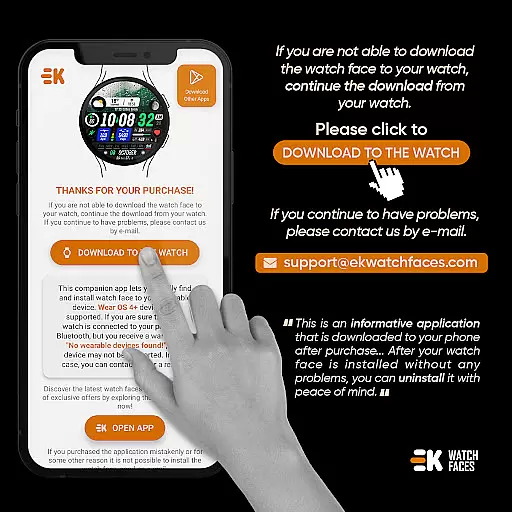
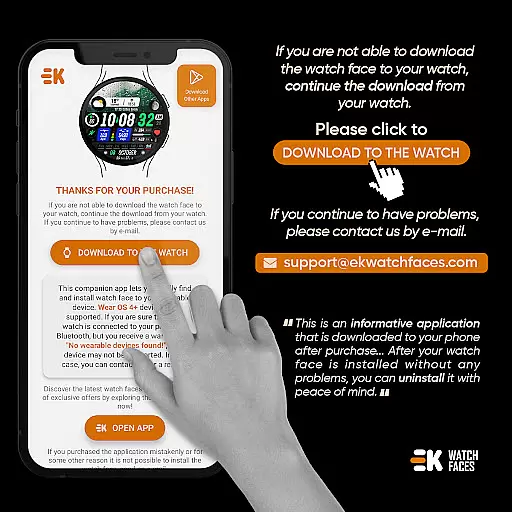
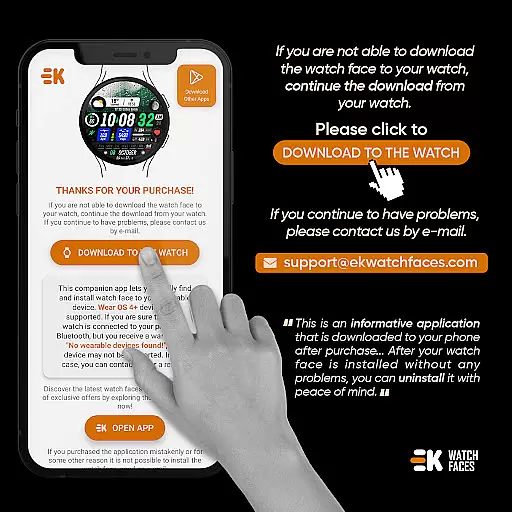
Companion app integration is essential for a seamless wearable experience. Sharper Clock - Watch Face ensures that your phone and Wear OS device work in harmony. The phone app acts as a bridge, simplifying the installation process and making it easier to manage your watch face settings.
The installation process begins by connecting your watch to your phone. Once connected, you can tap on the 'DOWNLOAD TO THE WATCH' option within the phone app. This triggers the download and installation of the watch face directly onto your wearable device. Following the provided instructions will lead you through a successful setup.
For those who encounter issues, alternative methods are available. You can install the watch face via a web browser on your PC. Although any problems encountered during this process are outside the developer's control, comprehensive support and documentation are accessible through various social media platforms and the official website.
This companion app integration not only facilitates easy installation but also enhances user experience by ensuring all features like live moon phases, health stats, and customizable complications are readily accessible and fully functional.
Compatibility with Wear OS and various devices is crucial for maximizing the utility of any watch face. Sharper Clock - Watch Face is meticulously designed to be compatible with Wear OS devices running API 33 and above. This ensures that users with newer smartwatches can enjoy an optimized experience tailored to their device's capabilities.
Sharper Clock offers extensive features such as selectable sky photos, color variants, and live moon phases, all of which are supported across compatible devices. Additionally, functionalities like displaying time in 12/24-hour formats based on phone settings, and automatically selecting units based on phone language, ensure a personalized and localized experience.
Device compatibility extends beyond just operating systems. It includes full support for sensors and complication data permissions, enhancing the overall functionality. Users can track steps, calories, battery status, next events, heart rate, and more, directly on their wrist.
By prioritizing Wear OS and device compatibility, Sharper Clock - Watch Face guarantees a smooth, feature-rich experience that leverages the latest advancements in wearable technology, providing users with both style and substance on their wrists.
Highly customizable
Live moon phases
Always-on display
Multiple complications
Rich social media presence
Complex installation
Wear OS only
Payment sync issues
No iOS support
Limited device compatibility

Snowflake Rose Gold Watch Face - Digital, modern, & sleek with GYRO effect.
 4.10
4.10
Current temperature, weather hourly, weather radar by the weather forecast app
4.40
A watch face that fuses motorsport precision with contemporary smartwatch design
4.2
Contemporary digital watch face with five complications
4.4
The most customizable minimal watch face. For Wear OS 5.0, API 34+ and later
4.70
sleep, alarm, snoring, stress, healing, focus, sound therapy, circadian rhythm
4.10
Period, ovulation & pregnancy tracker. Fertility insights & menstrual calendar.
4.90
Premium hybrid watch face with many customizations for Wear OS devices.
4.40
Control your Samsung Smart TVs, appliances, and SmartThings-compatible devices
4.60
Digital, flexibly customizable watch face. For Wear OS 5.0, API 34+ and later.
5.00
Rose gold watch face with festive lights & customizable features.
4.60
Monitor health with the stress test and pulse checker in the heart rate app.
4.60
Christmas watch face. For Wear OS devices.
4.30
Get helpful reminders, take progress photos and find answers to your questions.
3.90
Wear Os Watch Face - Animated Snow Effect & Christmas Lights
4.2


User Reviews