
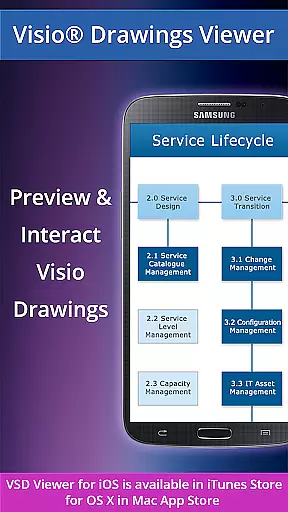
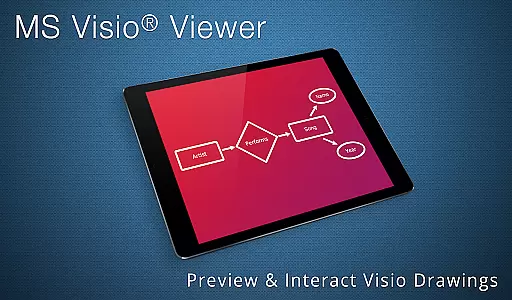
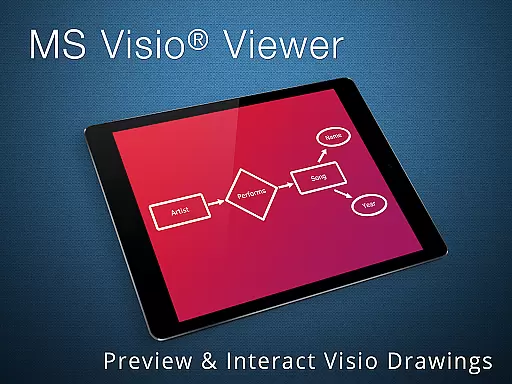
VSD Viewer is a professional Visio drawings viewer for Android devices, enabling users to open and render various MS Visio file formats including VSD, VDX, and VSDX. It supports drawings from MS Visio 2000-2013 versions, making it an essential tool for business professionals who need access to Visio files on the go.
The app offers both basic and advanced viewing options, such as scrolling, zooming, navigating multipage documents, copying texts, viewing complex formatted objects, and switching layer visibility. Its ability to handle complex multilayered drawings ensures that users can view technical diagrams with precision, while support for MS VISIO 2013 themes enhances document presentation.
VSD Viewer stands out with its comprehensive feature set tailored for viewing Visio drawings. The app allows users to preview any MS Visio drawing, scroll through multipage documents, zoom in for detailed inspection, and copy drawing texts for easy sharing or note-taking.
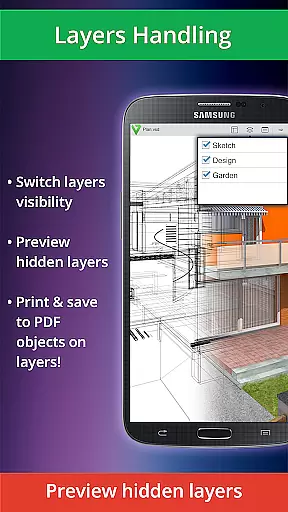
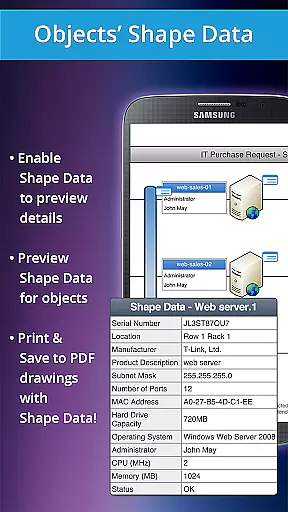
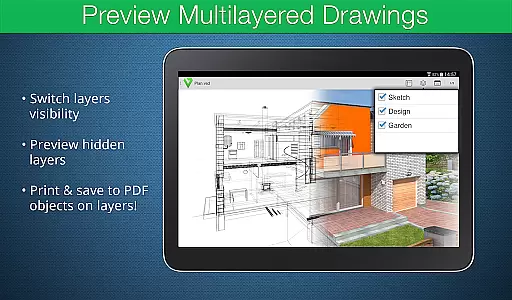
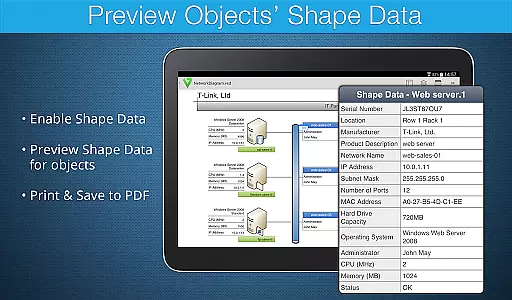
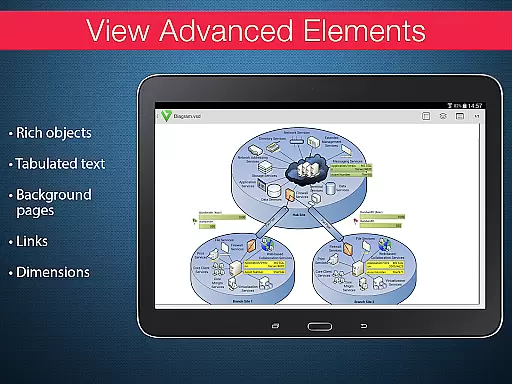
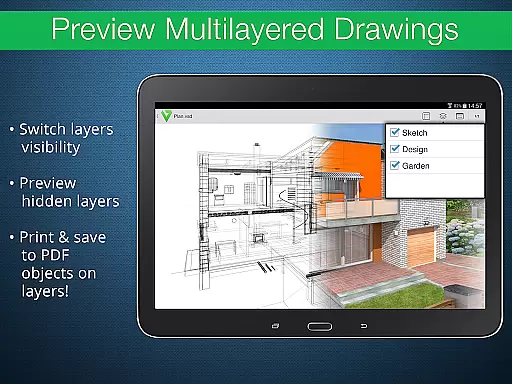
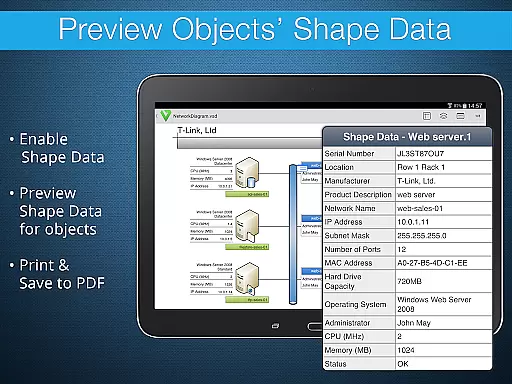
Advanced features include the ability to preview hidden layers, switch layer visibility, and view object shape data. These capabilities are particularly useful for technical diagrams where understanding the structure and relationships between different elements is crucial. Additionally, the app supports original dimension units and page numbering, ensuring accurate representation of Visio files.
While processing huge documents may take time and rendering built-in metafiles requires an internet connection, these limitations are minor compared to the app's overall functionality and value for business users.
Collaborative work features are essential for modern business applications as they enable teams to work together efficiently regardless of location. VSD Viewer supports these collaborative needs by allowing users to open and preview any MS Visio 2000-2013 VSD drawing, making it accessible for team members who use different versions of Visio.
The application provides advanced options such as the ability to preview hidden layers and switch layer visibility, which is crucial when working with complex multilayered drawings. This ensures that all team members can view the necessary components of a project, facilitating better communication and understanding among collaborators.
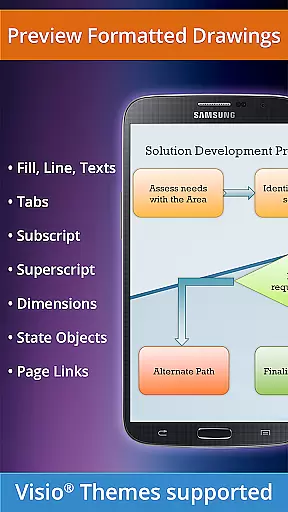
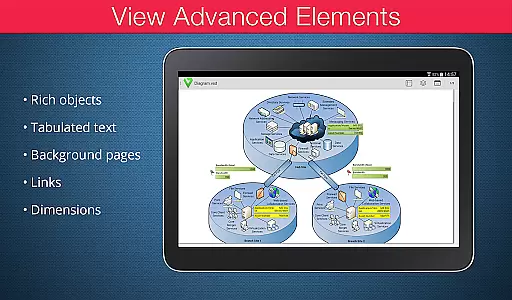
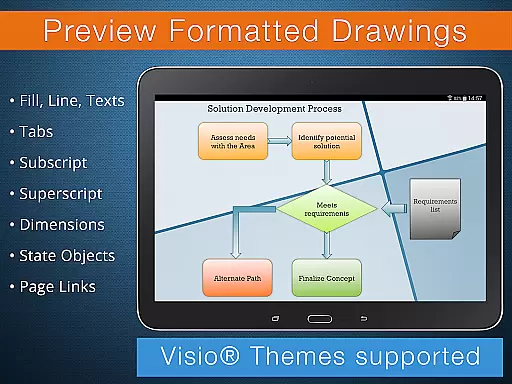
Moreover, VSD Viewer allows users to copy drawing texts and view complex formatted objects like lines, fill, color, gradients, and text formatting. These features ensure that detailed information is preserved and can be shared across the team, enhancing the collaborative experience by maintaining document integrity and consistency.
By offering functionalities that support collaborative efforts, VSD Viewer helps businesses improve their workflow efficiency and ensures that all stakeholders have access to the same accurate and up-to-date information, thus fostering a more cohesive work environment.
Effective task management is vital for productivity, and VSD Viewer offers several features that contribute to streamlined task handling within business environments. One key aspect is its ability to scroll, zoom, and navigate multipage documents seamlessly, which is particularly beneficial when managing projects that involve extensive Visio drawings.
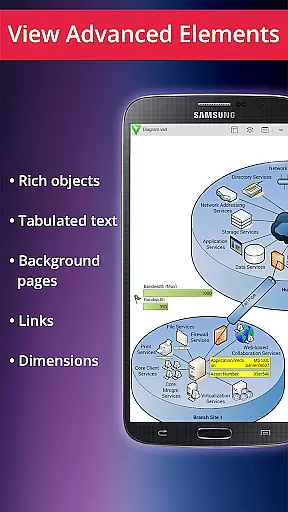
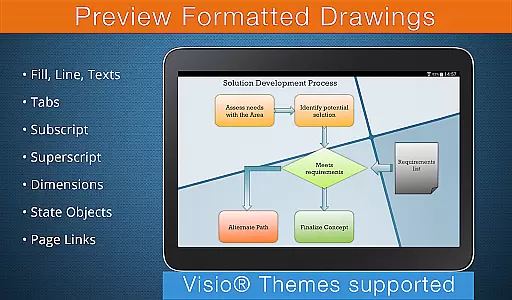
In addition to navigation capabilities, the viewer supports viewing complex formatted objects, including formatted text with subscript and superscript, tabulated text, and original dimension units. This level of detail is important for task management as it allows users to interact with drawings in a comprehensive manner, ensuring no critical information is overlooked during project execution.
VSD Viewer also enables users to switch document guides visibility and view documents with hidden objects or those placed outside page boundaries. Such functionalities provide flexibility in how tasks are approached and reviewed, empowering users to manage their responsibilities effectively while maintaining high standards of quality and precision.
Overall, the task management features integrated into VSD Viewer not only enhance individual productivity but also contribute to the broader organizational goals by ensuring that every team member can efficiently handle their assigned tasks related to Visio drawings.
User-friendly interface
Wide format support
Advanced layer management
Precise zoom functionality
Technical diagram compatibility
Large files slow processing
Internet needed for metafiles
Limited editing capabilities
No offline metafile support
Rendering time for complex docs

All Your Gig Work. One App.
 4.30
4.30
Windows App allows you to connect to remote PCs and virtual apps.
3.70
Take the stress out of storage with the all-in-one app to manage your space.
3.70
Simple, Fast & Lightweight
3.90
enjoy effortless PDF reading anytime, anywhere
3.90
We are a dynamic team of creatives people of design, marketing, web & apps
3.00
Find jobs near you and temp work in minutes, from your phone.
4.50
USPS Mobile®Access USPS.com’s most popular tools on-the-go.
4.70
Access All PDF Files
3.40
Permission Guard is a security app that helps you manage app permissions.
4.80
Recover what matters — quickly and easily.
4.70
Find jobs and make money fast with JobStack.
4.60
The app that lets you deliver with Amazon.
4.50
viewing and sharing of PDFs
3.60
Find part-time earning opportunities near you that pay within days.
3.20


User Reviews