
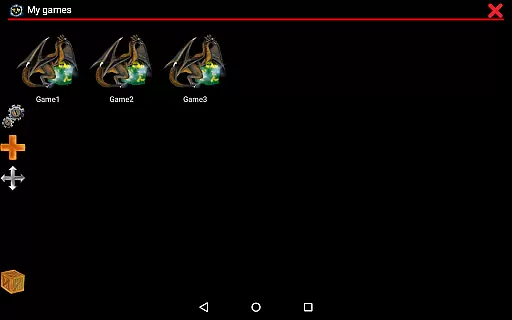
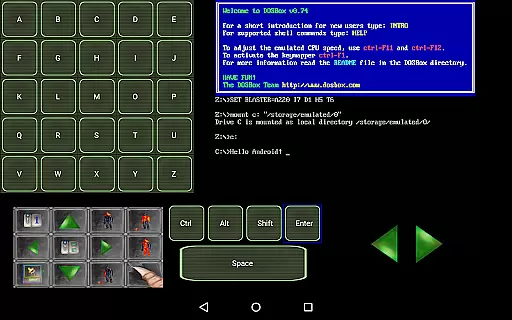
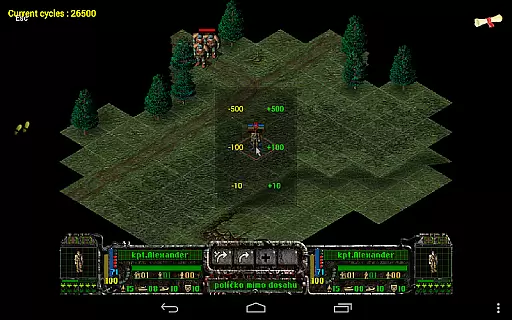
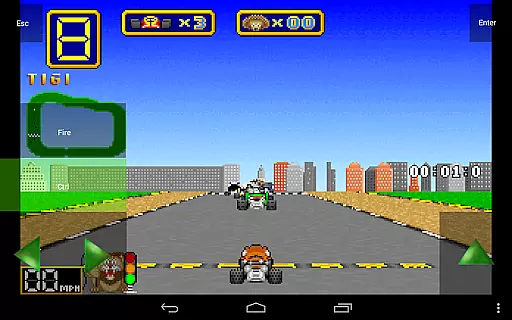
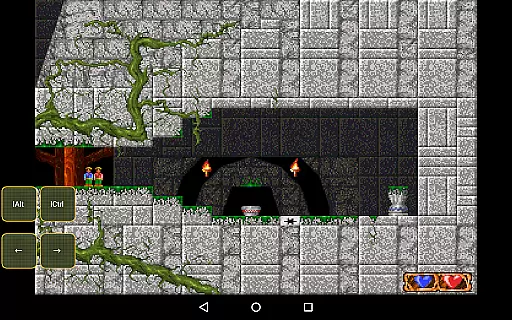
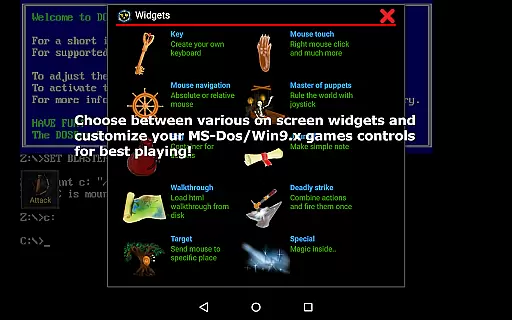
Magic DosBox is a highly optimized and fast DOSBox emulator for Android, designed to bring your favorite DOS and Windows games to your mobile device. With full support for mouse, keyboard, sound, and gamepads, it allows you to play classic games anywhere without the need for external hardware.
The app features a unique control system tailored for touch devices, making it easy to enjoy gaming on the go. It supports IPX networking for multiplayer experiences and offers customizable controls, ensuring an authentic and flexible gaming experience. Whether you're revisiting nostalgic titles or exploring retro games for the first time, Magic DosBox provides a seamless way to access and enjoy your collection.
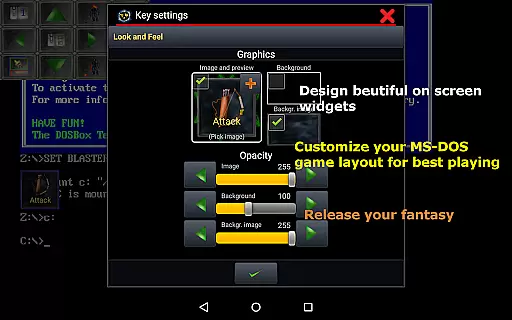
Magic DosBox stands out with its extensive customization options and user-friendly interface. The app includes a game collection feature where each game profile can be highly customized, allowing users to tailor their gaming experience to their preferences. You can create desktop shortcuts for quick access to your favorite games and easily export, import, or duplicate profiles complete with designed layouts to share with friends.
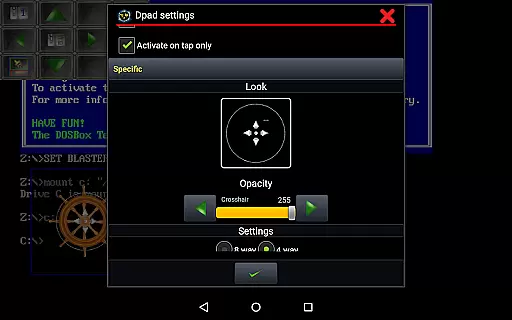
With support for multiple languages and ten types of on-screen widgets, Magic DosBox caters to a global audience and enhances gameplay with versatile control options. Users can enjoy absolute and relative mouse modes, support for external controllers like the x360 joystick, NVIDIA Shield controller, and physical mice. Advanced features such as mappable swipe gestures, long press actions, and double tap functionalities provide an immersive experience. Additionally, the app supports various file formats including *.iso, *.gog, and *.cue, and offers in-game screenshots with gallery functionality for capturing memorable moments.
Magic DosBox is designed to emulate the DOS environment with high precision and efficiency on Android devices. The application ensures that users can run their favorite DOS and Windows games seamlessly, providing full support for mouse, keyboard, sound, and gamepad controls. This allows gamers to enjoy a fully immersive experience without the need for external hardware.
The emulator's core functions are optimized for touch devices, focusing on delivering fast and responsive performance. Magic DosBox incorporates various modes such as design mode and play mode, which cater to different user needs. These modes enhance the customization and gameplay experience, ensuring that every game runs smoothly and accurately as per its original DOS environment.
Users benefit from the app's advanced features like multi-language support, on-screen widgets, and gesture controls. These elements collectively contribute to an effective emulation platform where users can create shortcuts, export or import profiles, and share layouts. Such capabilities ensure that Magic DosBox remains a versatile and powerful tool for nostalgic gaming experiences.
Magic DosBox offers an intuitive interface that simplifies the process of setting up and playing DOS games on Android devices. With a focus on user-friendly design, the application provides various on-screen widgets and buttons that can be customized extensively. Users can easily create and manage game collections, each profile being highly customizable to suit individual preferences.
The interface supports multiple languages including Slovak, English, German, Russian, and French, making it accessible to a global audience. Additionally, Magic DosBox includes detailed documentation and resources available on its website, aiding users in getting started with adding games, designing on-screen buttons, and styling them according to their needs.
Overall, Magic DosBox combines simplicity with powerful functionality, offering users an easy-to-navigate platform while maintaining the depth required for complex gaming setups. Its straightforward design ensures that even those new to emulation can quickly adapt and enjoy their favorite classic games without hassle.
Highly optimized for Android
Extensive customization options
Supports multiple game controllers
Unique touch control system
Active development and support
No included games
Complex setup for beginners
Limited free version features
Requires technical knowledge
Occasional performance issues

Change your GPS location instantly. Simulate routes anywhere in the world.
 4.90
4.90
PDF Reader - Document Viewer: Read, Manage & Organize Your Documents
3.10
Carry a FTP server in your pocket and avoid USB cables for file transfer
4.20
Forza Tuning Calculator App for Forza Horizon 5, Motorsport and Earlier Titles
4.40
Detect hidden spy camera with advanced scanning {{ Premium version }}
4.00
The Ultimate Bluetooth Keyboard & Mouse. Securely control your PC, Mac, and more
4.50
Fast Video Downloader, Movie Downloader, Torrent Downloader & Adblock Browser
4.70
A simple app to back up and restore SMS & MMS messages and call logs.
4.10
Game Booster, GFX Tool is now compatible with newer game update
4.50
The one-and-only remote control for PC, Mac, and Linux
4.70
Making emulation easy for everyone!
4.30
Screen Mirroring with sound for Samsung TV, LG TV, Sony TV, Smart TV and Browser
4.20
View detailed information about your Nissan Leaf the dealer never shows you.
4.10
A non-root local ADB shell client. READ BELOW!
3.40
card-reader app
2.20


User Reviews