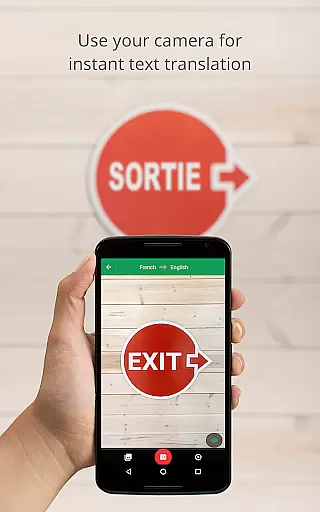
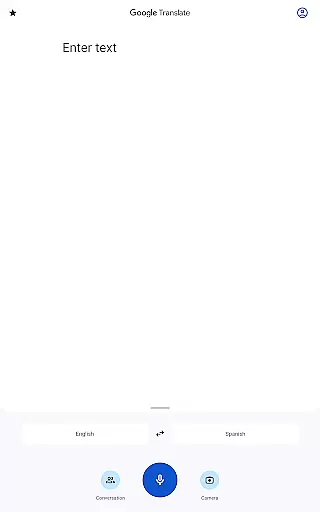
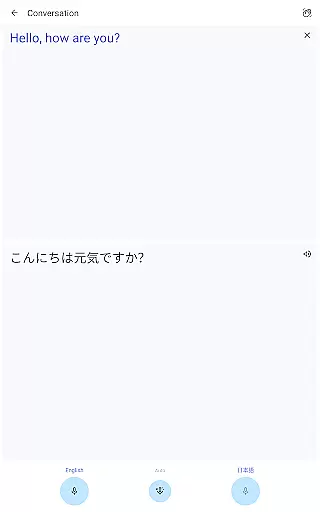
Google Translate is a versatile translation tool that supports text translation between 108 languages. It offers features like Tap to Translate, offline translation, instant camera translation, and bilingual conversation mode. The app is suitable for travelers, students, and professionals who need quick language assistance.
The application provides high-quality translations through photos, handwriting recognition, and a phrasebook feature to save commonly used phrases. With cross-device syncing, users can access their saved translations across multiple devices. Its transcription feature allows real-time translation of spoken language, making it an essential tool for international communication.
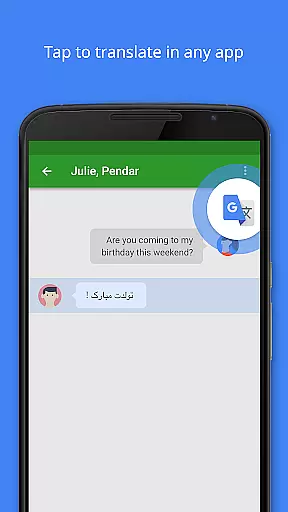
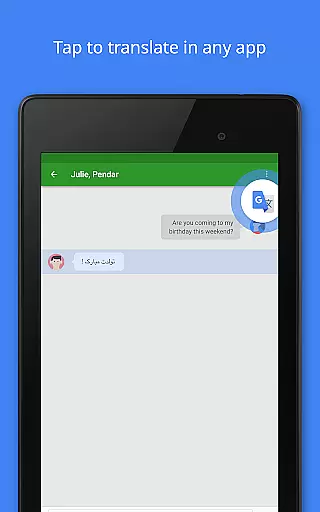
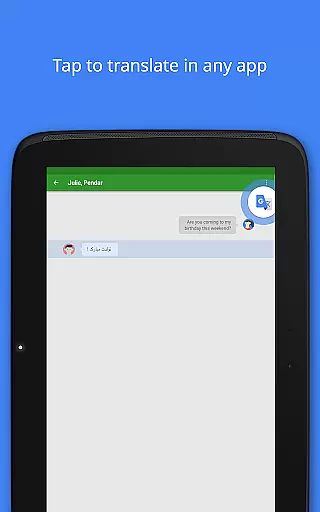
Google Translate stands out with its comprehensive feature set tailored for seamless language translation. The app's ability to translate text between 108 languages by typing is complemented by Tap to Translate functionality, enabling translations directly from copied text in any app.
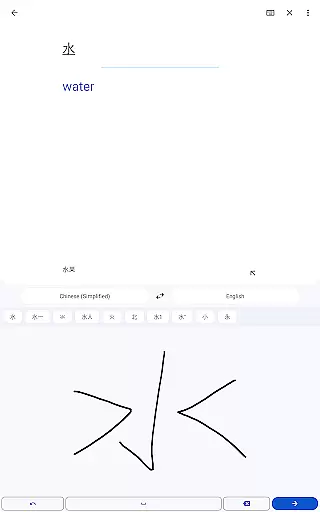
Offline translation is available for 59 languages, while the instant camera translation supports 94 languages by simply pointing the camera at text. The app also includes a conversation mode for translating spoken dialogue in 70 languages and handwriting recognition for 96 languages. Additionally, the phrasebook and cross-device syncing provide convenient ways to store and access frequently used phrases.
Google Translate's core functionality lies in its ability to provide accurate translations across a multitude of languages. With support for text translation between 108 languages, the app ensures that users can communicate effectively regardless of linguistic barriers. The precision of translations is achieved through advanced algorithms and machine learning models that continuously improve over time.
The application goes beyond simple text translation by offering features like Tap to Translate, allowing users to translate copied text from any app instantly. This seamless integration enhances the overall user experience by providing quick access to translations without disrupting the workflow. Additionally, the offline mode supports 59 languages, ensuring that users maintain access to essential translation services even without an internet connection.
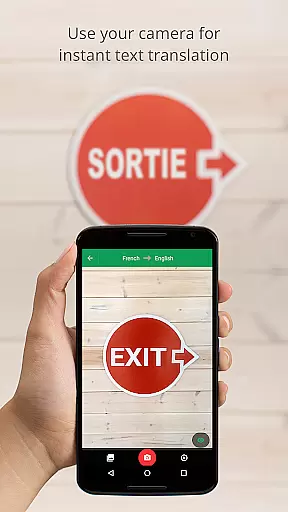
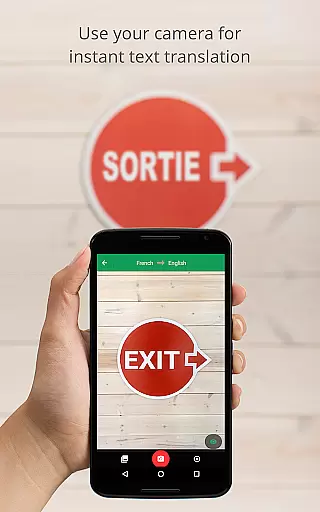
For visual content, Google Translate offers instant camera translation in 94 languages and photo-based translations in 90 languages. These features utilize optical character recognition (OCR) technology to accurately detect and translate text within images, making it easier for travelers and professionals alike to understand foreign documents or signs. Such comprehensive functionalities underscore the app's commitment to delivering effective communication tools on a global scale.
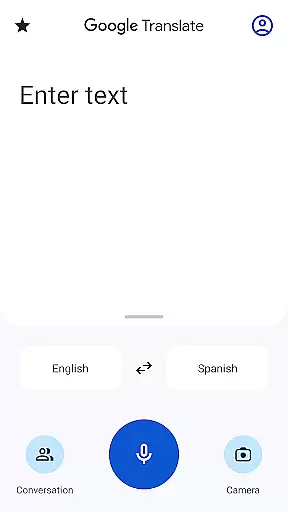
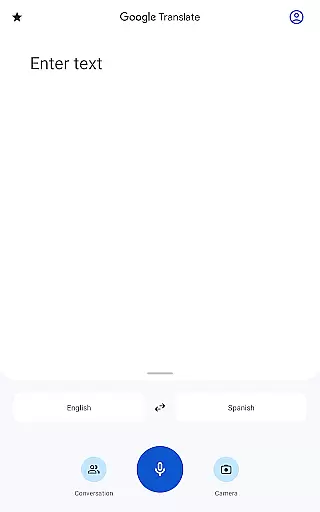
The interface design of Google Translate emphasizes simplicity and ease of use, ensuring that users of all technical backgrounds can navigate the app effortlessly. Upon opening the app, users are greeted with a clean layout where primary functions such as text input, voice recognition, and camera translation are prominently displayed. This straightforward presentation minimizes the learning curve and allows users to start translating immediately.
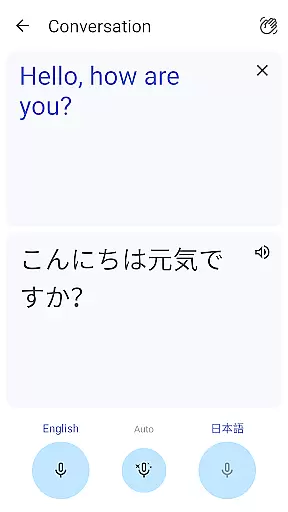
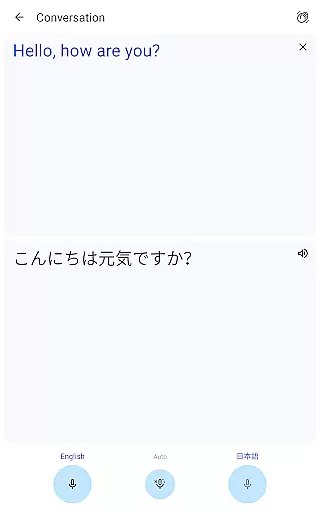
One notable feature contributing to the app's intuitive nature is the conversation mode, which facilitates real-time bilingual dialogues in 70 languages. Users can engage in fluid conversations by speaking into their device, with each partyu2019s speech being translated almost instantaneously. This interactive approach not only simplifies cross-language interactions but also fosters more natural communication experiences.
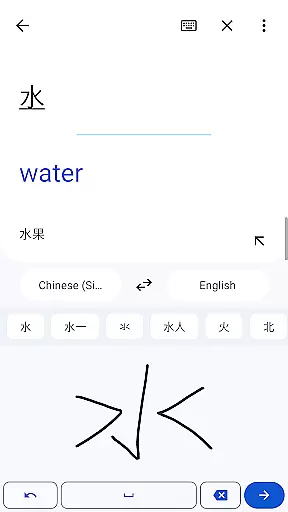
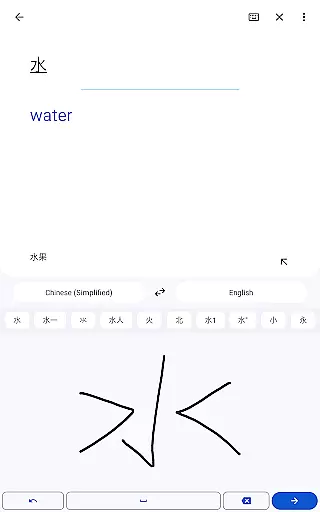
Moreover, additional features like handwriting recognition and phrasebook management further enhance usability. Handwriting input caters to languages with complex characters, enabling users to draw symbols directly onto the screen for translation. Meanwhile, the phrasebook function lets users save frequently used phrases for easy retrieval, streamlining repeated translation tasks. Collectively, these elements create an intuitive environment where users feel empowered to overcome language barriers confidently.
Wide language support
Offline functionality
Real-time conversation mode
High-quality camera translation
User-friendly interface
Limited offline languages
Occasional inaccurate translations
Requires internet for full features
Voice recognition inconsistencies
Ads in free version

A recovery soft,it features photo recovery, video recovery, file recovery.
 3.40
3.40
This app unlocks the Pro features of the Central for DayZ app
3.60
Remote for Roku, Fire TV, Samsung TV, LG TV, Android TV, Chromecast and VIZIO TV
4.20
Family Locator, Share location, StayConnect with your family in real time
3.90
An easy-to-use calculator designed to save time calculating and bending conduit
4.30
WiFi Signal Strength Meter help you detect WiFi Signal Strength in real time.
4.80
Quickly check the frequency of the Earth
4.30
Creation, Learning, Entertainment & More — The All-in-One AI Search Engine
4.70
Mobile Security with Scam Protection | Malware & Virus Cleaner | Safe Browser
4.70
Change your GPS location instantly. Simulate routes anywhere in the world.
4.90
Monitor car performance in real time and troubleshoot malfunctions.
4.80
The one-and-only remote control for PC, Mac, and Linux
4.70 4.50
4.50
Fluid navigation gestures for all of us!
4.30
Fun lie-detection pranks for friends and parties.
3.80


User Reviews