
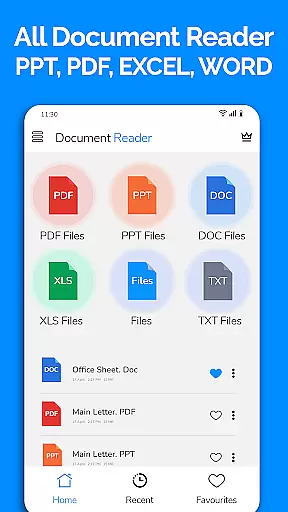
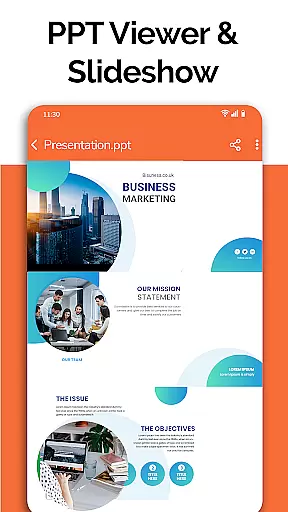
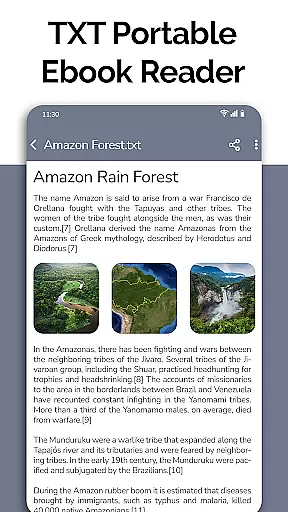
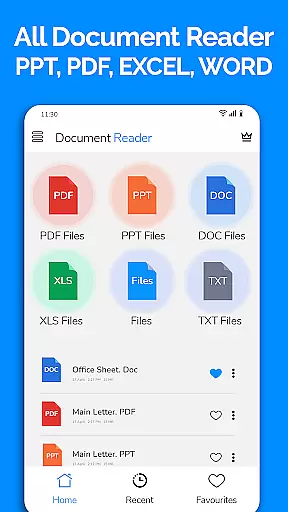
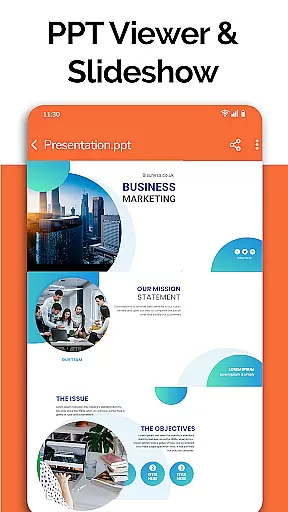
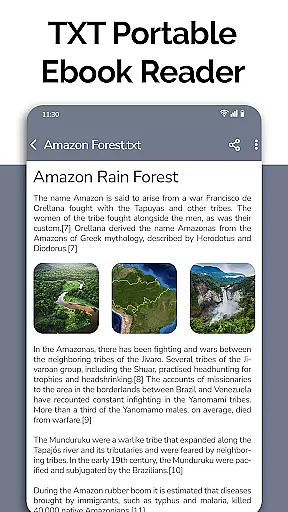
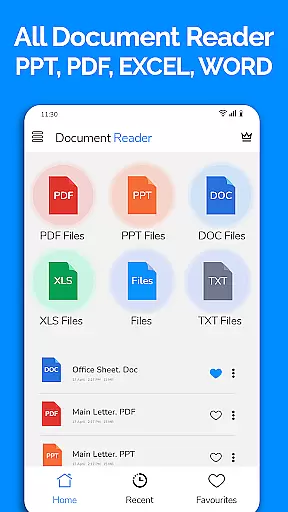
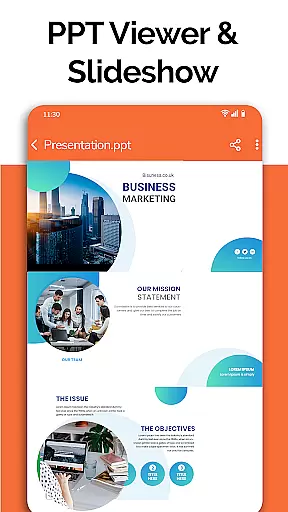
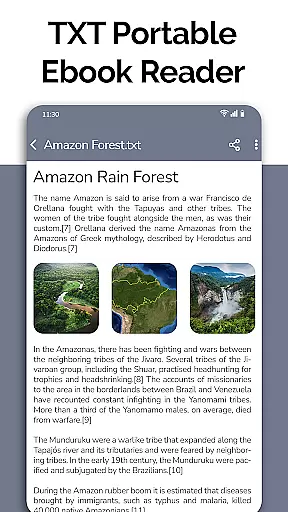
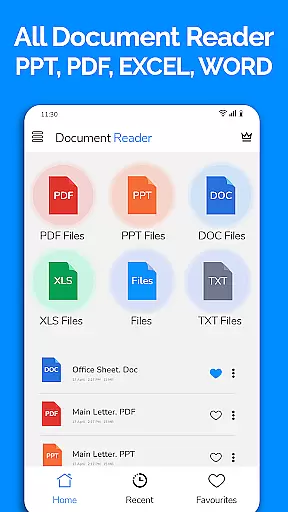
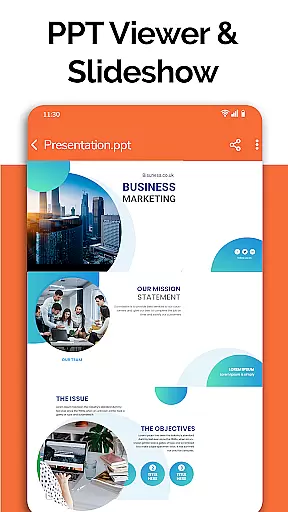
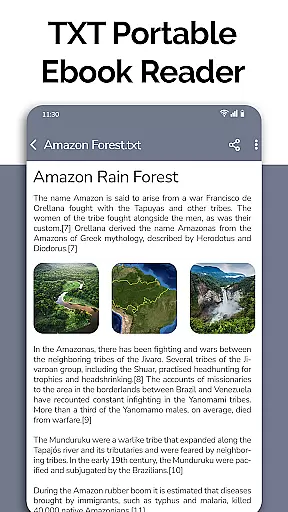
All Document Reader is a comprehensive document management application designed for business professionals and students alike. This app allows users to open, view, edit, and share various types of office documents including Word, PDF, Excel, PowerPoint, and TXT files directly from their mobile devices without the need for a computer.
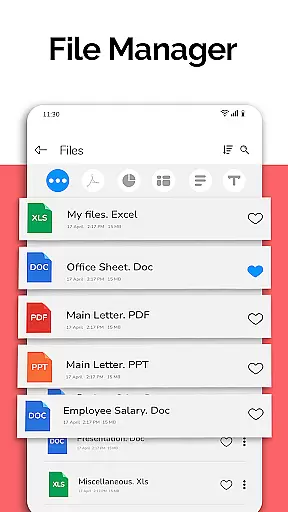
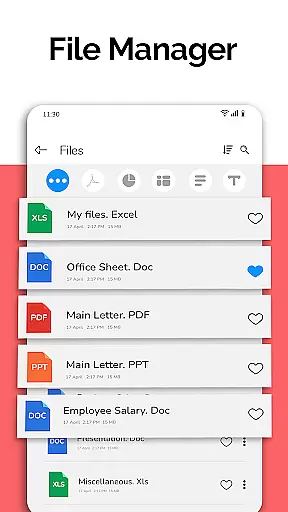
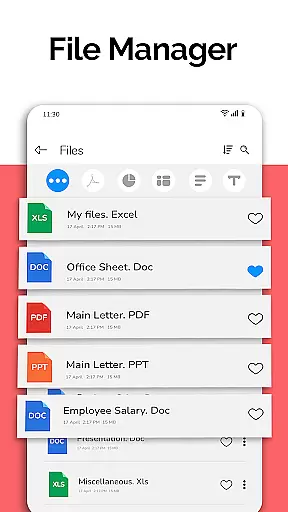
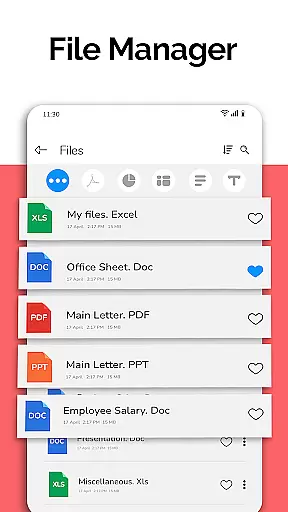
One of the standout features of All Document Reader is its intuitive file manager that automatically sorts and organizes documents by type, making it easy to locate specific files. The app also supports advanced functionalities such as text search within documents, doodling on documents, and even preparing presentations. With its user-friendly interface and powerful capabilities, this app enhances productivity and simplifies document handling on the go.
Whether you're reviewing business invoices, reading classroom notes, or preparing presentation slides, All Document Reader provides an efficient solution for managing your documents anytime, anywhere.
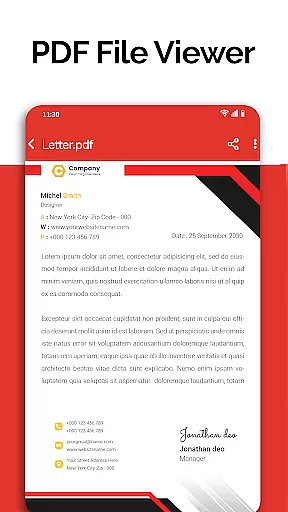
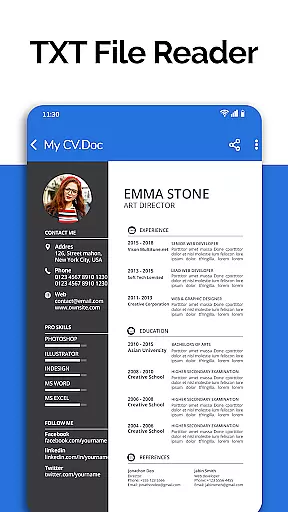
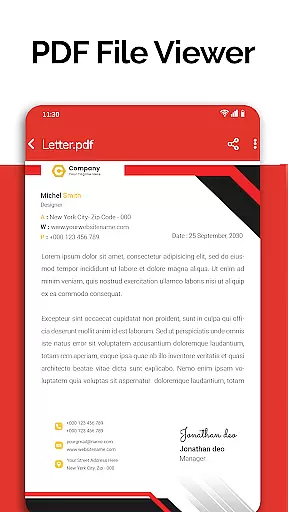
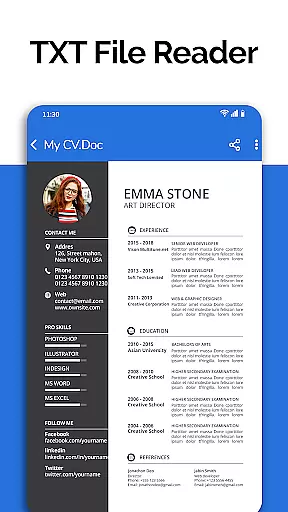
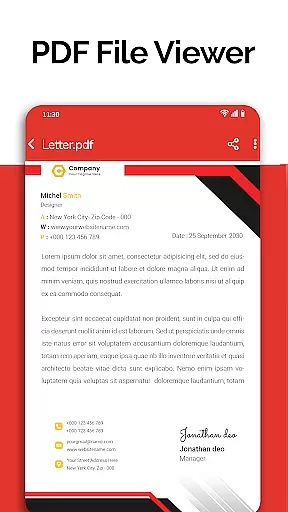
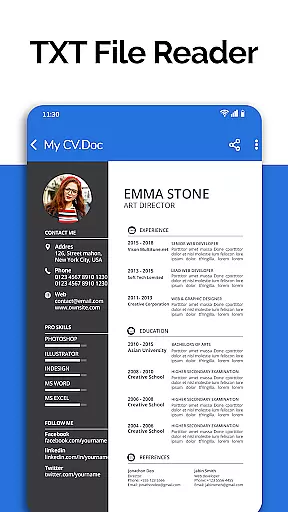
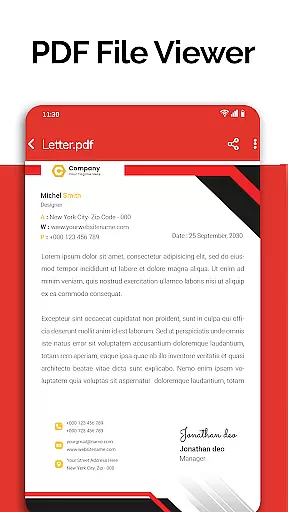
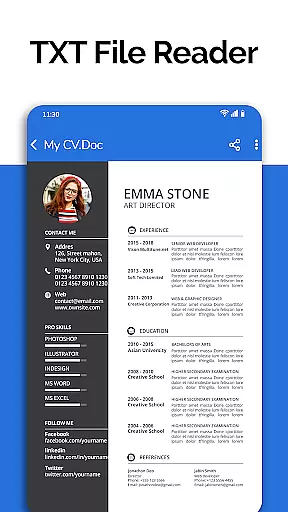
All Document Reader offers a rich set of features tailored to meet the diverse needs of its users. The app includes a robust PDF reader that facilitates everyday activities like reading newspapers, viewing business invoices, and accessing travel tickets. Additionally, it provides specialized viewers for DOC, XLSX, PPT, and TXT files, ensuring compatibility with a wide range of document formats.
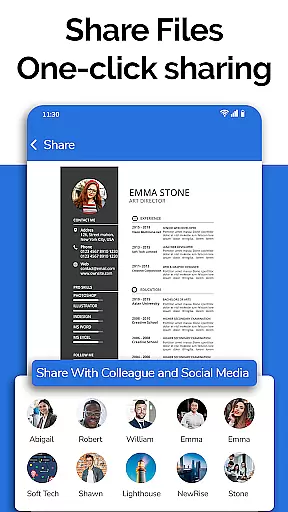
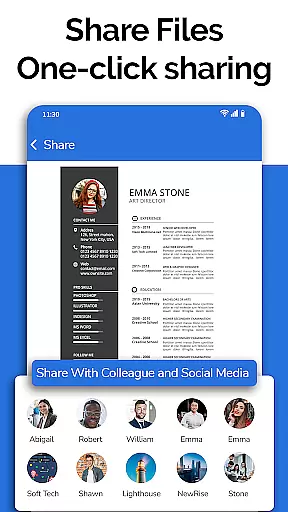
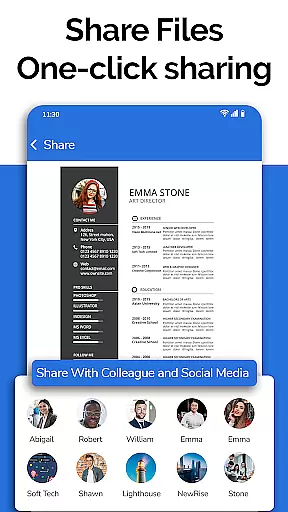
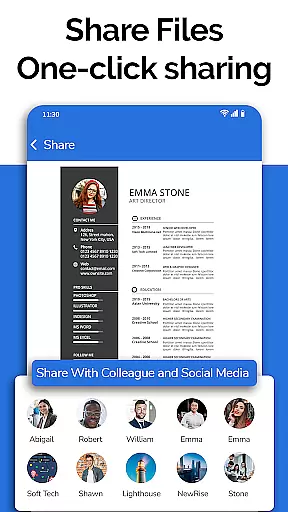
Beyond basic viewing capabilities, the app enables users to edit and share documents seamlessly. Its integrated file manager simplifies tasks such as deleting, renaming, and sharing files while providing detailed information about each file's path, size, and last modification date. Upcoming features like dark mode, voice search, and image-to-PDF conversion promise to further enhance the user experience.
The inclusion of a document scanner adds another layer of versatility, allowing users to access multiple document types from a single platform. This all-in-one approach not only saves space on your device but also streamlines workflows, making All Document Reader an indispensable tool for anyone who frequently handles digital documents.
In today's fast-paced business environment, the ability to collaborate effectively is crucial. All Document Reader: PDF Viewer facilitates collaborative work by allowing users to view, edit, and share various document formats including Word, Excel, PowerPoint, PDF, and TXT files directly from their mobile devices.
The app simplifies teamwork by providing a file manager that organizes documents automatically, making it easy for teams to find and work on the necessary files. With options to delete, rename, and share documents, colleagues can manage project files efficiently without the need for a computer.
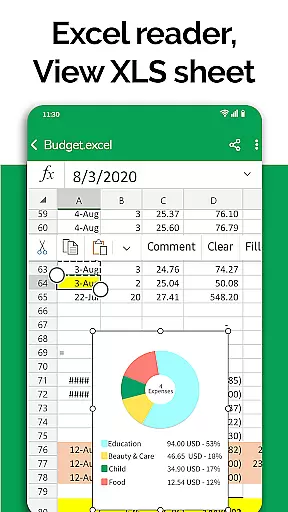
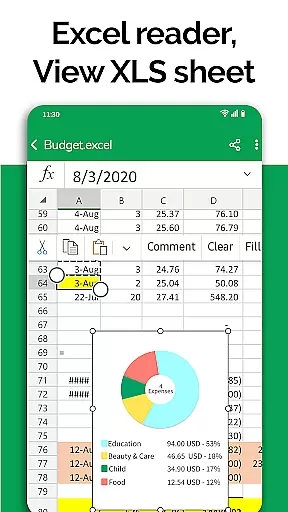
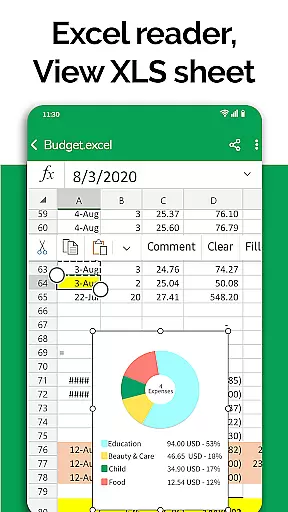
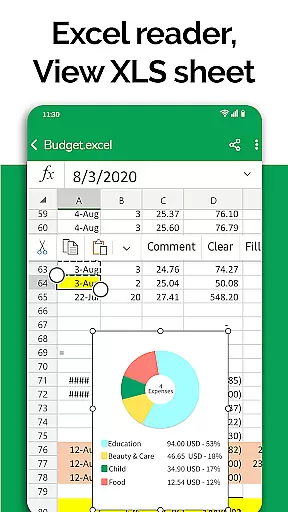
Moreover, the document editor feature supports preparing presentations and reviewing Excel files, which are essential tasks in a collaborative setting. This ensures that team members can make last-minute adjustments to presentations or review financial data on the go, enhancing productivity and responsiveness.
By integrating these collaborative work features, All Document Reader: PDF Viewer becomes an indispensable tool for businesses looking to streamline their document management processes and improve team collaboration.
Effective task management is vital for maintaining productivity and meeting deadlines. All Document Reader: PDF Viewer contributes to this by offering a comprehensive suite of tools that help users manage their document-related tasks more efficiently.
With its file viewer capability, users can access all types of documents stored on their device, whether they are small text files or large spreadsheets. The intuitive interface allows for easy navigation through files, ensuring that users can quickly locate and open the documents they need for their tasks.
The app also provides detailed file information such as file path, size, and last modification date, which aids in organizing and prioritizing tasks. Knowing when a file was last updated helps users keep track of progress and stay informed about the latest changes made to documents.
Furthermore, the upcoming features like dark mode and voice search for files promise to enhance the task management experience by providing more convenience and accessibility options. These enhancements will allow users to focus more on their work and less on navigating the app, thus boosting overall efficiency.
User-friendly interface
Comprehensive file support
Integrated file manager
Advanced editing tools
Future feature updates
Limited free features
Occasional bugs
Ads in free version
Large app size
Requires internet for some features

Zoom built for Chrome OS
 3.90
3.90
All Your Gig Work. One App.
4.30
Earn crypto with secure cloud mining. Monitor, track & withdraw easily
4.40
Convert Your Lovable.dev Website into a Mobile App Instantly!
4.4
Windows App allows you to connect to remote PCs and virtual apps.
3.70
Paychex Flex - Save Time and Stay Connected
4.60
All your team communication in one place
4.70
Shop, deliver, and earn with the Spark Driver™ App
4.10
ADP Mobile Solutions is an employee self service app
4.50
Your employer must have UKG Ready software configured for Mobile.
4.60
Finance, Investing, Stocks, Trading and Stock news
4.60
Collaborate seamlessly with Google Chat, part of Google Workspace
4.50
Smarter career moves start here. AI job alerts, insights & the right tools.
4.20
Work happy with AI Companion
4.10
We are a dynamic team of creatives people of design, marketing, web & apps
3.00


User Reviews