
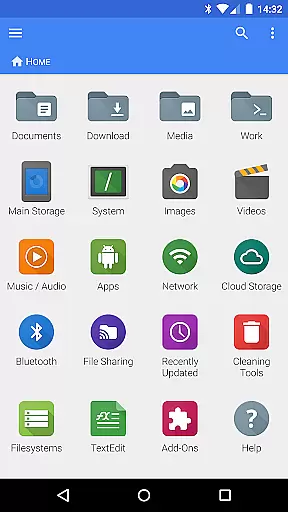
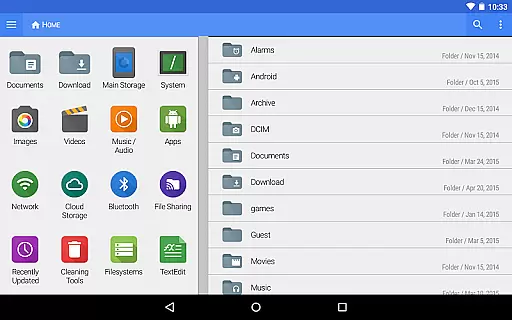
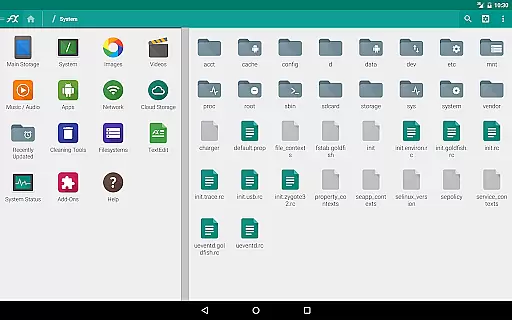
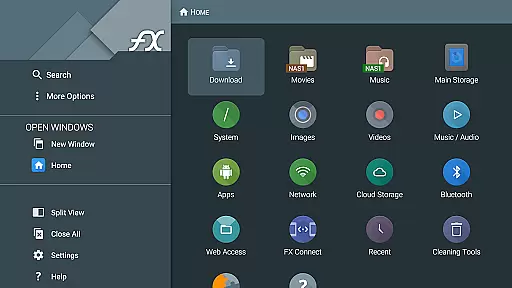
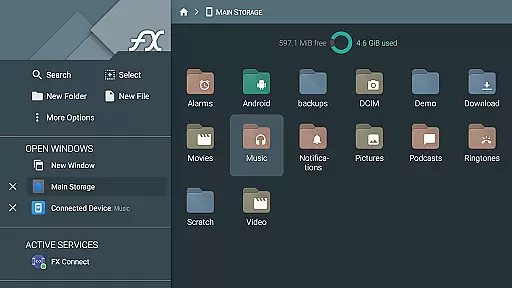
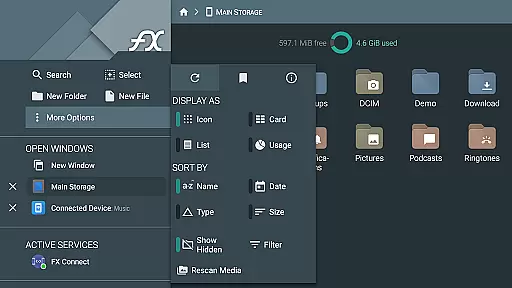


FX File Explorer is a comprehensive file management application tailored for business users who require advanced capabilities in handling media, networking, and cloud services. The app extends its core functionalities by integrating AES-encrypted zip file management, extensive network protocol support including FTP and WebDAV, and seamless cloud storage access to platforms like Google Drive and Dropbox.
This makes it an ideal tool for professionals needing secure and efficient file handling on the go. With features such as FX Connect for direct device-to-device transfers and FX Web Access for remote file management via web browsers, FX File Explorer stands out in facilitating collaborative and flexible work environments.
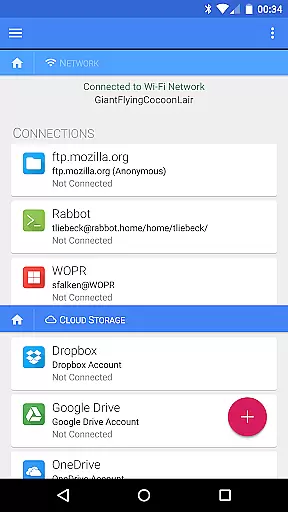
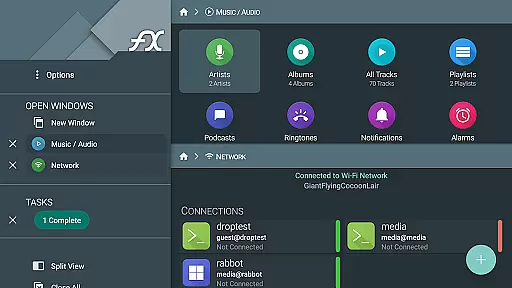
FX File Explorer offers a rich set of features designed to enhance productivity and streamline file management tasks. It supports creating and extracting AES-encrypted zip files, allowing users to browse contents securely without full decryption. Its networking capabilities are robust, providing support for Windows networking, various FTP protocols, and SSH FTP, alongside cloud storage options.
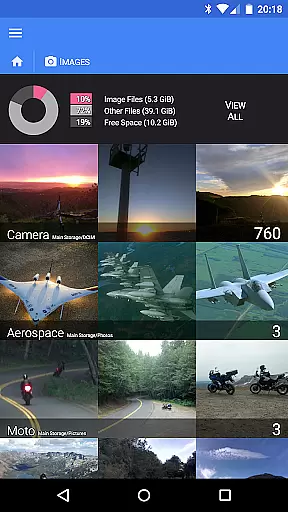
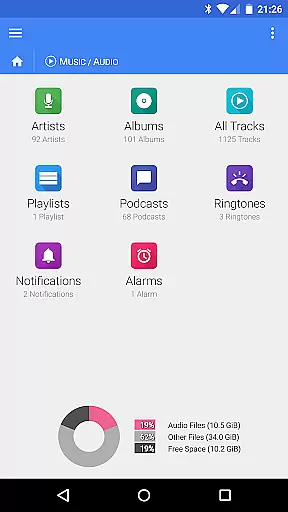
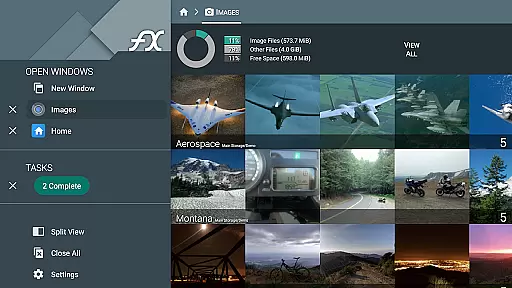
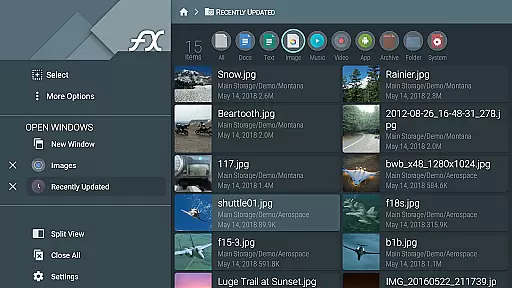
The application also excels in media management, enabling users to browse and manage images, videos, and audio files efficiently. Additionally, its innovative FX Connect and FX Web Access features empower users to transfer files between devices directly or manage them remotely from a computer, thus significantly boosting accessibility and convenience.
FX File Explorer offers a range of collaborative work features that are essential for modern business environments. The application supports network and cloud capabilities, allowing teams to share files seamlessly across different platforms such as Google Drive, Dropbox, and SMB shares.
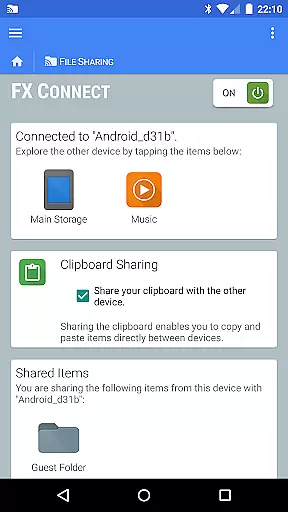
One of the key collaborative features is FX Connect, which enables direct file transfers between devices using NFC or Wi-Fi. This functionality ensures that team members can quickly exchange documents and media without relying on internet connectivity, thus enhancing productivity during meetings or collaborative sessions.
Additionally, FX Web Access allows users to manage their files and media from a computer's web browser, providing flexibility in how and where work is done. This feature is particularly beneficial for remote work scenarios, ensuring that all team members have access to necessary resources regardless of their location.
Task management within FX File Explorer is designed to streamline workflows and enhance efficiency. The app provides robust tools for organizing and managing tasks related to file handling and media management.
Users can create and extract AES-128 and AES-256 encrypted zip files directly within the app, allowing for secure storage and transmission of sensitive data. This feature is crucial for task management as it ensures that important documents are protected while being easily accessible.
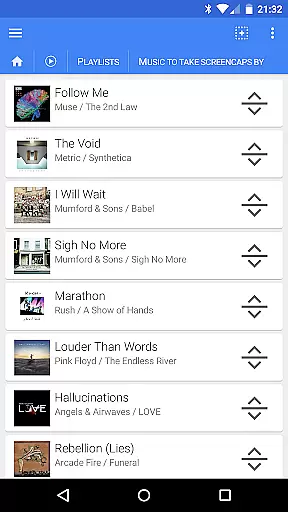
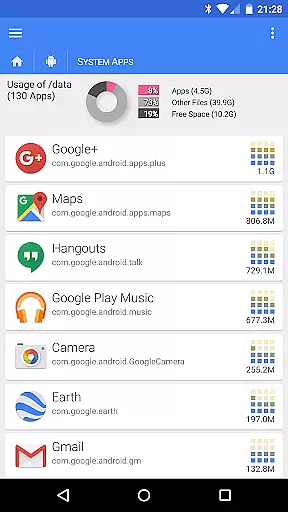
Moreover, the ability to browse and manage installed applications, along with rearranging playlists through drag-and-drop functionality, adds another layer of convenience. These capabilities ensure that users can efficiently handle multiple tasks without switching between different applications, thereby saving time and reducing complexity in daily operations.
Advanced encryption
Wide protocol support
Efficient media browsing
Comprehensive cloud integration
Remote management options
Paid add-on required
Complex for beginners
Occasional bugs reported
Heavy on system resources
Limited UI customization

VSD Viewer - Visio Drawings Viewer for Android Preview VSD, VDX, VSDX drawings
 4.10
4.10
The MyWalmart App is available for all associates in stores.
4.70
Your employer must have UKG Ready software configured for Mobile.
4.60
Simple, Fast & Lightweight
3.90
Paychex Flex - Save Time and Stay Connected
4.60
One marketplace. Hundreds of services. Unlimited possibilities. All on Fiverr.
4.40
Recover what matters — quickly and easily.
4.70
Find part-time earning opportunities near you that pay within days.
3.20
Access to Paylocity, empowering employees with information they need 24/7.
4.70
Create curriculum vitae, a professional cover letter creator and resume designer
4.80
Permission Guard is a security app that helps you manage app permissions.
4.80
Make invoices, bills, receipts & estimates on the go with Invoice Generator.
4.70
We help people get jobs
4.70
Find jobs near you and temp work in minutes, from your phone.
4.50
Make money as a delivery driver with DoorDash and work when you want as a Dasher
4.30


User Reviews