
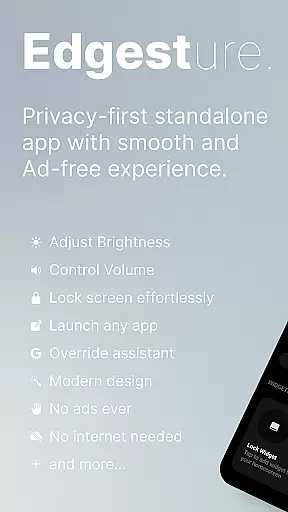
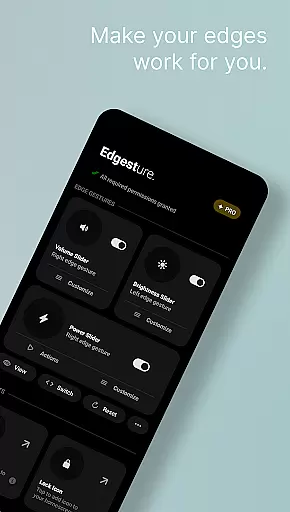
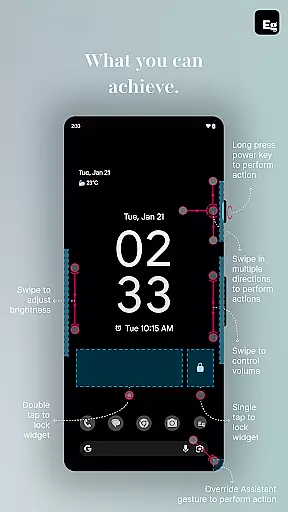
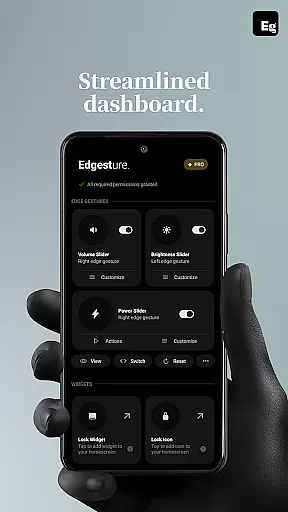
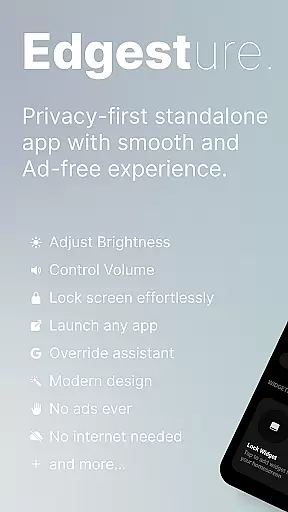
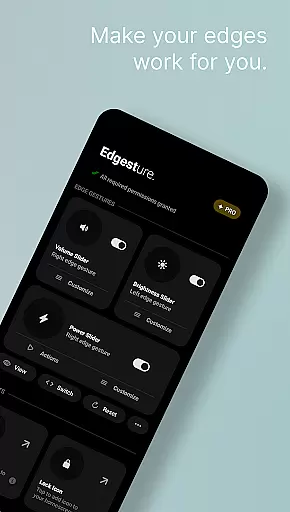

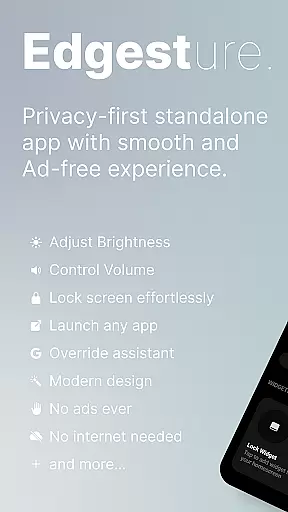
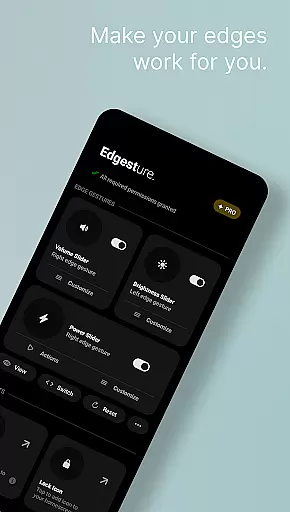
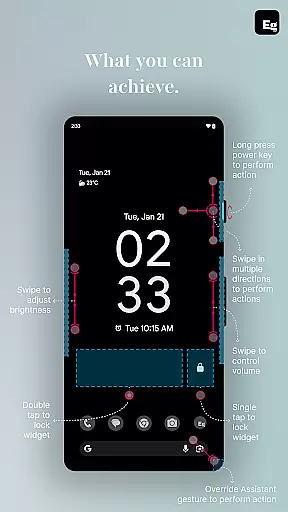
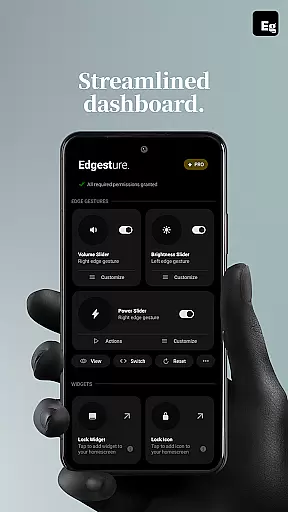
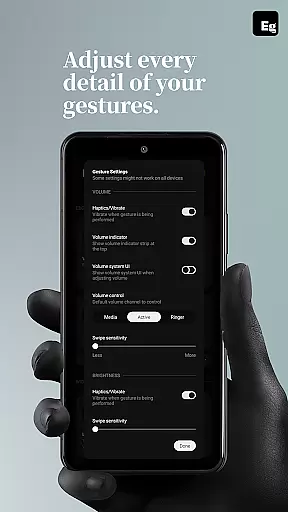
Edgest is a powerful personalisation tool that revolutionises the way you interact with your smartphone. This application allows users to take full control of their device through intuitive edge gestures and custom shortcuts, streamlining access to favourite apps and essential functions. The app's gesture navigation system makes it easy to perform daily tasks such as adjusting volume, controlling brightness, and launching applications without the need to navigate through multiple menus.
Beyond its core functionalities, Edgest offers a highly customisable experience tailored to enhance productivity and user convenience. With options like quick settings tiles, lock screen widgets, and media control features, users can personalise their device interaction down to the smallest detail. Designed with simplicity in mind, Edgest ensures an ad-free, tracking-free environment, making it an ideal choice for those seeking a seamless and secure smartphone experience.
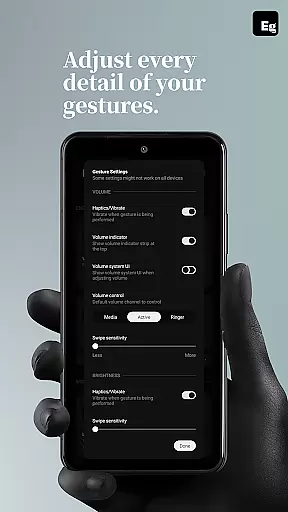
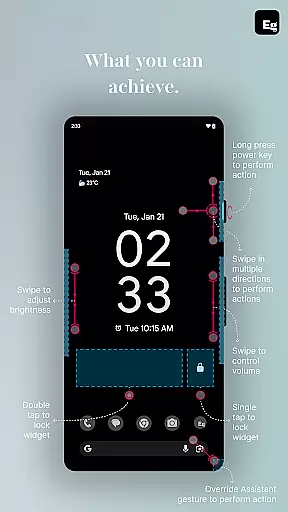
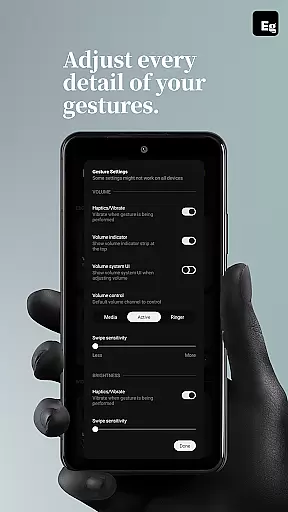
Edgest stands out with its comprehensive suite of features designed to optimise smartphone usability. One of its key highlights is the edge gestures functionality, which enables swift navigation and instant access to frequently used actions and applications. Users can effortlessly adjust volume and brightness directly from the screen's edge, eliminating the need to open additional menus and thus saving time and effort.
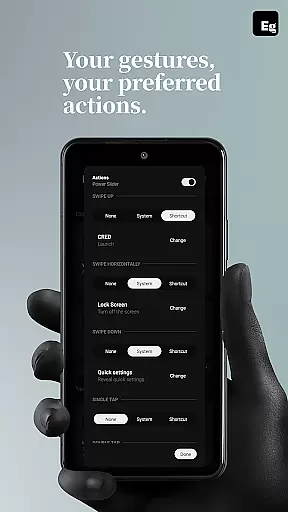
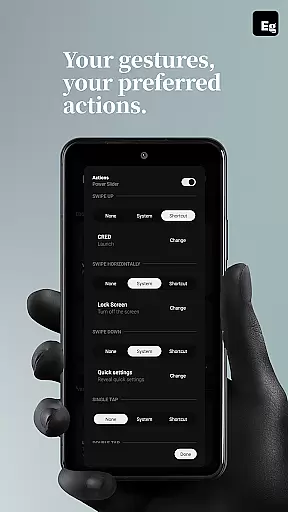
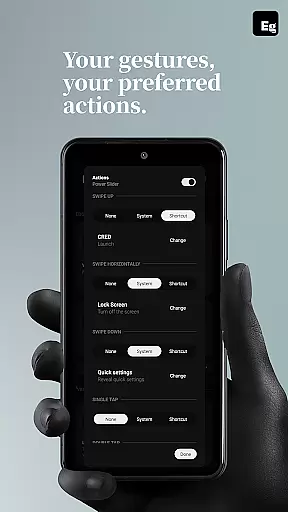
Another remarkable feature is the ability to create custom gestures tailored to individual preferences. Whether it's launching specific apps, opening system menus, or triggering unique shortcuts, Edgest provides unparalleled flexibility. Additionally, the inclusion of a quick settings tile and lock screen widget further enhances accessibility and control. These features collectively ensure that users can personalise their device interactions extensively, resulting in a more intuitive and efficient user experience.
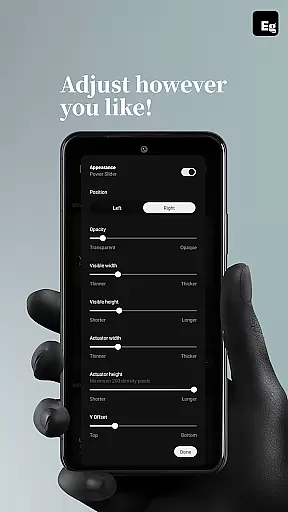
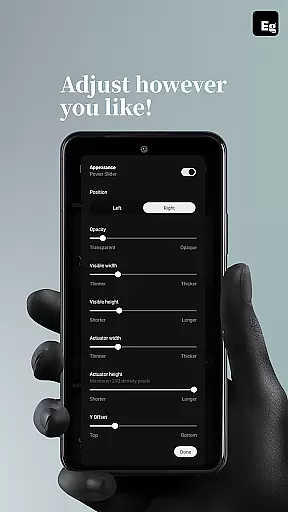
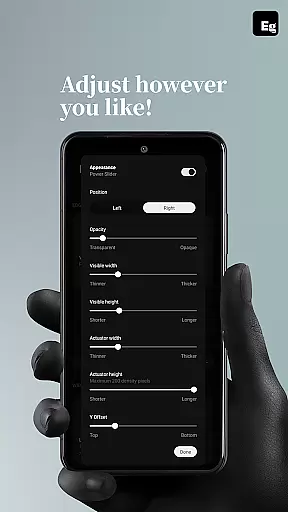
Customization is at the heart of Edgest, allowing users to tailor their device interaction precisely to their preferences. With a wide array of gesture controls, users can define specific actions for different types of swipes, taps, and long presses along the screen edges.
This app offers extensive personalization features such as assigning unique commands to custom gestures, which can launch apps, toggle settings, or control media playback. The ability to adjust gesture sensitivity and animation speed ensures that the user experience is smooth and intuitive.
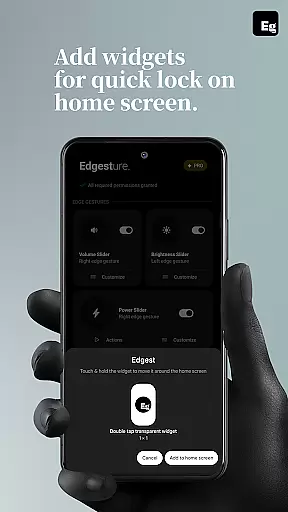
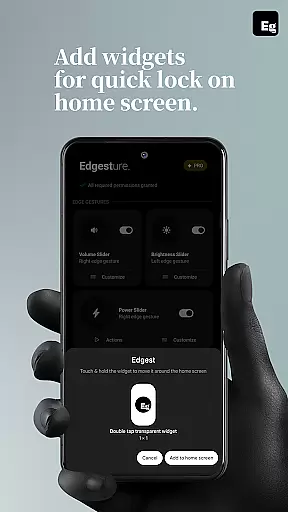
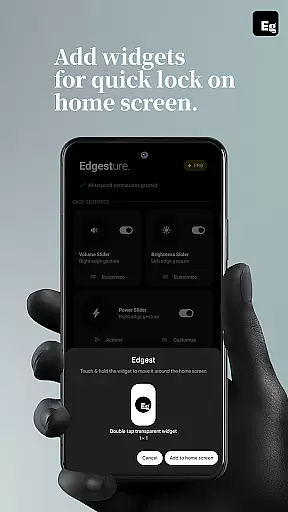
Moreover, Edgest provides quick settings tiles and lock screen widgets, adding another layer of accessible customization. Users can effortlessly manage media controls and lock their devices with simple tap gestures, enhancing both functionality and convenience.
While Edgest focuses primarily on gesture-based navigation and control, its design ensures seamless integration with various device themes. This compatibility allows users to enjoy a consistent visual experience without compromising the app's performance or aesthetic appeal.
The app maintains its sleek and unobtrusive interface across different themes, ensuring that users won't experience any jarring discrepancies when switching between light and dark modes or applying custom themes from their deviceu2019s settings.
By prioritizing simplicity and user experience, Edgest avoids cluttered designs and unnecessary visual elements. This approach not only preserves theme integrity but also aligns with modern design principles, offering a clean and efficient user interface regardless of the chosen theme.
Intuitive gesture controls
Highly customisable options
Ad-free experience
Enhances productivity
User-friendly interface
Limited to Android devices
Requires initial setup time
Some features need Accessibility permissions
No iOS version available
Premium features may require purchase

Classic analogue watch face. For wear os devices.
 4.60
4.60
Fingerprint Lock Screen & Live Animations with 4K Wallpapers as Live Wallpaper
4.40
Make your phone look simple & luxury, like iDevice
4.60
Art & Emoji Keyboard with Cool Fonts, Cute Themes and Custom Designs.
4.40
Interactive Miniature Painting Catalogue
3.30
Turn text & photos into stunning AI videos, art, and creative visual stories.
4.50 3.50
3.50 4.50
4.50
300+ Beautifully crafted widgets inspired by OneUI.
4.60
A minimalist productivity launcher. One-hand-friendly. Zero ads.
4.70
Choose your keyboard with RGB colors effect, themes, fonts, emojis.
4.60
Beautiful realistic hybrid watch face with numerous customization options.
4.50
Transform your phone with Launcher iOS 26 - Smooth & elegant iOS experience
4.50
A light in the dark, a unique style and an andless cutomization!
4.30
Unleash Your Creativity and Connect with Loved Ones with Lockscreen Drawing!
4.20


User Reviews