
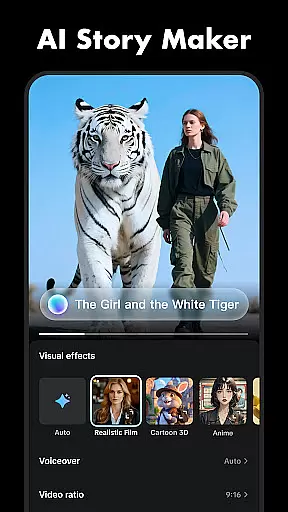
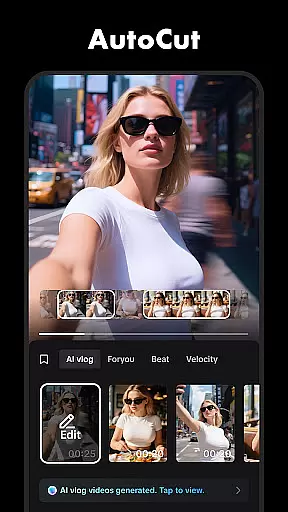



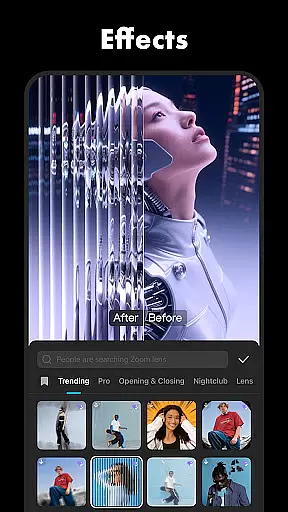
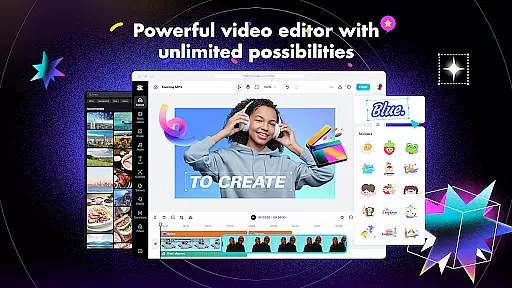
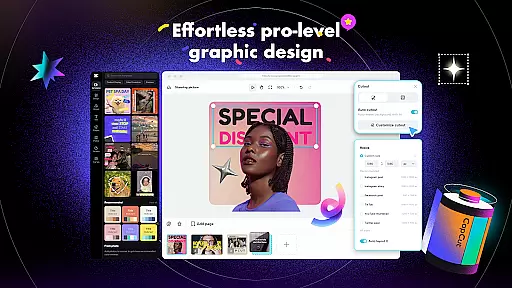
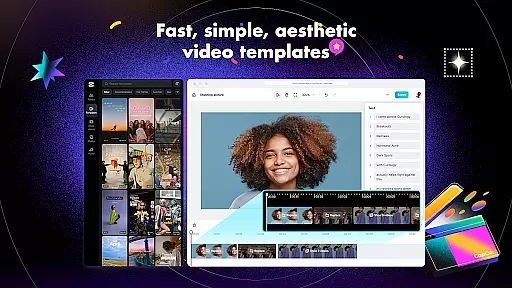
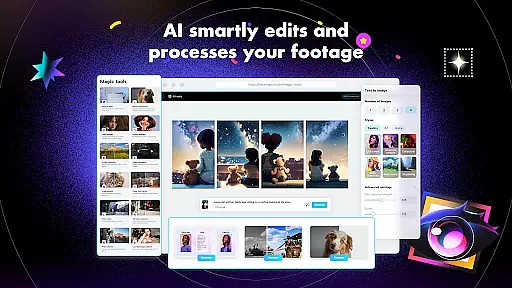
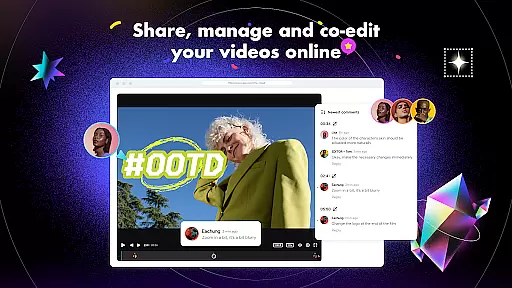
CapCut is a comprehensive video editing application that offers both basic and advanced editing tools, making it suitable for both beginners and experienced content creators. The app provides essential features such as trimming, splitting, and merging clips, along with more sophisticated options like keyframe animation, chroma key, and stabilization. CapCut stands out with its intelligent features including auto captions, text-to-speech, and background removal, which streamline the editing process.
In addition to its robust editing capabilities, CapCut includes creative elements such as trending effects, filters, and music integration. Users can enhance their videos with diverse filters, cinematic effects, and soundtracks, ensuring their content is engaging and up-to-date with current trends. With support for high-definition exports and easy sharing to social media platforms, CapCut empowers users to produce professional-quality videos that can captivate audiences on TikTok, YouTube, Instagram, and more.
CapCut distinguishes itself through a rich set of features designed to cater to various video editing needs. For basic editing, users can trim, split, merge, and adjust the speed of video clips. Advanced functionalities include keyframe animations, smooth slow-motion effects using optical flow technology, and color correction with chroma key. These features allow creators to produce polished and dynamic video content with precision.
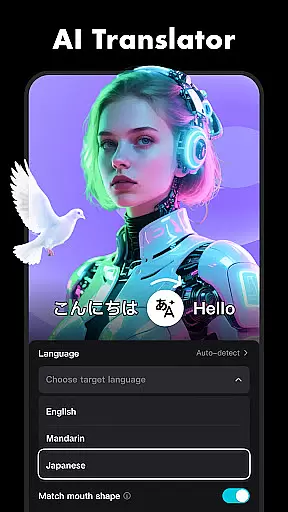
Beyond traditional editing, CapCut incorporates intelligent tools such as auto captions for speech recognition, text-to-speech in multiple languages, and motion tracking. The app also supports creative enhancements like trending visual effects, customizable text templates, and an extensive library of music and sound effects. With multi-track timeline editing and 4K 60fps export capabilities, CapCut ensures a seamless editing experience that meets the demands of modern content creation.
Video format compatibility is a crucial feature for any video editing application, including CapCut. This functionality ensures that users can import, edit, and export videos in various formats, making the editing process versatile and flexible.
CapCut supports an extensive range of video formats, allowing creators to work with footage from different sources without the need for prior conversion. Whether your clips come from a professional camera, smartphone, or drone, CapCut's broad format support means you can start editing right away.
The app also provides advanced exporting options, enabling users to tailor their output settings according to specific requirements. You can adjust resolutions, frame rates, and bitrates to balance between file size and video quality. This flexibility ensures that your final creations are optimized for any platform, be it social media, YouTube, or professional presentations.
By offering comprehensive video format compatibility, CapCut empowers creators to focus on their content rather than technical limitations. This inclusivity enhances user experience, making video production more accessible to everyone regardless of their equipment or expertise level.
AI-powered editing features represent a significant advancement in video editing technology, providing tools that automate complex tasks and enhance creativity. CapCut incorporates these intelligent features to streamline workflows and offer innovative ways to produce engaging content.
One standout AI feature in CapCut is auto captions. This tool uses speech recognition technology to automatically generate subtitles for your videos. It not only saves time but also improves accessibility, ensuring your content reaches a wider audience, including those who are hearing-impaired or prefer watching videos with sound off.
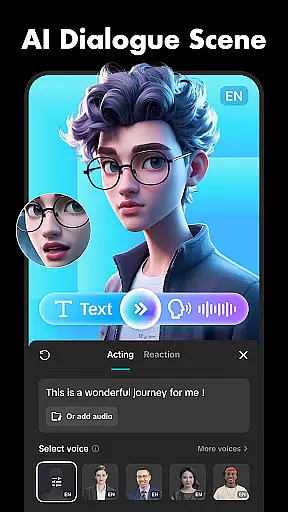
Another remarkable AI capability is text-to-speech functionality. Available in multiple languages and voices, this feature allows users to convert written text into natural-sounding spoken words. It opens up new creative possibilities, such as adding voiceovers without needing a microphone or professional voice actor.
Additionally, CapCut offers background removal powered by AI. This feature enables creators to isolate subjects from their original backgrounds effortlessly, facilitating green screen effects or creating transparent backgrounds for overlays. These AI-driven tools collectively enhance productivity and foster innovation, allowing both novice and experienced editors to achieve professional-grade results efficiently.
User-friendly interface
Advanced editing tools
Intelligent features
Trending effects
High-quality exports
Limited offline functionality
Occasional ads
Heavy on storage
Subscription required
Learning curve

HD Video player all format, HD Videos, Cast & Subtitle. No annoying ads.
 4.60
4.60
Video Downloader is an utility that can save videos and music from web sites
4.20
Create & edit videos with AI
4.30
Movie maker & video editing app with AI effects and green screen
4.30
All in one HD video downloader & player for multiple formats with full privacy
4.70
IPTV Loader, loads your own Playlist. DOES NOT CONTAIN ANY LIST OR CHANNELS
4.60
LumaFusion: The Ultimate Storytelling Experience for Video Editing
4.10
A Simple app to download Video & Music from the Internet.
4.70
Create, Publish & Maximize
4.70
Video Trimmer, Video to MP3 Converter. Extract music from video, Easy & Fast.
4.80
Auto video maker with music & exclusive filters. Video editing made simple.
4.50
Fast video downloader & private browser. Save HD clips to watch offline.
4.40
KMPlayer Plus (Divx Codec) officially support Divx codec.
4.30
This app was created to edit the metadata of music files.
4.20
Kodi media center, a free and open source cross-platform entertainment hub
3.60


User Reviews