
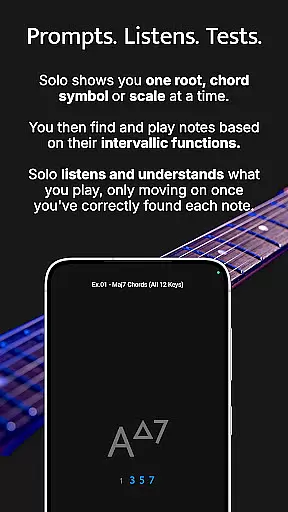
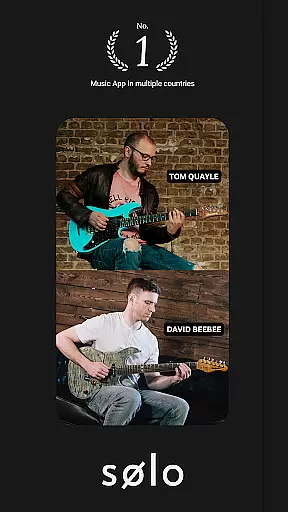
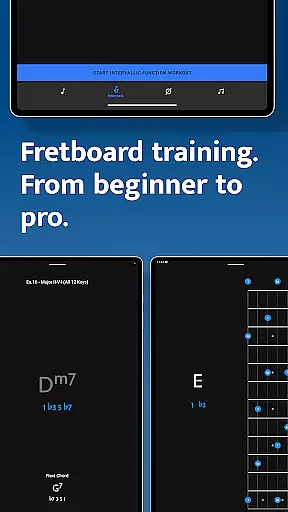
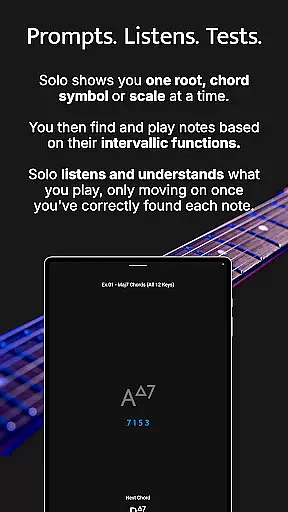
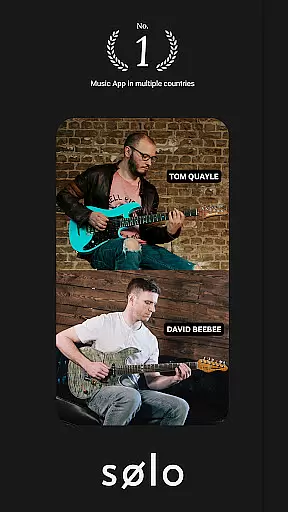
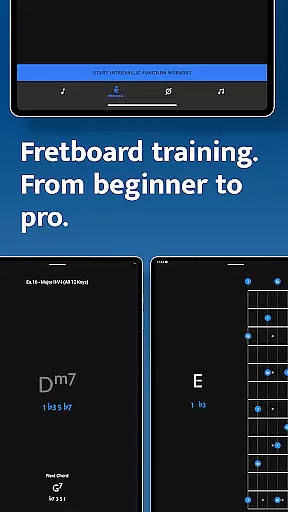
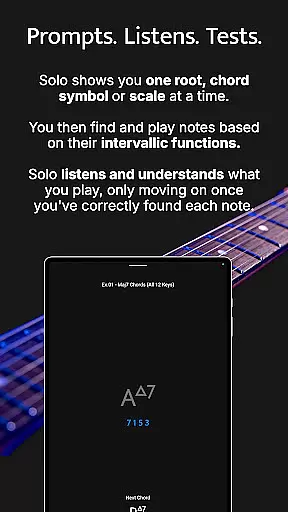
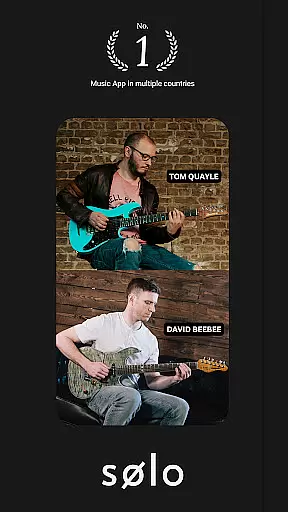
Solo is an innovative practice application designed to help guitarists and bassists master fretboard visualization. Developed by renowned guitarists Tom Quayle and David Beebee, this app provides a structured approach to learning note names, interval shapes, chord changes, and scales through four specialized training modules.
The app's interactive fretboards support various string configurations and tunings, while its listening feature ensures accurate practice. Whether you're a beginner learning basic notes or an advanced player working on complex melodic structures, Solo adapts to your skill level. The app's intelligent mapping system and duration-based workouts make it an essential tool for musicians seeking to improve their fretboard knowledge and improvisational skills.
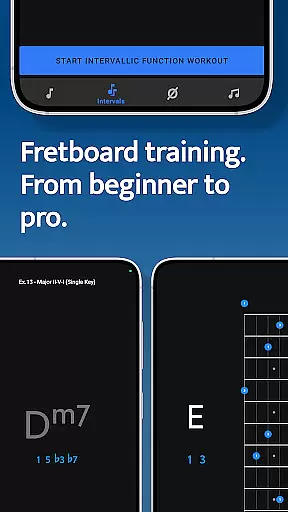
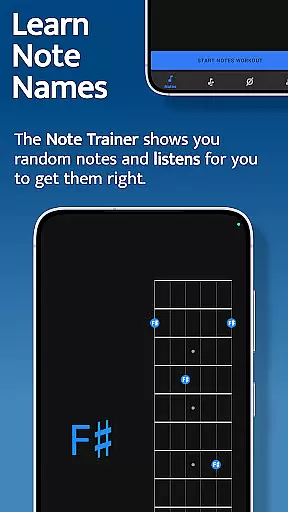
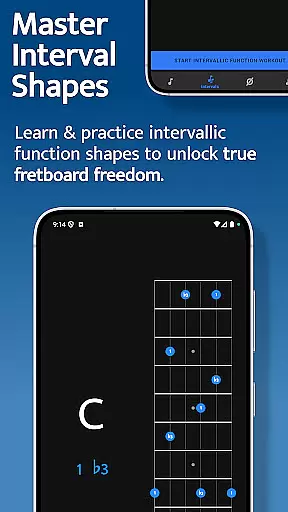
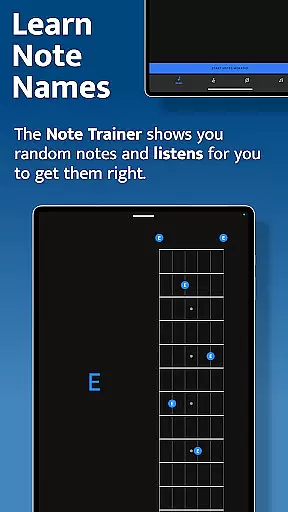
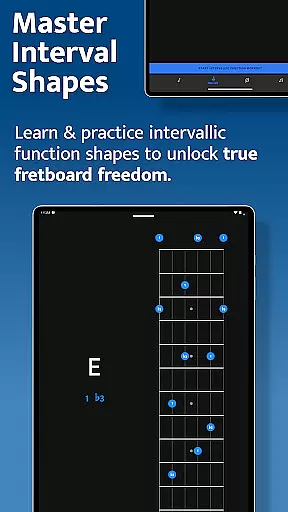
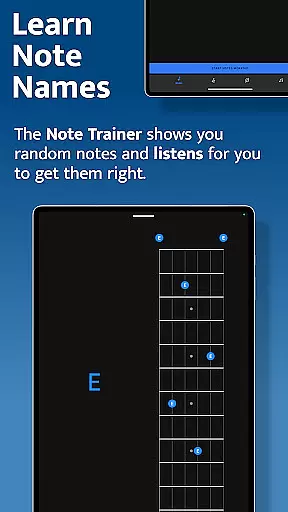
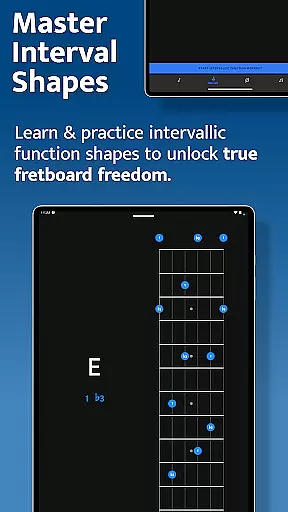
Solo offers four powerful training modules that address different aspects of fretboard mastery. The Note Trainer helps beginners learn fundamental note positions, while the Interval Trainer allows players to practice intervallic functions across the neck using customizable interval groups.
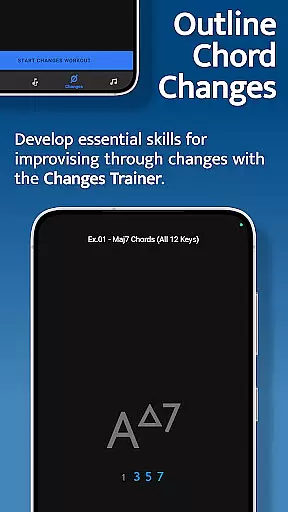
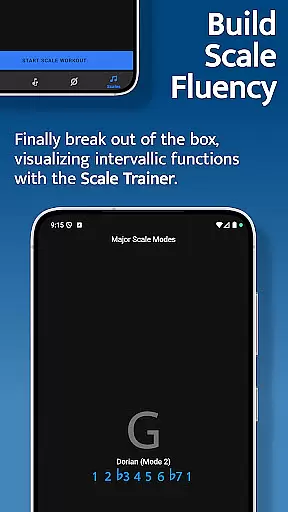
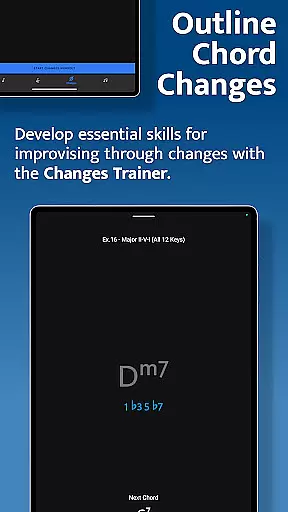
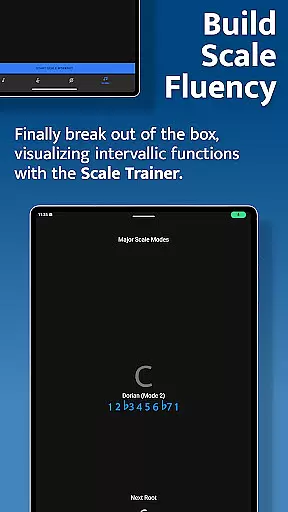
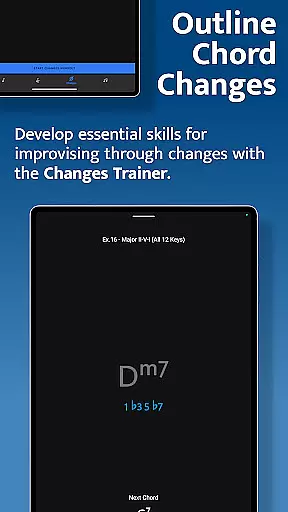
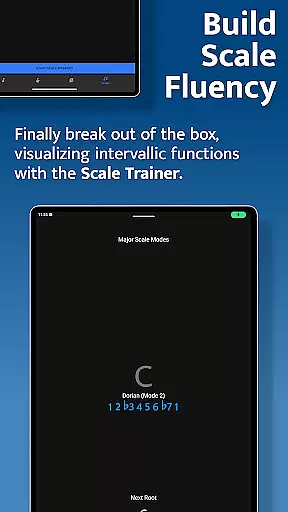
The Changes Trainer focuses on improvisation skills by guiding users through over 100 chord progressions and single-chord exercises. With 50 intervallic function levels, it maps correct intervals over chords in real-time. The Scale Trainer contains over 50 scales and modes, with melodic sequence options and voice leading practice to help musicians break out of scale boxes and develop deeper understanding of scale construction.
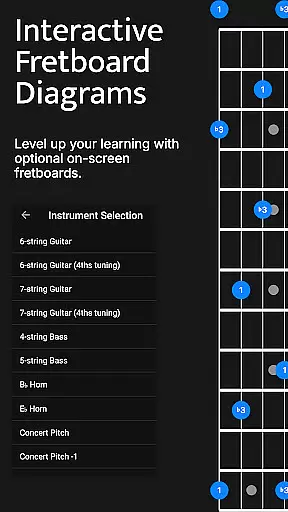
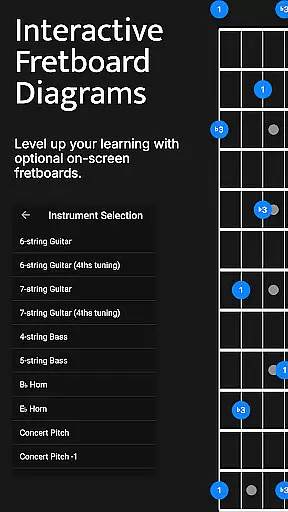
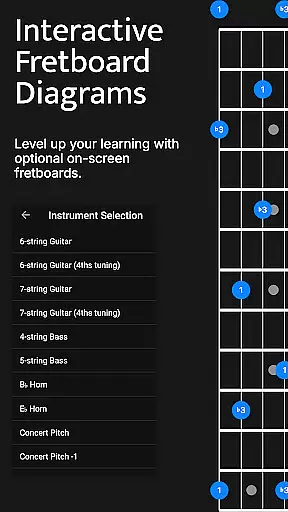
All trainers feature interactive fretboards supporting multiple instrument configurations, duration-based workout customization, and transposition options for maximum flexibility.
When it comes to music and audio applications, the size and authenticity of the music library are crucial factors. Solo - Fretboard Visualization offers an extensive collection of over 50 scales and modes within its Scale Trainer feature. This vast array ensures that musicians at all levels have access to a wide variety of musical resources for practice and learning.
The application is designed by world-renowned guitarists Tom Quayle and David Beebee, which speaks to the authenticity and credibility of the content provided. The trainers included in Solo cover note names, interval shapes, chord changes, and scales, all of which are fundamental to mastering fretboard visualization. These elements combined create a comprehensive music library that supports diverse learning needs.
Moreover, the app's dedication to copyright authenticity is evident through its original content creation. By developing unique training modules, Solo guarantees that users engage with legitimate educational material. This not only enhances the learning experience but also assures users that they are working with high-quality, legal content.
Audio quality is paramount when training for fretboard visualization, as clear sound reproduction can significantly impact a musician's ability to discern notes and intervals accurately. Solo - Fretboard Visualization addresses this need by integrating advanced listening technology that accurately captures the nuances of each note played by the user.
The app listens to the notes you play during practice sessions and provides feedback based on your performance. This interactive feature ensures that every subtlety in your playing is recognized, thus promoting precision and improvement. Whether you're working on simple chord tones or complex melodic structures, the fidelity of the audio feedback helps refine your skills effectively.
In addition to superior audio capture, Solo offers various practice options that cater to different learning styles and preferences. Users can customize their practice sessions with duration-based workouts and choose from multiple string instruments, including guitars and basses with different tunings. These choices allow musicians to tailor their auditory experience according to their specific requirements, ensuring optimal audio quality for every practice scenario.
Comprehensive fretboard training
Real-time audio feedback
Customizable practice sessions
Multiple instrument support
Progressive difficulty levels
Steep learning curve
Requires music theory
Premium price point
Complex interface
Limited beginner guidance

Simply convert wav to mp3. Clear. Reliable. Safe.
 4.3
4.3
Your HD audio recorder on the go for music, meetings, ambience, animal sounds…
4.30
Most Advanced AI Song Generator and Music Creator. Rap, Pop, Rock, Gospel & more
4.70
Enhance the sound quality of your devices, listen to what you want
4.50
Listen radio AM / FM Stations. Live AM / FM Radio App Station. Radio Com.
4.70
Enjoy singing any song, no matter how high or low it is
4.30
Offline Music Player & MP3 Player.Powerful equalizer, Lyrics, Themes, Tag Editor
4.80
Slow music down without changing pitch.
3.70
Ringtone Maker is free app create ringtone from music files or your recording.
4.40
24,000 free audio books and no ads!
4.90
Pay Once, no monthly payment
4.60
Time Trainer: accurate metronome w tools to help you develop your internal time!
4.20
Turn your Android phone into a professional audio analyser with up to 120 bands.
4.00
MilkDrop for Android TV
3.00
Make music anywhere. Turn your device into an instrument.
4.3


User Reviews