
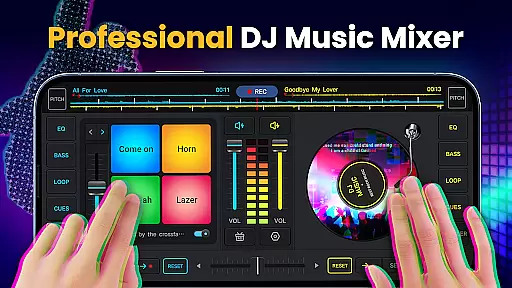
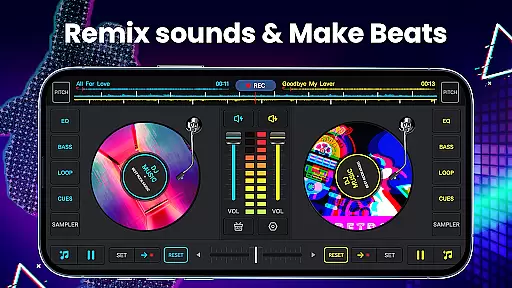
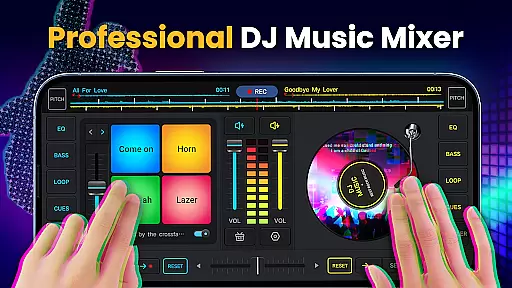
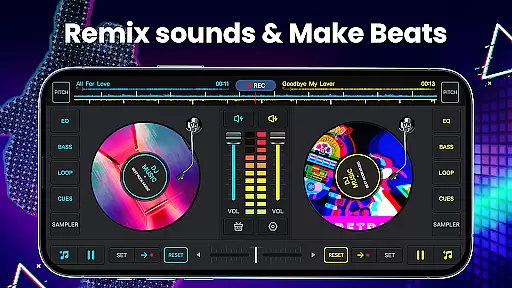
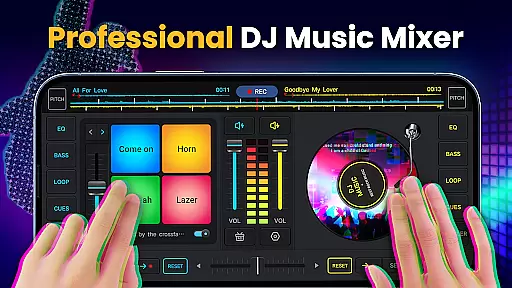
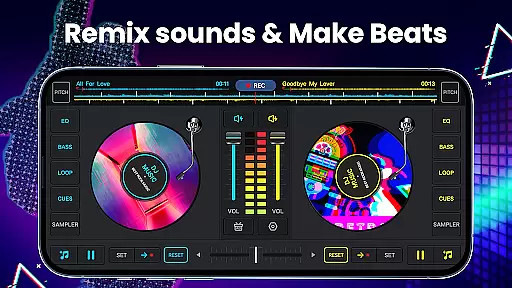
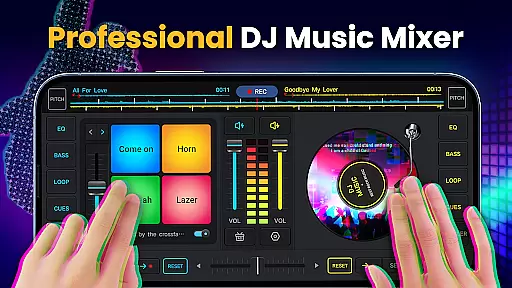
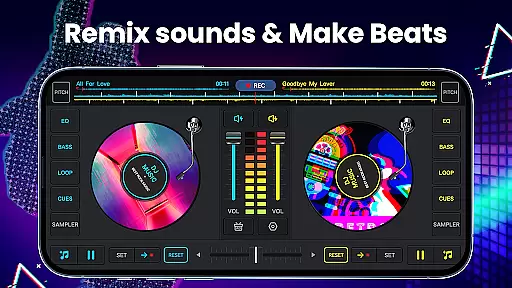
DJ Music Mixer - DJ Mix Studio is a feature-rich virtual DJ application designed for both professional DJs and music enthusiasts. The app provides an intuitive interface with two virtual turntables, allowing users to seamlessly mix tracks and create custom beats. With its powerful equalizer, bass booster, and sound effects, users can produce high-quality remixes that rival professional productions.
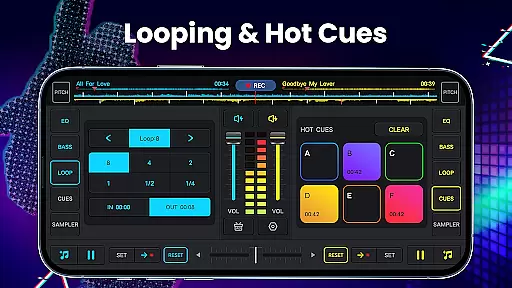
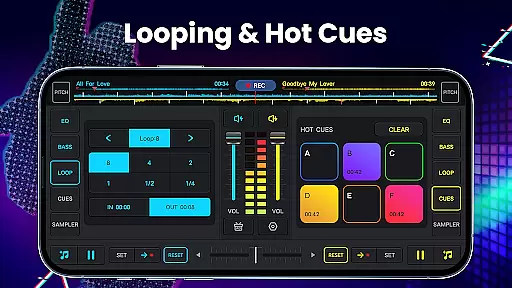
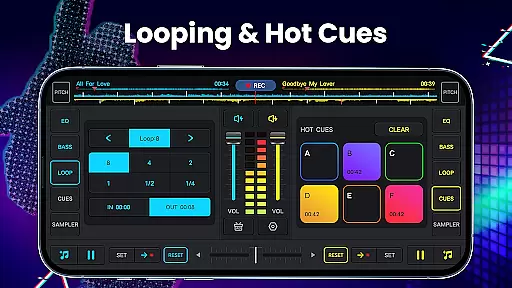
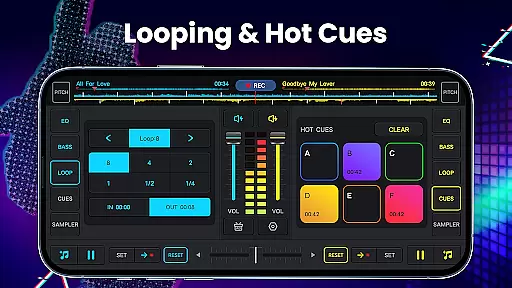
The application supports advanced DJing features such as hot cues, adjustable pitch control, and beat detection. Whether you're preparing for a live set or creating music for personal enjoyment, this app offers the tools needed to craft unique audio experiences. Its compatibility with various audio sources and support for multiple file formats make it a versatile choice for any music creator.
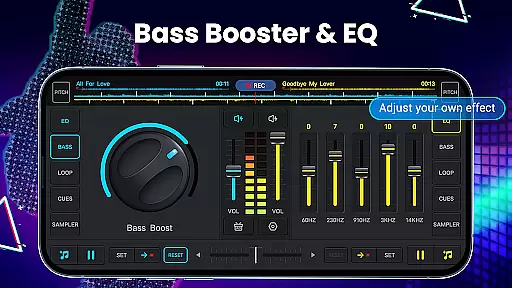
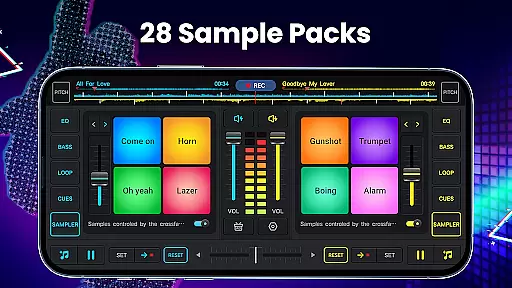
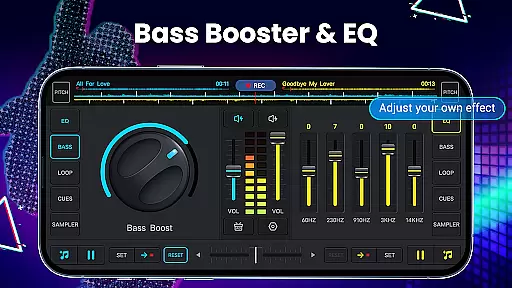
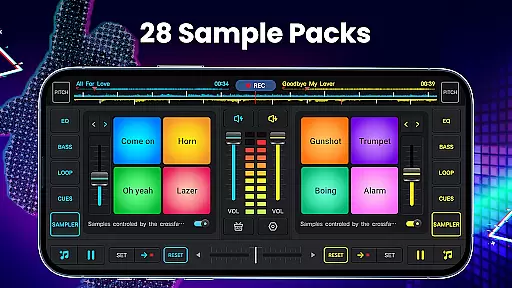
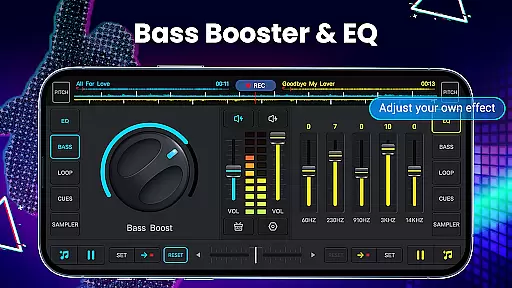
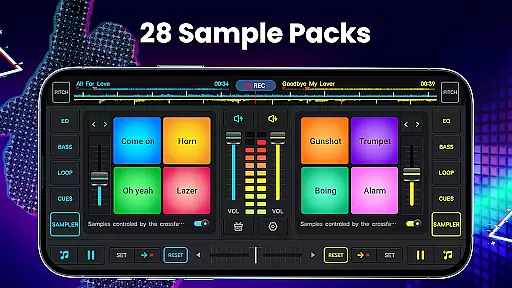
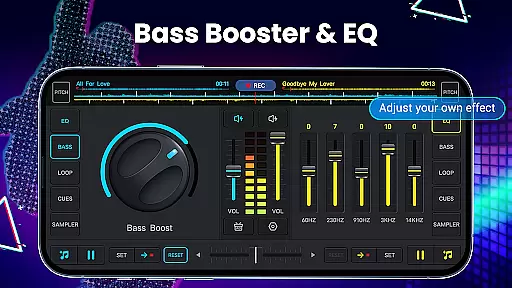
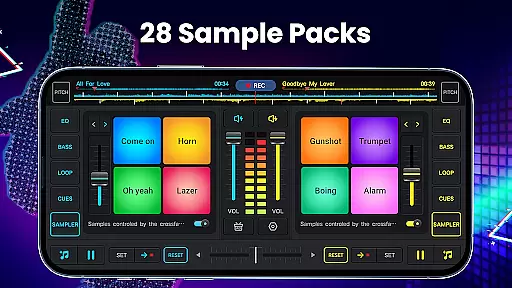
DJ Music Mixer stands out with its comprehensive set of DJing tools. The app includes a five-band equalizer and bass boost functionality, giving users precise control over their mixes. It also features 28 free sample packs containing various sound effects like gunshots, booms, and scratches, enabling creative expression in music production.
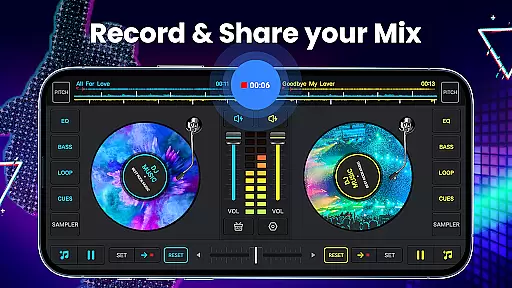
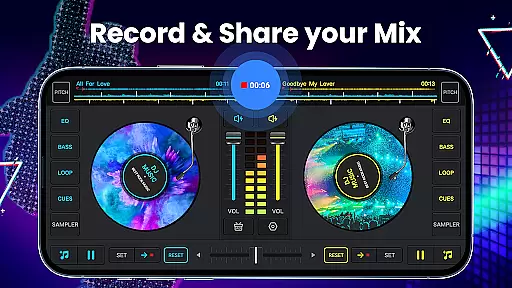
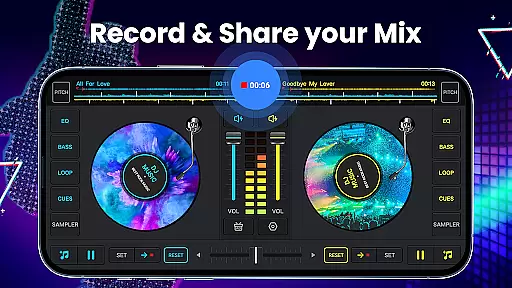
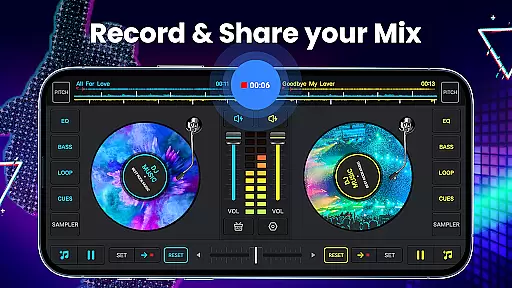
Recording capabilities are another highlight, with HD quality MP3 recording available directly within the app. Users can capture their mixing sessions using either internal audio or external microphones. Additional features include wide audio spectrum analysis for optimized beat detection, forward and backward playback options, and simple equalizer controls for manipulating turntable effects.
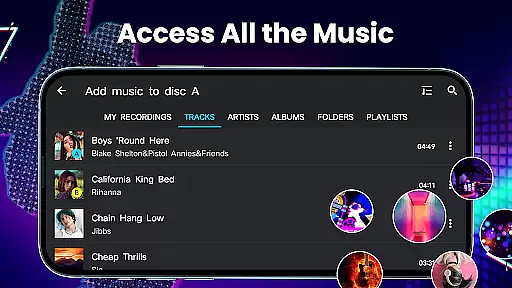
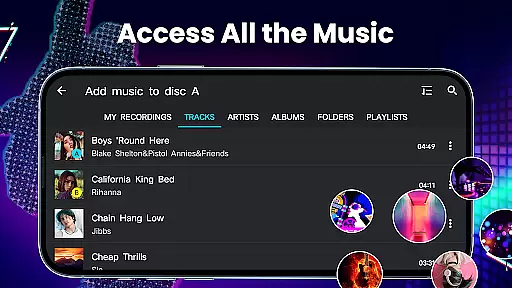
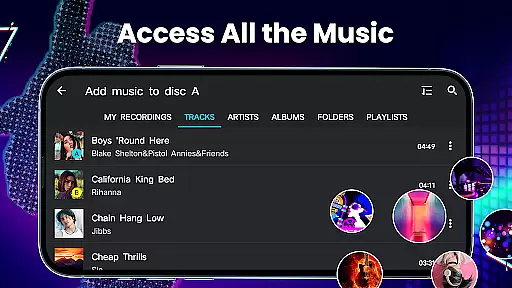
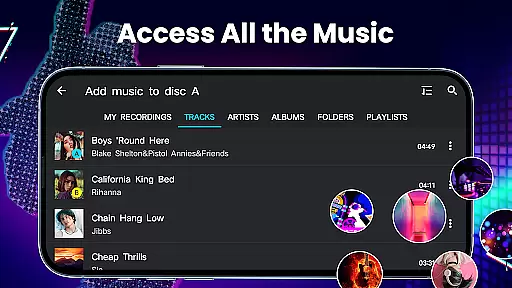
In the realm of digital music creation and mixing, having access to a vast and diverse music library is crucial for creativity and originality. DJ Music Mixer - DJ Mix Studio offers an extensive music library that draws from the user's own collection, ensuring that all content is authentic and free from copyright infringement. This means you can use your personal music files from TRACKS, ARTISTS, ALBUMS, and FOLDERS directly within the app.
The application allows DJs to import their music effortlessly, making it easy to create unique mixes without worrying about legal issues. With the ability to add music to a playlist library, users can organize their tracks efficiently, which enhances the creative process. The app supports various audio formats, ensuring compatibility with most music files.
Furthermore, the app provides 28 free sample packs, including sounds like DJing, Gunshot, Boom, Clap, Boing, and Scratch, which are royalty-free and ready to be used in your mixes. These samples enrich the music library further, allowing for more complex and layered compositions. DJs can manipulate these sounds using the built-in equalizer and bass boost features, giving them full control over their sound output.
Overall, DJ Music Mixer - DJ Mix Studio not only respects copyright laws by utilizing the user's legally acquired music but also enhances the mixing experience with additional royalty-free samples. This ensures that creators can focus on their art without concerns about copyright violations while enjoying a rich and varied music library at their fingertips.
Audio quality is paramount when producing professional-grade music mixes. DJ Music Mixer - DJ Mix Studio excels in delivering high-quality audio through its advanced features designed for optimal sound reproduction. One of the standout capabilities is the HD recording function, which allows users to capture their mixes and scratch routines in .mp3 format, preserving the integrity of the original audio.
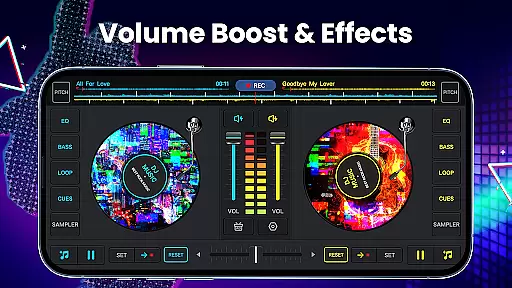
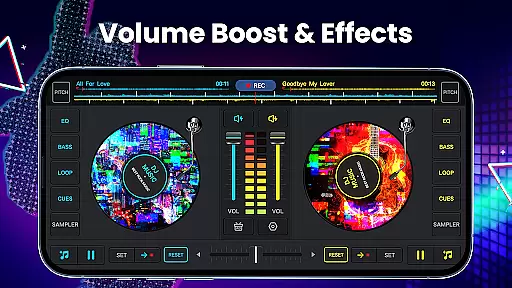
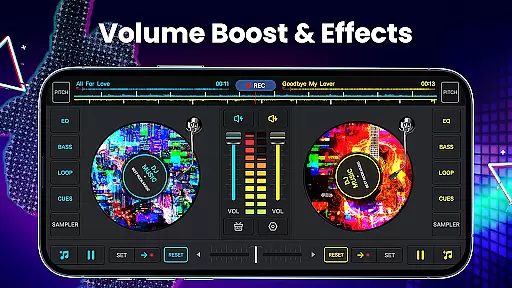
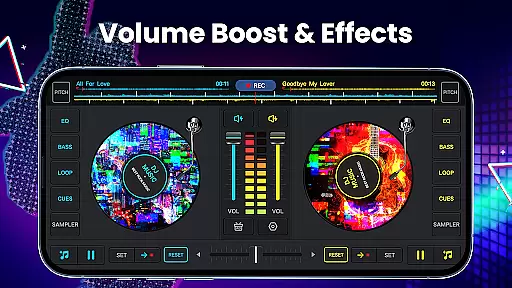
The app includes a five-band equalizer and bass boost feature, enabling precise control over the audio spectrum. This level of detail ensures that every beat, note, and effect is heard clearly and accurately. DJs can adjust the mix volume and pitch, providing even more flexibility in crafting the perfect sound. These tools help maintain high audio fidelity throughout the mixing process.
Moreover, the app supports high-quality uninterrupted playback, which is essential for live performances and practice sessions. The wide audio spectrum and optimized beat detection allow for seamless transitions between tracks, maintaining the energy and flow of the mix. Whether rotating discs forward or backward, the app ensures smooth playback without any loss in audio quality.
For those who demand the best in audio production, DJ Music Mixer - DJ Mix Studio delivers exceptional sound quality options. From importing personal music files to utilizing the built-in effects and equalizer, every aspect of the app is geared towards producing top-notch audio mixes. This dedication to audio excellence makes it an indispensable tool for both amateur and professional DJs alike.
User-friendly interface
Wide range of effects
High-quality recording
Professional-grade tools
Versatile music library access
Limited free features
Occasional glitches
Steep learning curve
Ads in free version
Heavy on resources

Simple & Intuitive Metronome
 4.70
4.70
Music Streaming suite for Ampache, Nextcloud Music and compatible backends.
4.0
24,000 free audio books and no ads!
4.90
Listen radio AM / FM Stations. Live AM / FM Radio App Station. Radio Com.
4.70
Make songs with AI! Any genre, custom lyric, song generator for music creation!
4.80
Learn the notes on the guitar fretboard fast with this easy and fun app
4.60
Manage your Sonos system directly from your home-screen!
4.40
Full featured mp3 and audio player with Chromecast and Android Auto support.
4.40
Travel To The Music Universe
3.40
Listen to live FM radio stations, sports, music and news on global radios online
4.70
Super Sound Editor, Song Maker & Mixer, Vocal Remover, Voice Recorder & Changer!
4.60
USB audio recording and playback finally possible on Android 3.1 or higher!
3.90
The iconic iOS metronome app is now on Android.
3.70
Simple mp3 and mp4 player with advanced features.
3.40
Simply convert wav to mp3. Clear. Reliable. Safe.
4.1


User Reviews