
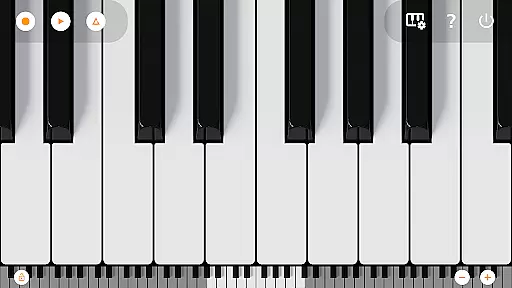
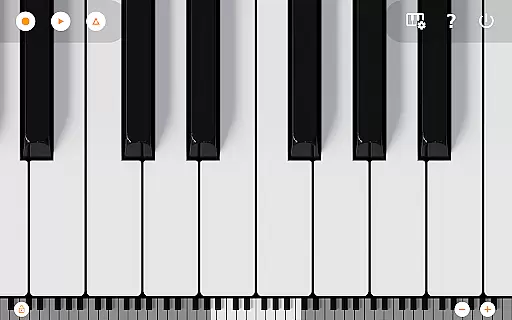
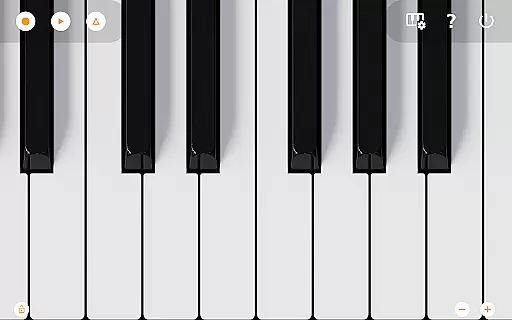
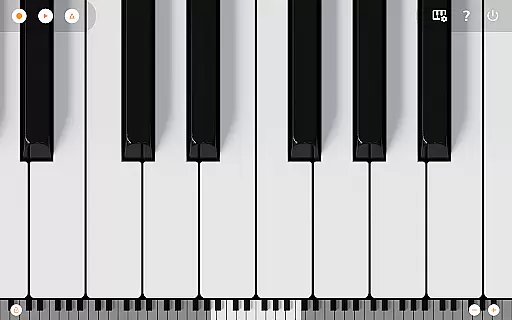
Mini Piano Pro is a premier piano application designed for Android devices, offering an immersive and realistic playing experience. The app features an 88-key fully functional keyboard that mimics a real piano, with zoomable and scrollable capabilities to suit different screen sizes. It includes a beautifully sampled piano sound along with 128 other MIDI instruments, providing users with a wide range of musical options.
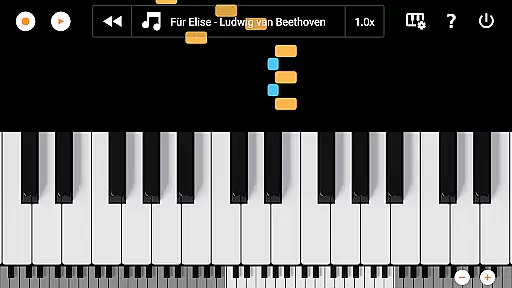
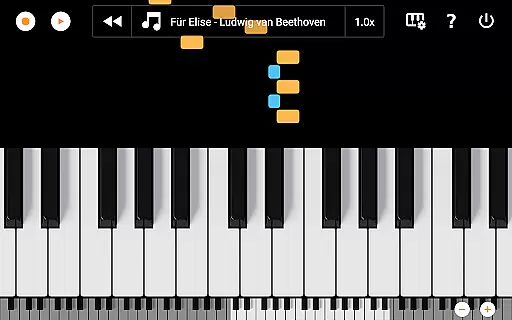
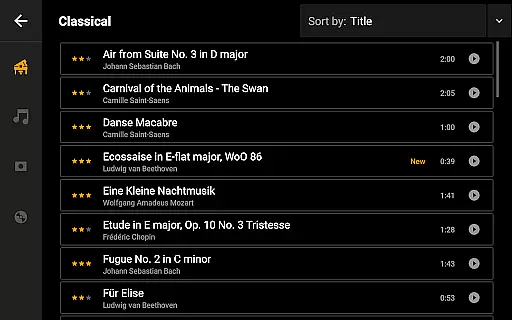
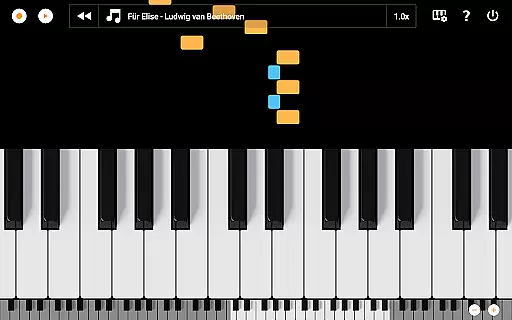
The app's minimalistic design ensures that the interface remains unobtrusive, allowing musicians to focus on their performance. Users can record their compositions as MIDI files and export them in various formats such as MP3, AAC, or WAV. Additionally, the song mode with falling blocks offers an interactive way to learn new songs, making it suitable for both beginners and experienced players.
Optimized for phones, tablets, and Chromebooks, Mini Piano Pro delivers a powerful yet compact music creation tool without any ads or internet permissions, ensuring privacy and uninterrupted use.
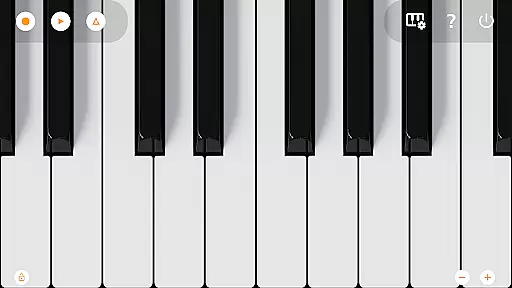
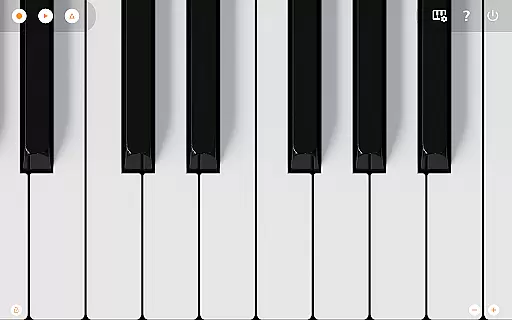
Mini Piano Pro stands out with its comprehensive feature set tailored for music enthusiasts. The app provides a full 88-key piano keyboard with support for multitouch gestures, enabling users to play chords and complex pieces just like on a physical piano. Its highly responsive design and realistic sound engine make every note resonate authentically.
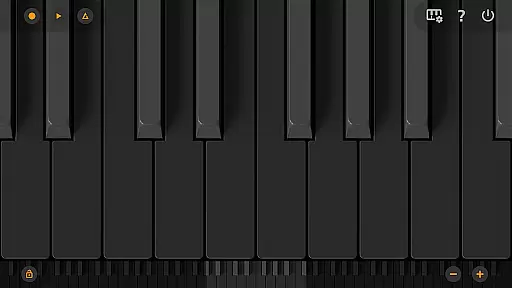
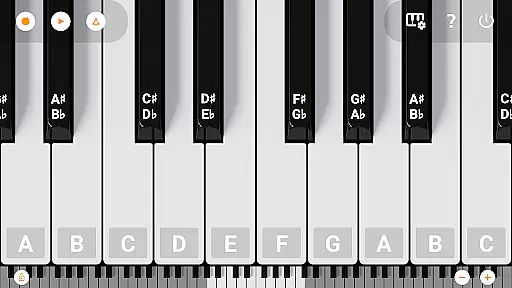
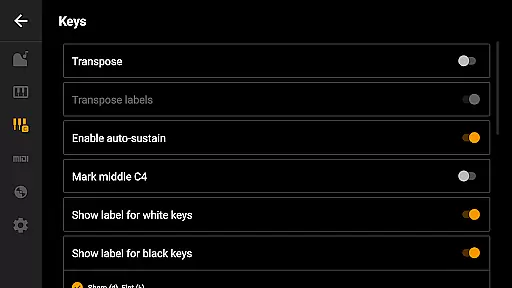
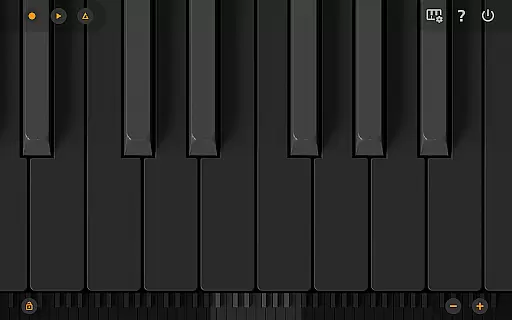
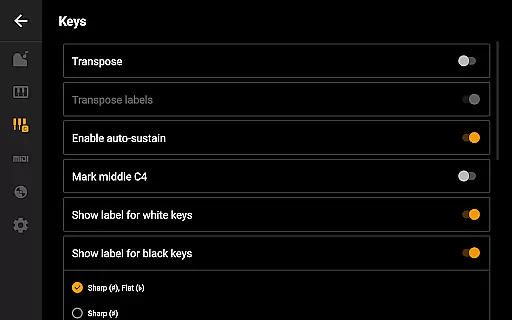
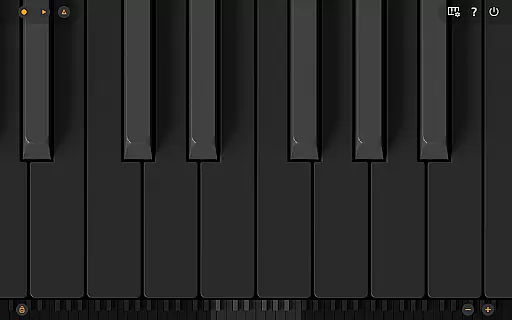
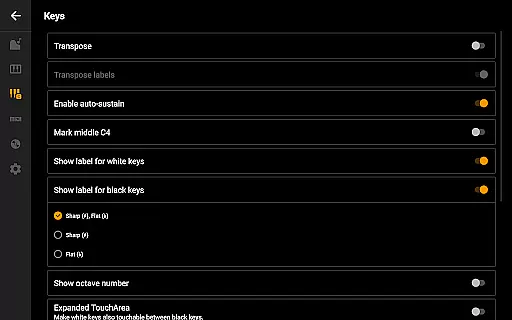
Customization is at the heart of this app, allowing users to adjust settings such as dark mode, key labels, metronome tempo, and keyboard transposition. Advanced functionalities include MIDI input/output support, letting users connect external keyboards or integrate with PC-based setups. This versatility makes it ideal for professional musicians seeking a portable solution without compromising on quality.
Moreover, the ability to export recordings in multiple audio formats enhances workflow flexibility, while the included song-learning mode adds an educational aspect to the overall package. These features collectively position Mini Piano Pro as a top choice for mobile music production.
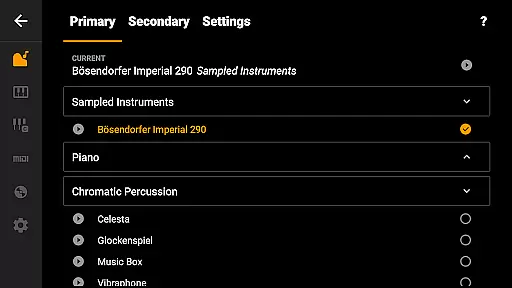
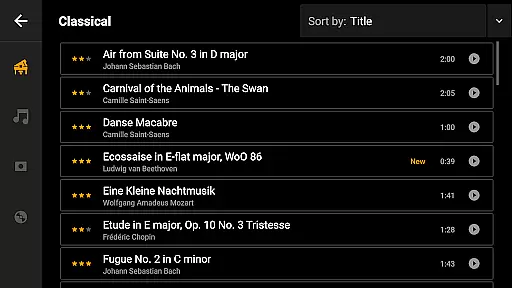
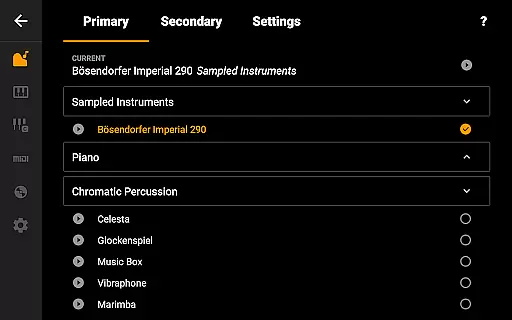
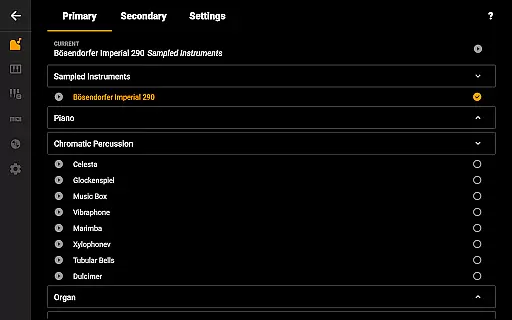
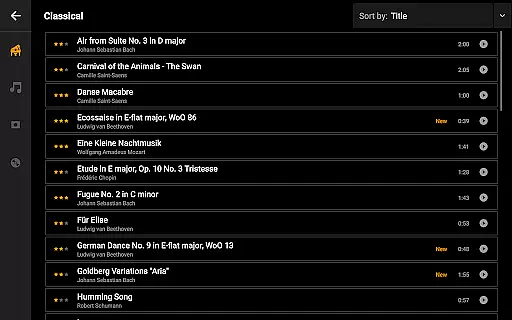
Mini Piano Pro offers an impressive music library with 128 MIDI sounds, covering a wide range of instrument types. This extensive selection ensures users have access to a variety of high-quality, realistic sounds.
The app includes a beautifully sampled piano sound that mimics the real deal, providing an authentic playing experience. The inclusion of these meticulously crafted sounds demonstrates the app's commitment to copyright authenticity and legal licensing.
With its vast array of instruments, users can explore different musical genres and styles, making it suitable for both practice and performance. This diversity enriches the user's creative possibilities.
By focusing on quality and authenticity, Mini Piano Pro not only respects intellectual property rights but also enhances the overall value proposition for musicians and enthusiasts alike.
Mini Piano Pro stands out in terms of audio quality options, offering users the ability to record their performances as MIDI files and export them to high-quality formats such as MP3, AAC, or WAV. This feature ensures that users can achieve professional-grade sound output.
The app supports multitouch functionality, allowing musicians to use all their fingers while playing. This capability contributes to a more nuanced and expressive performance, capturing the subtleties of each note.
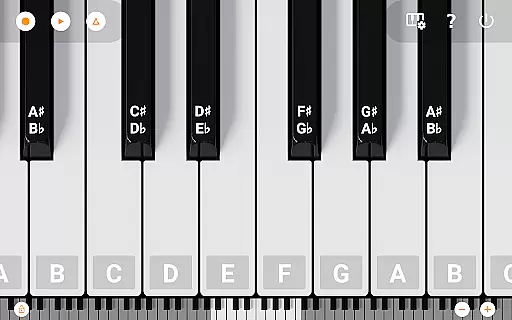
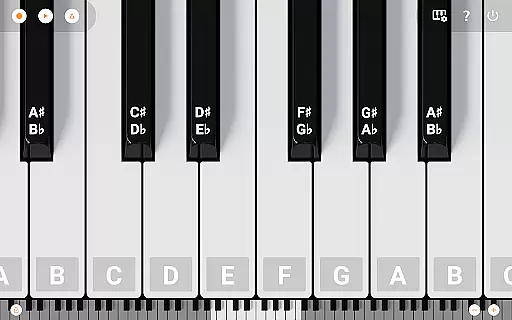
Additionally, users can customize their experience by labeling notes with their names and octaves, using a metronome for tempo control, and transposing the keyboard. These features collectively enhance the precision and adaptability of audio production.
Whether you're a beginner or a seasoned musician, the robust audio quality options in Mini Piano Pro cater to various needs, ensuring an unparalleled musical experience.
Realistic piano sound
Wide instrument variety
User-friendly interface
No ads or internet needed
Excellent customization
Limited advanced editing
Few social sharing options
No built-in tutorials
Occasional lag on older devices
Premium price tag

The Cubase remote control app
 3.60
3.60
JBL PartyBox APP works with 110/310/710/120/320/520/Encore/Encore 2/Encore Ess 2
4.80
Network/Cloud Streaming, Visualization, Graphic Equalizer and Sound Effects.
4.20
The ultimate media player for Android devices
3.90
Recording studio w/ 10k beats, pro vocal FX and a network of 20M rappers & fans!
4.60
Enjoy singing any song, no matter how high or low it is
4.30
The original SP-1200 experience on your iPad
4.20
Offline Tunes, Unlimited Vibes
3.90
Travel To The Music Universe
3.40
Performance-Synthesizer & Multi-Track-Sequencer, polyphonic + multi timbral!
4.70
A complete sound package for the sound engineer or enthusiast
4.60
Time Guru will strengthen your internal sense of musical time via random muting.
4.30
Turn your phone into a musical instrument from the future!
3.90
Simply convert wav to mp3. Clear. Reliable. Safe.
4.4
Remove ads permanently from Music Visualizer
4.3


User Reviews