
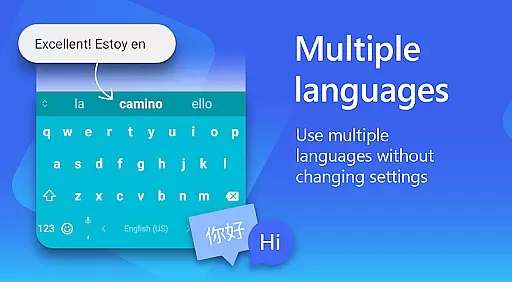
Microsoft SwiftKey AI Keyboard is a cutting-edge personalization tool designed to enhance typing efficiency and style. This intelligent keyboard learns your unique writing patterns, offering personalized autocorrect and predictive text features. With support for over 700 languages and the ability to enable up to five languages simultaneously, it caters to a global user base.
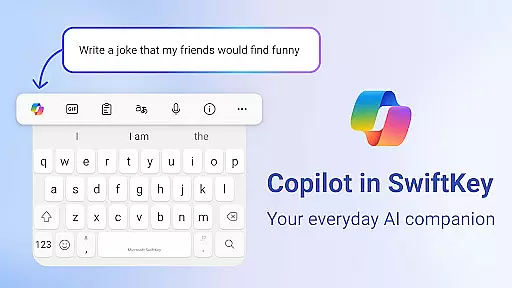
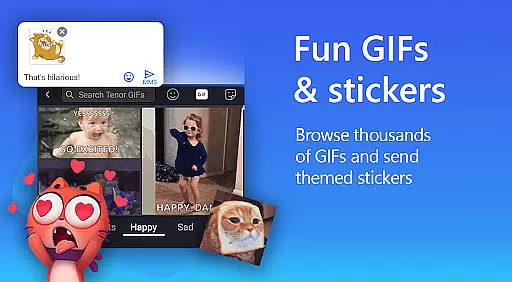
The app goes beyond basic typing by integrating rich content options such as adaptive emojis, GIFs, and stickers. Users can customize their typing experience with various themes and layouts, including photo backgrounds. The inclusion of Copilot, an everyday AI companion, allows users to interact with AI within their favorite apps, making Microsoft SwiftKey not just a keyboard but a comprehensive communication tool.
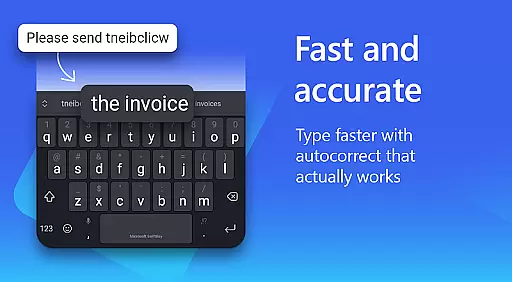
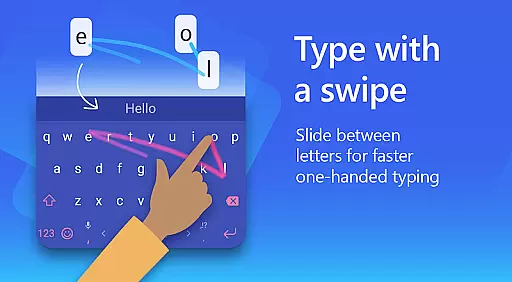
Microsoft SwiftKey AI Keyboard stands out with its advanced AI-powered features that continuously learn and adapt to individual typing styles. The swipe-to-type functionality, combined with smart predictions and autocorrect, significantly boosts typing speed while maintaining accuracy. Its custom keyboard toolbar provides quick shortcuts, enhancing productivity.
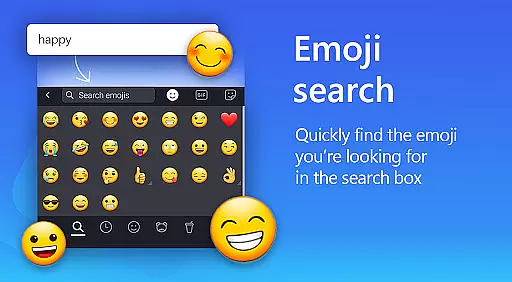
For creative expression, the app offers searchable emojis, GIFs, and stickers, along with the ability to create unique AI-powered images and memes. Multilingual support is exceptional, with specialized language models for different regions. The customization options are vast, allowing users to personalize every aspect of their keyboard's appearance and functionality, ensuring a perfect match for their personal style.
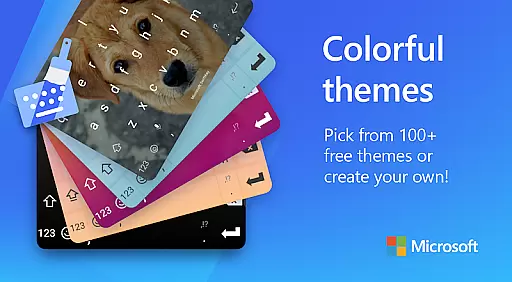
Microsoft SwiftKey AI Keyboard offers an extensive range of customization options that cater to individual preferences and styles. With over a hundred colorful keyboard themes, users can select a design that best reflects their personality or mood.
Beyond the preset themes, the application allows for a personalized touch by enabling users to create their own custom keyboard theme. This feature lets you use a personal photo as the background, making your typing experience truly unique and tailored to your visual preferences.
In addition to aesthetic personalization, Microsoft SwiftKey provides functional customization. Users have the ability to adjust the keyboard size and layout according to their comfort and typing style, ensuring an optimal user experience whether they prefer swiping or tapping to type.
The adaptability of the keyboard extends to its learning capabilities, adapting to slang, nicknames, and frequently used emoji. This ensures that the keyboard not only looks personalized but also feels intuitive and responsive to each user's distinct way of communicating.
Theme compatibility in Microsoft SwiftKey AI Keyboard ensures that regardless of the device or operating system version, your chosen theme will maintain its appearance and functionality. This seamless integration across devices means users won't experience any distortion or loss of quality in their selected designs.
Moreover, the adaptive nature of the themes is supported by an intelligent system that learns from your typing habits. As it adapts to include your slang and commonly used phrases, the visual elements remain consistent, providing a cohesive look and feel that enhances the overall typing experience.
With support for high-definition displays, SwiftKey's themes are rendered with clarity and vibrancy on all compatible devices. The attention to detail in maintaining theme integrity contributes significantly to user satisfaction and engagement with the app.
Whether you're using emojis, GIFs, or stickers within your conversations, the themes work harmoniously with these rich content options. This compatibility enriches communication by allowing expressive elements to be seamlessly integrated into the visually customized environment provided by SwiftKeyu2019s diverse theme offerings.
AI-powered predictions
Customizable themes
Multilingual support
Rich content integration
User-friendly interface
Optional permissions needed
Feature limitations without permissions
Occasional prediction errors
Resource-intensive
Learning curve for new users

Only for Wear OS devices!
 4.90
4.90
Dark icon pack based on One 8
4.80
Wallpaper HD 4K Live - Thousands of high-quality Anime backgrounds for you.
4.80
Customize glowing edges, wallpapers, and caller screen with EdgeAura.
3.50 3.50
3.50
Color phone with cool effects for call screen, flash alert & ringtones music
4.50
Icons made of colorful linear lines
4.60
Crystal-clear, square icon provides a sleek and sophisticated visual upgrade
4.00
Fast SMS & group chat - use GIFs and emojis from your home screen launcher.
4.50
400+ Beautifully crafted widgets inspired by NOTHING.
4.70
Fingerprint Lock Screen & Live Animations with 4K Wallpapers as Live Wallpaper
4.40
Run multiple accounts of the same app on a single device
4.10 4.10
4.10
Ultimate widget creator. Design custom widgets for a truly unique home screen!
3.90
Interactive Miniature Painting Catalogue
3.30


User Reviews