
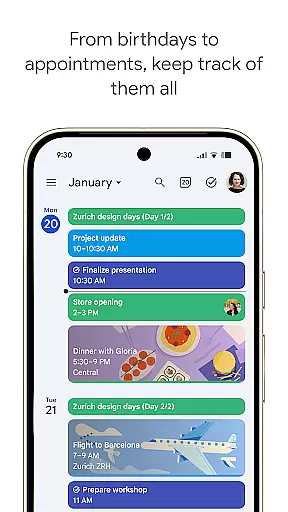
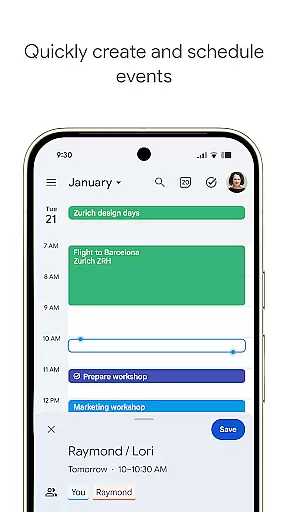
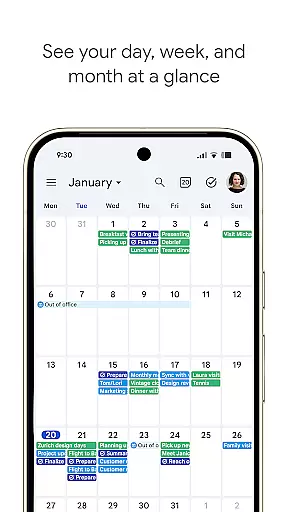
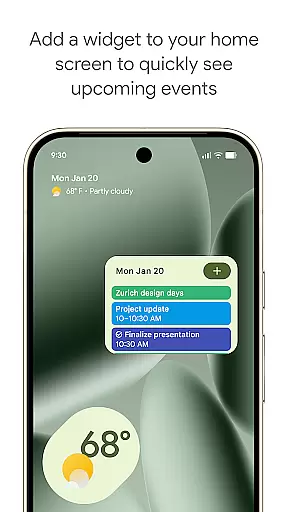
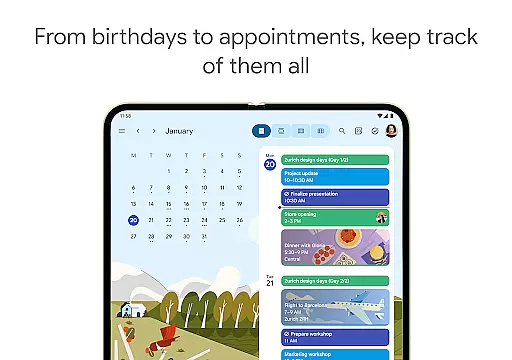
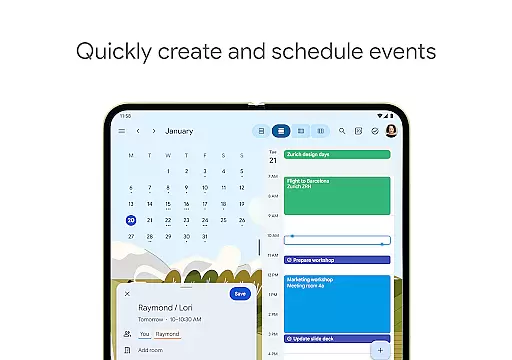
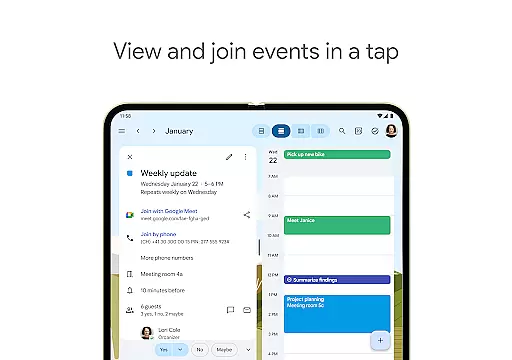
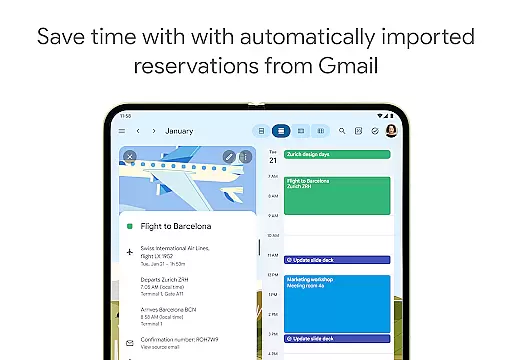
Google Calendar is the official calendar app for Android devices, including phones, tablets, and Wear OS. It helps users stay organized by offering easy event creation, multiple calendar views, and seamless integration with Gmail for automatic event addition. The app supports shared calendars, tasks management, and customizable views, making it ideal for both personal and professional use.
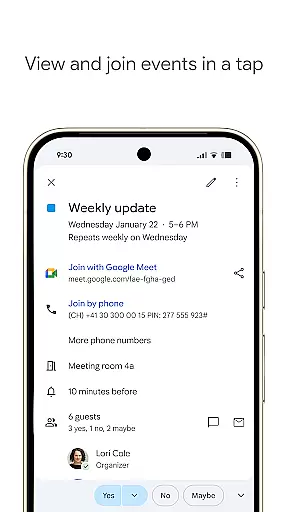
With its hybrid work features, Google Calendar allows users to schedule meetings, check team availability, and add video calls through Google Meet. Its enterprise-level security ensures data protection while enabling collaboration across Google Workspace tools. Whether you're managing daily tasks or coordinating team schedules, Google Calendar provides a reliable solution for time management on the go.
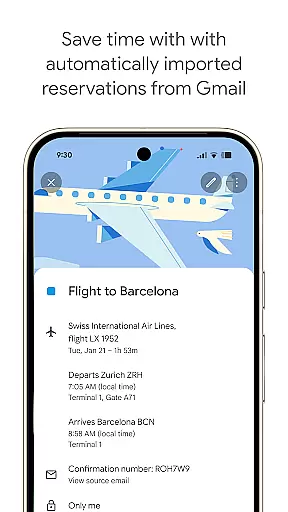
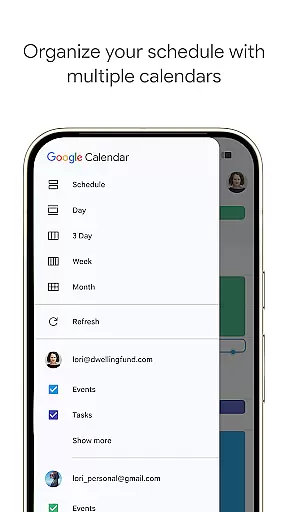
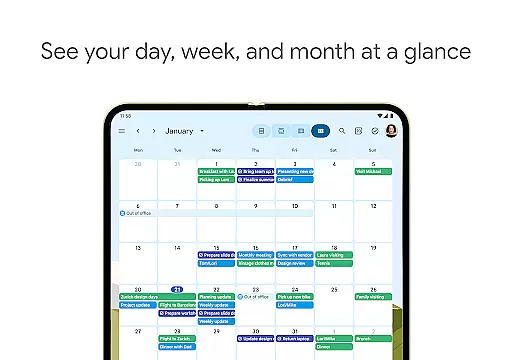
Google Calendar offers a comprehensive set of features designed to maximize productivity. Users can automatically import events from Gmail, such as flight details and restaurant reservations, ensuring all important dates are captured. The app supports multiple calendar views (day, week, month) and integrates seamlessly with other calendars like Exchange, providing a unified scheduling experience.
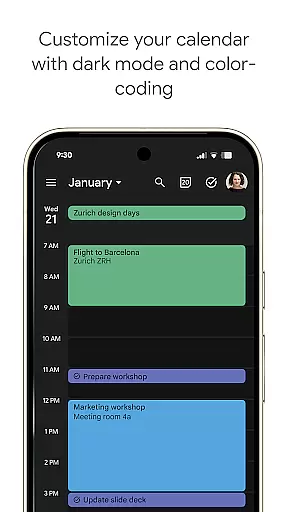
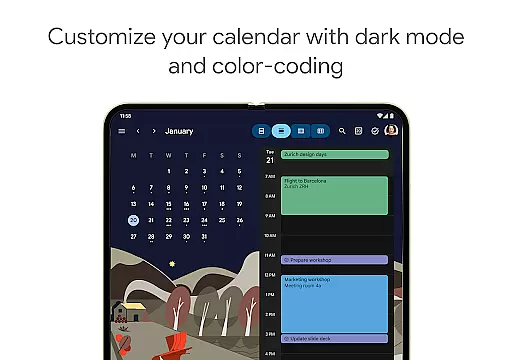
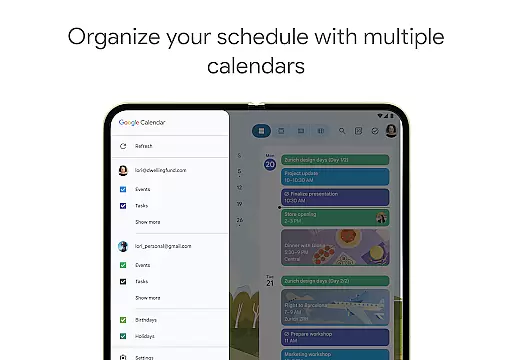
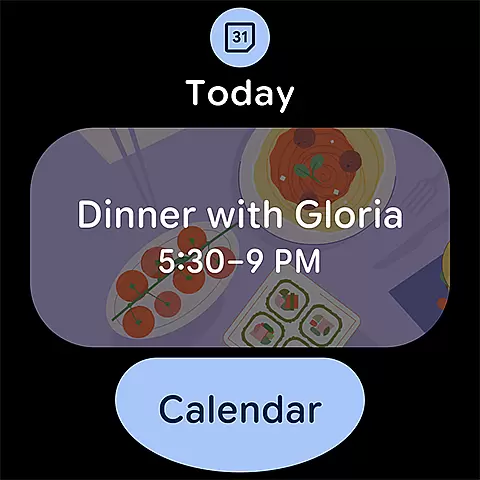
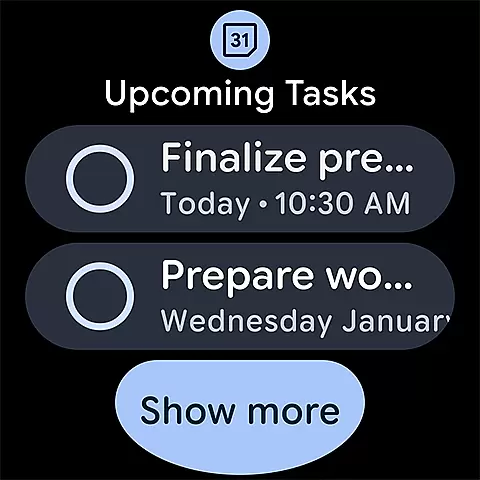
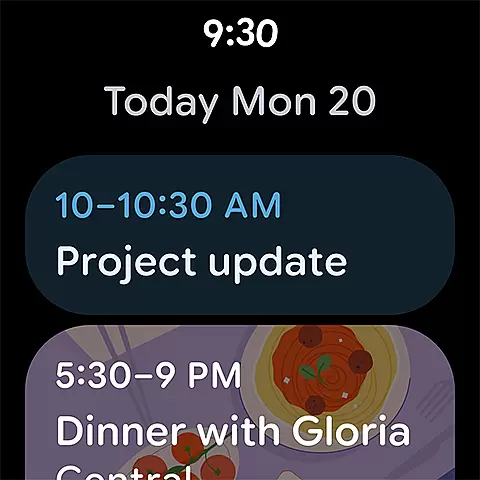
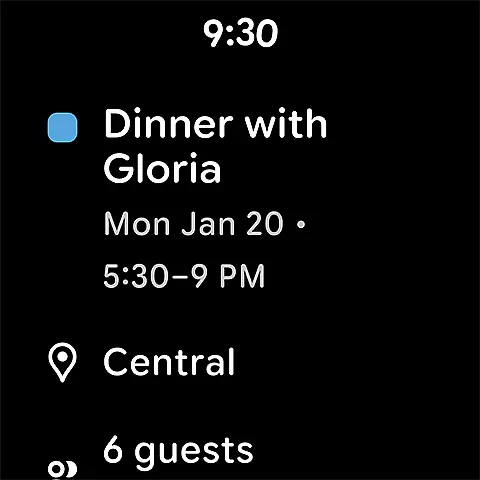
For team collaboration, Google Calendar enables shared calendars, meeting attachments, and real-time availability checks. Wear OS support extends its functionality to smartwatches, allowing users to track events and tasks directly from their wrist. Additional features include task management, dark mode customization, and full-screen task lists, making it a versatile tool for organizing both work and personal life.
Companion app integration is essential for users who want a seamless experience across multiple devices. Google Calendar excels in this area by ensuring that all your events, tasks, and reminders are synchronized effortlessly between your Android phone, tablet, and Wear OS device. This synchronization allows you to start planning on one device and continue on another without missing any details.
The app achieves this through real-time updates and cloud storage, ensuring that changes made on one device are immediately reflected on others. Whether you're at home using your tablet or on the go with your Wear OS smartwatch, Google Calendar keeps everything up-to-date and accessible. This feature is particularly beneficial for those managing busy schedules across different environments.
For professionals and individuals alike, this level of integration means no event is ever missed, and last-minute changes are instantly available wherever you are. The ability to access your calendar from any device ensures that you can stay organized and productive, regardless of where you are or what device you're using.
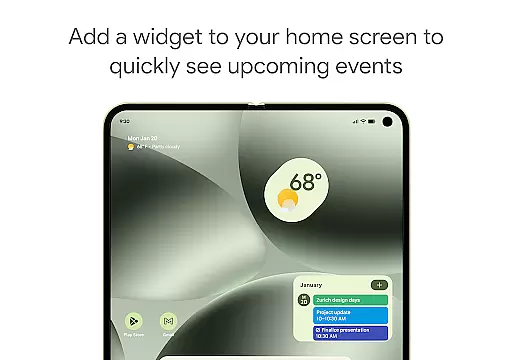
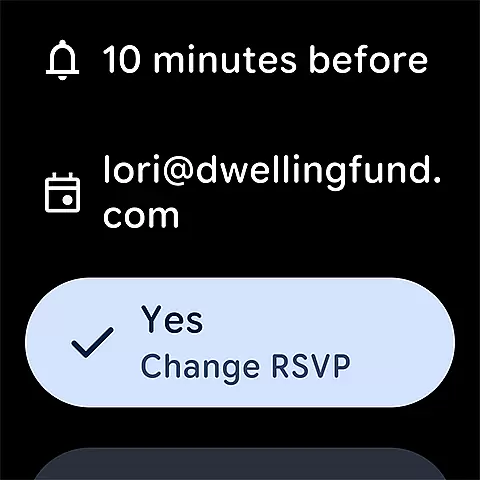
Google Calendar offers robust compatibility with Wear OS devices, making it an ideal choice for users who rely on smartwatches for their daily scheduling needs. The app supports various features specifically designed for Wear OS, such as tiles and complications, which allow quick access to your schedule directly from your watch face. This ensures that you can view upcoming events and tasks without needing to pull out your phone.
In addition to basic event viewing, Google Calendar on Wear OS provides notifications and reminders, keeping you informed about important meetings and deadlines even when you're away from your phone or computer. The app's design takes full advantage of Wear OS capabilities, offering a streamlined interface that is easy to navigate on smaller screens.
This compatibility extends the functionality of your smartwatch, turning it into a powerful tool for time management. With Google Calendar on your Wear OS device, you can efficiently manage your day, receive timely alerts, and ensure you never miss an appointment, enhancing both personal productivity and professional reliability.
Seamless Gmail integration
Multiple calendar support
Easy team collaboration
Customizable views
Enterprise-level security
Limited offline functionality
Basic task management
No advanced reminders
Interface can feel cluttered
Dependent on Google ecosystem

Christmas Theme Watch Face for Wear Os
 5.00
5.00
Current temperature, weather hourly, weather radar by the weather forecast app
4.40
A full-featured Amazon Alexa voice assistant that can show you things.
3.70
MyNISSAN® lets you remotely control your car from your phone.*
4.50
Be an elegant and classy secret agent, with this carefully detailed watch face
4.70
Bold, Modern Hybrid Watch Face for Wear OS. 10 Colors, Rich Info Display.
4.30
Retro digital watch face with customizable colors and a unique lighting effect
4.60
Simple, helpful messaging by Google
4.60
Control your Samsung Smart TVs, appliances, and SmartThings-compatible devices
4.60
Monitor health with the stress test and pulse checker in the heart rate app.
4.60
Real-time results, stats, schedules and player profiles for all leagues
4.60
Beautiful artistic animated digital watch face, with a customizable layout!
4.40
Snowflake Rose Gold Watch Face - Digital, modern, & sleek with GYRO effect.
4.10
Precision analog watch face with 7 complications and style options
4.4
A heartwarming Christmas scene featuring a cute image of Santa and Rudolf
4.2


User Reviews