
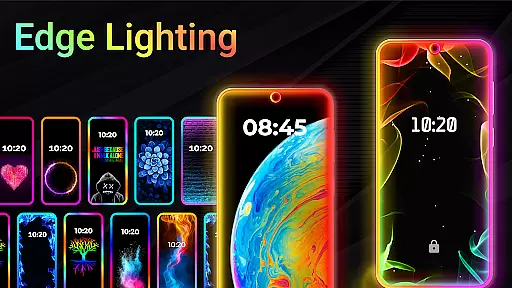
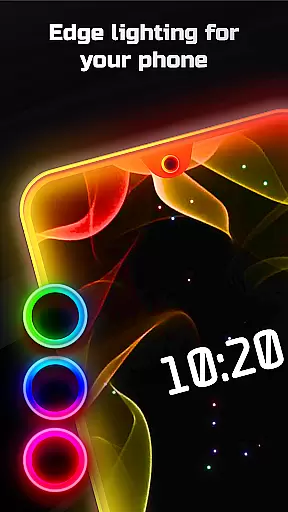
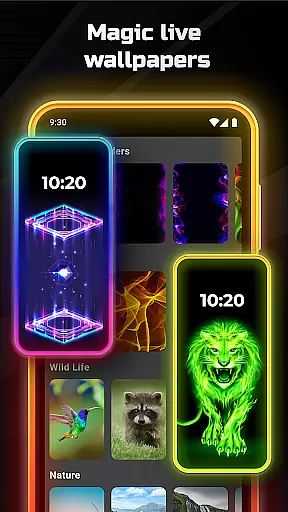
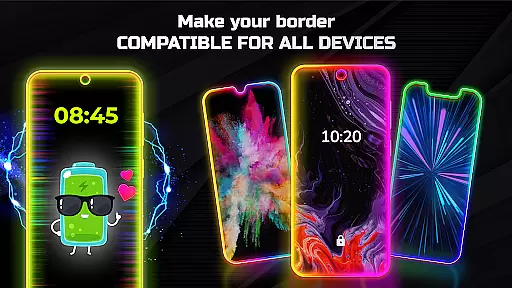
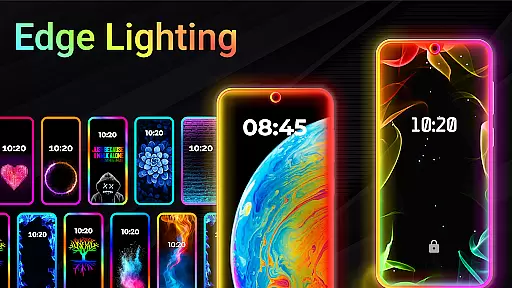
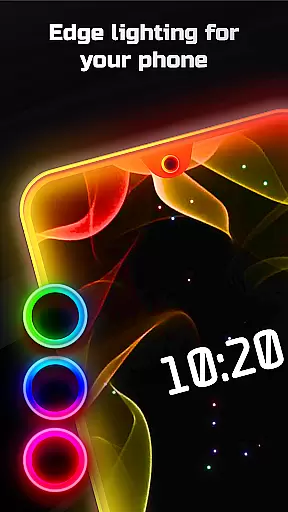
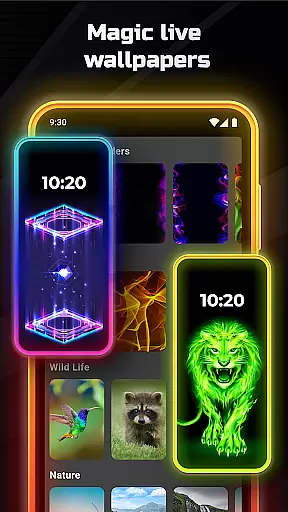
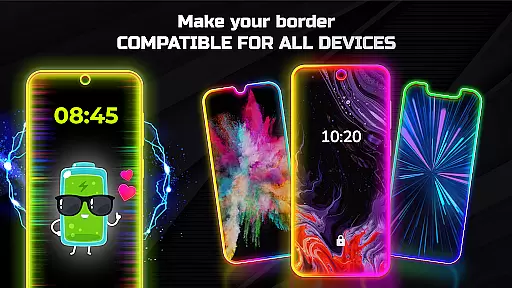

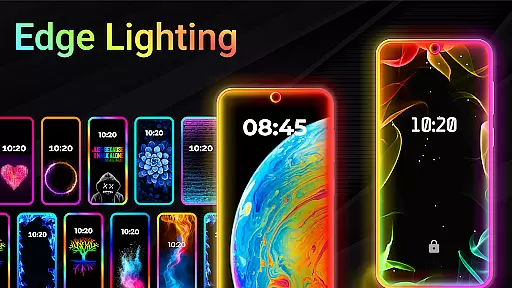
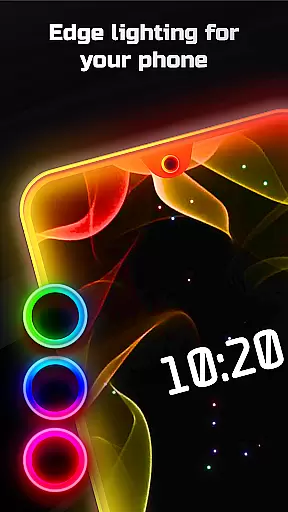
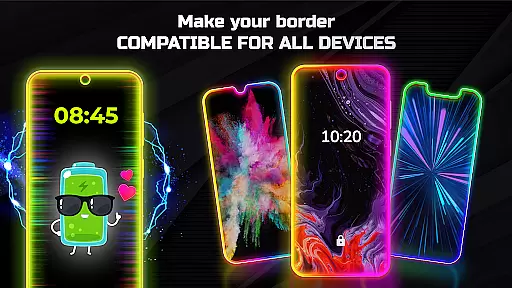
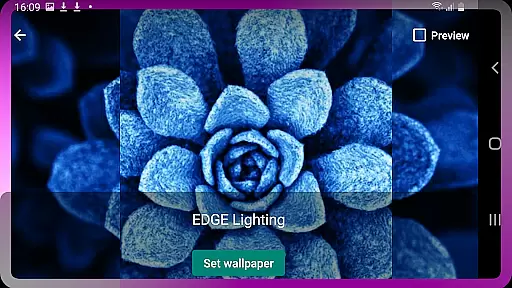
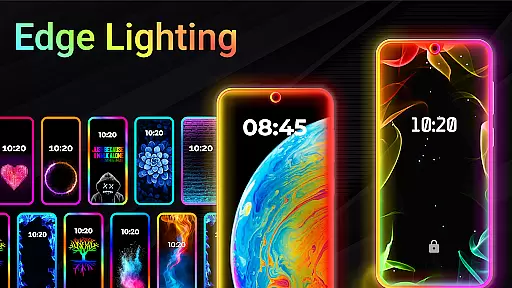
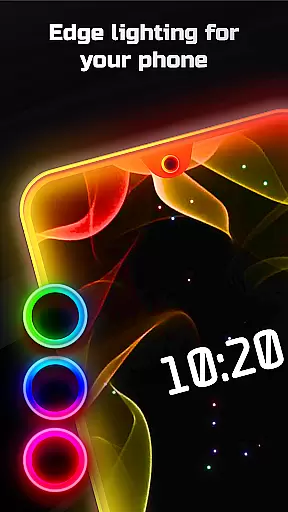
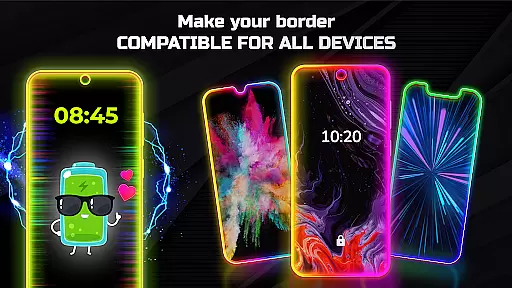
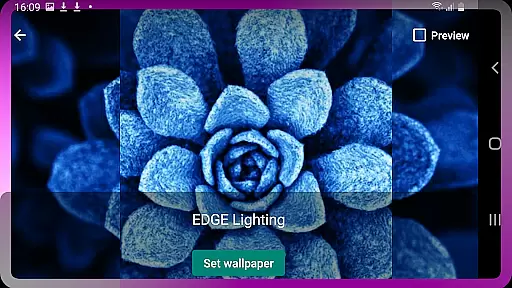
Edge Lighting is a versatile personalization app designed to enhance the visual appeal of Android devices. This application allows users to add stunning curved edge lighting effects to both their home screen and lock screen, creating an aesthetically pleasing interface. With support for all types of screens including Infinity displays and notches, Edge Lighting ensures compatibility across a wide range of devices such as Samsung Galaxy, OnePlus, Xiaomi, and more.
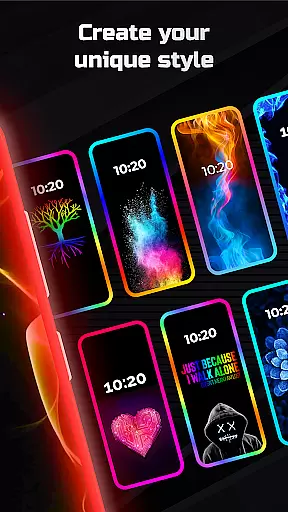
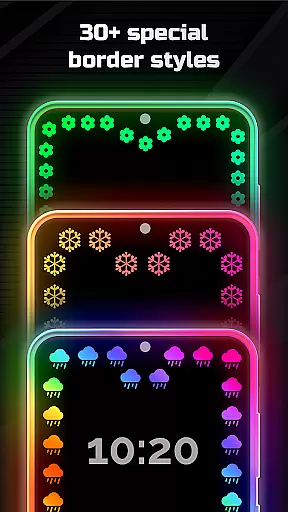
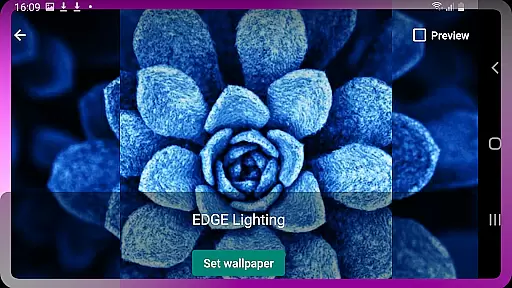
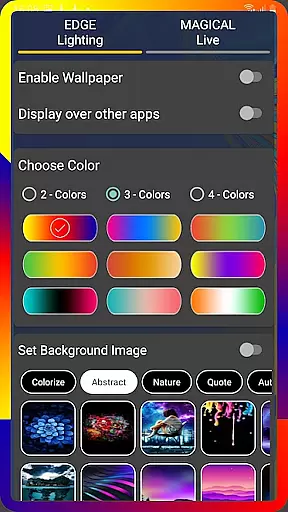
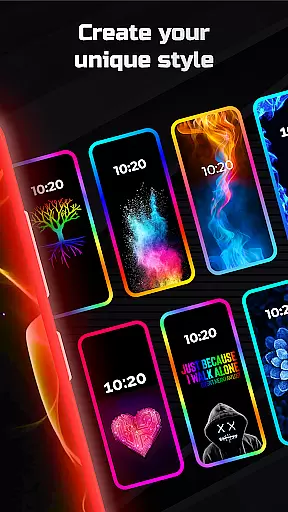
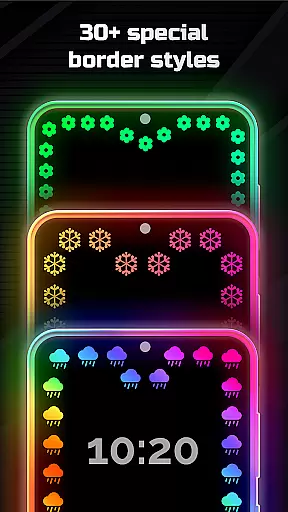
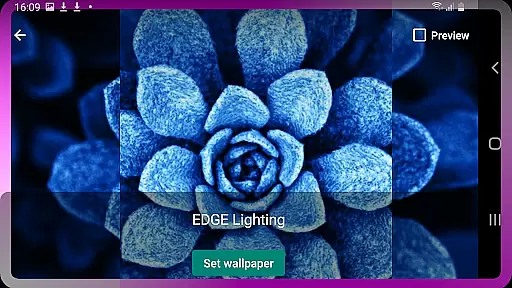
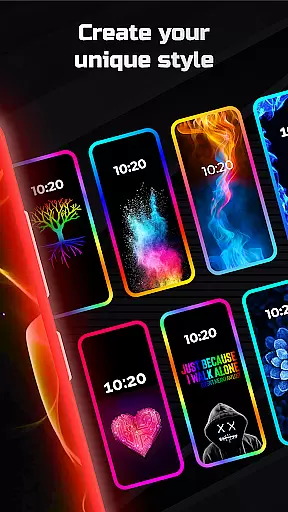
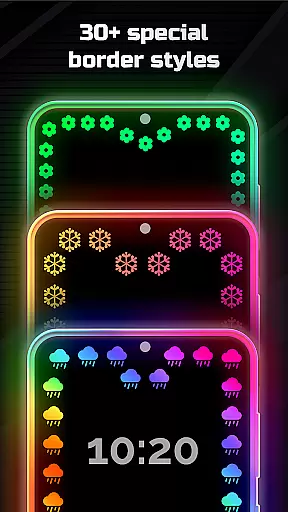
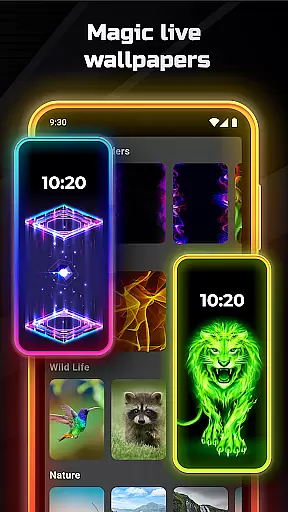
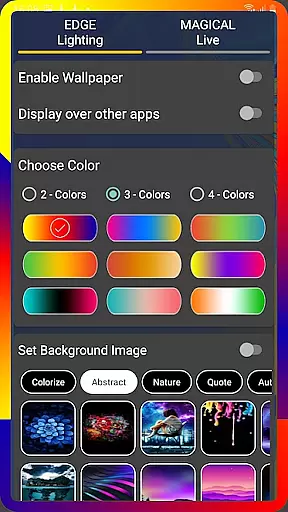
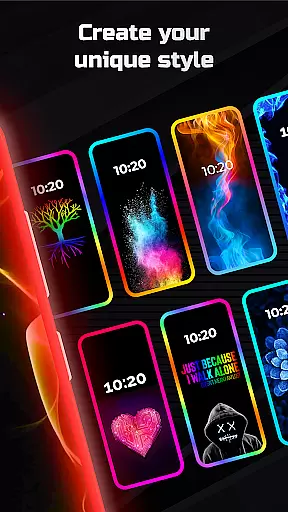
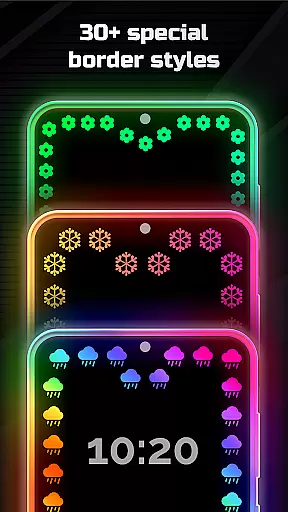
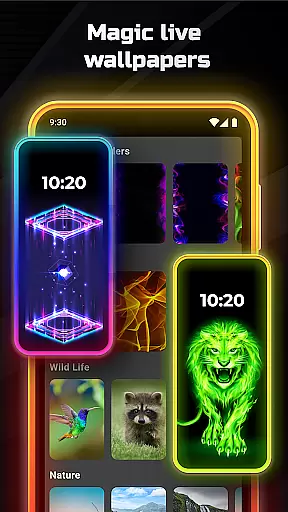
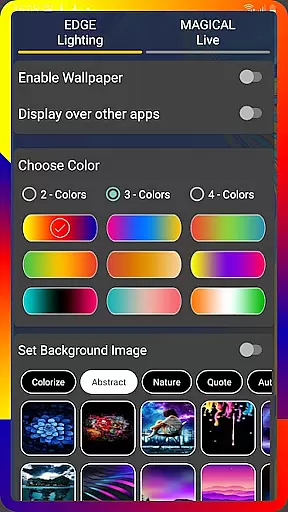
The true power of Edge Lighting lies in its extensive customization options. Users can tailor the lighting effects to their preference by adjusting colors, width, animation speed, and choosing from over 15 border types like hearts, suns, or dolphins. Additionally, it offers magical lighting effects and the ability to set personal photos or HD wallpapers within the lighting frame. These features make it an ideal tool for those looking to personalize their smartphone's appearance with unique live wallpapers and striking design elements.
Edge Lighting stands out with its comprehensive feature set tailored for device personalization. The app provides users with the ability to select from more than 30 magical edge lighting effects that can be applied to both home and lock screens with just one click. It supports full RGB color customization, allowing users to create vibrant, multicolored lighting schemes that suit their style. The app also includes settings for precise control over display notch dimensions and curve radius, ensuring a perfect fit for any screen type.
Another remarkable aspect is the inclusion of over 15 border types and the option to use personal photos or 4K backgrounds as wallpapers inside the edge lighting frame. The app runs seamlessly over other applications, offering a consistent visual experience throughout the device usage. These rich features provide countless ways for users to express their individuality through their device's appearance while maintaining ease of use and intuitive controls.
Edge Lighting offers an extensive range of customization options that allow users to tailor their mobile experience according to personal preferences. With the ability to adjust colors, animation speed, and border types, users can create a unique aesthetic for both home and lock screens.
The application supports over 15 different border types including Heart, Bird, Sun, and more, providing a rich selection for users to express individuality. Additionally, features like adjusting the width and curve radius of the edges ensure that the design fits perfectly with various screen types and sizes.
Users benefit from the app's compatibility with all Android phones and its support for specific display notches, ensuring a seamless integration with their device's native design. This level of customization enhances user engagement by offering personalized live wallpapers and colorful edge lighting that reflect personal style.
Theme compatibility in Edge Lighting ensures that the selected themes and wallpapers work harmoniously across different devices and screen types. The app is designed to support a wide array of Android phones, adapting its features to match the device's specifications and screen design.
With options to set 4K backgrounds and personal photos as wallpapers within the edge lighting frame, users can enjoy visually stunning themes that maintain visual consistency. The app also allows for displaying edge lighting over other applications, creating a cohesive look throughout the user's device experience.
This compatibility and flexibility provide a significant advantage, allowing users to switch themes effortlessly while maintaining an attractive and unified appearance on their device. Such versatility ensures that regardless of the device, users can enjoy a customized and visually pleasing interface.
Highly customizable
Vibrant RGB effects
Wide device support
Unique border designs
User-friendly interface
May drain battery
Some features locked
Requires setup time
Premium version costly
Notch settings complex

Customizable Glass widgets. Over 360+ stunning widgets and more!
 4.70
4.70
Glass style colourful icons with a One UI look and feel
4.60
Make your phone look simple & luxury, like iDevice
4.60
Personalize your phone with stunning HD and 4K wallpapers!
4.70
Vibrant Adaptive Icons with Material You and Enhanced Monet Colors.
4.50
Your home screen, just the way you like it.
4.30
350+ widgets with a premium glass-style finish, perfect for home & lock screens.
4.70
set a new experience for the Android mobile phone
4.20
Customize phone with anime themes, 3D icons, aesthetic widgets & wallpapers
4.80
Wallpaper HD 4K Live - Thousands of high-quality Anime backgrounds for you.
4.80
300+ Stunning and well-designed widgets inspired by NOTHING.
4.70
Stunningly Different look with Line Icons and Neon Colors
4.60
300+ widgets inspired by Material You and Material 3 expressive design.
4.60
200+ Material Inspired Widgets
4.50
Customizable flower power digital watch face for Wear OS watches.
4.00


User Reviews