
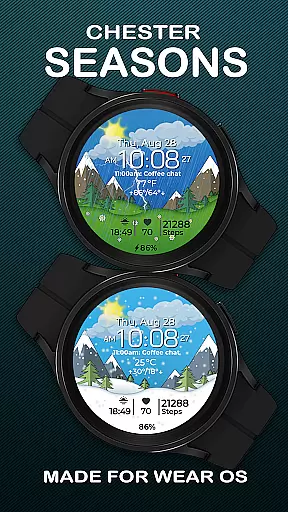
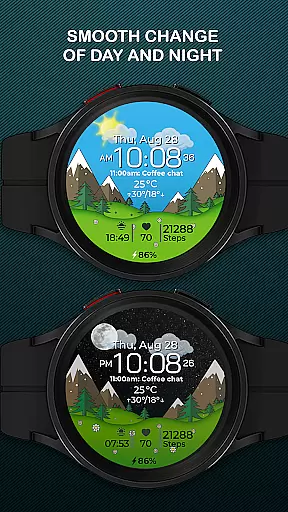
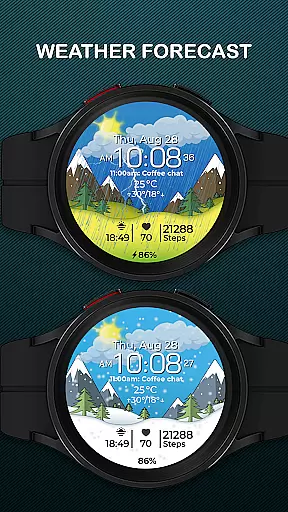
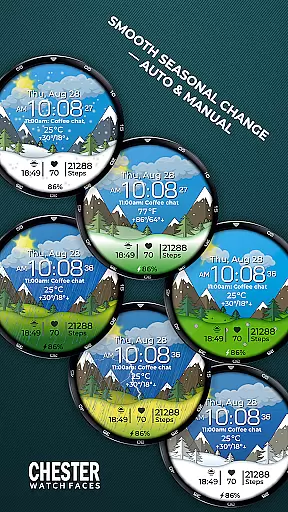
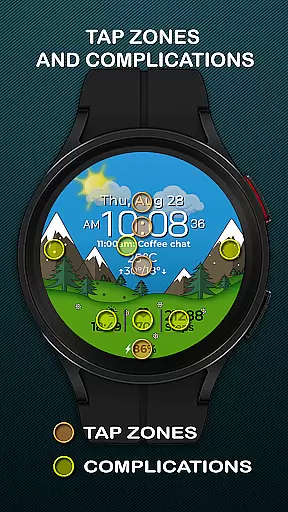
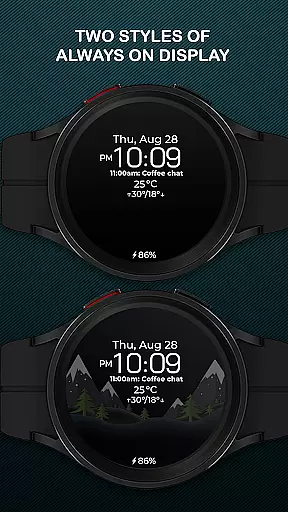
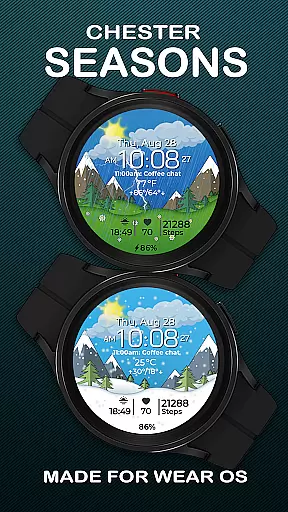
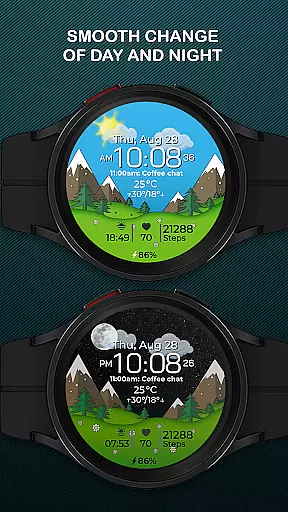
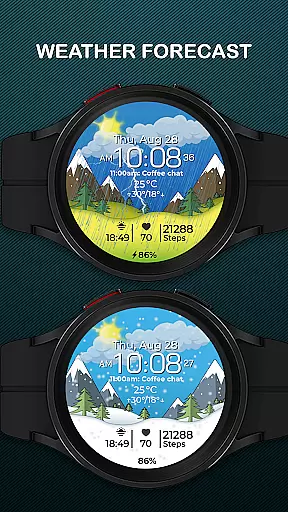
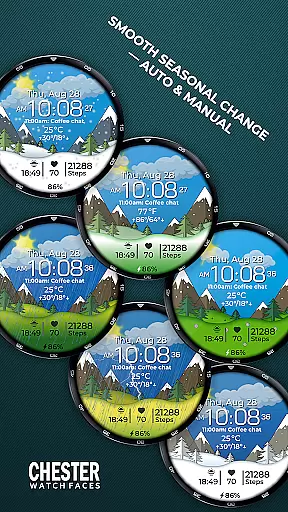
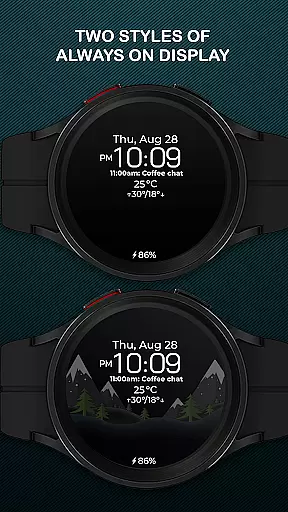
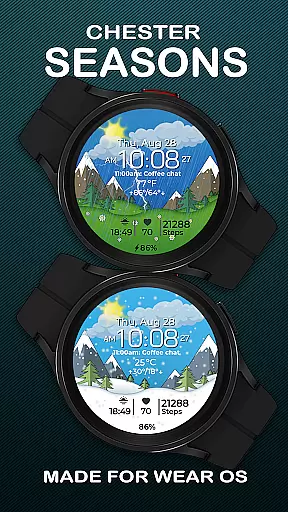
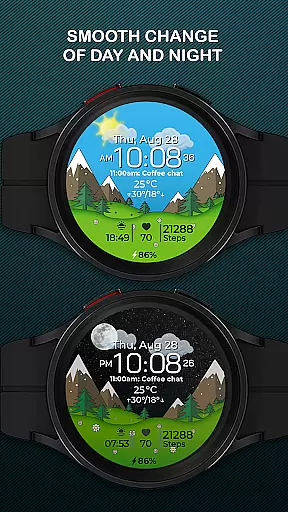
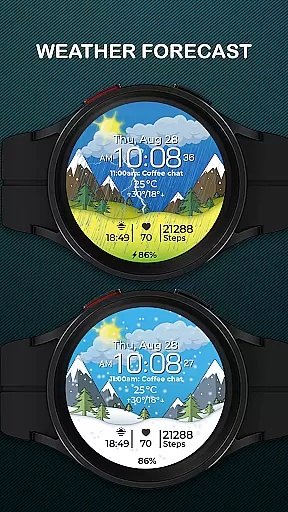
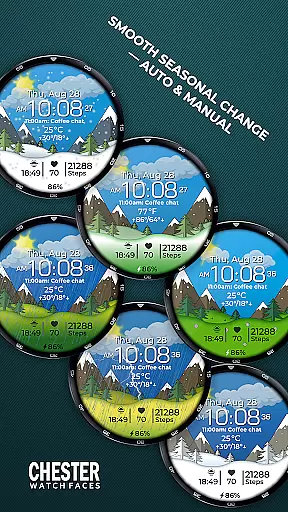
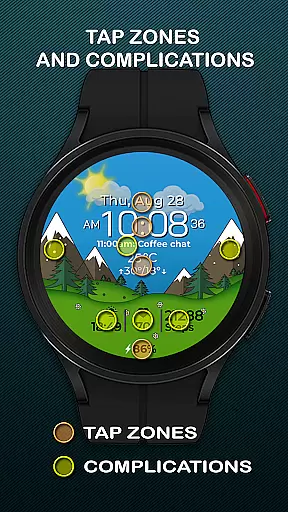
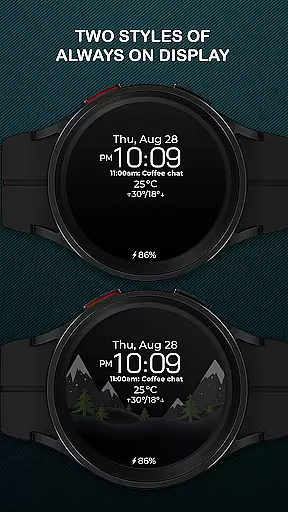
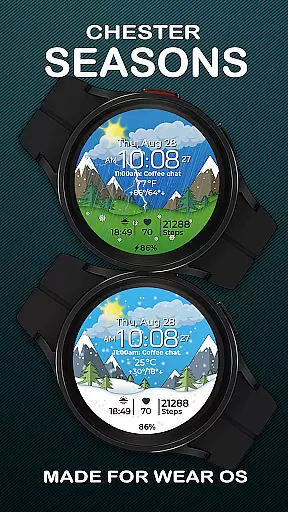
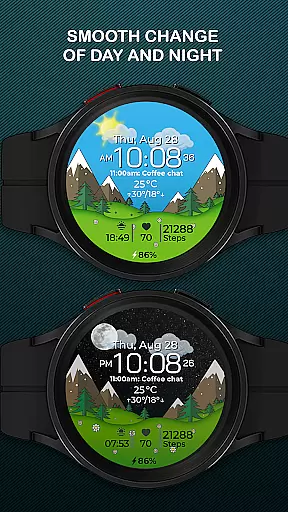
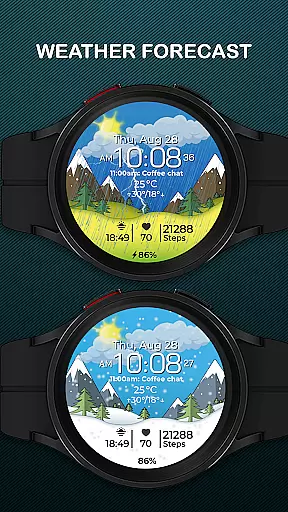
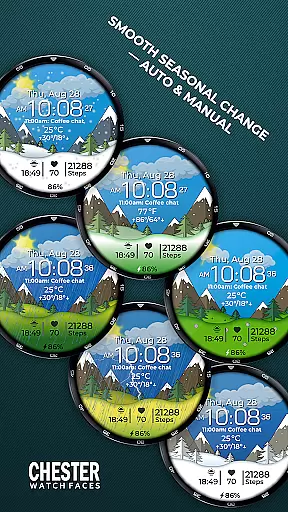
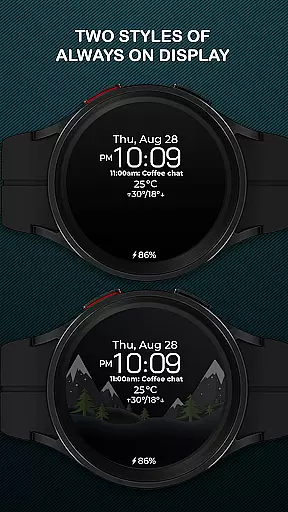
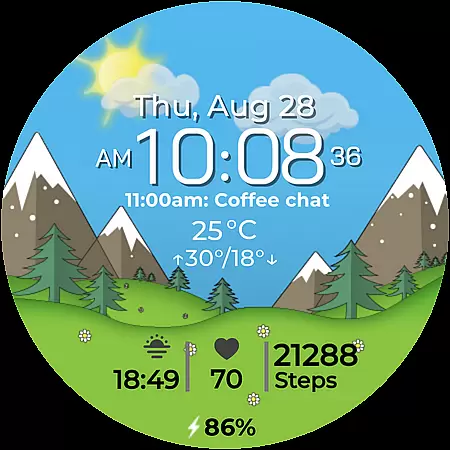
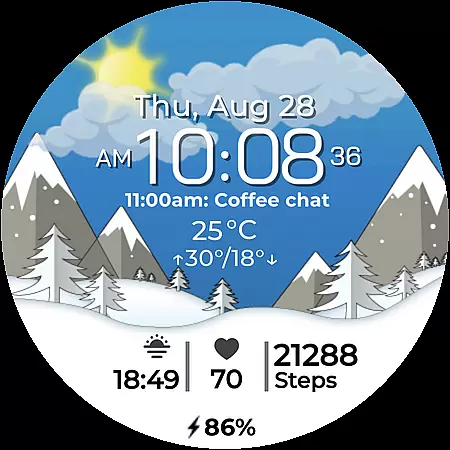
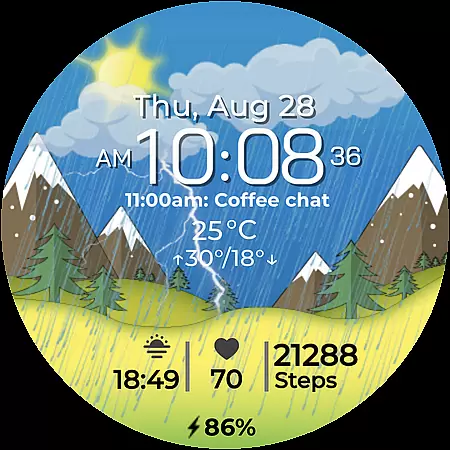
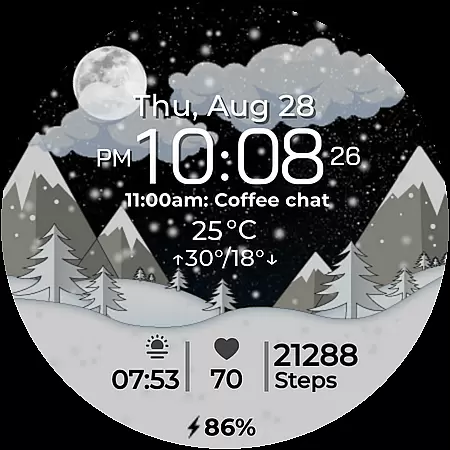
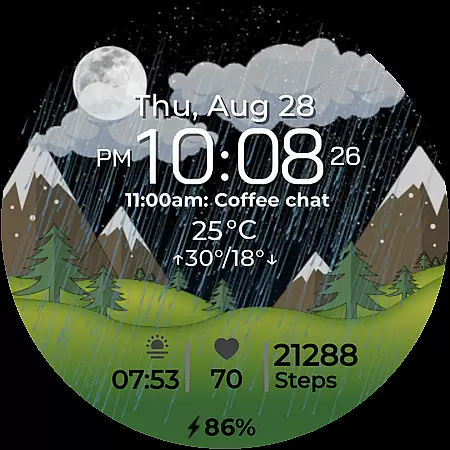
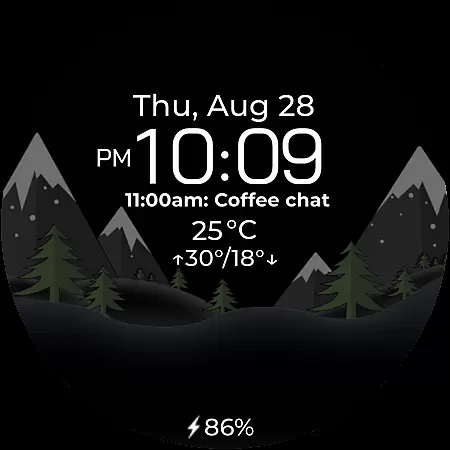
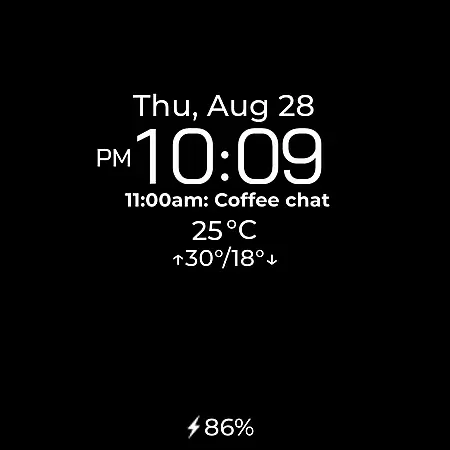
Chester Seasons is a dynamic and visually appealing watch face designed specifically for Wear OS devices. This application transforms your smartwatch into a stylish accessory that not only displays time but also offers rich customization options, complications, and smooth seasonal animations.
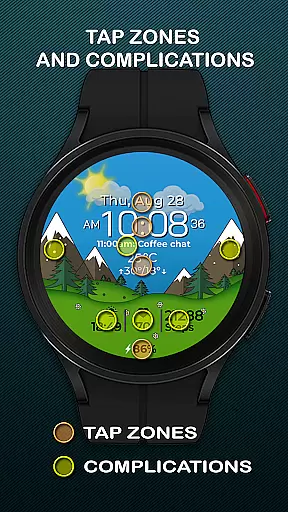
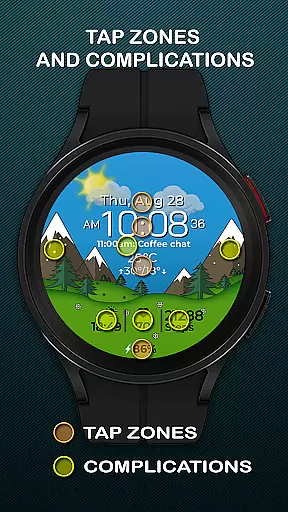
With features like battery level indicators, weather display, and interactive tap zones, Chester Seasons provides both functionality and aesthetics. The app supports various Wear OS devices, ensuring compatibility with models such as Google Pixel Watch and Samsung Galaxy Watch series. Whether you want quick access to apps or desire a watch face that changes with the seasons, this app brings practicality and beauty to your wrist.
Chester Seasons stands out with its comprehensive feature set tailored for smartwatch users. The app includes essential elements like time, date, and battery indicators while offering advanced functionalities such as weather updates and temperature displays in both Celsius and Fahrenheit.
One of the key highlights is the ability to customize the watch face with four different complications, allowing users to choose what information is displayed. Additionally, the app provides three quick access zones for apps and workouts, alongside interactive tap zones for enhanced usability. Smooth transitions between day and night, as well as automatic seasonal changes, make this watch face a versatile choice for those seeking both utility and style on their Wear OS device.
Companion app integration is essential for a seamless smartwatch experience. Chester Seasons watch face offers robust connectivity with its companion app, ensuring that all your preferences and settings are perfectly synchronized. This synchronization allows users to customize their watch faces effortlessly while maintaining consistency across devices.
The level of integration provided by Chester Seasons ensures that every feature, from weather updates to battery indicators, functions optimally. Users can access detailed configurations through the companion app, which makes personalizing the watch face intuitive and straightforward. With just a few taps, you can adjust complications, choose displayed information, and set up interactive zones tailored to your needs.
This cohesive connection between the Wear OS device and the companion app enhances user convenience. Whether it's adjusting seasonal themes manually or setting up quick access zones for workouts, the process is smooth and efficient. Such comprehensive integration not only elevates functionality but also enriches the overall user experience, making daily interactions more engaging and practical.
Ensuring broad device compatibility is crucial for any Wear OS application. Chester Seasons boasts extensive support for various smartwatches running on Wear OS API 30+, including popular models like Google Pixel Watch and Samsung Galaxy Watch series. This wide-ranging compatibility guarantees that users across different devices can enjoy the stylish and dynamic features of this watch face.
However, it's important to note that certain advanced functionalities such as weather display and manual background changes for seasons require Wear OS API 34 or higher. Devices operating below this threshold may not fully utilize these specific features, though core functionalities remain intact. By clearly outlining these requirements, Chester Seasons helps users make informed decisions about their device's capabilities.
Moreover, the design caters exclusively to round watches, excluding rectangular ones to maintain aesthetic appeal and functional integrity. With Chester Seasons, users benefit from a versatile yet tailored solution that adapts seamlessly to their lifestyle while leveraging the full potential of their Wear OS devices.
Stylish design
Rich customization
Interactive features
Seasonal animations
Wide compatibility
No rectangular support
Limited old OS features
Weather needs API 34+
Complex settings
Battery intensive

Christmas and New Year - Themed Watchface
 4.5
4.5
Wear Os Watch Face - Animated Snow - Sesonal for Christmas & Winter
4.2
Contemporary digital watch face with five complications
4.5
A modern premium sporty hybrid watch face for Wear OS by Ballozi
4.70
Be an elegant and classy secret agent, with this carefully detailed watch face
4.70
The most customizable minimal watch face. For Wear OS 5.0, API 34+ and later
4.70
Digital watch face. For Wear OS devices.
4.40
A digital watch face that celebrates Christmas.
4.00
Control your Samsung Smart TVs, appliances, and SmartThings-compatible devices
4.60
Calming & relaxing sounds for sleeping and stress relief. Stay focused all day!
4.20
Professional weather radar and more
3.90
Authentic military-tactical design with ZULU time! Realistic and functional!
3.80
Analog watch face with 8 complications and expedition styling
4.5
Artistic Digital Watchface
4.2
Hybrid Vibrant Health Watch Face for Wear OS
4.1


User Reviews