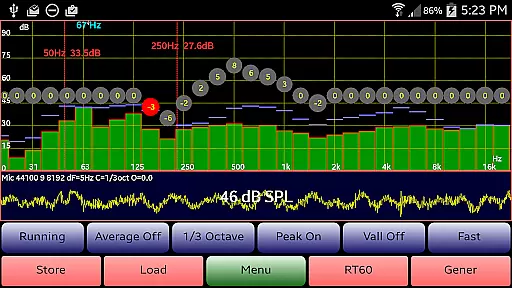
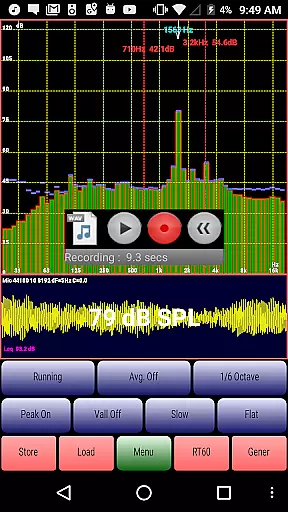
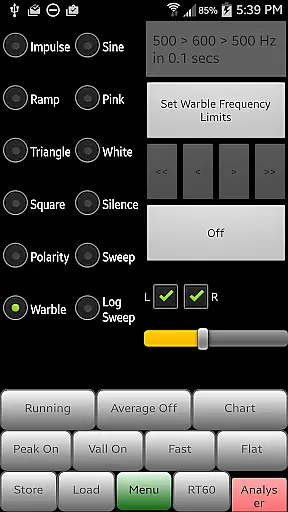
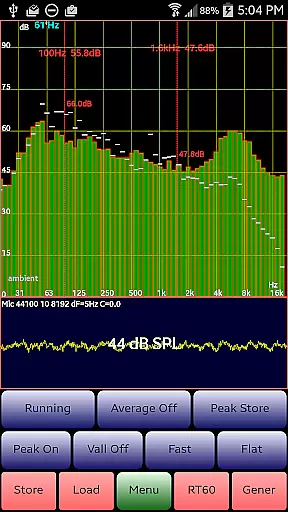
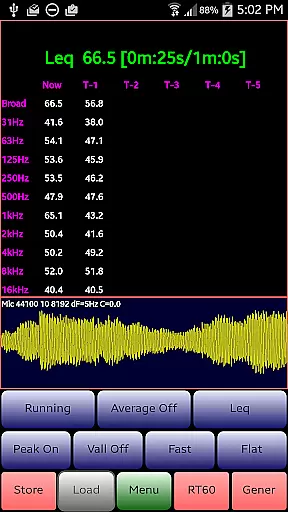
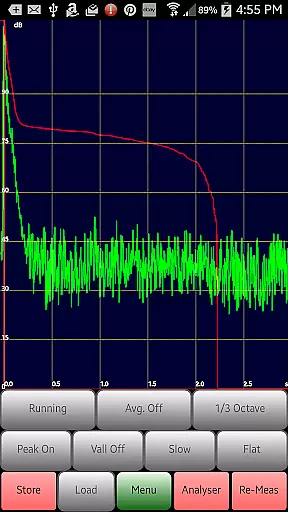
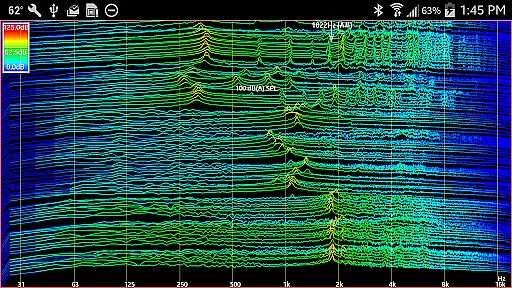
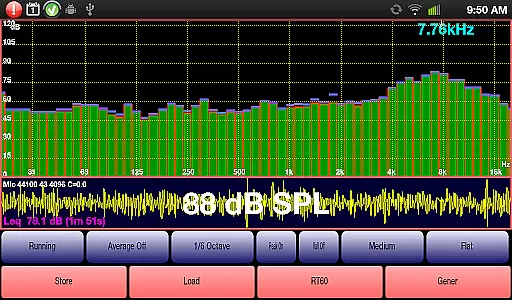
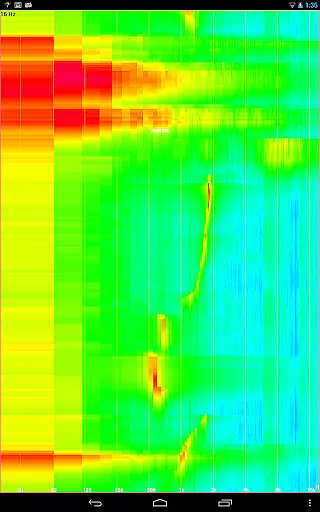
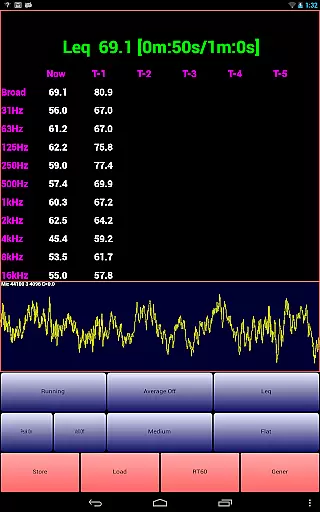
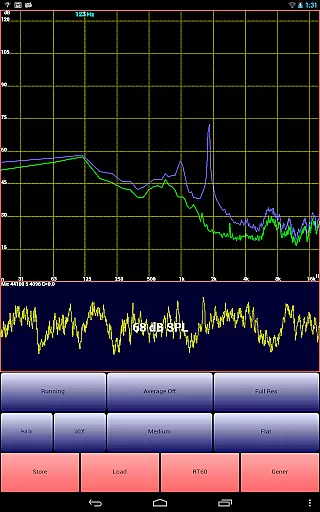
AudioTool is a comprehensive audio measurement and analysis application designed for audio engineers, acousticians, and enthusiasts. The app features an SPL (Sound Pressure Level) meter with RT60, Leq, Sone, Spectrum Analyzer, Spectrogram, Chart Recorder, Signal Generator, Polarity Checker, and Mic calibration functionalities.
This versatile tool supports multiple octave RTA modes (1/1, 1/3, 1/6 & 1/12), various filters (Impulse, Fast, Medium & Slow), and different weighting options (Flat & A/C Weighting). It also includes advanced features like exclusive ISO 1/3 Octave Calibration, which corrects for your phone's microphone response, and the ability to save and restore calibration files.
Whether you're conducting gig measurements, setting up home theater systems, or performing acoustic analyses in cars, AudioTool provides the necessary tools to ensure accurate sound assessments. Its intuitive interface and extensive feature set make it an indispensable tool for professionals in the audio industry.
AudioTool stands out with its rich array of features tailored for detailed audio analysis. The app offers real-time spectrum analysis with options to store and load spectra, allowing users to compare current data with previously saved measurements. This functionality is enhanced by pinch-to-zoom and scroll-to-center capabilities, providing precise control over the displayed data.
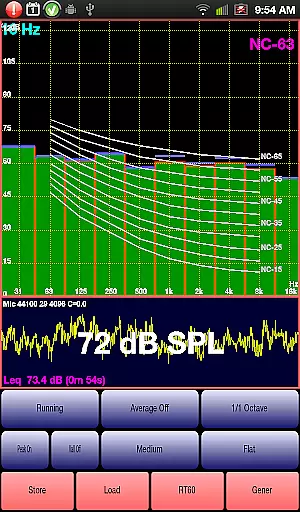
One of the unique aspects of AudioTool is its signal generation capabilities. Users can generate White and Pink Noise, Sine, Square, Triangle, and Ramp waves, as well as Sine Linear and Log Sweeps, Warbles, and Impulses. These signals are generated using multiple cycled buffers, ensuring truly random noise outputs. Additionally, the app includes a loudspeaker polarity checker and Noise Criteria function, which overlays NC contours on the 1/1 Octave RTA display.
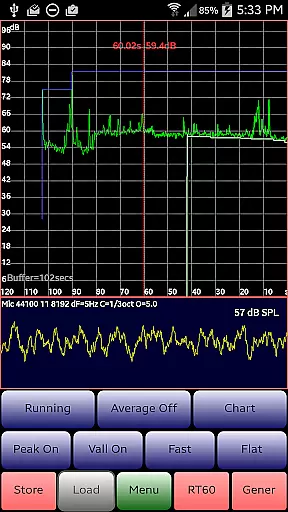
The app's Chart Recorder and RT60 measurement functions further enhance its utility. The Chart Recorder provides a moving trace of SPL measurements over time, while the RT60 function measures reverberation or echo in a room. These features, combined with regular updates and improvements, make AudioTool a powerful tool for both professional and hobbyist audio applications.
AudioTool offers a comprehensive suite of audio measurement and generation tools, ensuring users have access to an extensive array of functionalities. While it doesn't provide a traditional music library, its features like the Signal Generator with White and Pink Noise, Sine, Square, Triangle, and Ramp waves offer versatile audio resources.
The app's commitment to quality is evident in its adherence to ISO standards for calibration, allowing precise adjustments for microphone response. This dedication ensures that all generated sounds maintain high fidelity and accuracy, which is crucial for professional audio engineers and enthusiasts alike.
By supporting popular external microphones such as the Dayton Audio iMM-6 and MicW i436, AudioTool guarantees compatibility and reliability. These integrations not only enhance the user experience but also reinforce the authenticity of the audio content produced within the app.
Overall, while AudioTool may not focus on a vast music library, its robust feature set and meticulous attention to detail in sound generation and calibration underscore its value in the music and audio domain.
One of AudioTool's standout features is its diverse range of audio quality options, catering to both amateur enthusiasts and professional audio engineers. The app provides multiple signal types including White and Pink Noise, Sine, Square, Triangle, and Ramp waves, each designed to meet specific audio testing needs.
In addition to basic waveforms, AudioTool includes advanced options such as Sine Linear and Log Sweeps, Warbles, and Impulses. These signals are generated using multiple cycled buffers refreshed randomly, ensuring truly random noise outputs. Such sophistication allows users to conduct detailed acoustic analyses and measurements.
The frequency accuracy of the Signal Generator is typically around 1%, providing reliable and consistent results across various devices. Although higher frequencies might exhibit some artifacts depending on the cellphone used, the overall fidelity remains commendable throughout most of the audio spectrum.
This variety and precision in audio quality options make AudioTool an indispensable tool for anyone involved in audio engineering, offering unparalleled flexibility and control over sound parameters.
Comprehensive audio tools
Real-time spectrum analysis
Advanced calibration options
Intuitive user interface
Regular feature updates
Dependent on device hardware
Complex for beginners
No iOS version available
Some features require calibration
Occasional performance issues

Your HD audio recorder on the go for music, meetings, ambience, animal sounds…
 4.30
4.30
The only true audiophile music player with Hi-Fi audio rendering and DSP engine
3.90
AI Music Maker: Generate And Compose AI Tunes & AI Songs & AI Music & AI Melody!
4.60
Listen radio AM / FM Stations. Live AM / FM Radio App Station. Radio Com.
4.70
Music, News & Sports Radio Tuner App. Tune in Live FM & AM Radio Stations.
4.80
Let your Android device with the sound effects you want
4.50
A complete sound package for the sound engineer or enthusiast
4.60
Sing, record, and create music together — enhanced by smart voice tools.
4.00
Uninterrupted Tunes, Unmatched Vibes
3.90
SqueezePlayer turns your Android phone or tablet into a SqueezeBox on its own!
4.60
Over 100 million tracks available for high quality streaming and download
4.60
Visualize the guitar fretboard, master scales & play through changes like a pro!
4.50
Guzheng Master supports many playing techniques as an acoustic Guzheng
4.50
Make music anywhere. Turn your device into an instrument.
4.2
Remove ads permanently from Music Visualizer
4.2


User Reviews