
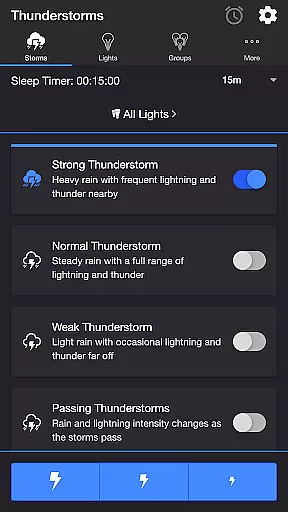
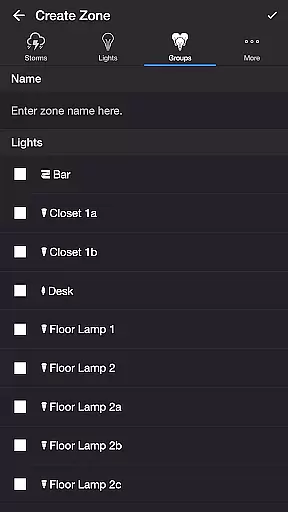
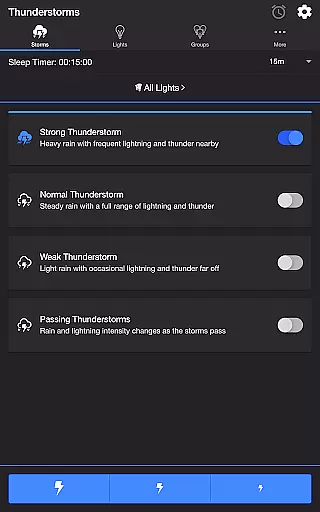
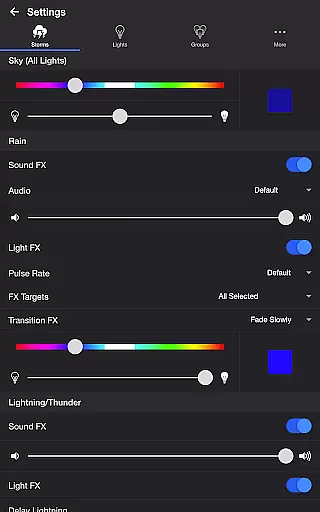
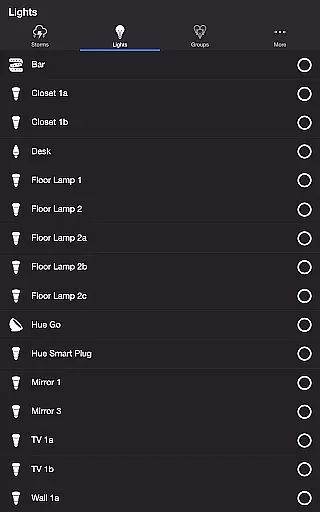
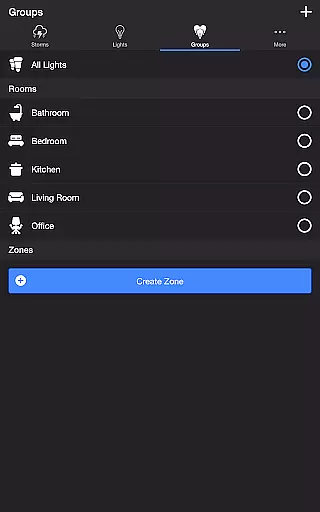
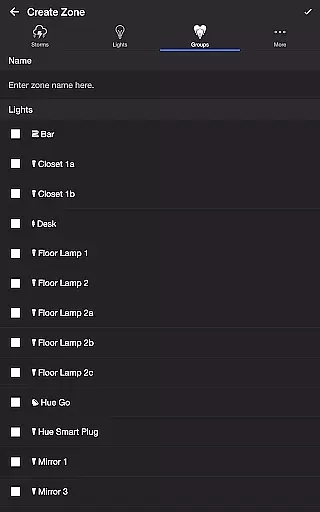
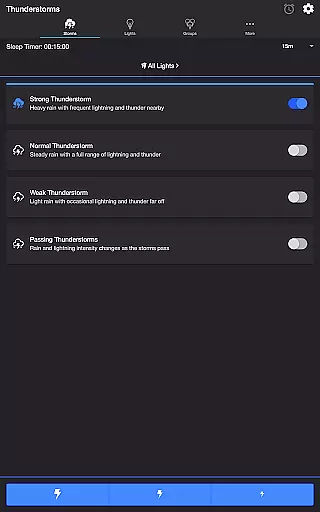
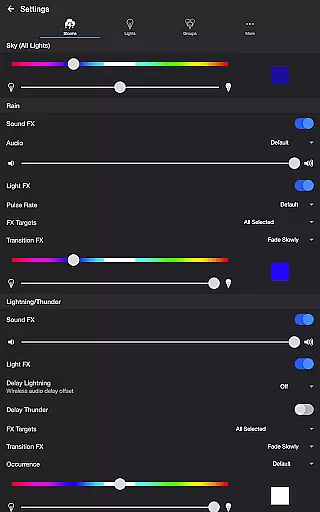
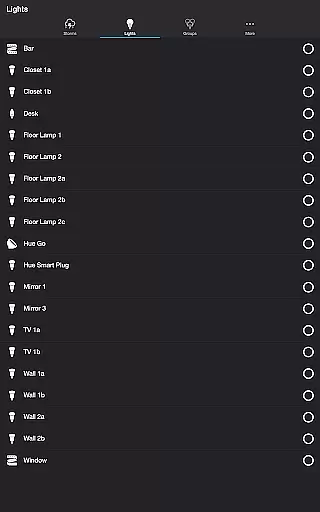
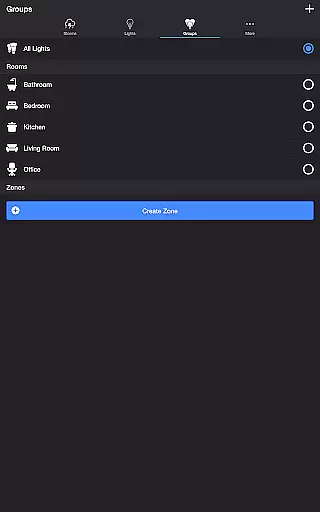
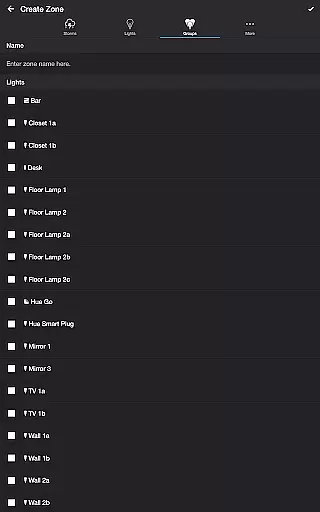
Thunderstorm for Hue is an innovative entertainment app that transforms your Philips Hue lights into a captivating thunderstorm light show. The app allows users to simulate various types of thunderstorms, from weak to strong, with accompanying sound effects and customizable lighting patterns.
The application's core functionality lies in its detailed storm simulation capabilities. Users can choose from different storm intensities, each with unique lighting and audio characteristics. Whether it's the slow pulsing lights of a weak storm or the rapid flashes of a strong thunderstorm, the app creates an immersive environment. Additionally, advanced settings let you fine-tune every aspect of the experience, including rain sound effects, lightning patterns, and background noises.
This app is particularly useful for creating ambient environments for relaxation, sleep, or entertainment purposes. By combining synchronized light and sound effects, it offers a truly immersive experience that can transform any living space into a dynamic weather simulation.
Thunderstorm for Hue stands out through its comprehensive feature set tailored for both casual and advanced users. The app provides four distinct thunderstorm modes - Weak, Normal, Strong, and Passing - each offering unique combinations of light patterns and sound effects that accurately mimic real weather conditions.
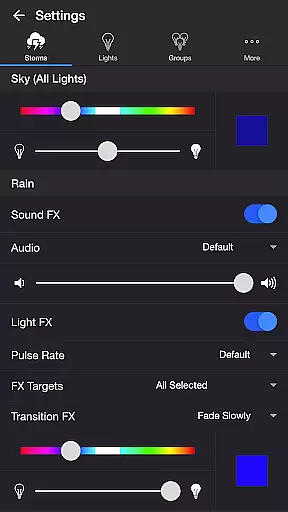
What makes this application exceptional is its extensive customization options. Users can modify numerous parameters including base sky color, rain intensity, lightning frequency, and thunder volume. Advanced settings allow precise control over transition effects, pulse rates, and even wireless audio delay compensation. The app also supports Bluetooth speakers and Chromecast devices, while the Sleep Timer feature ensures automated, timed shutdown with smooth audio fade-out.
These features collectively provide users with unprecedented control over their ambient lighting experience. The ability to create custom thunderstorm patterns, combined with practical functions like Lightning on Demand and programmable sleep cycles, makes this app a versatile tool for home ambiance creation and automation.
Thunderstorm for Hue offers a diverse range of content that caters to various preferences. Users can choose from different types of thunderstorms, including Strong, Normal, Weak, and Passing Thunderstorms. Each type provides a unique light show experience with varying intensities of sound and light effects.
The app's settings allow customization of the base color, brightness, and transition effects of lights, ensuring a fresh experience every time. With options to adjust rain and thunder sound effects, as well as lightning occurrence, users can tailor their ambiance to match their mood or setting.
Moreover, the inclusion of background sounds such as Birds, Cicadas, Crickets, and Frogs adds another layer of environmental immersion. These features ensure that the content remains engaging and does not become monotonous, offering new ways to enjoy the Philips Hue lights.
User engagement is a key strength of Thunderstorm for Hue, thanks to its interactive and customizable nature. The ability to manually control lightning effects through the Lightning on Demand feature encourages prolonged use, allowing users to create personalized storm experiences at their fingertips.
In addition to manual controls, automated modes like Sleep Timer enhance user retention by enabling recurring cycles of thunderstorm simulations. This feature gradually fades out audio, creating a soothing end to the light show which can help in maintaining user interest over longer periods.
By supporting Bluetooth speakers and Chromecast built-in devices, the app ensures seamless integration with various audio systems, further enhancing the overall experience. Such thoughtful additions contribute significantly to keeping users engaged and invested in the application for extended durations.
User-friendly interface
Highly customizable settings
Realistic storm simulations
Supports multiple devices
Regular feature updates
Requires Hue Bridge
Premium version needed
Complex for beginners
Occasional bugs
Resource intensive

Create, chat & bond with AI souls who truly listen.
 4.50
4.50
Exclusive Short Drama Video! All in HD. Bringe trending reels & enjoy drama time
3.80
Play games. Earn real rewards. Cash out in 3hours via PayPal or gift cards.
4.40
Watch short films, dramas, reels, series and movies anytime on Micro Drama.
4.60
Watch everything you want.
2.90
Stories that spark in seconds.
4.80
The JBL Portable app works with JBL portable Bluetooth speakers.
4.60
Underrated short-drama gems that hit hard and keep your heart hooked.
4.50
Connect. Discover. Control.
3.60
Find out if you're on Santa's Naughty or Nice List with this magical scanner!
4.60
Earn gift cards for playing games. Become a real game tester!
4.40
Atomus is a 10-finger multi-touch interactive visualizer.
4.30
Watch New Episodes & Live TV
3.80
With the Steam Mobile App, you can take Steam with you anywhere.
3.00
Raise Christmas Magic with daily missions, magical scanners, and kindness.
4.0


User Reviews