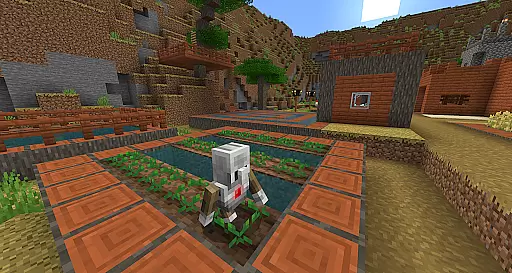
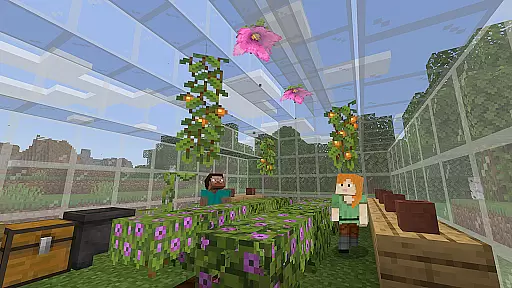
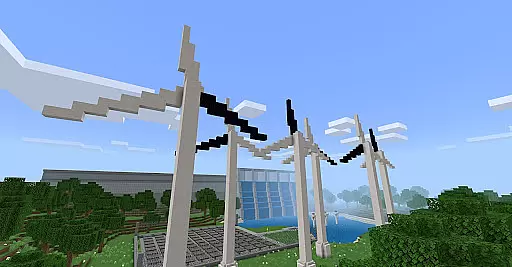
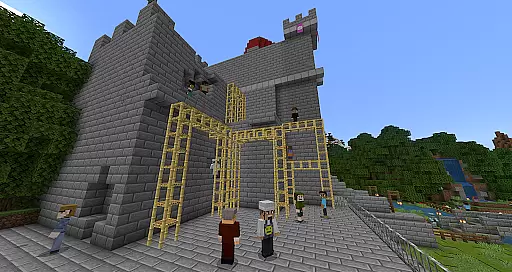
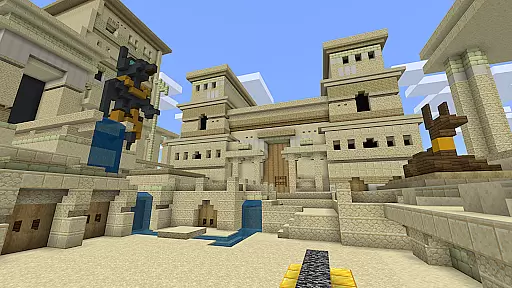
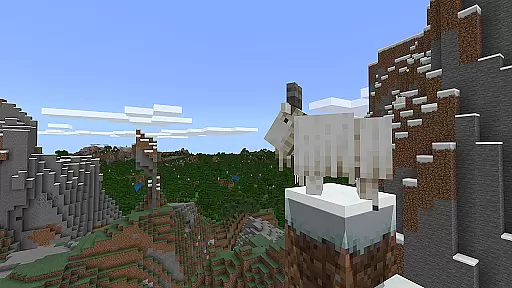
Minecraft Education is a game-based learning platform designed to inspire creative and inclusive education through interactive play. It allows students and educators to explore blocky worlds that provide innovative ways to approach various subjects or challenges, making it an ideal tool for educational institutions.
The app offers a diverse range of lessons and standardized curricula covering subjects like reading, math, history, and coding, tailored for all types of learners. Additionally, its open-world environment encourages collaborative building and exploration, fostering creativity and teamwork among students.
With features such as multiplayer collaboration, support for block-based coding, JavaScript, and Python, and integration with Microsoft Teams, Minecraft Education prepares students for future workplaces by developing problem-solving, collaboration, and critical thinking skills.
Minecraft Education boasts a variety of features that enhance the learning experience. One standout feature is its multiplayer mode, which enables real-time collaboration across different platforms, devices, and hybrid environments, allowing students to work together seamlessly regardless of their location.
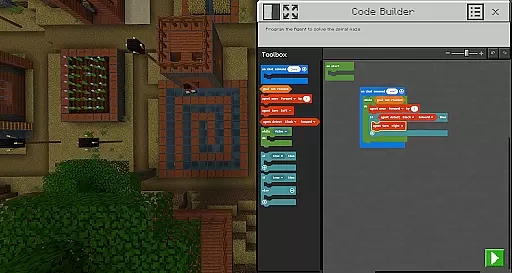
The app also includes Code Builder, which supports block-based coding along with JavaScript and Python, providing an intuitive interface for in-game execution. This helps students grasp programming concepts while engaging in immersive gameplay. Furthermore, tools like Immersive Reader assist players in reading and translating text, ensuring accessibility for diverse learners.
Additional features include the Camera and Book & Quill items, which allow users to document and export their in-game creations, and deep integration with Microsoft Teams and Flipgrid for assessment and teacher controls. These functionalities make Minecraft Education a versatile and powerful educational tool.
Minecraft Education stands out in the realm of educational tools by offering content that is both accurate and authoritative, making it a reliable resource for educators and students alike. The platform collaborates with reputable organizations such as BBC Earth, NASA, and the Nobel Peace Center to create immersive learning experiences that are aligned with real-world topics and culturally relevant lessons.
The inclusion of standardized curriculum across various subjects including reading, math, history, and coding ensures that learners receive information that is not only engaging but also adheres to educational standards. This meticulous attention to detail in curating content guarantees that the material presented within Minecraft Education is both precise and beneficial for all types of learners.
Moreover, the game-based learning environment encourages students to explore and tackle challenges in ways that traditional methods may not offer. By integrating problem-solving tasks and creative challenges, Minecraft Education fosters an atmosphere where accuracy in content delivery translates into effective learning outcomes.
Ultimately, the authority of Minecraft Education's content empowers educators to prepare students for future academic and professional success. With lessons designed to spark interest in STEM fields and develop critical skills like collaboration and digital citizenship, the platform provides a comprehensive approach to education that is both innovative and grounded in credible educational practices.
One of the core strengths of Minecraft Education lies in its ability to provide personalized learning paths tailored to individual student needs. Through a combination of ready-to-teach lessons, creative challenges, and open-world environments, the platform allows educators to customize the learning experience according to each studentu2019s unique pace and style of learning.
The integration of features such as Immersive Reader further enhances personalization by enabling students to read and translate text within the game, thus accommodating diverse linguistic backgrounds and reading abilities. Additionally, tools like Code Builder support block-based coding, JavaScript, and Python, allowing learners to engage with programming concepts at their own level of understanding.
By documenting and exporting in-game creations through items like the Camera and Book & Quill, students can reflect on their progress and take ownership of their learning journey. This feature not only promotes creativity but also encourages self-assessment and continuous improvement.
Furthermore, Minecraft Educationu2019s compatibility with Microsoft Teams and Flipgrid facilitates teacher oversight and assessment, ensuring that personalized learning paths remain aligned with educational goals. This blend of customization options, coupled with robust support for assessment and feedback, makes Minecraft Education a powerful tool for delivering tailored educational experiences that inspire lifelong learning.
Engaging learning environment
Supports multiple coding languages
Encourages creativity and teamwork
Accessible for diverse learners
Strong integration with Microsoft tools
Requires Admin access for licensing
Complex setup for some educators
Limited appeal outside education
Subscription-based pricing model
High system requirements

Learning the ancient Viking language made simple
 4.70
4.70
AI Language tutor: Speak fluently with Lucy’s personalized coaching
4.70
Nighty Night Circus - Bedtime story for kids
4.10
Master note reading with StaffWars….
4.00
THE ESTABLISHED "GO TO" ARMY BOARD PREPARATION APP!
4.30
MONOPOLY JUNIOR brings Hasbro's classic the board game to life.
3.00
Astronomy Guide To Night Sky
4.30
An aviator’s preparation, study and test tool for FAA Knowledge Exams.
4.10
Learn & Speak New Languages
4.70
Prepare for the BCBA / BCaBA exam. Study ABA with the ABA Wizard app.
4.60
Latest TLC Practice Questions! Multiple languages available!
4.50
Watch and Play Elmo's World!
4.00
An aviator’s preparation, study and test tool for FAA Knowledge Exams.
4.00
An animated storybook app to help ease your child through toilet training.
3.70
Animals pop up and make sounds—learn names and noises in Peekaboo Barn!
4.3


User Reviews