
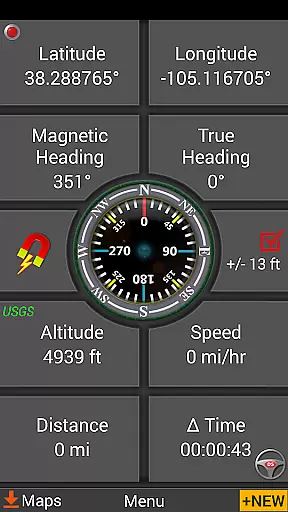
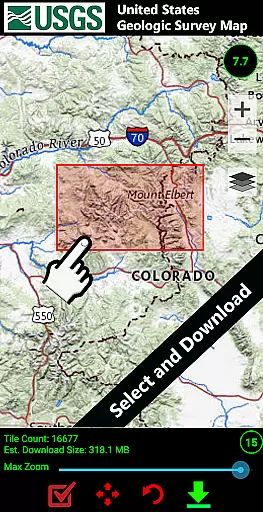
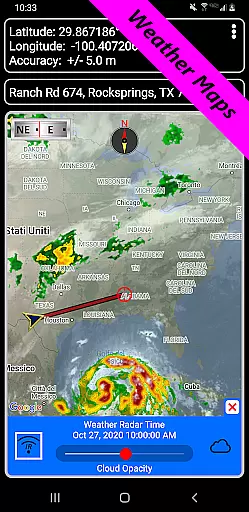
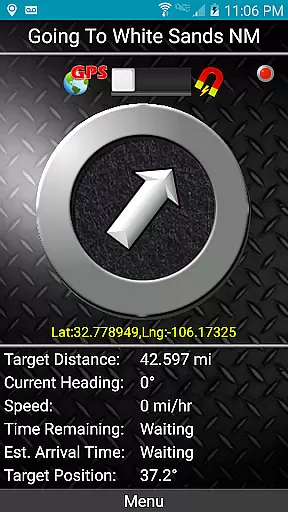
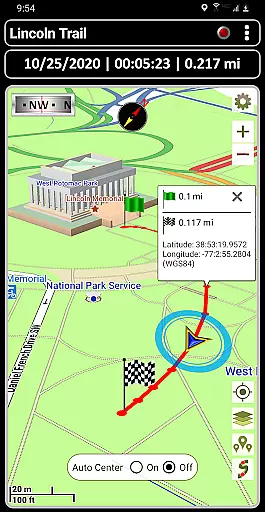
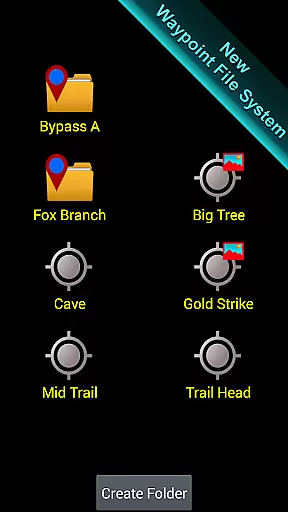
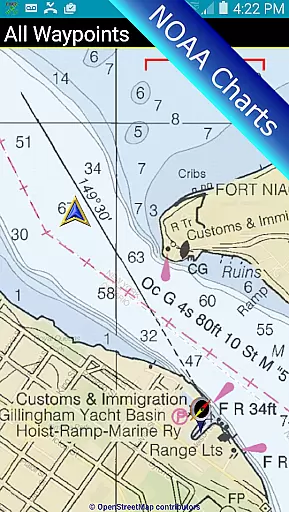
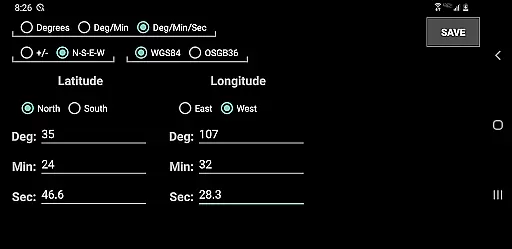
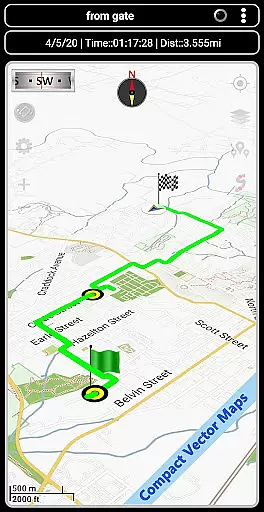
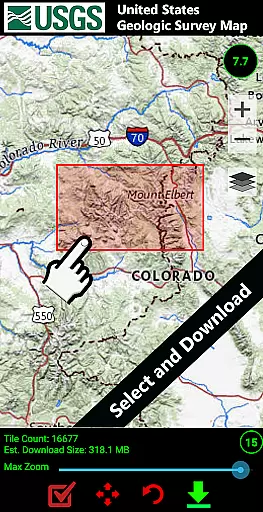
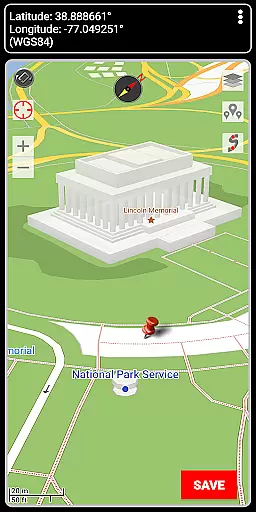

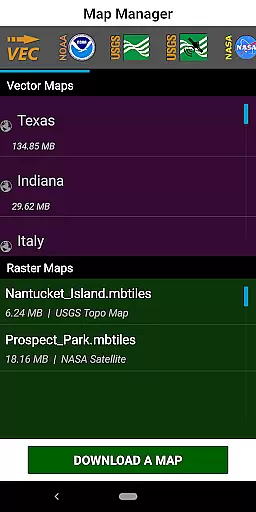
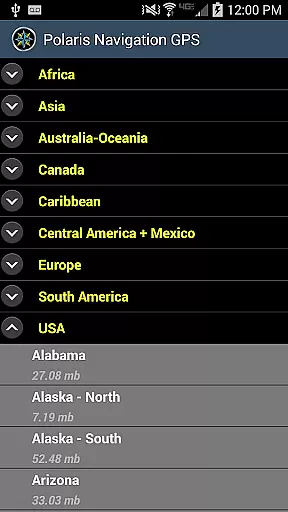

GPS Waypoints Navigator is a comprehensive navigation tool that transforms your smartphone into a powerful GPS device, ideal for outdoor enthusiasts and professionals alike. The app offers advanced offline mapping capabilities, allowing users to explore wilderness areas, waterways, and urban environments without network coverage. With access to over 400 maps in its 3D vector map library, users can download maps for offline use and transfer them to an SD card to conserve device memory.
The application supports multiple map sources including Topo Maps, Google Maps, Satellite Maps, and specialized charts like NOAA Nautical Charts. It features extensive waypoint and trail management systems, enabling users to create, organize, and share location data effortlessly. Whether you're hiking trails, navigating off-road terrains, or exploring maritime routes, GPS Waypoints Navigator provides the tools necessary for accurate and reliable navigation.
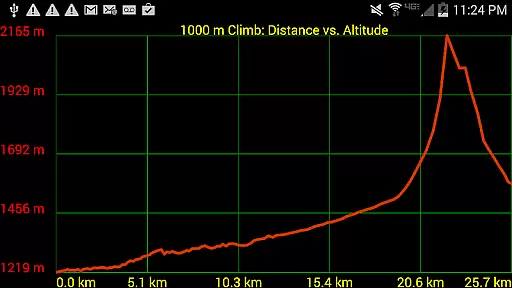
This versatile app is particularly beneficial for activities such as camping, geocaching, surveying, and hunting. By offering features like military coordinate finders, altitude profiles, and proximity alerts, it ensures users can navigate confidently and safely in diverse environments. Its ability to export and import KML, GPX, and KMZ files further enhances its utility by facilitating data sharing with platforms like Google Earth.
GPS Waypoints Navigator stands out with its rich feature set tailored for both casual explorers and professional navigators. One of its key strengths is the extensive map library, which includes over 400 downloadable maps suitable for various terrains and activities. These maps support offline usage and can be stored on SD cards, ensuring that users have access to critical navigation data regardless of their location.
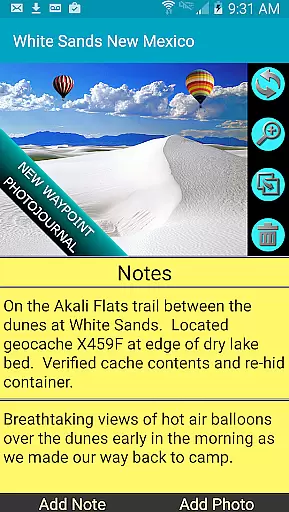
The app's waypoint management system is another highlight, featuring a unique filing system and photojournal capabilities. Users can attach notes and coordinate-tagged photos to waypoints, creating detailed records of their journeys. Additionally, the app supports multiple coordinate formats and offers specialized tools like military coordinate finders and UTM/MGRS support, catering to specific navigation needs.
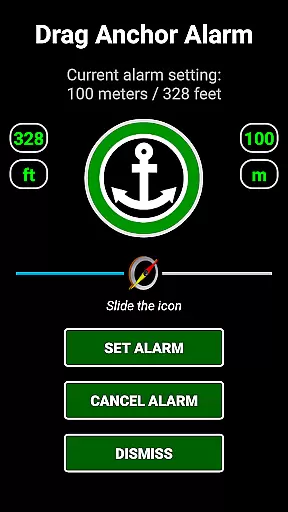
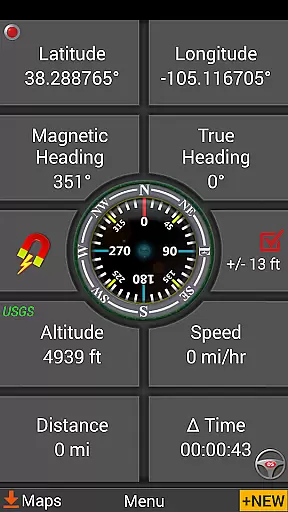
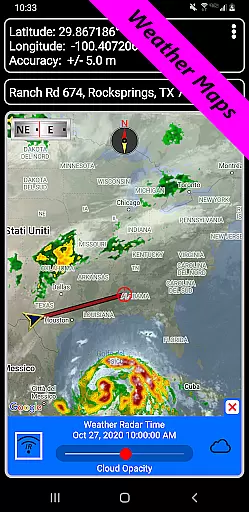
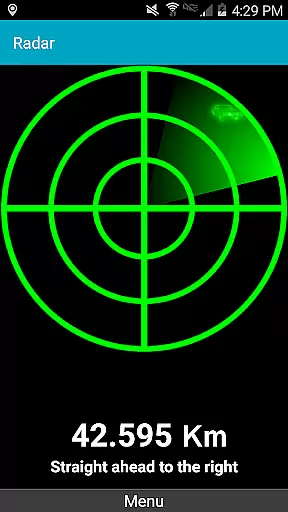
Navigation is made intuitive with dynamic waypoint compasses and pseudo-radar guidance systems. The inclusion of weather maps with live Doppler radar and cloud pattern animations helps users stay informed about environmental conditions that may impact their travels. Furthermore, features like drag anchor alerts and altitude sourcing options demonstrate the app's commitment to providing a comprehensive and adaptable navigation solution.
Map accuracy is a crucial feature for any navigation application, and GPS Waypoints Navigator excels in this area. The app provides users with access to over 400 maps in its 3D vector map library, ensuring that every location is depicted with precision and clarity. These maps are not only extensive but also support offline use, which means that even when you're beyond network reach, the accuracy of the maps remains uncompromised.
The app's dedication to accuracy is further demonstrated through its integration of multiple map sources. Users can choose from a variety of options including Topo Maps, Google Maps, Satellite Maps, and more specialized ones like NOAA Nautical Charts. This diversity ensures that whether you're on land or at sea, the map data you rely on is both relevant and accurate. Furthermore, the ability to transfer maps to an SD card optimizes device performance without sacrificing detail or precision.
For users who require specific navigational information, GPS Waypoints Navigator offers advanced features such as Military coordinate finder and support for several coordinate formats. Whether it's Latitude/Longitude or UTM and MGRS, the app delivers exact positioning data tailored to individual needs. This level of detail empowers users to navigate confidently, knowing their digital maps mirror real-world geography with exceptional fidelity.
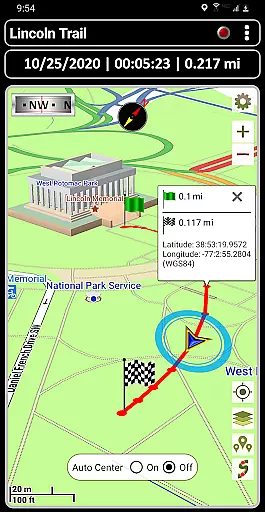
Route planning is an essential aspect of navigation that can significantly impact travel efficiency and safety. GPS Waypoints Navigator addresses this need by providing comprehensive tools for creating and organizing waypoints, recording trails, and sharing location data. These functionalities allow users to meticulously plan their routes ahead of time, ensuring they have a clear path no matter where their adventures take them.
In addition to basic route plotting, the app includes specialized features such as trail drawing boards and drag anchor alerts. With these tools, users can set precise boundaries for movement or establish safe zones while navigating waterways or unfamiliar terrains. Such capabilities enhance situational awareness and help prevent potential missteps during journeys across diverse landscapes.
Moreover, GPS Waypoints Navigator supports turn-by-turn driving directions via integration with Google Maps. This feature bridges traditional GPS functionality with modern digital convenience, offering seamless guidance whether driving through city streets or exploring remote wilderness areas. By combining robust offline mapping with dynamic online resources, the app ensures that every planned route is both reliable and adaptable to changing conditions.
User-friendly interface
Extensive map library
Offline functionality
Advanced waypoint tools
Multilingual support
Steep learning curve
High memory usage
Limited free maps
Occasional GPS inaccuracies
Premium price point

Easy, Moderate and difficult offroad adventures.
 4.00
4.00
Find shortest way and save energy . Distance and area calculator.
4.70
Your guide to the recreational opportunities of the Bureau of Land Management!
3.40
Plan routes, share locations, and set custom alert zones
4.40
"Balad" is a map and navigator with a Persian voice assistant and a complete city guide
4.40
Ride CTA, Metra & Pace: Manage your fares, buy Metra tickets, get arrivals.
3.00
Off-Roading Navigation App With Trails, Public Lands, & Private Property Info
3.30
Avoid delays. Get real-time GPS navigation, safety alerts and live traffic.
4.10
Get matched with a nearby driver — you’ll be on your way in minutes.
4.30
Bolt is a ride-hailing app for requesting fast, safe, and affordable transport
4.80
Offline maps & GPS for hiking, travel, fieldwork & outdoor adventures
4.70
Rideshare, taxi cabs, and more for your airport travels and everyday trips.
4.50
Find radar maps, GPS coordinates, altitude, offline maps, location, travel route
4.40
Get real-time bus and train schedules for easy, hassle-free city transportation.
3.90
Your real-time window to the world. Explore anywhere, anytime.
3.30


User Reviews