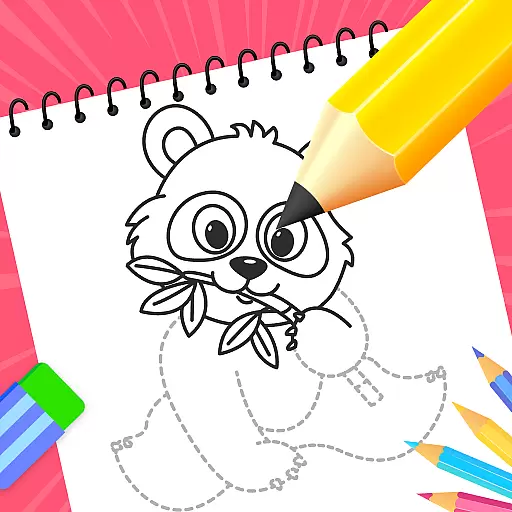
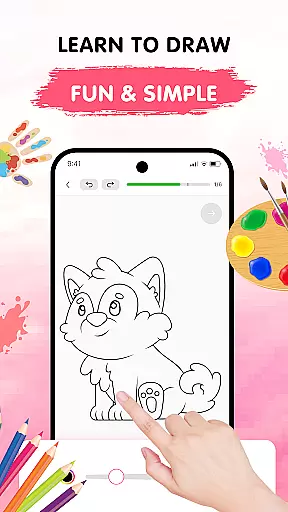
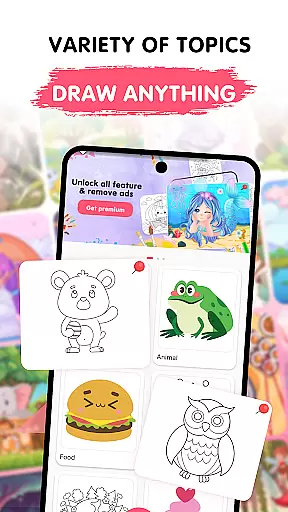
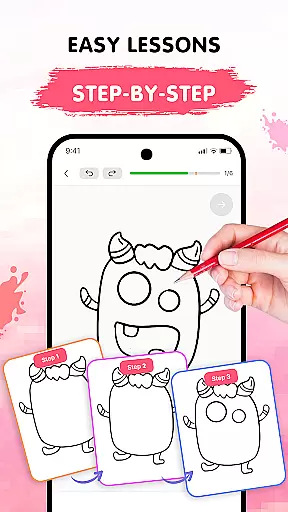
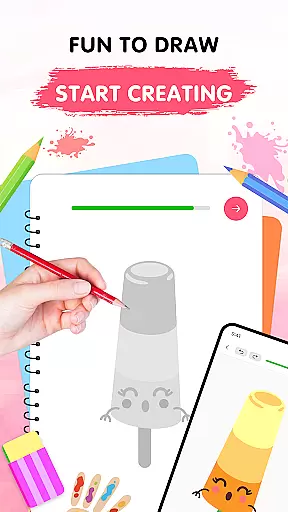
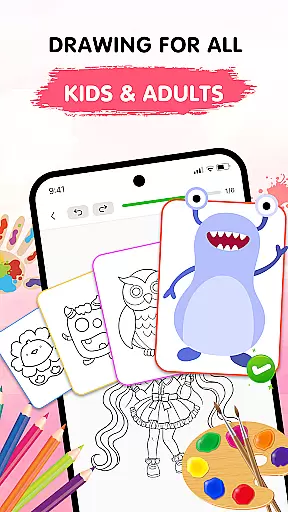
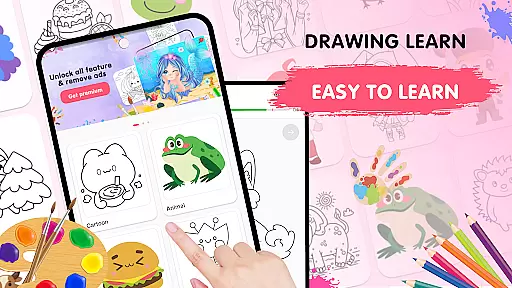
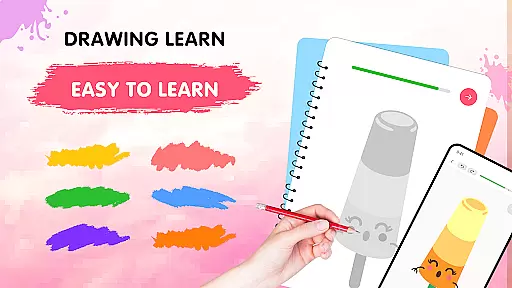
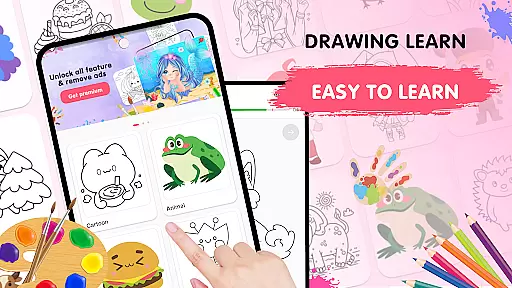
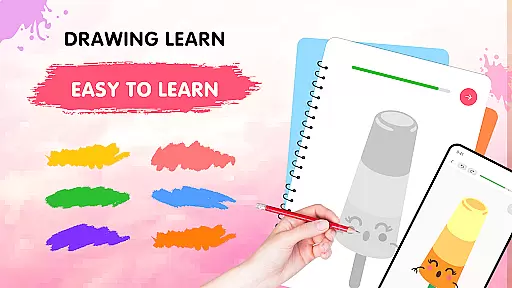
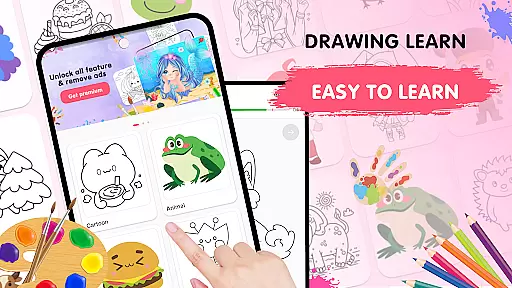
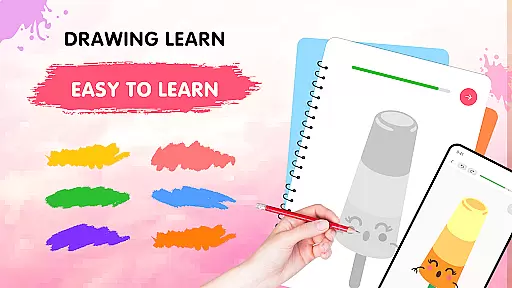
Easy Draw: Learn How to Draw is an educational app designed to help users develop their drawing skills in a guided and enjoyable manner. The app offers a personal art tutor experience, providing step-by-step instructions across a variety of themes such as animals, cartoons, food, the universe, and the environment.
With its user-friendly interface, Easy Draw makes learning how to draw accessible for all skill levels. Users can follow easy-to-understand tutorials at their own pace, experiment with adjustable drawing tools, and express their creativity through a vibrant color palette. Whether refining techniques or starting anew, this app provides a relaxing space for artistic exploration.
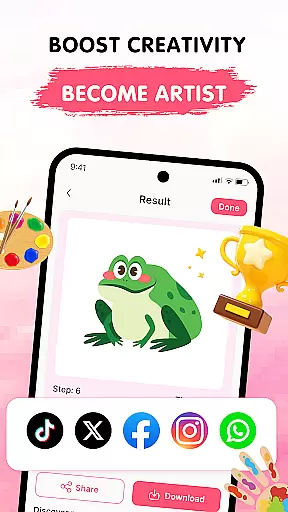
The true value of Easy Draw lies in its ability to turn creative visions into tangible art. By saving and sharing finished works, users can showcase their progress and achievements, making it ideal for those who seek both learning and recognition in their artistic journey.
Easy Draw stands out with its comprehensive features tailored to enhance the drawing experience. One of the key highlights is the wide range of topics available, catering to diverse interests and styles, ensuring that every user finds something inspiring to work on.
The app excels in offering guided drawing steps, breaking down complex drawings into manageable parts. This method allows learners to build confidence gradually. Additionally, the intuitive drawing tools—including undo, redo, erase, and reset functions—encourage experimentation without fear of mistakes, while adjustable brush settings provide precision and control over every stroke.
Another remarkable feature is the expressive color palette, which enables users to personalize their artwork with vibrant colors. Once completed, drawings can be saved and shared effortlessly, promoting a sense of accomplishment and community among users.
In the realm of digital education, content accuracy and authority are paramount, serving as the backbone for effective learning. Easy Draw: Learn How to Draw places a strong emphasis on these aspects, ensuring that each tutorial is crafted by experts in the field of art and design.
The app offers a comprehensive library of themes ranging from animals to various environments, each accompanied by step-by-step instructions that are meticulously designed to guide learners at all levels. This structured approach not only aids in skill development but also instills confidence in users as they progress through their artistic journey.
Furthermore, Easy Draw incorporates adjustable brush settings and an expressive color palette, allowing users to fine-tune their creations with precision. These features are not merely tools but extensions of the authoritative content within the app, empowering users to explore new styles and techniques under expert guidance.
Personalization in learning is transforming how individuals acquire new skills, making the process more engaging and relevant to their unique needs. Easy Draw: Learn How to Draw excels in this area by offering personalized learning paths that cater to both beginners and those looking to refine their techniques.
Through its intuitive interface, users can select from a variety of drawing lessons tailored to different interests and skill levels. Each lesson is broken down into manageable steps, encouraging learners to draw at their own pace without feeling overwhelmed. This flexibility ensures that every user's learning experience is aligned with their personal goals and preferences.
Additionally, Easy Draw supports creativity with vibrant colors and easy-to-use drawing tools, enabling users to experiment freely. By saving and sharing their artwork, learners can track their progress over time, further personalizing their educational journey within the app.
User-friendly interface
Step-by-step guidance
Variety of drawing themes
Adjustable drawing tools
Encourages creativity
Limited advanced tools
Some features may require purchase
Occasional app stability issues
Learning curve for young children
Dependent on device performance

Ignite curiosity, spark learning: All babybus videos &games
 4.30
4.30
Turn scrolling hours into improving your knowledge, communication, intelligence
4.50
scanner body part for fun Prank friends realistic scan effects
3.00
Dinosaurs coloring book game. Drawing and painting dinos.
4.50
Hebrew Vocab
4.90
Your best partner for learning Japanese words. Based on a best-selling textbook.
2.90
Master note reading with StaffWars….
4.00
Astronomy Guide To Night Sky
4.30
Make your own game and world. Draw and animate characters
3.70
The best way to study for your amateur radio license exam.
4.90
The Only Official DVSA Theory Test Kit App
4.50
Stack the Countries makes learning world geography fun!
4.50
Learn to make peaceful contact with extraterrestrial civilizations
4.10
Break Language Barriers with AI—Learn Language Anytime, Anywhere!
4.00
Deal Craps (Practice Craps Payouts)
3.80


User Reviews