
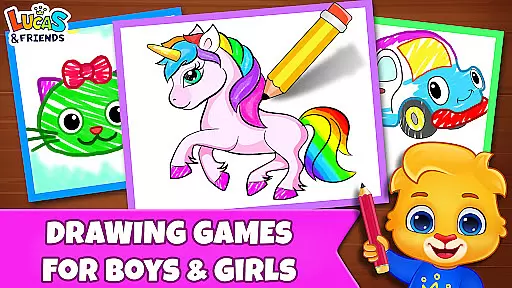
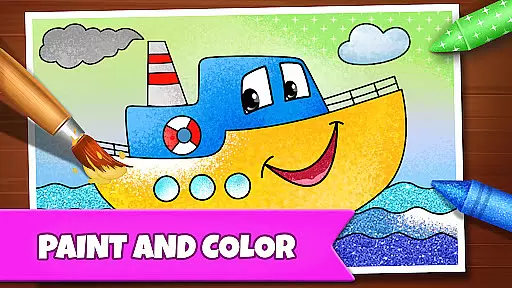
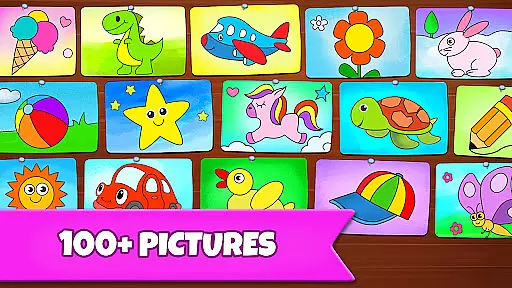
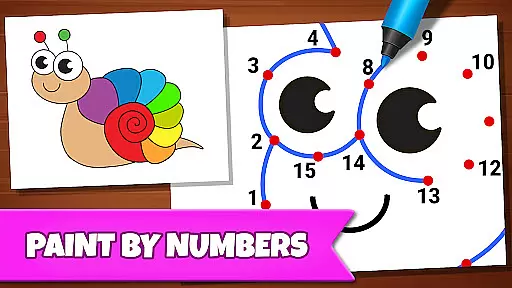
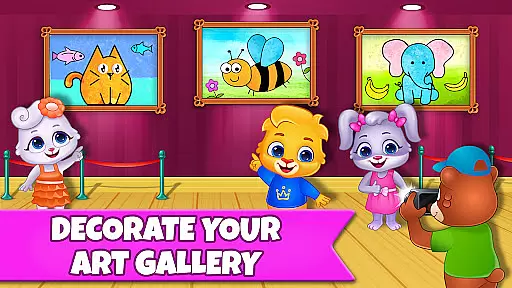
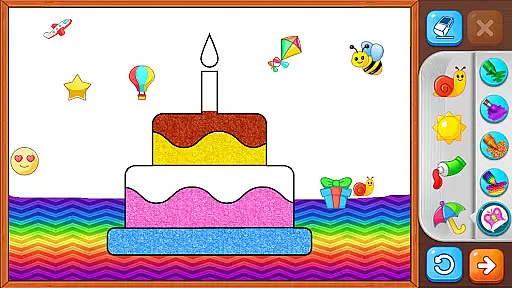
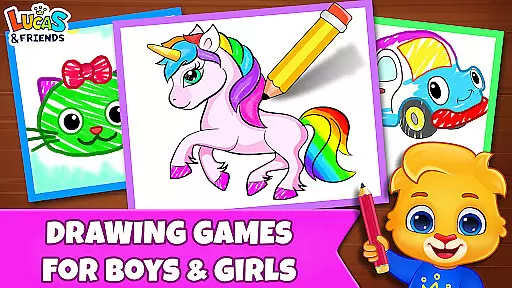
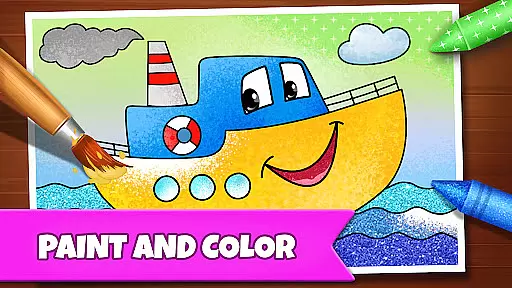
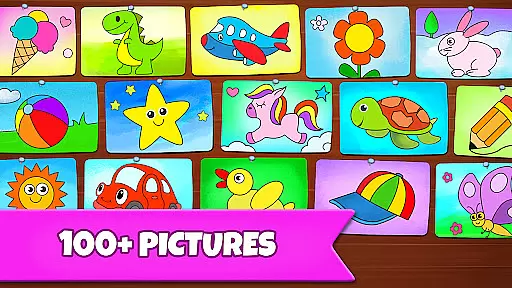
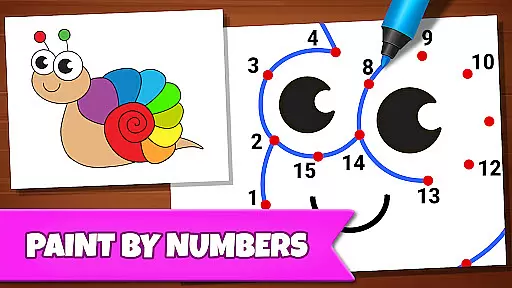
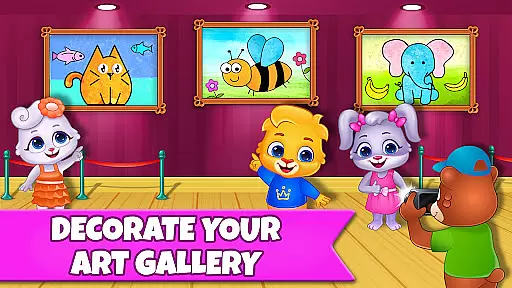
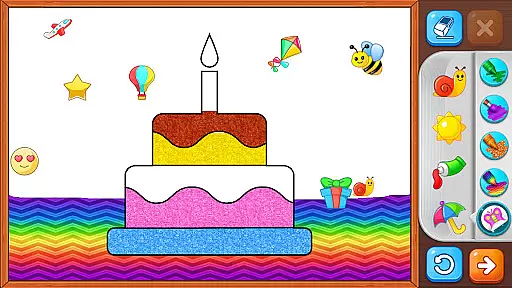
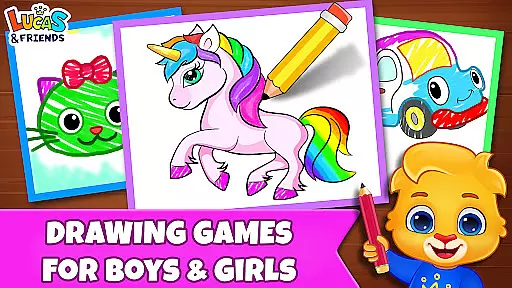
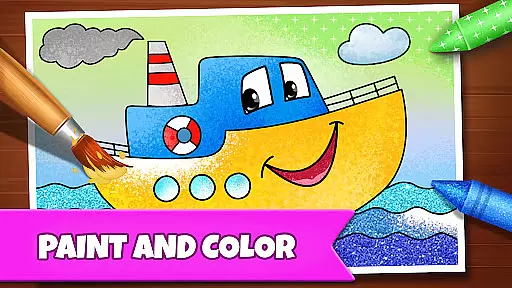
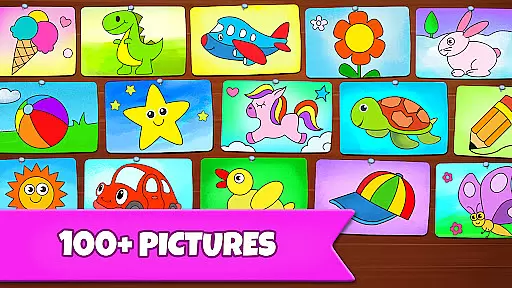
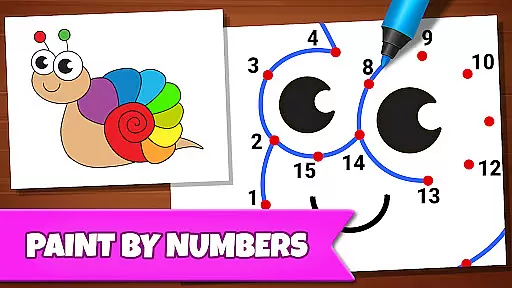
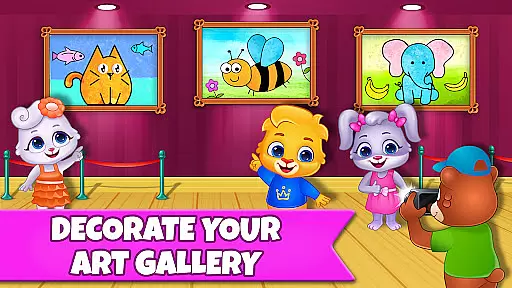
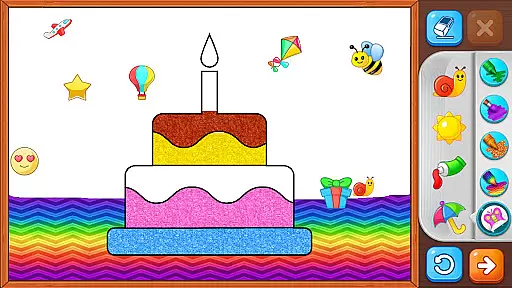
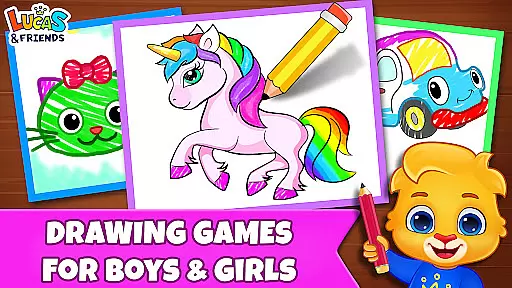
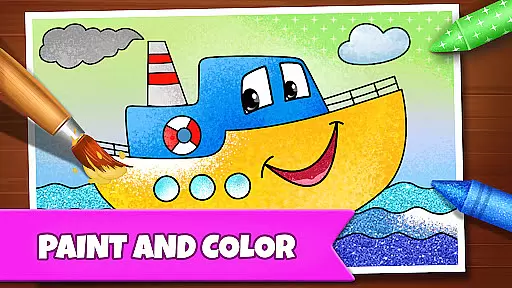
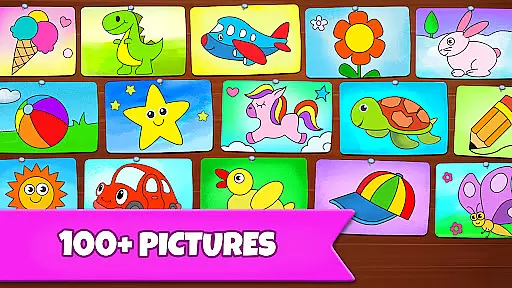
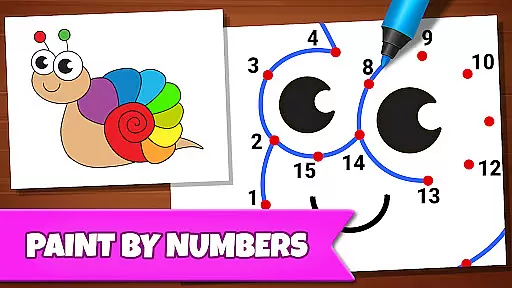
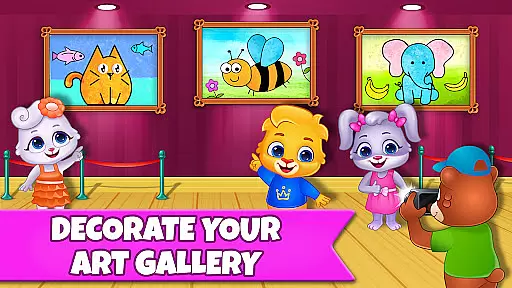
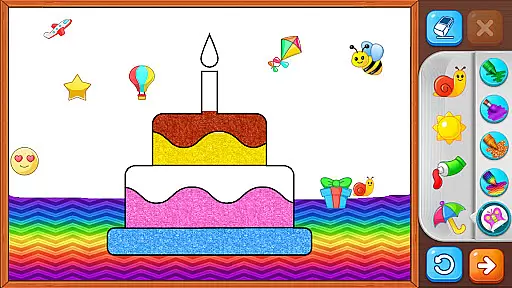
Drawing Games: Draw & Color is an educational app designed to engage children in creative activities while helping them learn essential skills. The app offers a variety of drawing and coloring modes that teach kids how to draw, recognize shapes, numbers, and pictures, and express their emotions through art. With interactive features like Connect the Dots, Glow Paint, and Memory Drawing, this app provides a comprehensive learning experience for toddlers, preschoolers, and kindergartners alike.
The app's standout feature is its ability to combine fun with education seamlessly. Children can enjoy hours of entertainment with beautiful pictures to color, stickers, crayons, and glowing pens, all while developing their cognitive and motor skills. Parents will appreciate the app's commitment to safety and education, as it contains no ads, in-app purchases, or paywalls, ensuring a distraction-free environment for young learners.
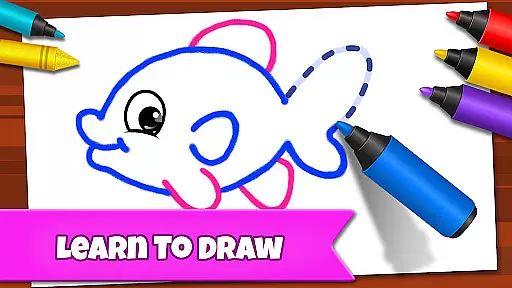
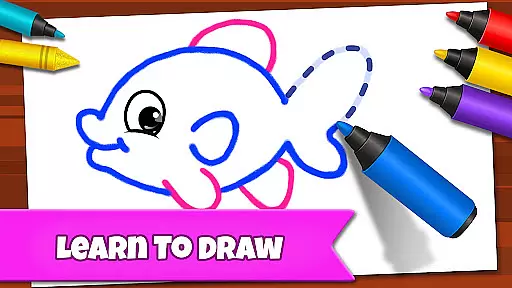
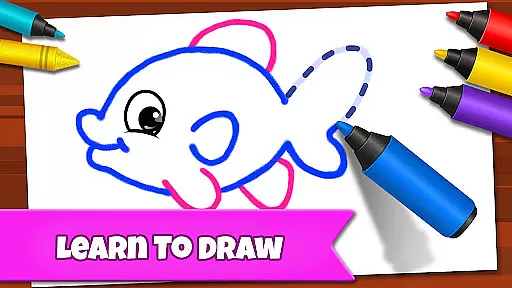
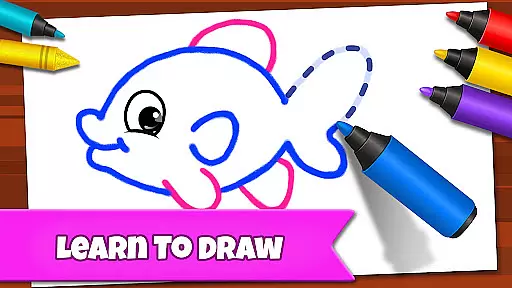
Drawing Games: Draw & Color boasts a range of features designed to make learning enjoyable for children. One of its key features is the Learn to Draw mode, which teaches kids step-by-step how to create pictures, fostering their artistic abilities and confidence. The Auto Draw mode caters to younger children, allowing them to watch paintings come to life automatically, sparking their interest in art.
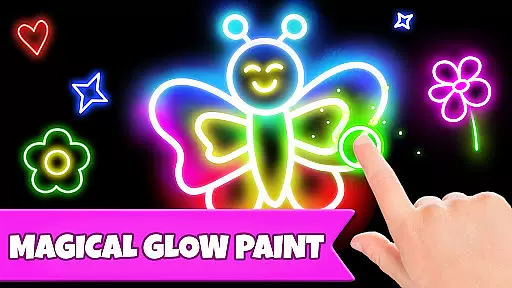
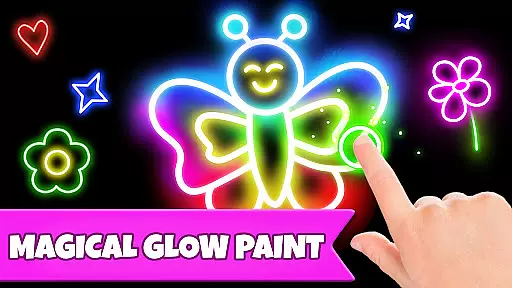
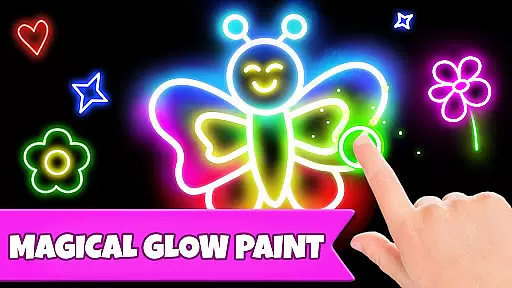
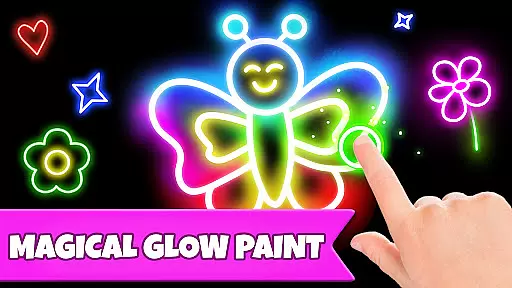
Another notable feature is the Connect & Color mode, where kids connect dots to reveal colorful images, enhancing their problem-solving skills. The Memory Drawing mode challenges children to replicate lines from memory, improving their concentration and recall abilities. Additionally, the Glow Paint mode lets kids experiment with glowing colors, encouraging creativity and self-expression. These diverse modes ensure that children remain engaged and motivated to learn through play.
In educational apps for children, content authority and curriculum alignment are crucial factors that ensure the material is both accurate and pedagogically sound. Drawing Games: Draw & Color takes these responsibilities seriously by offering a variety of modes that align with early learning objectives.
The app's Learn to Draw mode teaches kids step-by-step how to draw pictures, which not only enhances their artistic skills but also aids in developing fine motor control and visual analysis. This methodical approach mirrors techniques used in educational settings to teach shapes and picture recognition.
Furthermore, the Connect the Dots and Memory Drawing features help reinforce number sequencing and memory retentionu2014key components often found in preschool curricula. By integrating these elements into an interactive coloring book format, the app provides a comprehensive learning experience that is enjoyable and adheres to educational standards.
Gamification in learning transforms education into an engaging and interactive experience, and Drawing Games: Draw & Color excels in this area by incorporating various game-like features that captivate young learners' attention. The app cleverly disguises learning objectives within its fun-filled drawing activities.
For instance, Auto Draw and Glow Paint modes offer toddlers and young children the excitement of watching paintings come alive with colors while subtly teaching them color recognition and creativity. These playful interactions keep kids motivated to continue exploring different artistic expressions without realizing they're acquiring new skills.
Moreover, the absence of in-app purchases or ads ensures uninterrupted playtime, allowing children to focus on their creative journey. With Drawing Games, RV AppStudios has created an environment where gamified learning seamlessly integrates with educational goals, fostering a love for drawing and coloring while enhancing cognitive development through play.
User-friendly interface
Educational content
No in-app purchases
Variety of drawing modes
Engaging for children
Limited advanced features
Basic color options
Occasional bugs
Simple graphics
Not for older kids

Get points, learn Spanish, repeat. Speedrun your way to knowledge.
 4.1
4.1
Kids letter tracing technique, which is the first step in learning how to write.
4.30
Pro Doctor Dentist for PetsGame
4.60
Fun step-by-step drawing & coloring app to learn and create art!
4.0
Find the hidden Numberblocks, add them together and see what happens.
3.50
The kids phonics and reading app that's helped millions of kids learn to read
4.00
Explore Fantasy Land, get to know the world and create stories!
4.30
Safe, fun, ad-free games for kids! For babies, toddlers, & kids age 2-6
3.60
Create, customize & explore your Toca Boca story! Endless fun & creativity await
4.30
Stack the States® 2 makes learning US geography fun!
4.50
Enjoy the fun kid's hospital play game with Cocobi, the little dinosaurs!
4.00
Create, design & explore Mia’s avatar game world! Dress up a dreamhouse you love
3.80
Little Explorer – Garage, Kitchen and Bathroom
4.0
Have fun learning Alef Beit
4.3
Discover the infinite cycles of the universe
4.3


User Reviews