
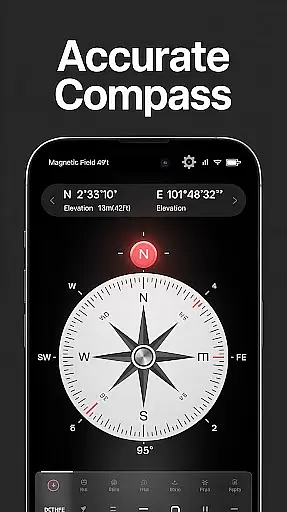
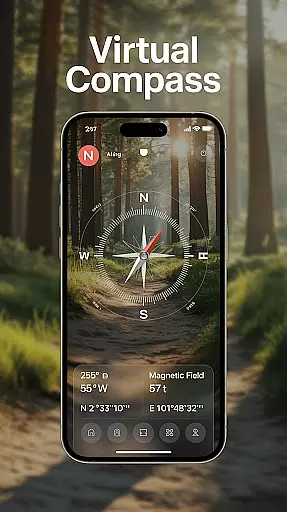
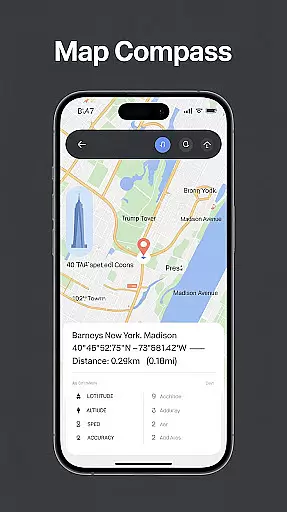
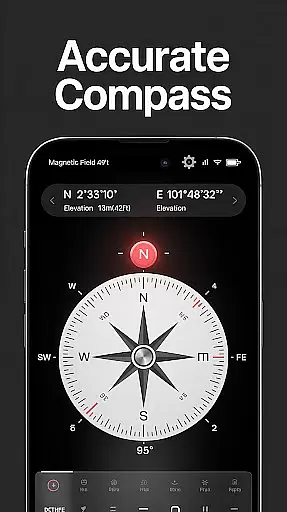
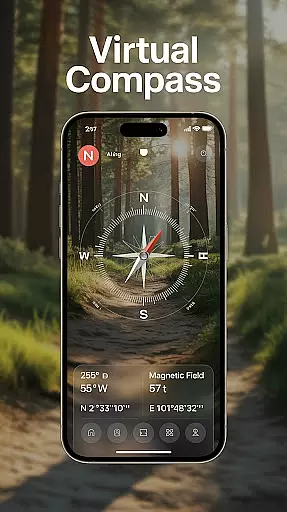
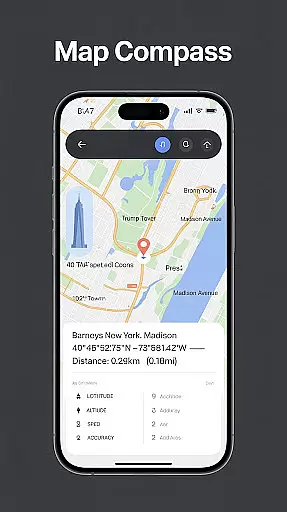
Compass - Directional Compass is a smart and accurate navigation tool designed for both casual users and adventurers alike. This digital compass app provides real-time directional guidance with pinpoint precision, ensuring you can always find your way whether you're hiking, traveling, or exploring new places. The app combines advanced features like GPS location tracking, magnetic field detection, and map integration to deliver a comprehensive navigation experience.
In addition to its core functionality, the app offers user-friendly features such as night mode, customizable themes, and an inclinometer for tilt and level measurement. Whether you need to navigate through remote trails, align objects for Feng Shui, or sail across open waters, this app ensures you have the right tools at your disposal. Its offline mode guarantees access to essential navigation features even without an internet connection, making it a reliable companion for all your adventures.
Compass - Directional Compass stands out with its robust feature set tailored for seamless navigation. The app includes a real-time digital compass that operates in both traditional and modern modes, providing smooth and precise directional readings. With integrated GPS functionality, users can access their exact latitude, longitude, and altitude, which enhances positioning accuracy during outdoor activities.
One of the key highlights is its magnetic field detection capability, which alerts users to potential interference that could affect compass accuracy. For those who require more than just direction finding, the app also offers map integration for route planning and a built-in inclinometer to measure surface angles. Additional conveniences include night mode for low-light conditions and customizable themes to suit personal preferences, ensuring optimal usability in various scenarios.
Map accuracy is essential for any navigation tool, and Compass - Directional Compass excels in this area. The app provides precise directional guidance with real-time updates, ensuring users can navigate confidently in various environments.
The core of the app's accuracy lies in its advanced magnetic field detection and GPS integration. By detecting magnetic interference and providing exact latitude, longitude, and altitude, it ensures that the directions shown are reliable regardless of external conditions.
Users benefit from consistently accurate readings whether they are hiking in remote areas, sailing on open waters, or simply navigating through urban landscapes. This reliability makes the app suitable for both casual use and professional applications where precision is critical.
Ultimately, the map accuracy provided by Compass - Directional Compass enhances user trust and satisfaction, making it an indispensable tool for anyone needing dependable navigation assistance.
Route planning is a crucial feature for modern navigation apps, and Compass - Directional Compass offers robust functionalities to support this need. The app combines traditional compass modes with digital enhancements, allowing users to plan their routes effectively.
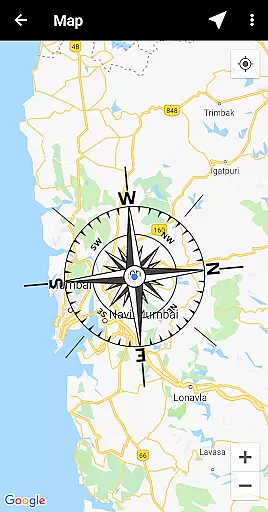
One standout feature is the map integration capability, which enables users to overlay compass data onto maps for better route visualization. Additionally, the tilt and level meter functions help users check surface alignment and angles, adding another layer of utility for those navigating challenging terrains.
These features collectively empower users to make informed decisions about their travel plans. Whether planning a road trip, maritime journey, or outdoor adventure, users can rely on the app to provide clear and actionable insights into their chosen paths.
By integrating these advanced tools, Compass - Directional Compass not only simplifies route planning but also elevates the overall navigation experience, setting a new standard for digital compass applications.
Accurate navigation
User-friendly interface
Versatile applications
Offline functionality
Customizable themes
Requires calibration
Battery consumption
Limited AR features
No voice guidance
Occasional glitches

Explore a light pollution map to find suitable dark sky locations for observing.
 4.30
4.30
Easy, Moderate and difficult offroad adventures.
4.00
Discover over 800 points of interest along the canal.
3.70
Complete offline 1:50k South Island topo map including DOC Hunting Permit Areas
4.60
TACNAV-X: Precision MGRS navigation, built specifically for the military.
4.00
Find EV & Tesla charging stations with PlugShare
4.70
LIRR and Metro-North tickets and trips
4.80
Explore with GPS Navigation with GPS offline, voice GPS, speed camera radar
4.60
Truck Safe GPS Navigation & Maps: Parking, Fuel, Diesel, Weight Station
4.80
Get there with the Waymo Driver — The World’s Most Experienced Driver™
4.90
Ride or drive at YOUR price
4.70
The fastest and most convenient way to pay for parking on our lots.
4.40
Route Planner is travel map to get turn by turn navigation & driving directions
3.90
Start your next adventure confidently using our Accurate Compass App
3.70
All of NHSA's trail information at your fingertips for the 2025-2026 season
4.1


User Reviews