
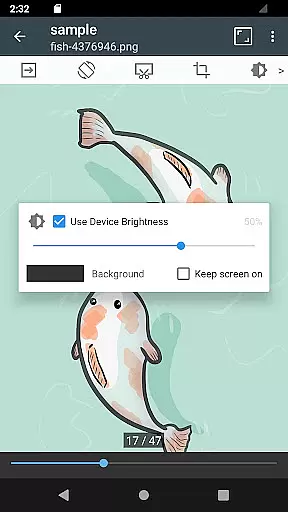


ComicScreen is a versatile comic reader and manager designed for comic enthusiasts who require efficient ways to access and manage their collections. This app supports various compressed file formats including zip, rar, cbz, cbr, and pdf, making it easy to handle large comic files. Additionally, ComicScreen supports multiple image formats such as jpg, png, gif, bmp, tiff, webp, and avif, ensuring compatibility with diverse media types.
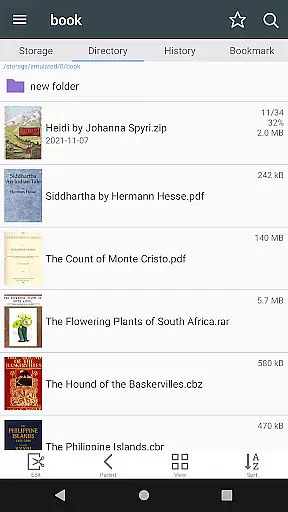
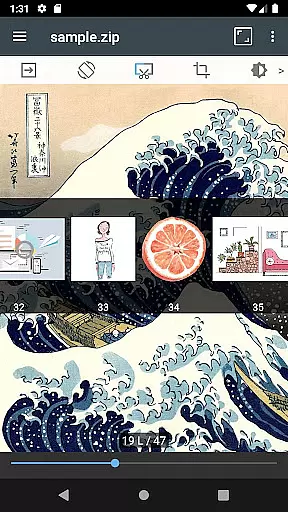
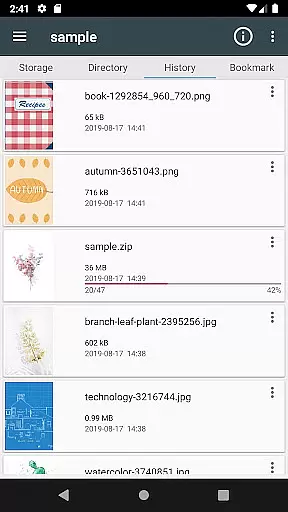
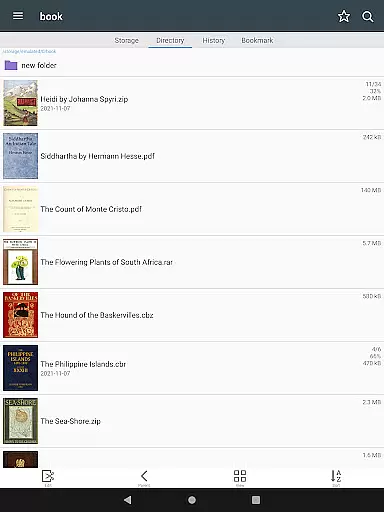
The app offers an array of features that enhance the reading experience. Users can explore files and folders easily with functions like Folder and File Explorer, which includes options for searching, renaming, and deleting items. It also supports USB-OTG drives and network protocols like SMB and FTP, allowing seamless access to files across different devices. The smooth image scrolling, bookmark previews, and page move previews make navigating through comics effortless and enjoyable.
ComicScreen is ideal for users who want to organize and read their comic collections on the go. With its comprehensive set of tools for managing and displaying images, this app ensures that users have a streamlined and immersive reading experience. Whether you're a casual reader or a dedicated collector, ComicScreen provides the functionality needed to enjoy your comics fully.
ComicScreen stands out with its extensive list of features tailored for comic readers. One of its key strengths is the support for a wide range of file types, including compressed formats like zip, rar, cbz, cbr, and pdf, as well as various image formats such as jpg, png, gif, bmp, tiff, webp, and avif. This versatility ensures that users can open and view almost any comic file they possess without compatibility issues.
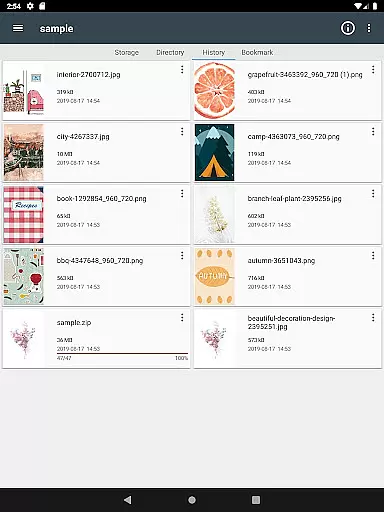
The app's file management capabilities are robust, featuring a Folder and File Explorer that allows users to search, rename, and delete files effortlessly. Additional functionalities include USB-OTG drive support and network access via SMB and FTP protocols, enabling users to manage files across different storage solutions. Drag & Drop functionality further simplifies file organization, while the ability to see lists of images in folders helps users quickly locate specific content.
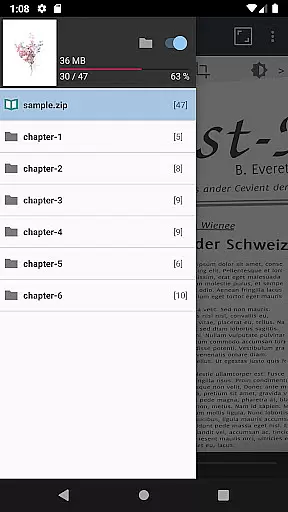
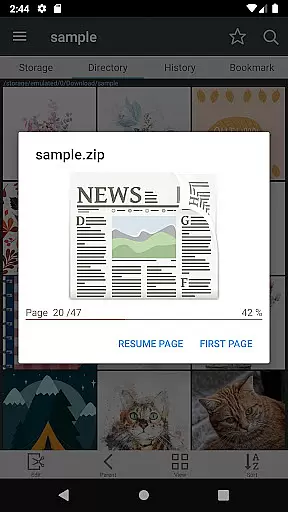
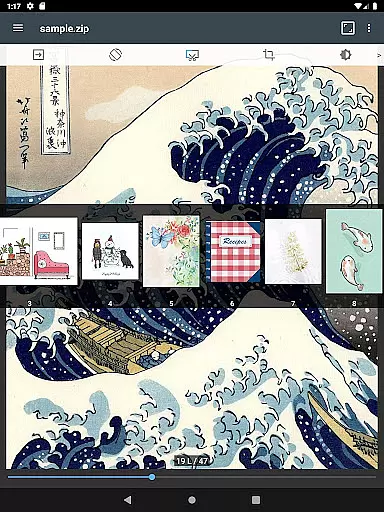
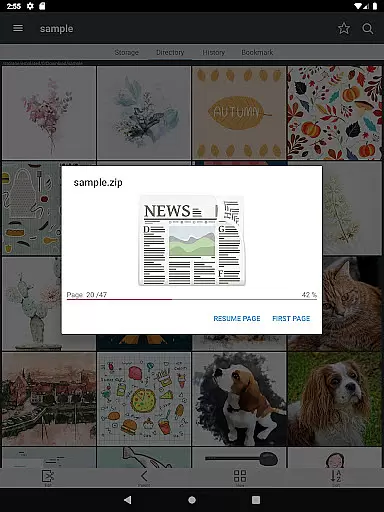
For an enhanced reading experience, ComicScreen offers smooth image scrolling, bookmark previews, and zip file quick views. Users can choose between horizontal view mode (displaying two pages at once) and vertical view mode (showing one page at a time). Automatic page resort and chapter drawer functionalities ensure that even complex comic structures are handled smoothly. These features collectively provide a user-friendly interface that maximizes both convenience and enjoyment.
ComicScreen offers an extensive and versatile comic library that supports multiple file formats, ensuring users can access a wide range of content. The app's compatibility with compressed files such as zip, rar, cbz, cbr, and pdf allows for seamless integration of various comic collections.
In addition to supporting numerous file types, ComicScreen also handles a diverse array of image formats including jpg, png, gif, bmp, tiff, webp, and avif. This ensures that no matter the source or type of comic images, users can enjoy their content without limitations or conversion hassles.
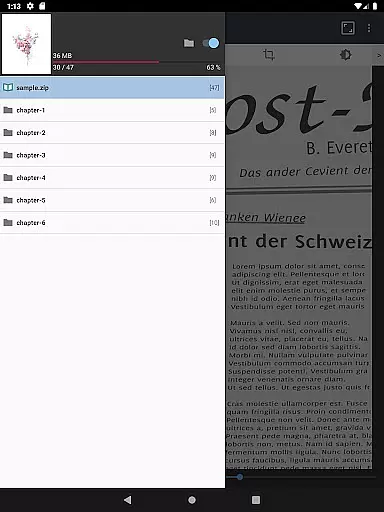
The application goes beyond just format support by providing features like automatic page resort and chapter drawer functionality when accessing folders within zip files. These capabilities enhance the reading experience by maintaining the intended order and structure of comics, making it easier for readers to follow along with serialized content.
When it comes to digital comics, ensuring content authenticity and proper licensing is crucial for both creators and consumers. ComicScreen addresses these concerns by implementing robust verification mechanisms that confirm the legitimacy of uploaded materials.
The app's comprehensive file management system includes functions such as folder and file explorer tools, which allow users to organize and verify their comic collections effectively. Features like search, rename, and delete capabilities enable meticulous cataloging and maintenance of authentic content.
Furthermore, ComicScreen's support for network protocols including SMB and FTP facilitates secure and authorized content sharing across devices. By incorporating these professional-grade tools, the application establishes itself as a trustworthy platform for comic enthusiasts while respecting intellectual property rights and author permissions.
User-friendly interface
Wide format support
Efficient file management
Smooth image scrolling
Comprehensive reading modes
No cloud sync feature
Limited social sharing
Occasional bugs reported
Ads in free version
Heavy on storage

Anime TV App: Watch all anime online,anime tv subtitles online with big anime tv
 3.80
3.80
Comic Scanner - Book Value - Identify and sell your comic collection with AI.
3.80
매일 매일 새로운 네이버 웹툰
4.50
Pose Tool 3D for the Artists, create any human figure pose quickly for your art.
4.00
Read latest manga with this minimal reader with NO ADS.
4.30
100k comics, manga & webcomics, including Batman, Invincible, Hellboy & more
4.60
Read official webcomics, webtoons, Korean manga & webnovels
3.70
Read comics & manga
4.70
Official from Japan
4.80
The pure application on the Manga SWAT website
4.80
Read your favorite mangas for free
4.50
Crunchyroll Manga—unlimited, uninterrupted reading with offline access & more!
4.50
The anime tv for fans Sud and Dub
4.20
A free paradise specially built for comic lovers. When you step into this comic universe full of surprises, it is like opening a door to endless joy. You are immediately immersed in the wonderful world brought by reading and enjoy the infinite charm of reading.
4.5
Goat sound simulator. This app makes for fun.
4.5


User Reviews