
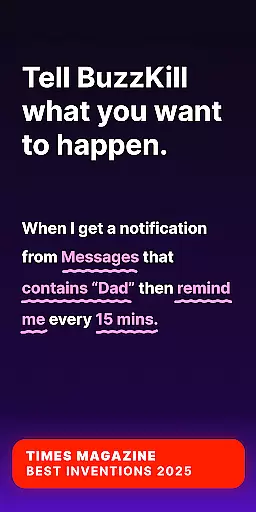
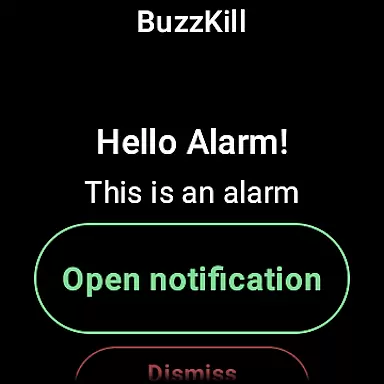
BuzzKill Notification Manager is a revolutionary notification management tool designed specifically for Android users. This app allows you to take complete control of your notifications by filtering out unnecessary alerts while ensuring you receive the important ones at the right time. With its innovative features, BuzzKill has earned recognition from top tech publications and is considered a must-have utility for Android power users.
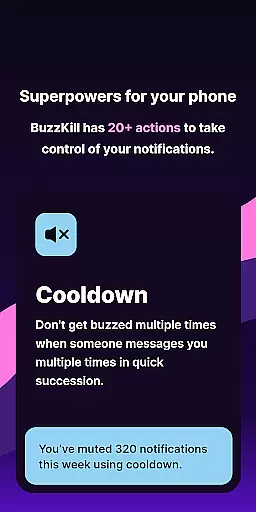
The app's core functionality revolves around intelligent notification handling. It offers features like Cooldown to prevent multiple buzzes from rapid-fire messages, Custom Alerts for personalized notification sounds, and Auto-dismiss to clear unwanted alerts without disabling all notifications for an app. Whether you want to schedule notification batches with Snooze or hide sensitive content with Secret, BuzzKill provides the tools to tailor your notification experience exactly how you want it.
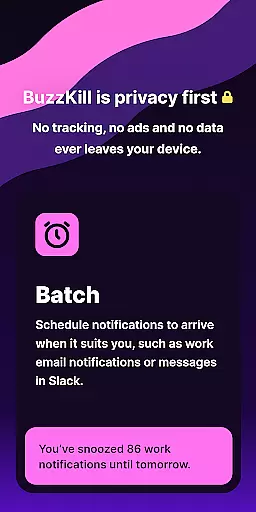
Designed with privacy in mind, BuzzKill ensures that no data ever leaves your device. It operates completely offline, making it one of the most secure notification managers available. Its compatibility with Wear OS enhances its utility, allowing users to manage notifications directly from their smartwatches. BuzzKill is ideal for anyone seeking to streamline their notification flow while maintaining complete control over their personal data.
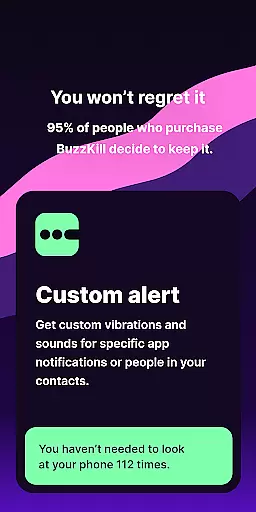
BuzzKill stands out with its comprehensive suite of notification management features. The app leverages Android's Accessibility Service API to automate actions such as dismissing notifications, replying to messages, or even triggering alarms based on specific rules. For instance, users can set up custom vibration patterns or sounds for particular contacts, ensuring they never miss critical messages.
One of the standout features is the ability to batch notifications using the Snooze function, which delivers alerts at scheduled intervals rather than in real-time. This helps reduce distractions while keeping users informed. Additionally, the Remind Me feature ensures persistent reminders until a notification is acknowledged, while the Undo option provides a safety net for accidentally dismissed alerts. These thoughtful features demonstrate BuzzKill's commitment to enhancing user productivity.
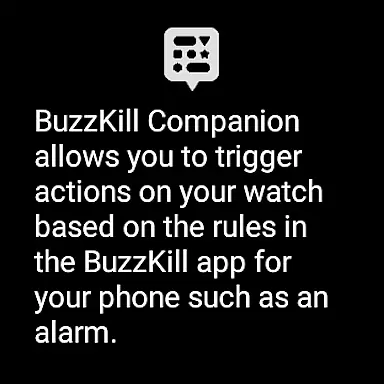
BuzzKill also integrates seamlessly with Wear OS devices, extending its functionality to smartwatches. Users can configure rules on their phones that trigger corresponding actions on their watches, such as displaying alarms or notifications. This cross-device compatibility makes BuzzKill a versatile solution for managing notifications across multiple platforms, further solidifying its position as a leader in the notification management space.
BuzzKill offers seamless companion app integration, specifically designed for Wear OS devices. This feature allows users to extend their notification management from their phone directly to their smartwatch. The companion app works in tandem with the main BuzzKill application on your phone, ensuring that actions triggered by specific rules are mirrored on your wearable device.
For instance, if you set up a rule on your phone to trigger an alarm for certain notifications, this same alarm can be displayed on your Wear OS device. This ensures that important alerts are not missed, whether you're checking your phone or your watch. The synchronization between the phone and watch apps is smooth, providing a unified experience across devices.
The benefit of this integration is clear: users get consistent and timely notifications on all their devices without any extra setup. This makes managing notifications more convenient and efficient, as you won't have to manually check your phone for alerts that also need to appear on your watch. With BuzzKill's companion app, staying updated has never been easier.
BuzzKill boasts extensive compatibility with Wear OS devices, making it a versatile tool for users who rely on Android-based smartwatches. The app is designed to work harmoniously with a wide range of Wear OS devices, ensuring that users can take full advantage of its features regardless of their specific hardware. This compatibility extends to various functionalities within BuzzKill, including notification management and custom alert settings.
One of the standout aspects of BuzzKill's compatibility is its ability to support complex actions like triggering alarms based on predefined rules. Whether it's a security camera alert or a priority message, BuzzKill ensures these notifications are accurately reflected on your Wear OS device. This level of integration provides peace of mind, knowing that critical updates will reach you, no matter where you are or what device you're using.
Ultimately, BuzzKill's robust compatibility with Wear OS enhances user convenience and reliability. By ensuring that all features function smoothly across different devices, BuzzKill delivers a dependable solution for managing notifications in today's interconnected world. Users can trust that their smartwatch will serve as a reliable extension of their phone's notification system.
Highly customizable
Privacy-focused design
Offline functionality
Wear OS integration
Innovative automation
No free trial
Limited call support
Paid app
Complex setup
Device-specific
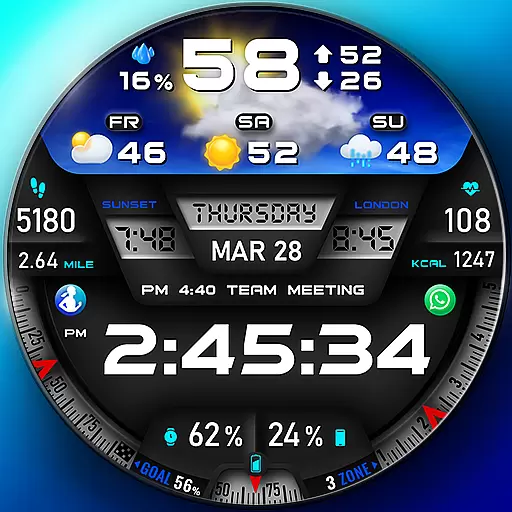
"PER27 Galaxy Digital" is a digital Wear OS watch face designed by PERSONA
 4.10
4.10
Current temperature, weather hourly, weather radar by the weather forecast app
4.40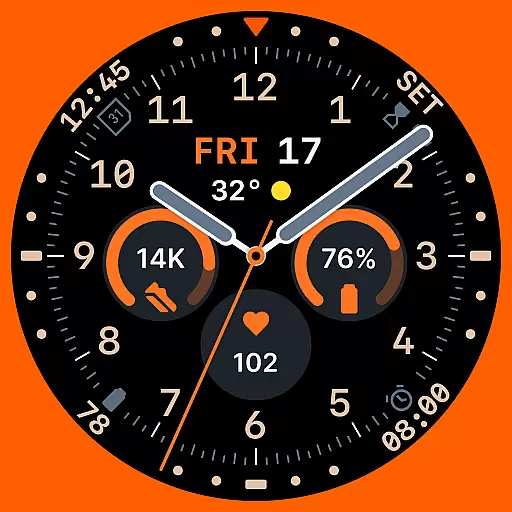
Analog watch face with 8 complications and expedition styling
4.5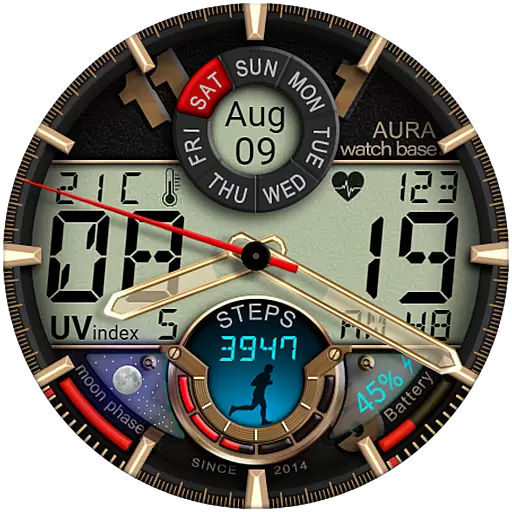
Bold, Modern Hybrid Watch Face for Wear OS. 10 Colors, Rich Info Display.
4.30
Reliable phone calls with spam protection, caller ID and more helpful features
4.40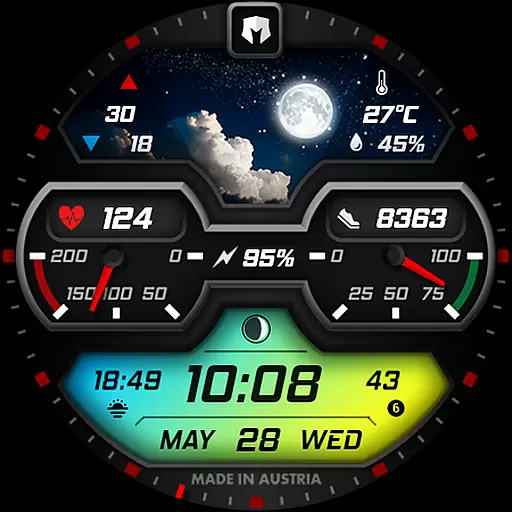
Stylish, Energizing and Modern Watch Face crafted by Dominus Mathias.
4.50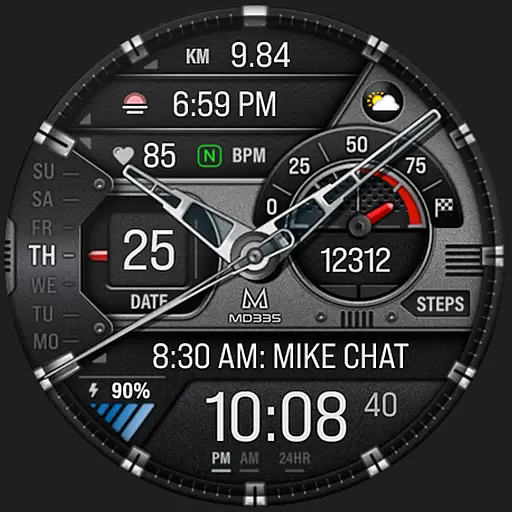
Premium hybrid watch face with many customizations for Wear OS devices.
4.40
Your music, your playlists, and more—offline and unlimited.
4.20
Track airplanes and follow flights with our real-time flight tracker
4.50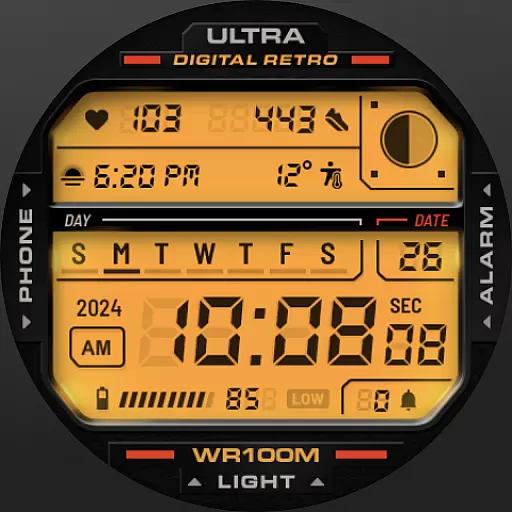
Retro digital watch face with customizable colors and a unique lighting effect
4.60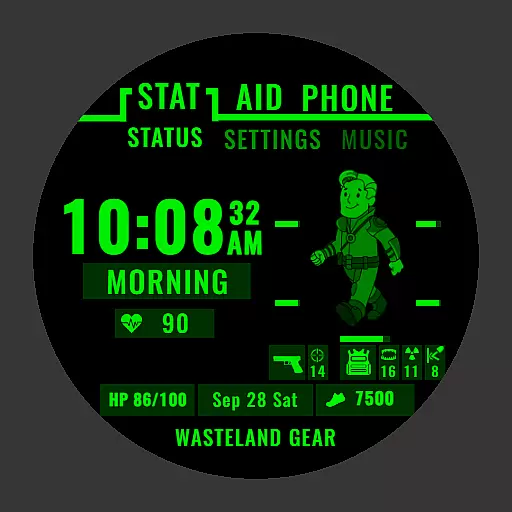
Ideal for surviving in the wasteland left after nuclear fallout
4.50
Fast and smart typing with Emojis, GIFs, and more
4.50
Calming & relaxing sounds for sleeping and stress relief. Stay focused all day!
4.20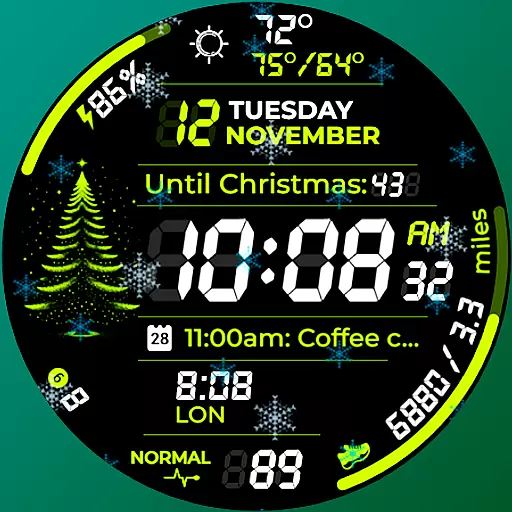
A customizable Christmas watch face for Wear OS with a countdown.
4.20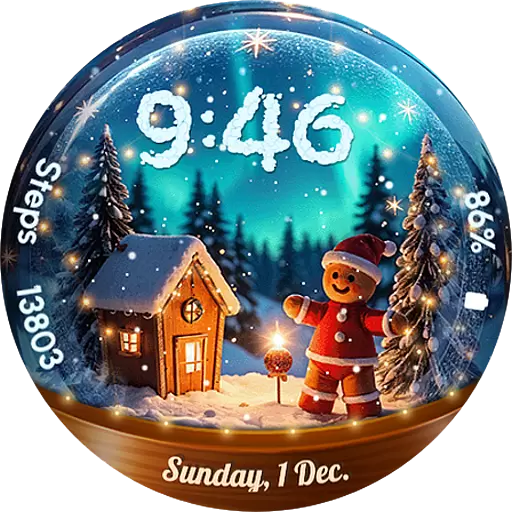
Wear Os Watch Face - Animated Snow Effect & Magic Spark - 6 Scenes
4.10


User Reviews