
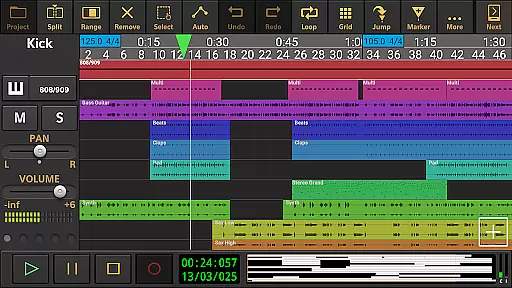
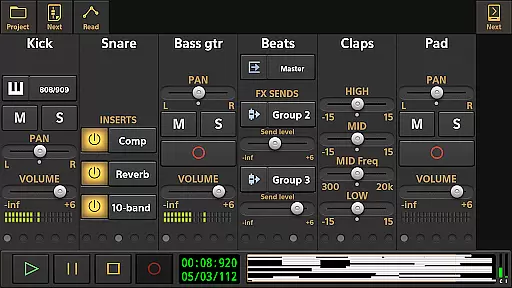
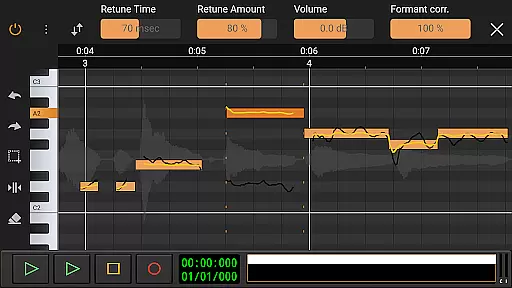
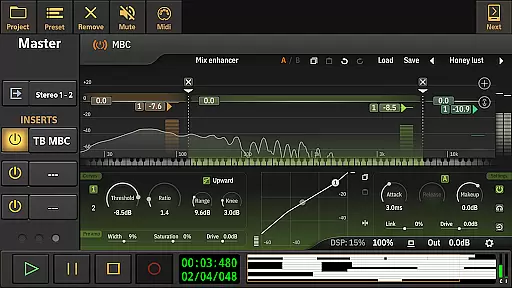
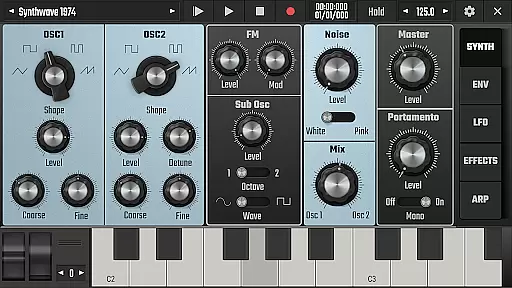
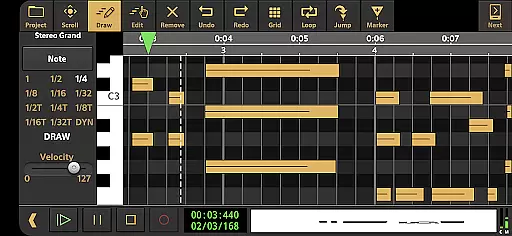
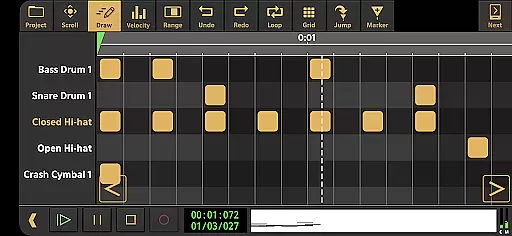
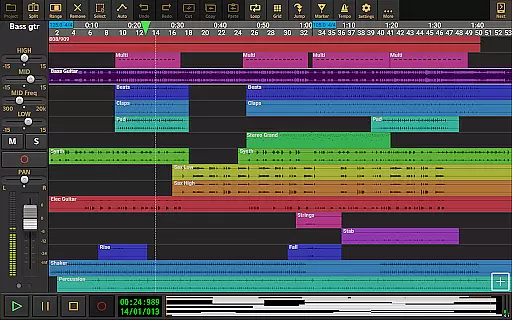
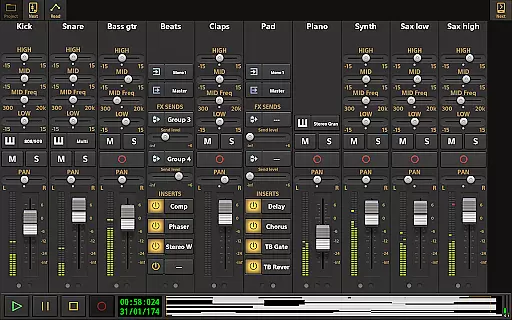
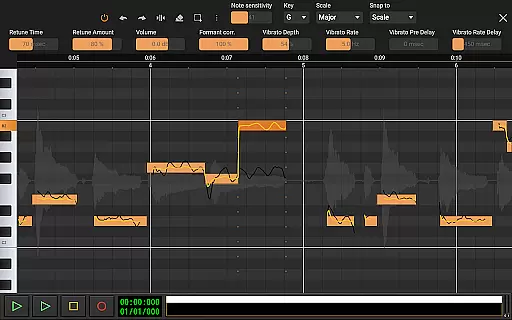
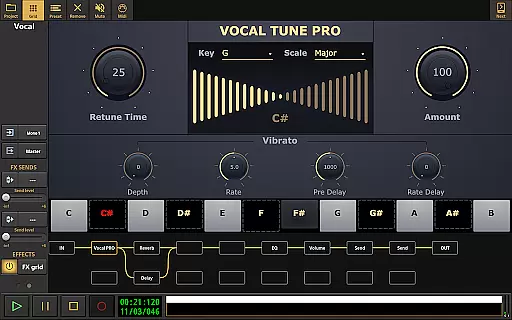
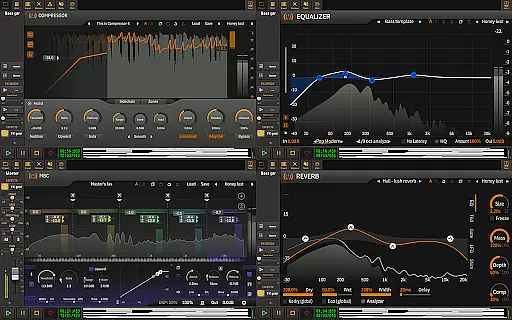
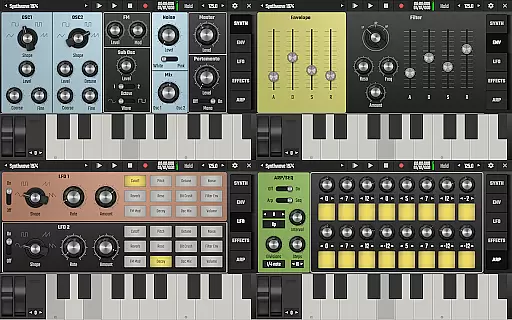
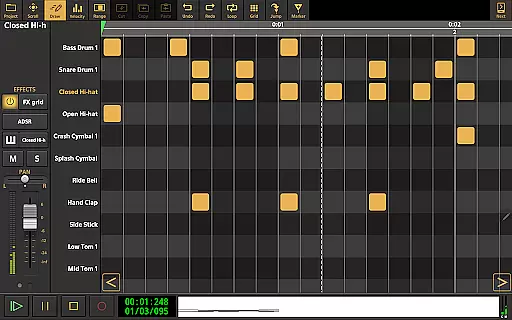
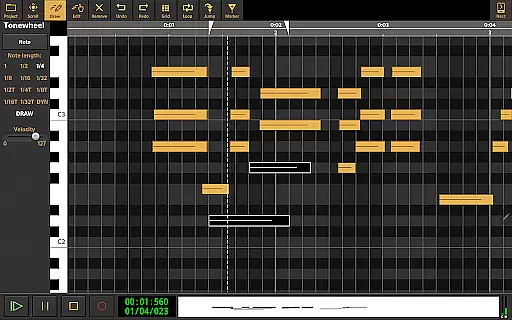
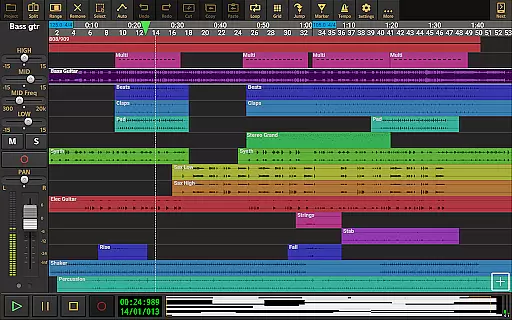
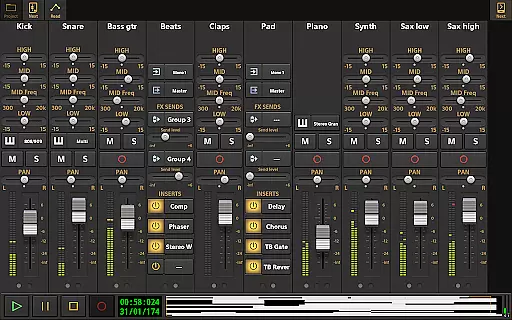
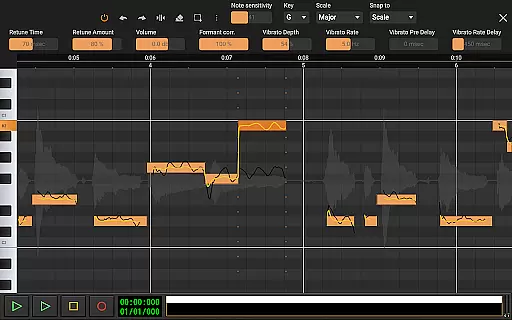
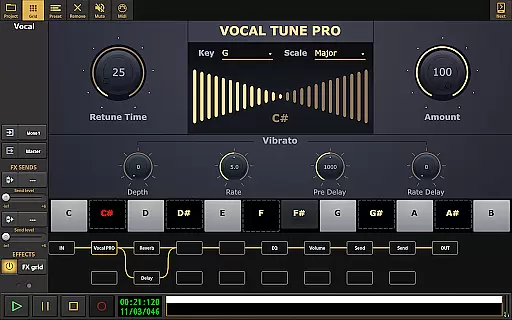
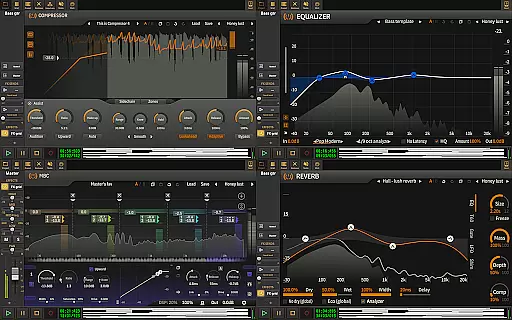
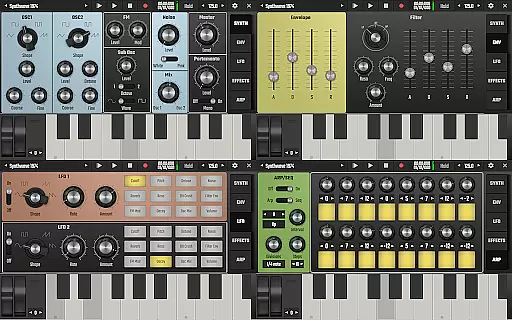
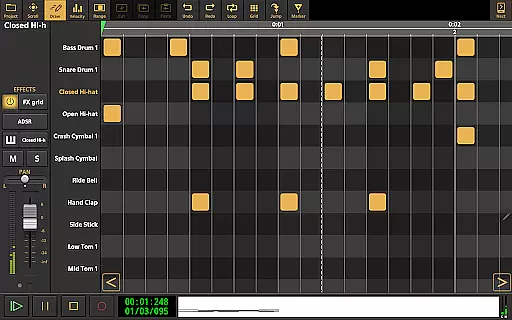
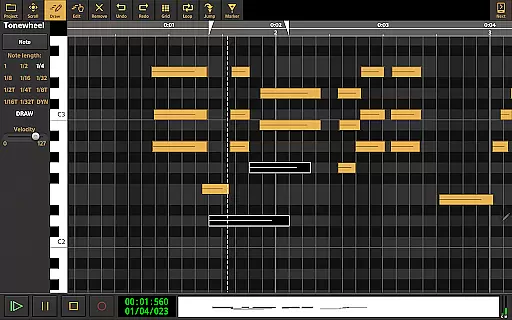
Audio Evolution Mobile Studio is a comprehensive digital audio workstation (DAW) designed for Android users. It offers professional-grade music creation, mixing, and editing tools that rival desktop DAWs. The app supports multitrack audio and MIDI recording, features virtual instruments, real-time effects, and even includes a vocal pitch and time editor.
This versatile app allows musicians to record song ideas or produce full-fledged mobile productions. Whether using the internal mic or connecting a multi-channel USB audio interface, Audio Evolution Mobile provides low latency recording and playback. With capabilities like tempo changes, automation, and importing various audio formats, it's an all-in-one solution for mobile music production.
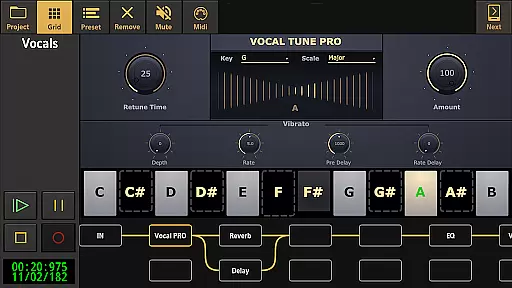
Audio Evolution Mobile Studio stands out with its extensive feature set tailored for music creators. The app includes Vocal Tune Studio for pitch correction, a virtual analog synthesizer called 'Evolution One', and a drum pattern editor supporting triplets and custom audio files.
Users can enjoy unlimited undo/redo options, flexible effect routing with parallel paths, and assign LFOs to effect parameters. The app also supports sidechain compression, automation of mixer and effect parameters, and seamless integration with Google Drive for project backups. These robust features make it a powerful tool for both amateur and professional musicians.
Audio Evolution Mobile Studio offers an extensive music library that caters to a wide range of musical genres and styles. The app includes numerous virtual instruments, audio loops, and drum pattern editing tools, all designed to enhance your creative process. These resources are complemented by the ability to import formats such as WAV, MP3, AIFF, FLAC, OGG, and MIDI, ensuring you have access to a diverse array of sounds.
The app's commitment to copyright authenticity is evident in its use of licensed Soundfont instruments and ToneBoosters effects. Users can expand their studio with optional in-app purchases like ToneBoosters Flowtones and various effect packs, each available at different price points. This approach not only supports original content creators but also provides users with high-quality, legal audio resources for their projects.
By offering unlimited tracks and groups alongside features like Vocal Tune Studio and Evolution One synthesizer, Audio Evolution Mobile Studio empowers musicians to produce complex compositions without worrying about copyright infringement. The app ensures that all included samples and instruments are properly licensed, giving peace of mind to creators who wish to share or monetize their work.
When it comes to audio quality options, Audio Evolution Mobile Studio stands out among mobile DAWs. The app supports high-resolution audio recording and playback, allowing users to work with 24-bit/96kHz quality when using compatible USB audio interfaces. This level of audio fidelity rivals professional desktop setups, making it an excellent choice for serious music producers on the go.
The inclusion of advanced audio processing features further enhances the overall sound quality. Real-time effects such as EQs, compressors, reverb, and noise gates enable precise control over your mix. Additionally, the flexible effect routing system lets you create complex signal chains with parallel effect paths, while LFO assignments and sidechain capabilities add depth to your productions.
For those seeking even more professional-grade features, the optional custom-developed USB audio driver eliminates typical Android limitations. This purchase enables low-latency, multi-channel recording and playback at any sample rate supported by your device. With these comprehensive audio quality options, Audio Evolution Mobile Studio delivers a truly professional mobile music production experience.
Comprehensive DAW features
Low latency recording
Vocal pitch correction
Unlimited track support
Cloud sync functionality
Complex for beginners
Additional in-app purchases
High device requirements
Limited free features
Steep learning curve

Fun & Easy Voice Changer – Record, Edit & Add Hilarious Effects!
 4.50
4.50
Time Guru will strengthen your internal sense of musical time via random muting.
4.30
VB-AUDIO Software / VBAN-Receptor allows listening to any VBAN Streams
4.10
Save hundreds of dollars for a physical strobe tuner and instead use this app.
4.50
The ultimate media player for Android devices
3.90
Bass Booster & Volume Equalizer Pro improves your music and video sound quality
4.60
24,000 free audio books and no ads!
4.90
Listen radio AM / FM Stations. Live AM / FM Radio App Station. Radio Com.
4.70
PowerAudio is a powerful offline music player.
4.20
Full-featured, High-Quality Groovebox Workstation, perfect for Live Performance!
4.80
Brian Eno and Peter Chilvers’ acclaimed music app Bloom, radically reinvented.
4.80
A complete sound package for the sound engineer or enthusiast
4.60
Let your Android device with the sound effects you want
4.50
Turn your phone into a musical instrument from the future!
3.90
MilkDrop for Android TV
3.00


User Reviews