
Fly your Solo like a boss.
 4.10
4.10
Unique informative Dial with Live Moon Phase at a glance!
3.60
Smart controls for your Ember Smart Mugs
4.10
Use your device sensors to detect energy and convert it into spoken words.
4.10
Smart & Healthy Living
4.60
Discounts, savings, and rewards
4.20
Futuristic watchface inspired by Back to the Future: sleek, retro, timeless
4.5
Share opinions, get paid cash
4.30
AAA Mobile provides on-the-go access to the services you know and trust.
4.60
Stay connected with your loved ones & vehicles | Share live GPS location updates
4.60
Retro animated weather with hourly forecast Watch Face for Wear OS
4.60
A smart Siddur with halachic times
4.50
Chat, meet genuine singles in your area. Real connections start with being real.
4.30
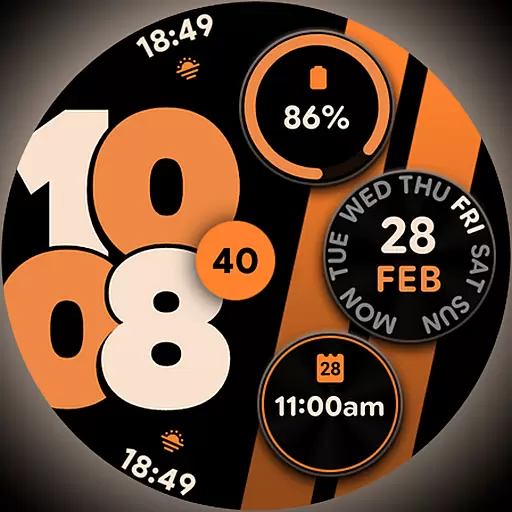
Material You inspired colors with BIG and Bold looks for Wear OS watches.
4.20
Communicate with your vehicles and Powerwalls anytime, anywhere
3.60


